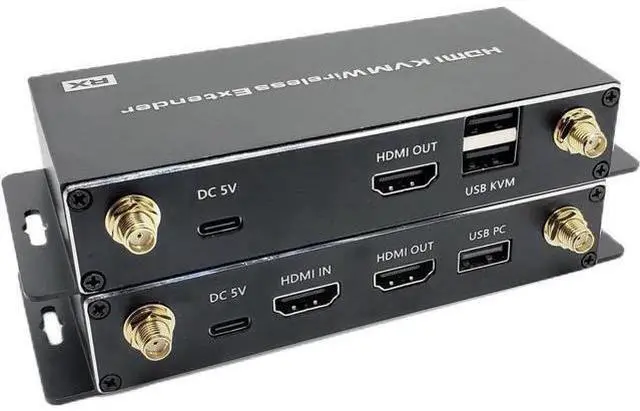
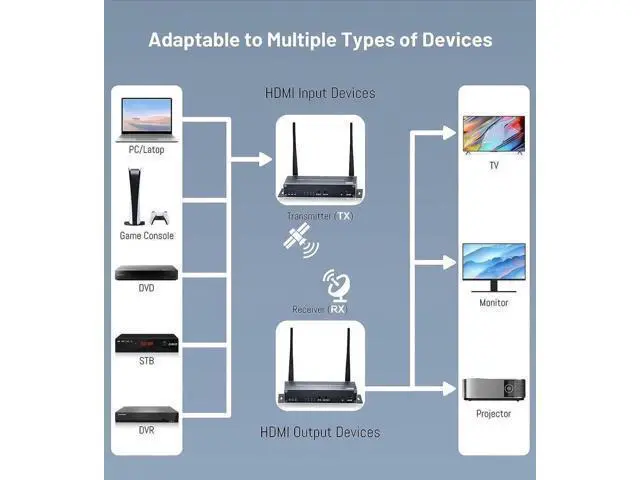
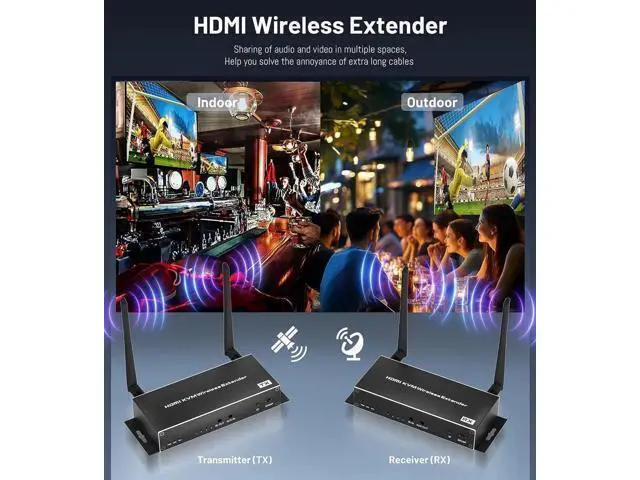
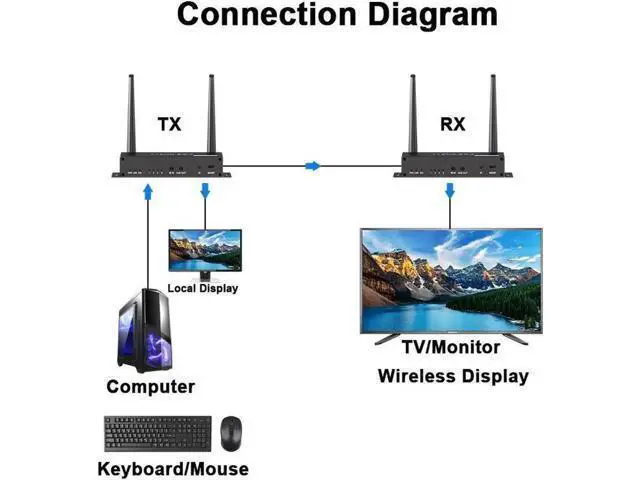
Description: Wireless HD Video Solution enables wireless transmission of video/audio from any HDMI video source such as PC/HDTV to display devices includes HDTV/HD Monitor over the 5.8GH z band, with very low latency. It does not require any special configuration of software driver installation-simply connect the transmitter to the HDMI output of the video source and the receiver to the HDMI input of the Panel/TV/Monitor. Its Plug & Play operation makes it the ultimate solution for the most demanding indoor/outdoor professional environments. This Wireless HD Video Transmission Solution is widely applicable to family entertainments, office presentation, lecture, education, medical treatment, party, conference etc.
Features: Effective
Range: 656ft (200 meters no obstruction);
Audio sampling rate: 32kHz, 44.1 kHz and 48kHz;
Audio Format: DTS-HD/Dolby-true HD/LPCM 7.1 /DTS/DSD;
Video resolution: up to 720P, 1920*1080P@60Hz, 4K@30Hz, 4K@60Hz
(YUV 4:2: 0);
Anti-interference frequency: 5.8 GHz;
Radio Frequency power: 13dbm;
Male to male: Unicast, one TX to one RX applicataion;
Male to female: Splitter mode, one TX to N RX application;
Female to male: Switch mode, N TX to N RX application; Wide band
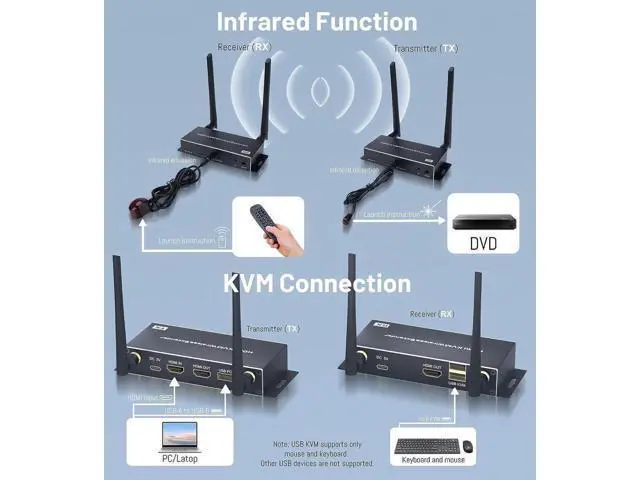
Infrared control: unidirectional 20~60 KHz IR romote control; Support transmitter with one HDMI loop out; Support keyboard and mouse (KVM) remote control; Support 3. mm Jack audio transmission function;
Low latency: Less than 60 ms;
Compressed mode: H. 264 technology;
No cable: between sender (TX) and receiver (RX);
Video standard: compliance with HDMI 1.4 b and HDCP 1.4 standard;
High compatibility: match many kinds of display devices;
Built-in automatic adjustment system: make the image smooth, clear and stable;
Built-in ESD protection system: make transmission much safer. Perfect hdmi extension adapter for large homes, factories, construction sites, data control centers etc; plug and play Simple to install, plug and play HOW TO WORK? 1. Please follow the
installation steps: (One
TX To One RX):
Note: Please pair RX to TX before first using. Only the first pairing is required. Automatically connect after the second time.
1. Switch TX & RX to SW mode, power them 2. Connect a HDMI cable's one end to RX's HDMI OUT, the other end to TX's HDMI IN to pair them. 3. When both STA light, then pair is done. 4. Then remove the HDMI Cable between them, restore the previous connect