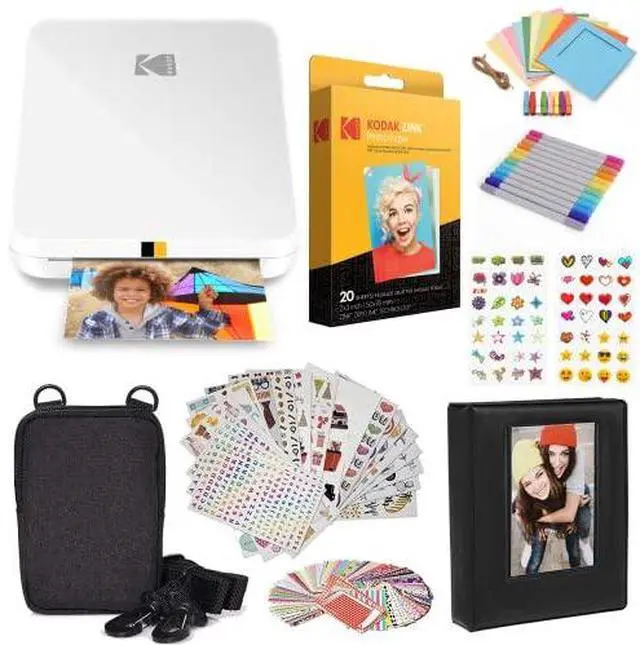
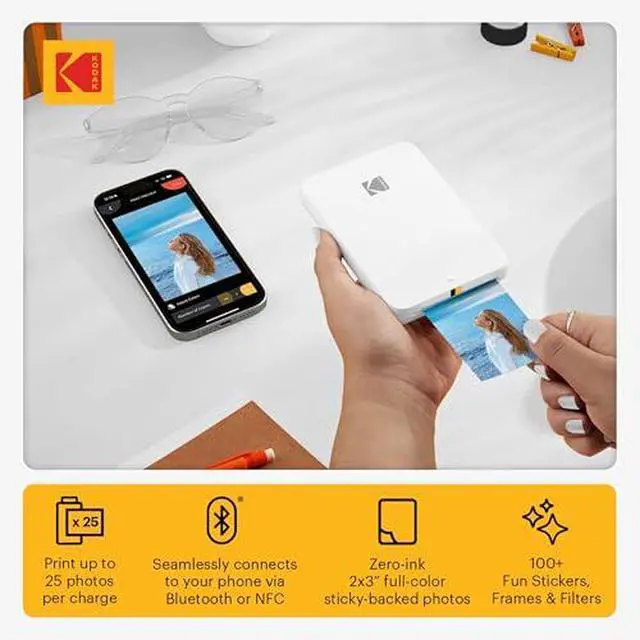
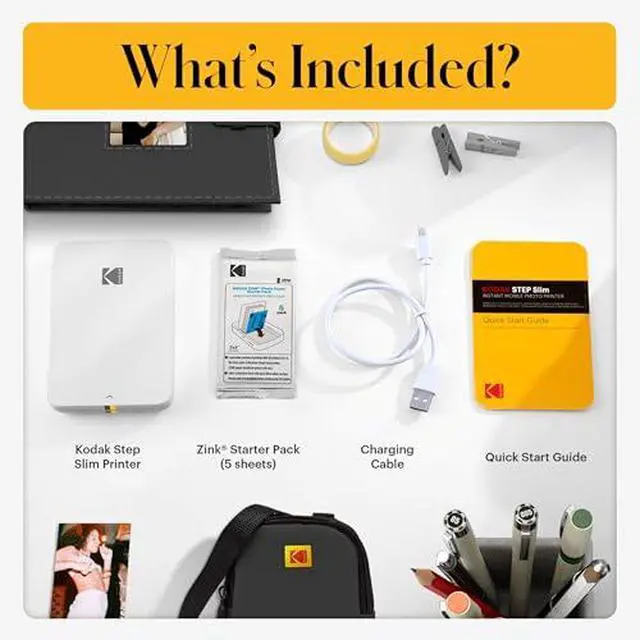
From the manufacturer Kodak Step Slim Photo Printer Click to play video Making photo-printing easy and convenient. A Hot New Look Show off the sleek, shiny design of the KODAK STEP Slim Printer to friends and family. Anytime, Anywhere Take the KODAK STEP Slim Printer with you so you are ready to print on vacation or family outings. Modernize How You Print Connect the KODAK STEP Slim Printer to your smartphone via Bluetooth for swift, simple printing. Decorate your World Stick your adhesive-backed photos to your walls, locker, bag, notebooks and other belongings.
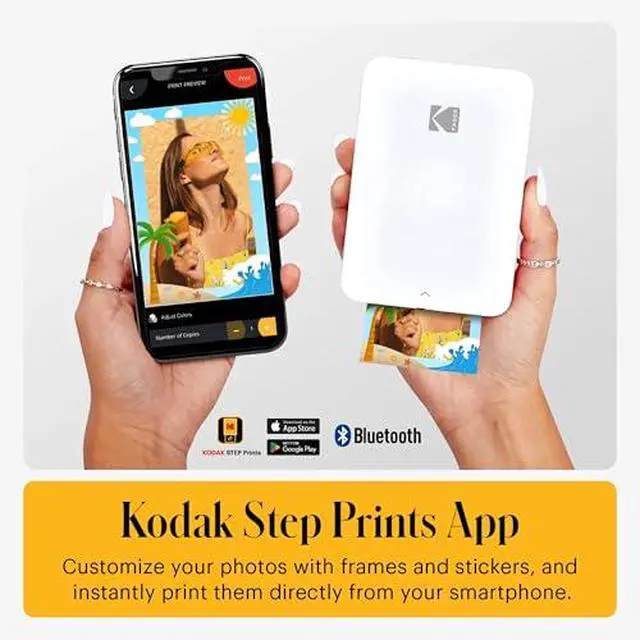
Charge Up Again and Again Print 25 photos in a single charge then charge up the built-in battery for more photo printing. Slim Design Portable Printing Bluetooth Connectivity Sticky-backed Photos Rechargeable Battery Kodak Step Prints App Supports Kodak Sticker Photo Paper This user-friendly app was made to accommodate Kodak 2x3 Pre-cut too. With a simple setting change, you can print out two stickers per print using a 30 pack of Kodak Pre-cut Sticker Photo Paper. Expert Editing With the KODAK STEP Prints app, you can do more than standard editing. Make your photos really shine by adjusting the brightness, color, blur, and so much more.
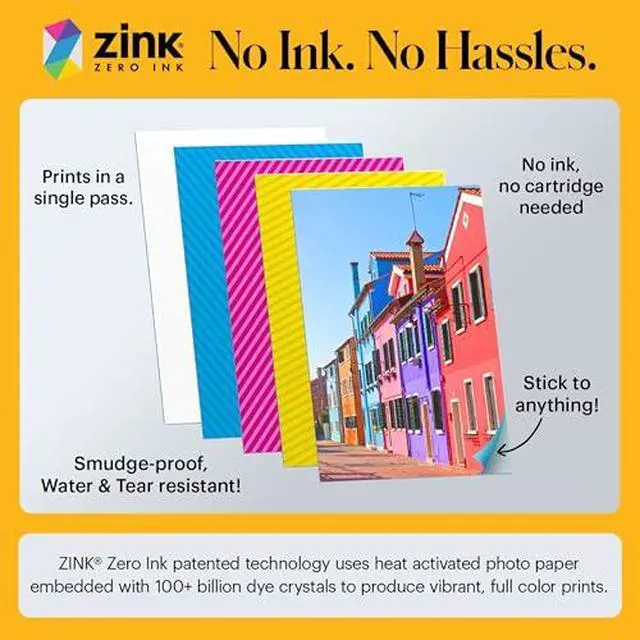
Collage The only thing better than one vibrant photo is four in one. Use the KODAK STEP Prints app to turn four standout photos into one gorgeous collage. Stickers & Filters Add a fun new element to your photo with the KODAK STEP Prints apps incredible customization. With tons of stickers, frames, and filters at your disposal, you can really make each photo your own. ZINK Zero Ink Technology Long-lasting Prints Print your happy memories on tear-resistant, smudge-proof & waterproof paper that will last for years to come. Inkless Printing Dont worry about have to reload your printer with more ink cartridges or ribbons.
ZINK Photo Paper works without the need for ink. Made in the US Quality, reliable paper you can trust made right here in America. The ZINK development and manufacturing facility is located in Whitsett, North Carolina. Detailed Photos See the big, bright smiles of family and friends on paper that brings out crisp details and vibrant colors in every print. Start creating vibrant prints in four easy steps. Step One Remove cover and insert KODAK ZINK Photo Paper. Blue sheet should be bottom of the paper stack. Step Two Download the KODAK STEP Prints app from the Google Play Store or Apple App Store.
Step Three Use the photo-editing app to customize your photo. Then watch a beautiful photo print. Step Four Keep your personalized photos on your smartphone and share your pictures on social media. 1 Load Paper 2 Download App 3 Edit + Print 4 Share What makes the KODAK STEP Slim printer unique? Is the Kodak Step Prints app required to use this printer? How do I perform the Bluetooth pairing for my printer? Do I need to replace the batteries? What is KODAK ZINK 2 x 3 sticky-backed paper?