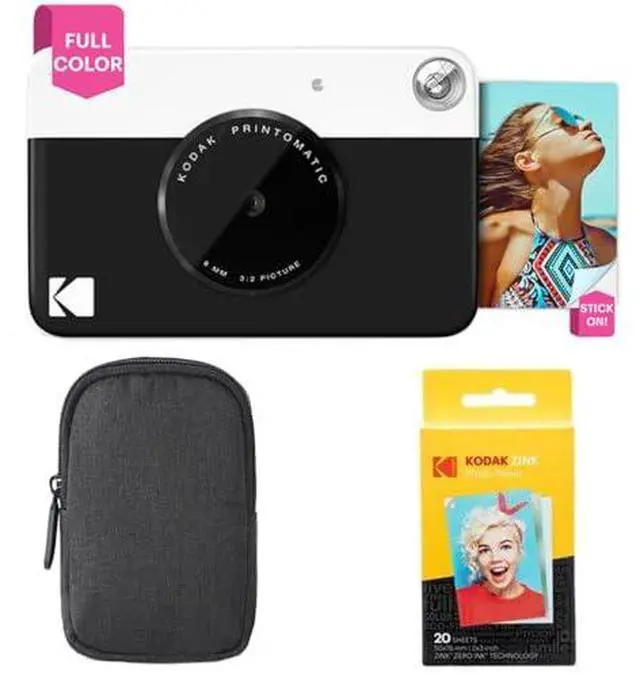
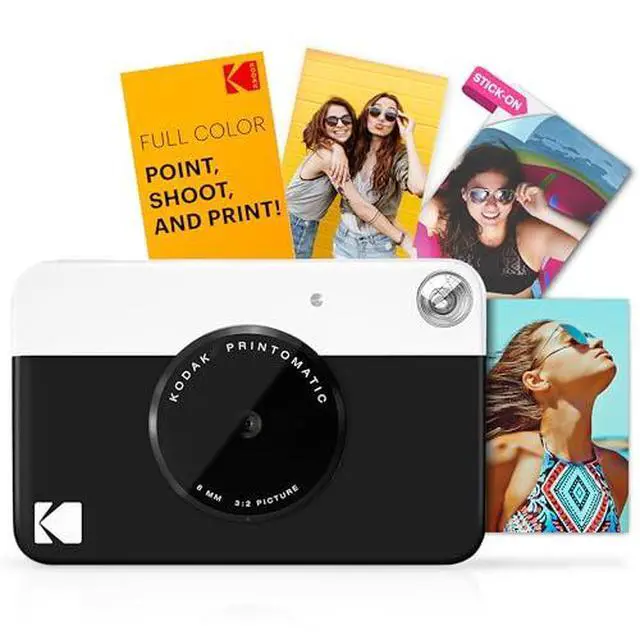
From the manufacturer Fabulous Features for Printing Perfection Meet the KODAK PRINTOMATIC Click to play video Stunning Detail in Every Print Picture-Perfect Prints A 5MP lens, automatic focus, and flash ensure each 2x3 print captures every detail, every time. Print in an Instant The PRINTOMATIC instantly and automatically prints out pics the moment you take them. Pocket-Sized and Portable The PRINTOMATIC is ready to go when you are. 25 Prints per Charge Power it up and enjoy printing up to 25 photos on a single charge. No battery changes needed! Shareable Sticky-Backed Prints All prints have adhesive backing, so you can stick them on notebooks, scrapbooks, laptops, and more.
Lifelike Images Automatic Printing Travel-Ready Rechargeable Battery Print and Post ZINK ZERO INK Technology Planet-Friendly Photos No cumbersome cartridges required. By removing the need for ink and toner, Zink paper cuts down on the waste that goes into landfills, resulting in a happier, healthier planet. Lifeproof Prints Every shot from your KODAK PRINTOMATIC is made to last a lifetime. Each 2x3 sheet is treated with a protective layer that shields it from tears, water damage, and smudges. Made in the USA The ZINK development and manufactoring facility is located in Whitsett, North Carolina.
Thats where each sheet of ZINK paper is carefully created by American hands. Inkless Printing No need for ink, toner, or
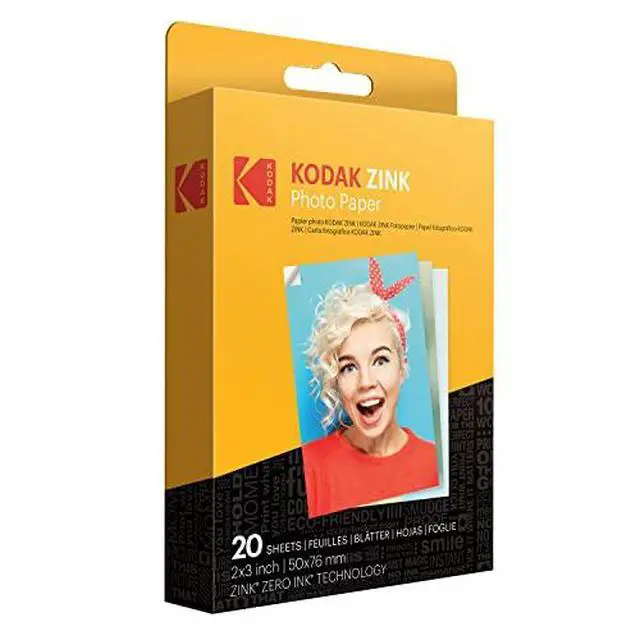
cartridges: ZINK paper is all you need. Thats because each sheet is embedded with color crystals that automatically activate every time you take a picture. Highly Detailed Prints Enjoy vibrant full-color instant photos with a level of detail only possible through ZINK ZERO INK Technology. Instantly Shareable Every shot taken with the KODAK PRINTOMATIC is 2x3 the perfect size for wallets, pockets, or scrapbooks! Fast Setup. Instant Prints. Step One Place finger on the grooves of the camera door and gently slide it to open. Step Two Insert KODAK ZINK Photo Paper with the blue sheet at the bottom of the paper stack. Step Three Press and hold the power button for 3 seconds to turn on camera. Step Four Use the viewfinder to perfectly frame your shot before capture. Step Five Press down on the shutter button and hold the camera still until you hear an alert. 1 Open Camera 2 Load Paper 3 Power On 4 Frame Your Shot 5 Shoot+Print What makes the KODAK PRINTOMATIC unique? Can you choose when to print or does the camera print automatically? Does the camera have a flash feature? Do I need to replace the batteries? What is KODAK ZINK 2 x 3 sticky-backed paper?