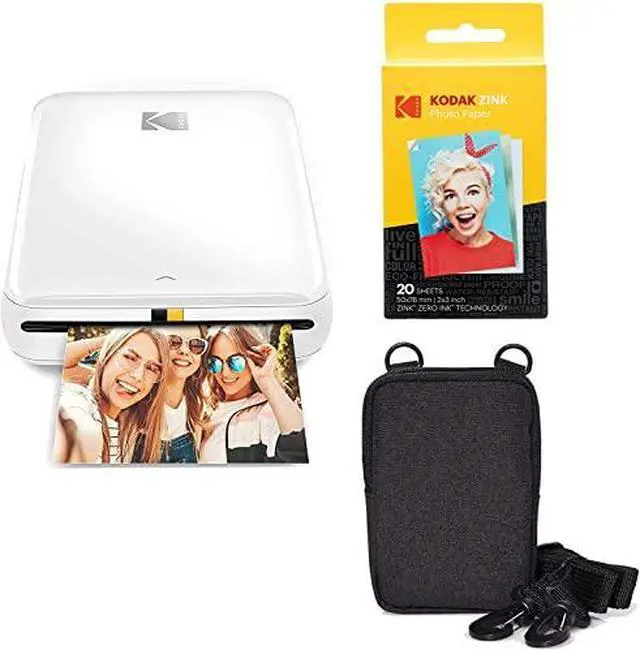
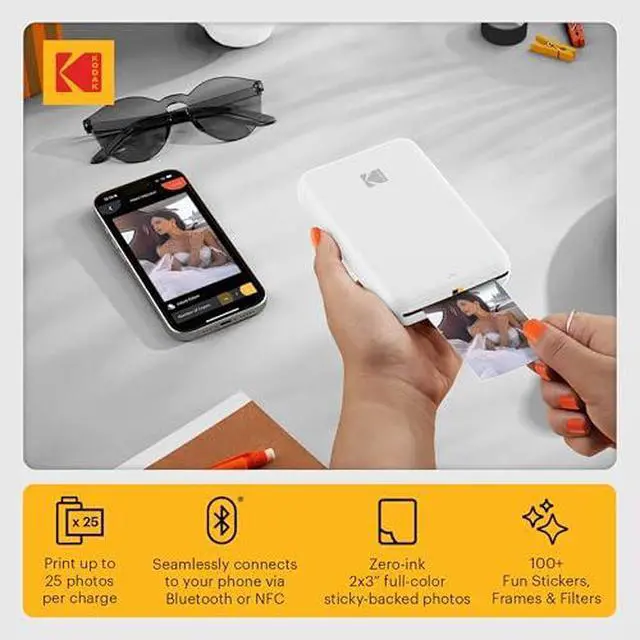
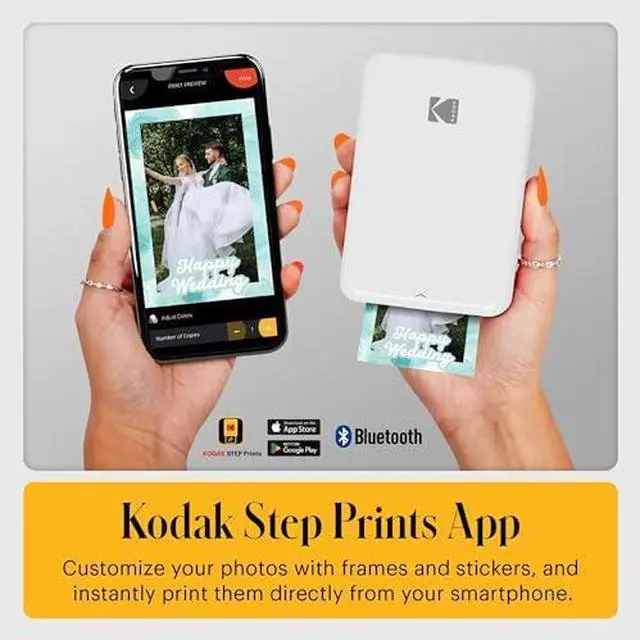
From the manufacturer Kodak Step App Expert Editing The Kodak Step App provides more than the standard crop and rotate options. Get the picture-perfect print by adjusting brightness, color temperatures, blur settings, and more. Creative Collages Print up to four images on a single photo with the apps collage mode. Momentous photo montages are just a moment away. Play with your Pics Add stickers, filters, and fun frameseven draw directly on your photos from the KODAK STEP PRINTS app! Making photo-printing easy and convenient. On-the-Go Photography Pack the KODAK STEP Printer in your pocket and youre ready to print, wherever you go! Print from your Phone The KODAK STEP Printer connects wirelessly with Bluetooth, so theres no computers needed.
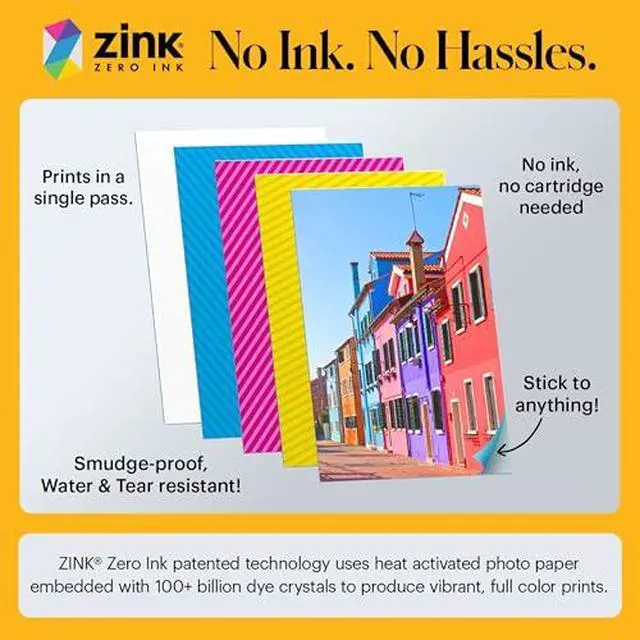
Print and Post KODAK STEP photos are sticky-backed, so you can post them on notebooks, laptops, and more. Plenty of Prints The powerful built-in battery supports up to 25 prints on a single charge. Portable Printing Bluetooth Connectivity Sticky-Backed Photos Rechargeable Battery ZINK Zero Ink Technology Instant Prints that Last No cumbersome cartridges required. Each sheet of 2x3 sticky-backed photo paper is treated with a protective layer that shields it from tears, water damage, and smudges. Inkless Printing No need for ink, toner, or
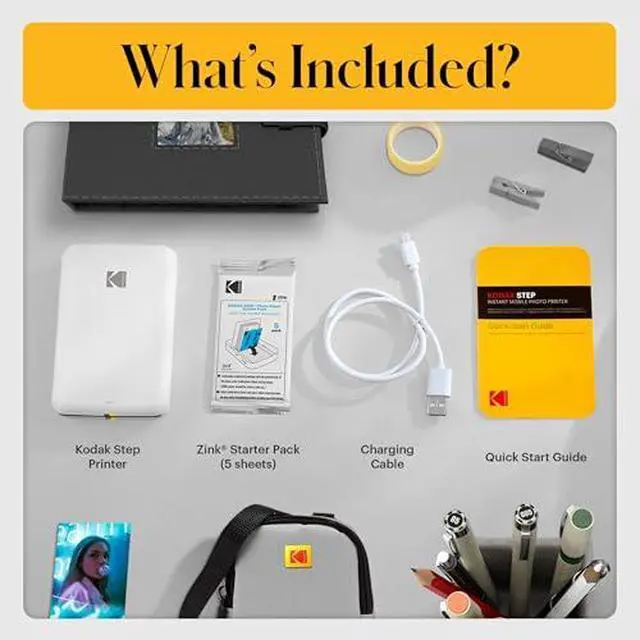
cartridges: ZINK paper is all you need. Thats because each sheet is embedded with color crystals that automatically activate every time you take a picture. Made in the USA The ZINK development and manufacturing facility is located in Whitsett, North Carolina. Thats where each sheet of ZINK paper is carefully created by American hands. Zink Paper Prints Enjoy vibrant full-color instant photos with a level of detail only possible through ZINK ZERO INK Technology. Start creating vibrant prints in four easy steps. Step One Open paper tray. Insert KODAK ZINK Photo Paper. Ensure blue calibration sheet is at the bottom. Step Two Press and hold power button. The light will turn on, indicating the device is on. Step Three Download KODAK STEP PRINTS App from Google Play Store or Apple App Store. Step Four Use the app to personalize photos. Then tap the print button to watch your photos come to life! 1 Load Paper 2 Power On 3 Download App 4 Edit + Print What makes the KODAK STEP unique? Does the KODAK STEP come with KODAK ZINK paper? Is the KODAK STEP PRINTS App required in order to use this printer? Can I print photos that are on my social media page? Do I need to replace the batteries?