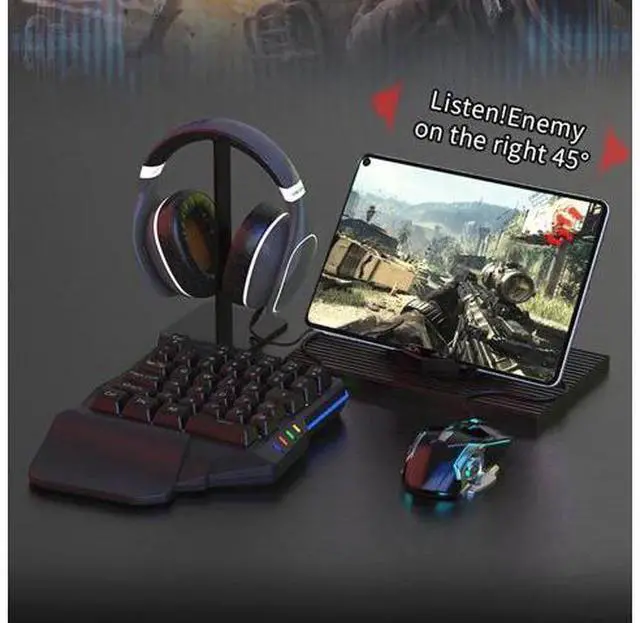
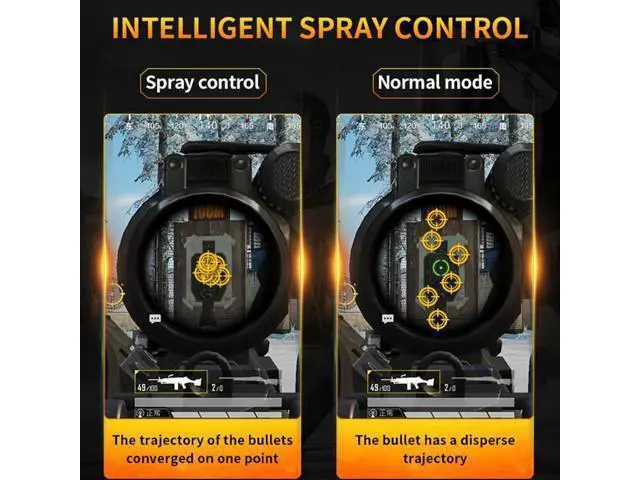
Gamepad Mobile Bluetooth Keyboard Mouse ConverterConvert mobile phone and other shooting games into computer version operation mode
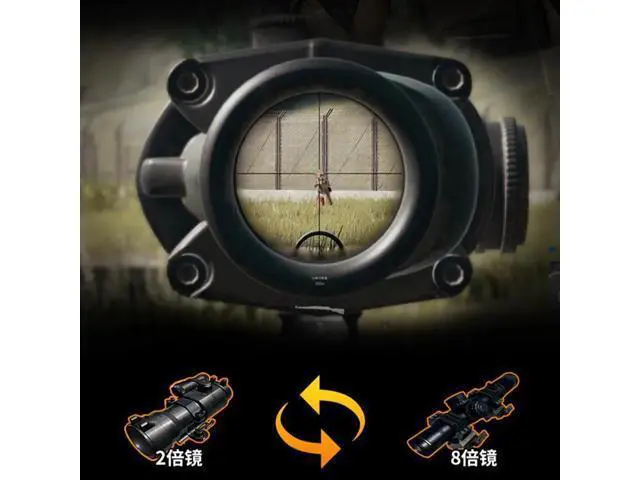
Product Features: Keyboard and mouse adaptor for mobile devices Play your mobile games using the keyboard and the mouse Improved gaming experience with faster reaction times, weapons collect and mor Customize the button mapping for your mobile game using the dedicated software Easy to
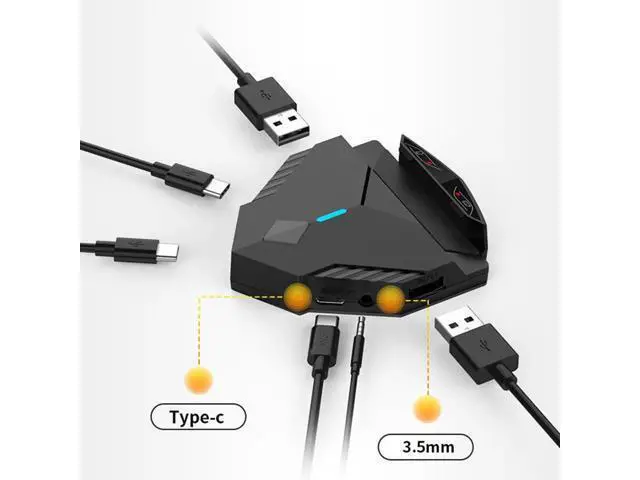
Use: 1. Install kgamer on your phone 2. Connect your phones, converter, mouse and keyboard well. 3. Connect device with
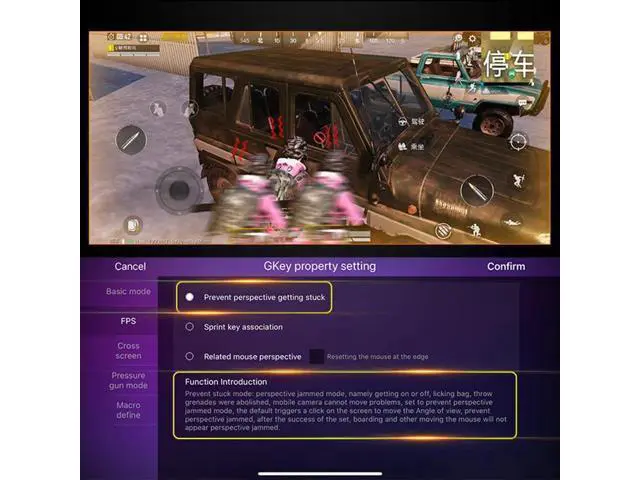
BT connection: Press" ctr+F1" on your keyooard to shift to Android BT mode(MTK processor Phones, please press "ctr+F1" then press "ctr+F3" ) Press "ctr+F2" on your keyboard to shift to iOS BT mode, (be sure, iOS version is bellow 13.4 ) 4. Add and enter the game through the "Gameker" APP 5. You can click on the floating window to set the control mode, and fine-tune the keys. For iPhone or iPad, please make sure iOS version is bellow 13.4
NOTES: IOS system mobile phone is not supported, Just for Android system mobile phone Android phones with MediaTek main chips are not supported yet
Such as: OppoR7, oppoR9, oppoR15 (except dream version), oppoA3, oppoA79, oppoA83, oppo S1, vivoS1, vivoY97, vivoY81s, vivo Y67 Meizu pro6, Meizu pro7plus, Redmi 6a, Redmi note4 / 4x, Redmi note8pro