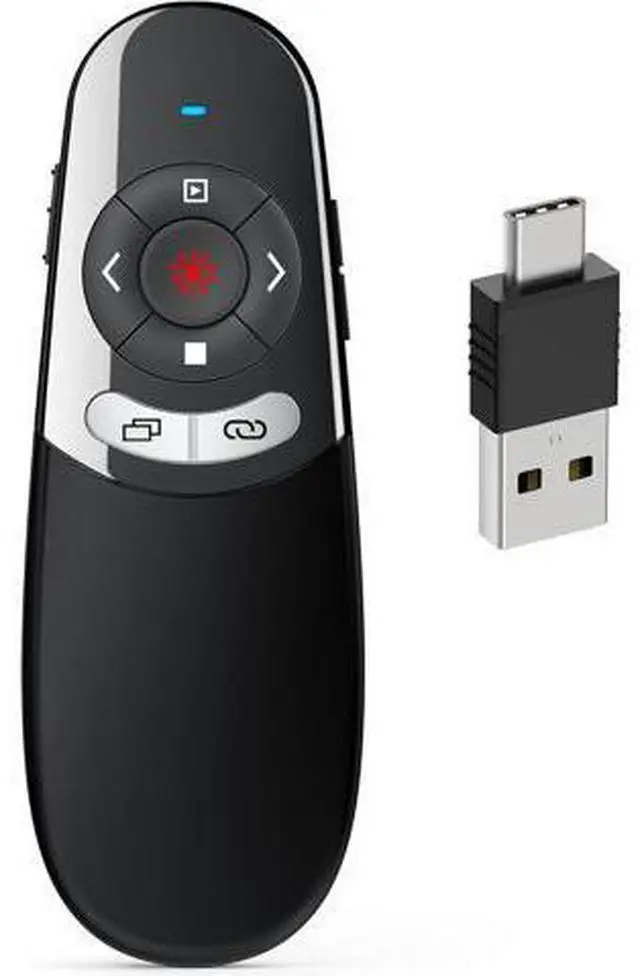
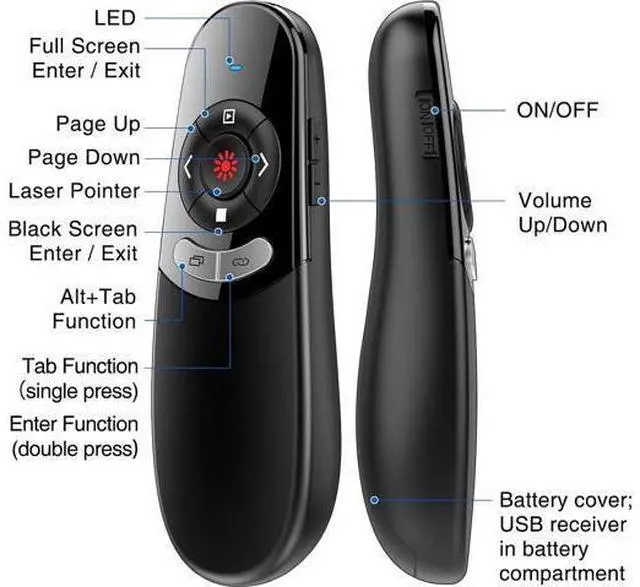
2 in 1 Type C and USB Presentation Clicker for Powerpoint Presentations RF 2.4GHz Wireless Presenter Remote Slide Advancer with Volume Control for Mac Laptop Computer Office Classroom
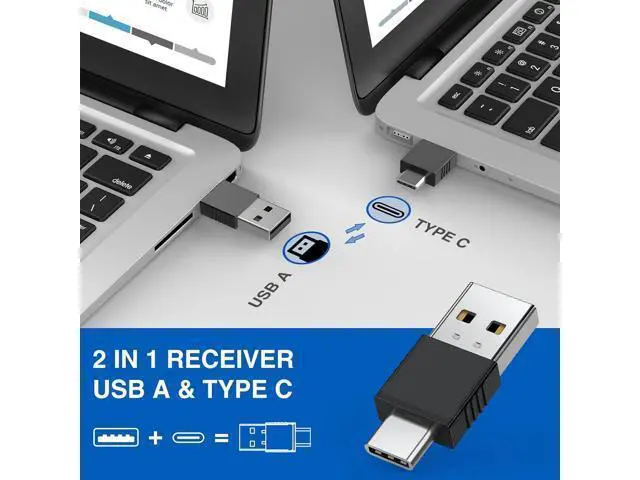
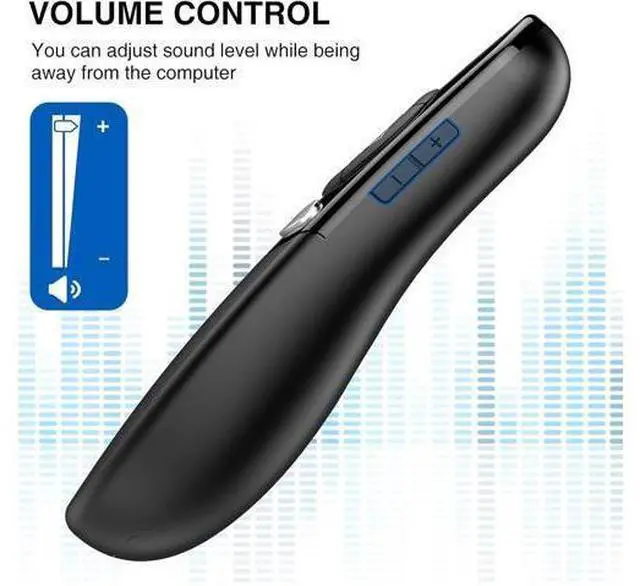
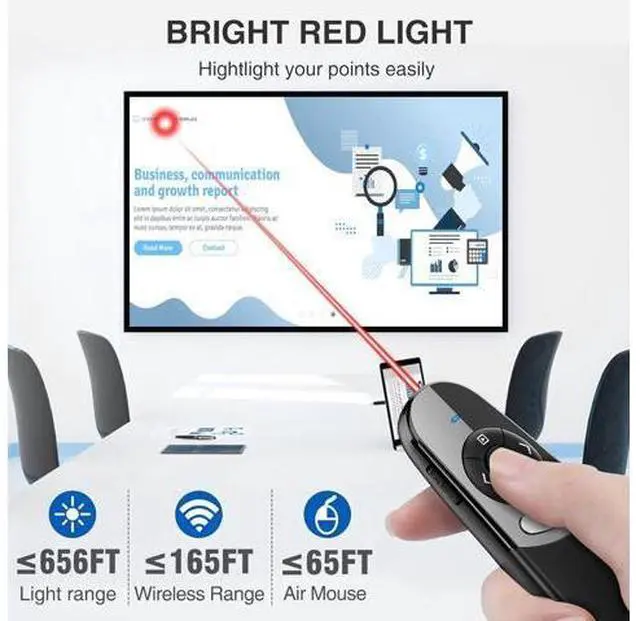
USB and Type C in One Presentation Remote USB A & Type C receiver combine in a presenter remote you can freely switch between different port devices such as Mac laoptop and pc one for multiple computers. (Powered by 2pcs AAA Battery are not included) Plug and Play & Easy to CarryThe clicker for powerpoint presentations is plug and play without download any software. USB receiver is stored inside the presenter which placed next to the battery compartment to avoid loss while not in use. Lightweight and compact design is easy to fit into the pocketPresenter Pointer with Multi-FeaturesPowerpoint pointer support page forward/backward volume control switch windows open hyperlink black/full screen. Computer remote control clicker features intuitive touch-keys for an easy slideshow controlBright Red Light & Long Control DistanceA bright red light that is easy to see against most backgrounds; Wireless remote control distance range of up to 164ft so you can free to move around the room and bright light highlight key areas of your slides to your audiences attention ( Not recommend for LED/LCD/TV screens)Wide CompatibilityPresentation pointer is compatibles with multiple systems and softwares meet your basic slideshows needs the powerpoint remote control support systems: Windows 2003/XP/Vista/7/8/10 Mac OS Linux Android; support softwares: PowerPoint iWork (Keynote & Numbers & Pages) Prezi MS Word Excel ACDSee Website and etc
+
+
Overview
Specs
Reviews
Any questions? Our AI beta will help you find out quickly.
Try me now
DINOSTRIKE 2 in 1 Type C and USB Presentation Clicker for Powerpoint Presentations RF 2.4GH z Wireless Presenter Remote Slide Advancer with Volume Control for Mac Laptop Computer Office Classroom
Learn more about the Detailed Specifications
Additional Information
First Listed on Newegg
May 27, 2026
There are no reviews yet.
Do you own this product?
Warranty & Returns
Warranty, Returns, And Additional Information
Warranty
Please contact the Seller directly for warranty information. Warranty information may also be found on the Manufacturer's website.