• $48.44
  • Free 30-day Returns
  • Ships from China.
    Sold by NovaStar Tech

    Shipped by NovaStar Tech

    Price alert
    Shop it at NeweggBusiness.

    Meet Your Seller

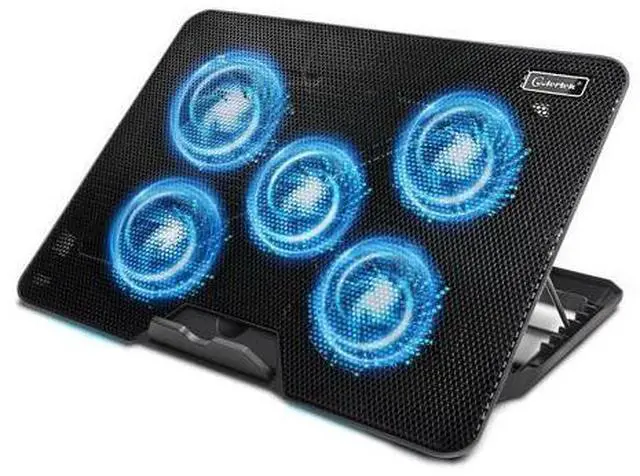
    Laptop Cooling pad, Laptop Cooler with 5 Silent Fans, Adjustable Height Stand for 12-17 Inch Laptops, Ergonomic Cooling Stand with Dual USB Ports, Portable Cooling Accessories - Black

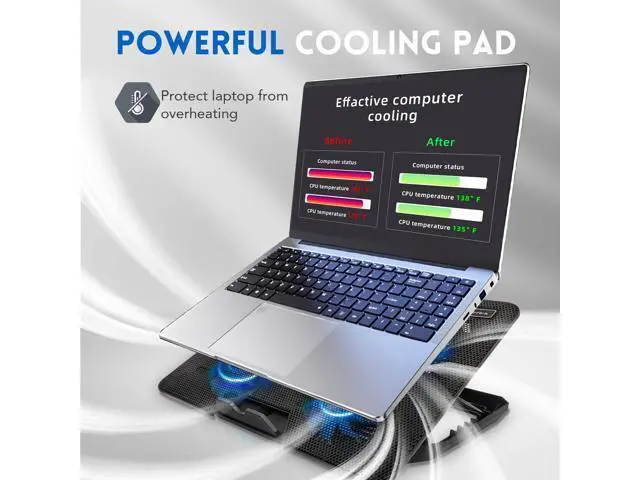
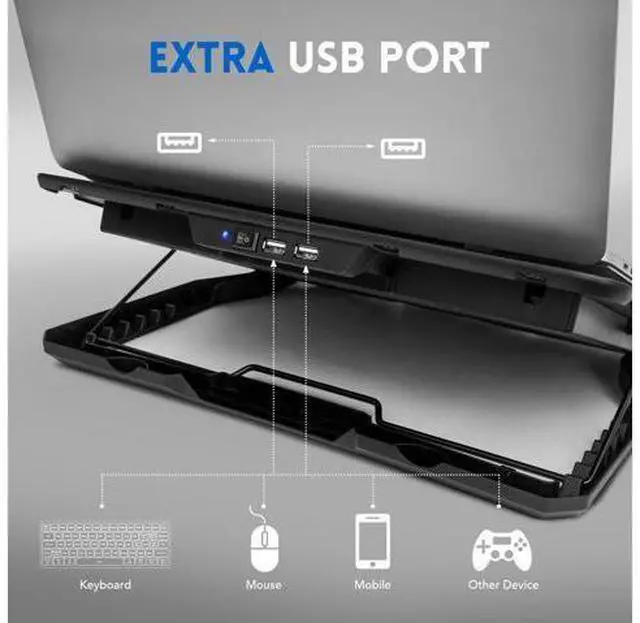
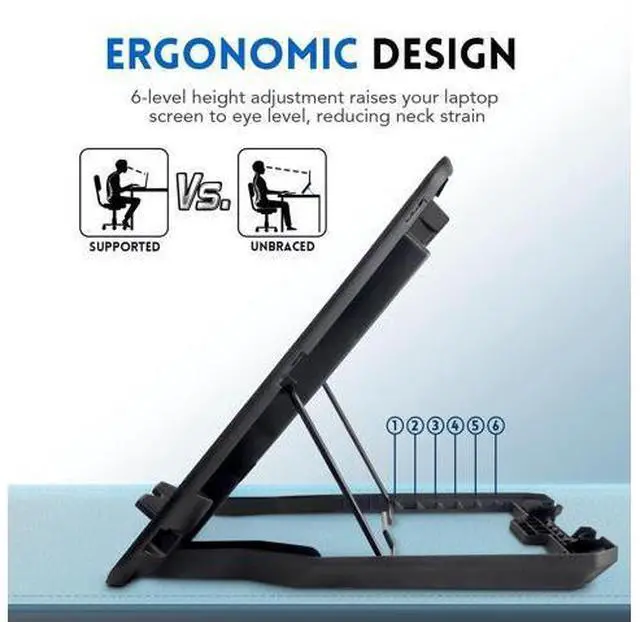
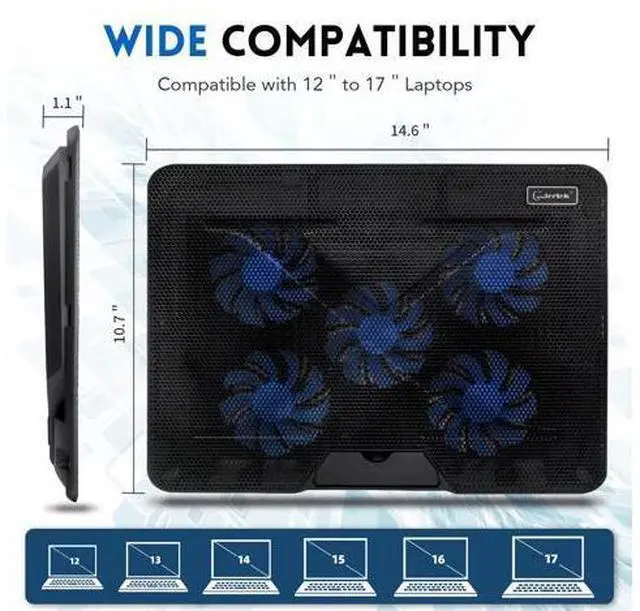
    • [Super Cooling Performance]Equipped with 5 super-sized 90mm fans, it provides more powerful cooling effects than similar products, effectively reducing laptop temperatures and extending its lifespan.; [Efficient Metal Mesh Design]The high-quality metal mesh design not only enhances cooling efficiency but also provides a sturdy and durable surface for your laptop.; [6 Adjustable Height Settings]With 6 adjustable height settings, you can freely adjust the angle of your laptop according to your usage habits and needs, enjoying the most comfortable viewing and typing experience.; [Dual USB Port Design]Equipped with dual USB ports, it is convenient for you to connect additional USB devices such as mice, keyboards, and more, meeting diversified usage needs.; [Universal Compatibility]Compatible with most laptops up to 17 inches.
    +
    +
    Overview
    Specs
    Reviews
    avatar

    Any questions? Our AI beta will help you find out quickly.

    1.
    Product

    Specifications

    Dimensions: 14.6" x 10.7" x 1.1" (371 x 273 x 28 mm)
    Fan System: 5 x 90mm quiet fans ( 3.5" x 3.5" x 0.4" )
    Fan Speed: 1700
    RPM (±10%) Power Requirements: 5V DC / 0.45A (±10%)
    Airflow Capacity: 50
    CFM (±10%) Connectivity: Dual USB 2.0 ports
    Cable Length: 23.6" (60 cm)
    Weight: 1.54 lbs (700 g)
    2. Key Features -Supports laptops up to 17 inches in size -6 adjustable ergonomic tilt settings for optimal comfort -5 quiet 90mm fans for high airflow and low noise -Dual USB 2.0 ports with independent on/off switches -Powered directly via USB-A to USB-A connection
    3. How to Use -Place the cooler flat on your desk. -Extend the bottom stand and securely place your laptop on the cooler. -Connect the USB cable to your computers USB port. -Press the power button (or switch to "ON") to activate cooling.
    Note: After use, simply turn off the power switch no need to unplug the USB cable.
    4.
    Environmental Conditions -Operating Temperature: 15°C35°C (59°F95°F) -Storage
    Temperature: 0°C25°C (32°F77°F)
    5.
    Troubleshooting Issue: Device not working?
    Follow these steps: Step
    1: Ensure the USB cable is properly connected to your computer.
    Step 2: Verify the power switch is turned on.
    Step 3: Try connecting to a different USB port on your computer. Product information Color Black Brand Coolertek Material Metal, Plastic Item Weight 1.54 Pounds Product Dimensions 14.6"L x 10.7"W x 1.1"H Date First Available March 26, 2025 Manufacturer Coolertek

    Warranty & Returns

    Warranty, Returns, And Additional Information

    Warranty

    • Please contact the Seller directly for warranty information. Warranty information may also be found on the Manufacturer's website.
    • CONTACT

    Return Policies

    Manufacturer Contact Info

    LOADING...