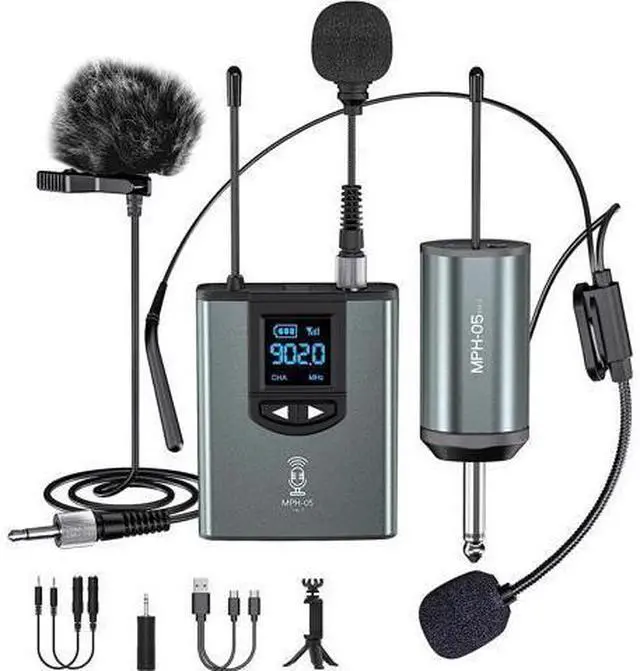
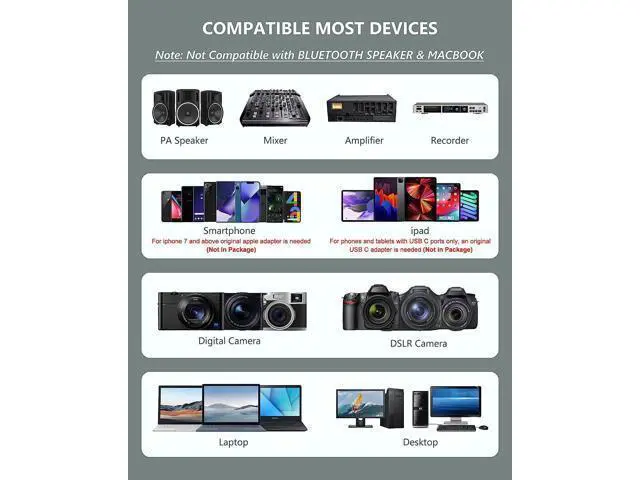
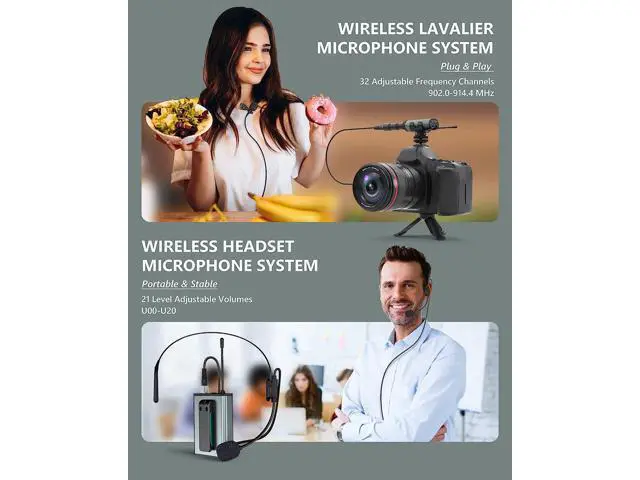
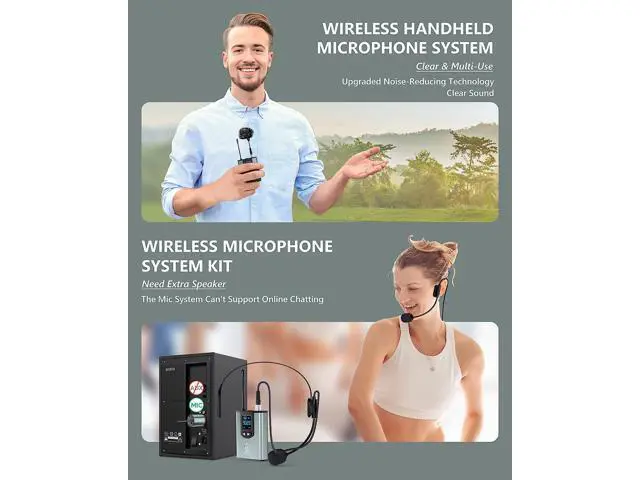
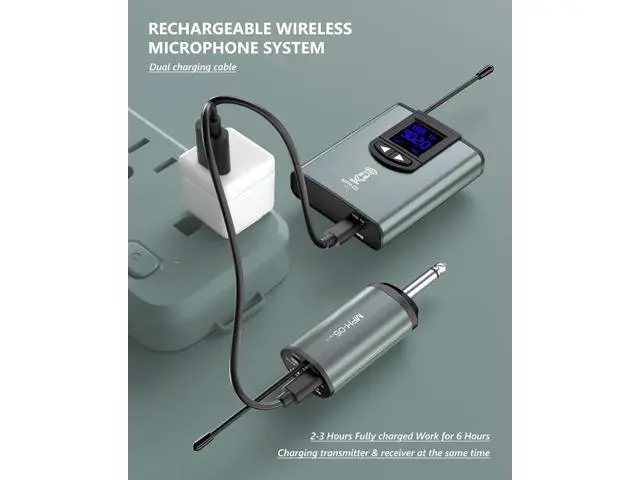
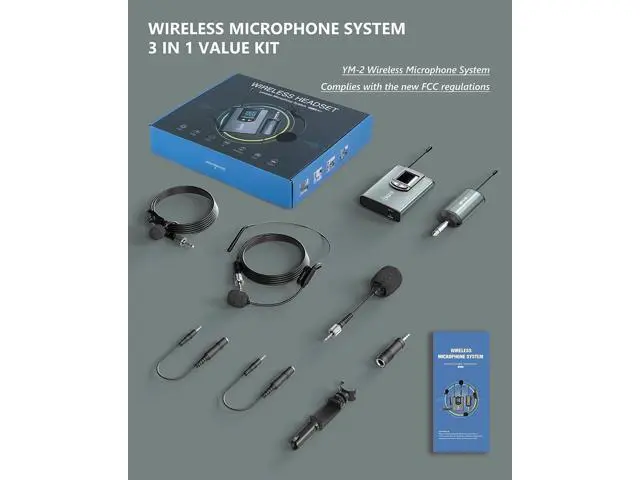
Wireless Microphone System with 3-type microphones for Multi-scenario application Some Questions and Answers for problems occured during using. How to use the wireless microphone system? Short press the power button of the transmitter. The screen on the transmitter will light. Insert a microphone into the transmitter and tight it; Short press the power button of the receiver. The "BAT. " light turns blue, plug the receiver into the mic-in jack of the device (Please choose the correct adapter); Make sure the transmitter and receiver are paired successfully. If the "BAT" and "RF/AF" lights on the receiver all keep blue, the pairing is successful; Then, you can record, take a video or amplify your voice.
Please contact the seller if you need more help. Why the sound is small? What can I do? Please make sure that the product is successfully paired and can record normally. Please make sure if all the 3 microphones have low volume or just part mic. Please try to adjust the volume of the microphone transmitter. There are a total of 21 sets of volume (U000-U020), which can be adjusted by short pressing the right or left button. Please try to adjust the volume of the speaker. If the above methods cannot solve the problem, please contact the seller.
Why I can't hear from the device? After the recording is completed, please unplug the receiver, and then play the recorded audio, you will hear your voice; Because the microphone will occupy the speaker of the device, you cannot hear the