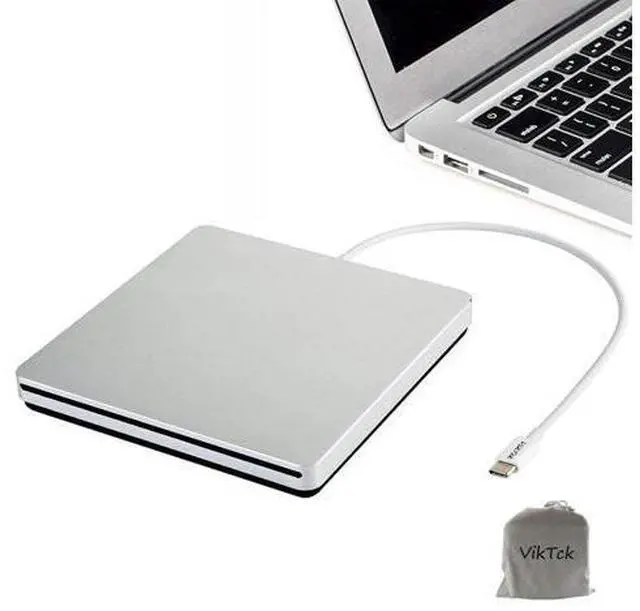
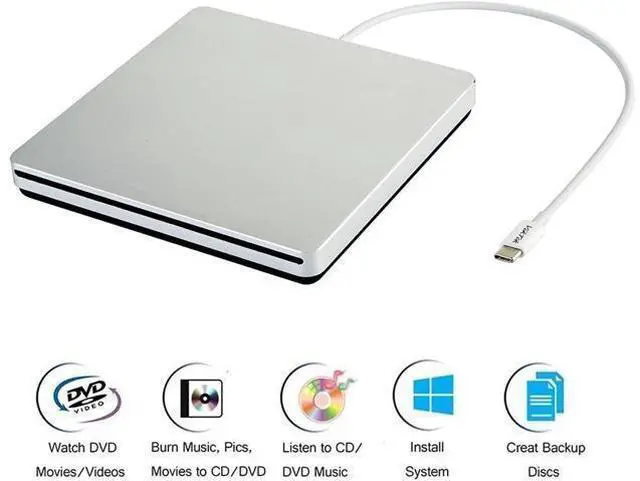
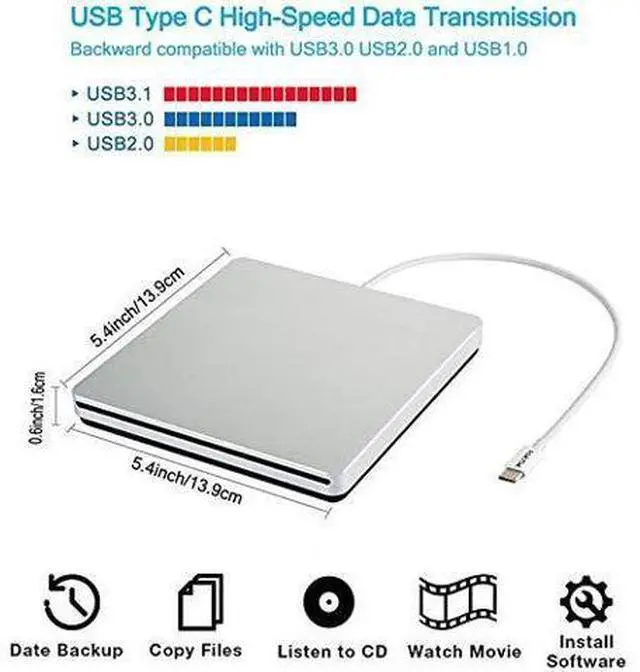
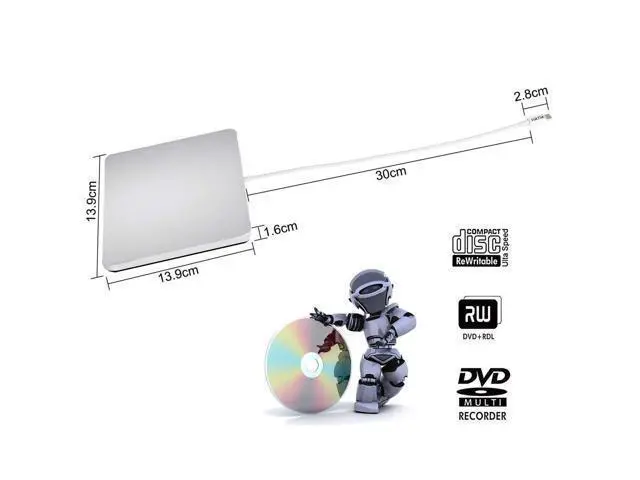
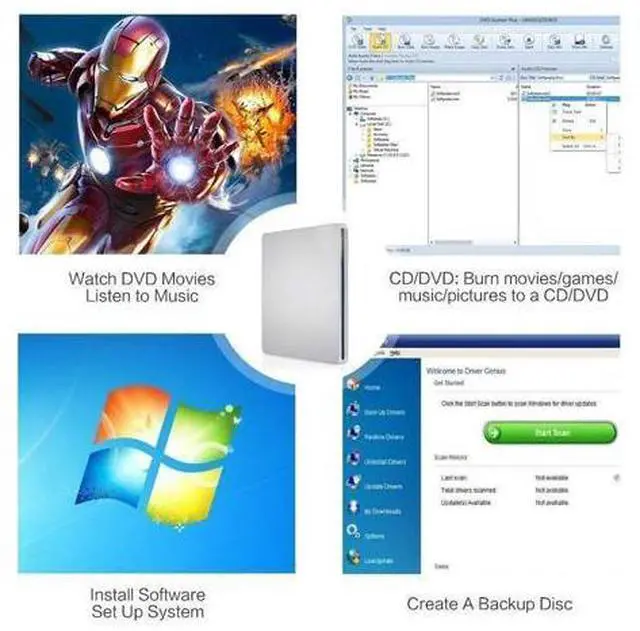
USB C USB 3.0 Type C Portable Drive DVD CD VCD External Drive For MacBook Air MacBook Pro iMac Ultrabook Netbook PC SuperDrive With VikTck portable external cd dvd drive, burner, writer, you can enjoy movies, music, burn discs and more. 100% brand new high-quality DVD drive has table working performance and long service life
Features: Slim portable external CD DVD drive/burner/writer/rewriter/player Beautiful all-aluminum alloy body, silver USB-C interface. 100% brand new high-quality chip Plug & Play, no driver program required High speed intelligent burning technology, error-correcting and noise-reduction technology
Specifications
: Support
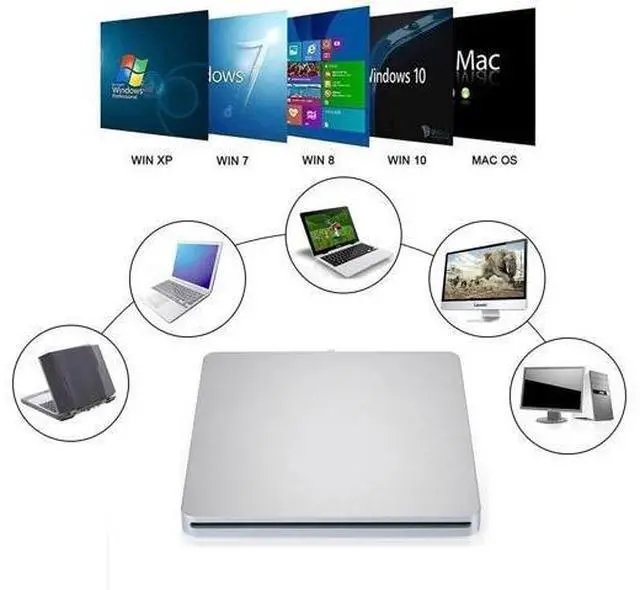
Systems: Windows 98/SE/ME/2000/XP/Vista/Win 7/Win 8/Win 10/Win 11/Mac OS System Supported
Disk format: CD-ROM, DVD-ROM, CD-R, CD-RW, DVD-R, DVD-R DL, DVD-RW, DVD+R, DVD+R DL,
DVD+RW NOTE: Not supported blue ray CDS.
Read Speed: 24x CD-ROM, 8x DVD-ROM, 6x DVD-ROM (DL)
Write speed: 24x CD-R, 16x CD-RW, 8x DVD±R, 6x DVD±R DL Viktck USB-C External CD/DVD Superdrive
Usage Method: -- How to use it on
MAC OS: For
example: Used for MacBook Pro, MacBook Air, iMac, Mac Mini etc.
**CD/DVD reading and playback: 1. Set up the MAC OS system. Click 'Finder', select 'Preferences' and make sure 'CDs, DVDs, and iPods' is selected. 2. Plug the USB C or USB A adapter into your Mac USB port. (
Note: It cannot be connected to the computer via a USB hub or an extension cable. ) 3. Insert the cd/dvd disk you want to read into the product and wait for about 5 to 10