

Your Browsing History


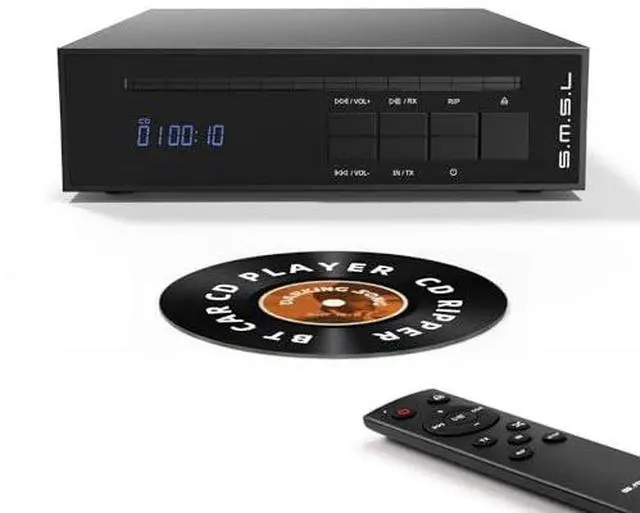
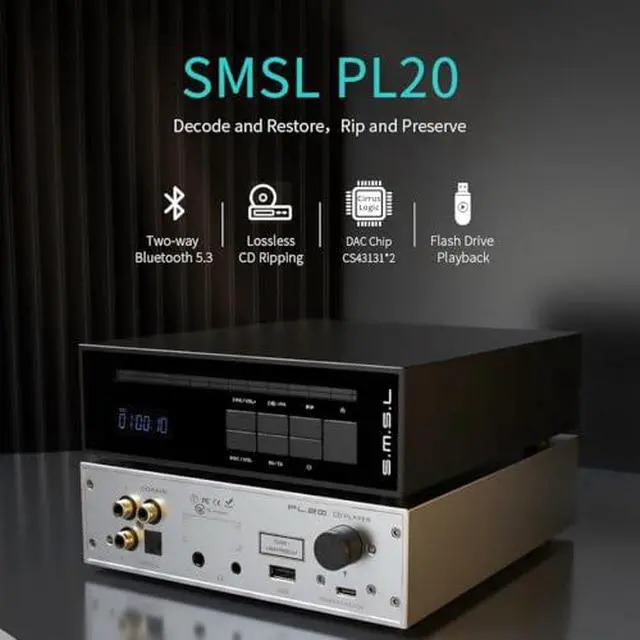


SMSL PL20 HiFi CD Player for Home, CD Ripper, Bluetooth Car CD Players, 2*CS43131 Chip, USB Drive/Bluetooth Input RCA/BT/3.5mm/4.4mm Balanced/Optical/Coaxial Digital Output, Black
Limited time offer, ends 07/05 By StarVelocity Technology
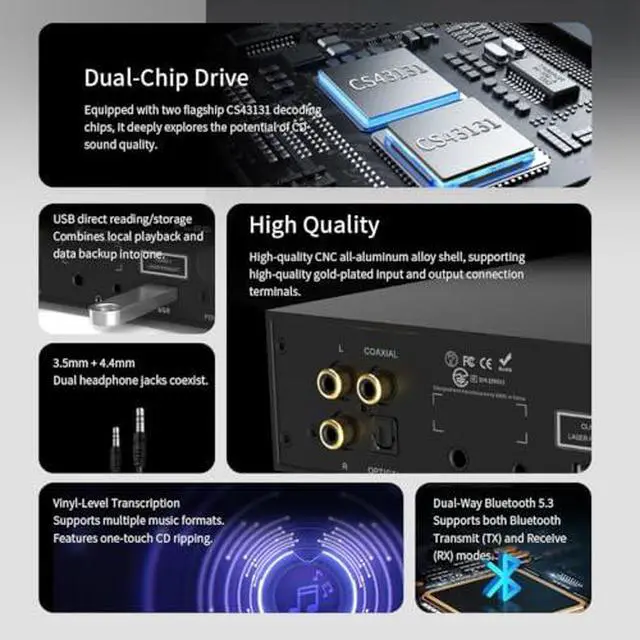
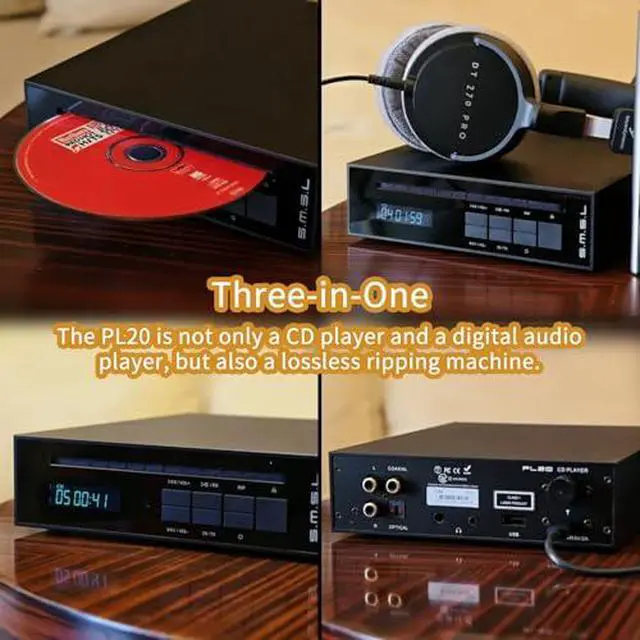
- All in One: CD, USB flash drive (up to 256 GB), bi-directional Bluetooth 5.3, three-in-oneworks as a CD transport, Bluetooth DAC headphone amp, Bluetooth Input/Output, USB flash player, or ripping tool
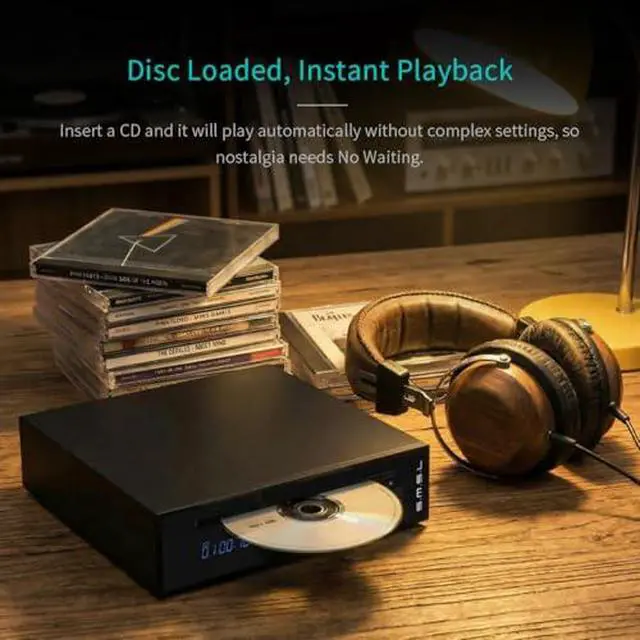
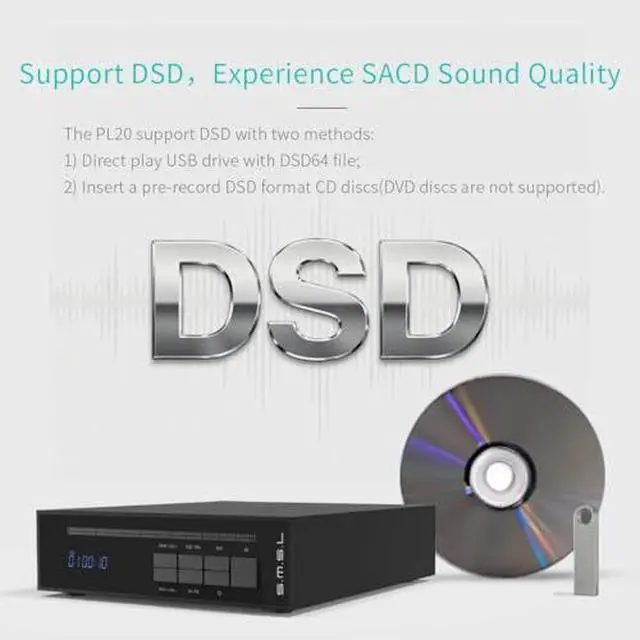
- Slot-loading Desktop CD Player: Auto-clamp mechanismjust slide the disc halfway in and it gently pulls it inside, no tray to scratch the disc. Gapless playback is not supported. Plays 12 cm DSD-encoded CDs; disc types: CD-DA / CD-ROM / CD-R / CD-RW / MP3
- Full Suite of Outputs: RCA line-out, 3.5mm single-ended headphone, 4.4mm balanced headphone, optical & coaxial digital outshook up to a higher-end DAC or digital amp. Bluetooth can also serve as a digital output (TX mode) to drive Bluetooth headphones/speakers directly
- Dual CS43131 chips onboard squeeze every last drop of CD performancehigher SNR and dynamic range, clean, delicate sound. Used purely as a CD transport, the digital output is rock-steady for an external DAC
- One-touch ripping & playback: Press and hold RIP for 2s, an
+
+
Overview
Specs
Reviews

Any questions? Our AI beta will help you find out quickly.
Try me now
Product description If you encounter situations such as being unable to remove the disc or play the CD, etc, Regardless of any issue, the Seller will provide you with a solution. Three-in-One Support DSD Rip and Reserve Instant Playback Dual Chip Decoding USB Drive Usage scenarios Ripping Steps Two-Way Bluetooth 5.3 Headphone Output Jack Input & Output Remote Control Component Introduction Package Contents Parameters Frequently Asked Questions 1. PL20 cannot automatically stop after the end of disc playback, but instead starts looping from scratch? Yes, this is the design of PL20, not a product quality issue.
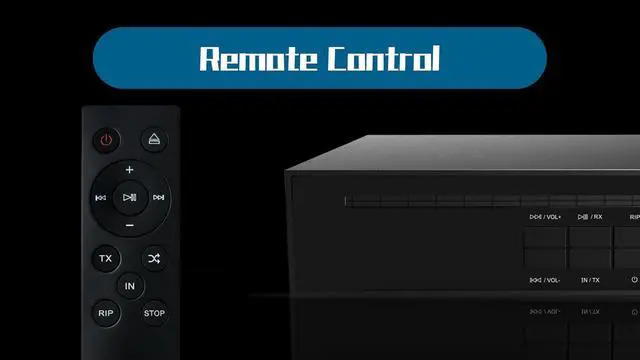
After all the tracks on the CD are played, it will not stop and will play in a loop, suitable for various occasions such as family gatherings, to avoid the awkward atmosphere of songs stopping. 2. How to solve the problem of the song playing randomly after cutting, instead of the next one? Please check if the random playback mode is turned on, please use remote control to turn it off. 3. PL20 cannot recognize CD playing songs? 1. Please check if the CD contains anti-theft function.
PL20 does not support playing CDs with protection mechanisms. 2. Please check if the disc is scratched/damaged and replace it with another disc for use. 4. Can't play when inserting the USB port of PL20 into a USB flash drive? Please ensure that the
USB drive format is correct: exFAT, FAT32. (NTFS is read-only, no recording) We recommend using a USB drive in exFAT format. Supports up to 256GB USB flash drive. 5. The PL20 does not support gapless playback. This is not a quality issue. Most traditional CD players also lack this feature. 6. The accessories do not include a power supply, but include a USB type-A to C cable. Please use a 5V power adapter (phone charger/portable power bank/USB power interface) by yourself
After all the tracks on the CD are played, it will not stop and will play in a loop, suitable for various occasions such as family gatherings, to avoid the awkward atmosphere of songs stopping. 2. How to solve the problem of the song playing randomly after cutting, instead of the next one? Please check if the random playback mode is turned on, please use remote control to turn it off. 3. PL20 cannot recognize CD playing songs? 1. Please check if the CD contains anti-theft function.
PL20 does not support playing CDs with protection mechanisms. 2. Please check if the disc is scratched/damaged and replace it with another disc for use. 4. Can't play when inserting the USB port of PL20 into a USB flash drive? Please ensure that the
USB drive format is correct: exFAT, FAT32. (NTFS is read-only, no recording) We recommend using a USB drive in exFAT format. Supports up to 256GB USB flash drive. 5. The PL20 does not support gapless playback. This is not a quality issue. Most traditional CD players also lack this feature. 6. The accessories do not include a power supply, but include a USB type-A to C cable. Please use a 5V power adapter (phone charger/portable power bank/USB power interface) by yourself
Warranty & Returns
Warranty, Returns, And Additional Information
Warranty
- Please contact the Seller directly for warranty information. Warranty information may also be found on the Manufacturer's website.
- CONTACT
Return Policies
- Return for refund within: 30 days
- Return for replacement within: 30 days
- This item is covered by StarVelocity Technology Return Policy
Manufacturer Contact Info
- For a directory of all our manufacturers, please click below.
- Manufacturers Directory
LOADING...