Your Browsing History
Meet Your Seller
style OTG Adapter USB 3 Camera Reader With 3.5mm Headphone Jack Connection Kits Data Sync For iPhone 11 X/XR/XS/8/7 500MA
Limited time offer, ends 07/05 By Glovibe Tech
- Good Quality
+
+
Overview
Specs
Reviews
Any questions? Our AI beta will help you find out quickly.
Try me now
style OTG Adapter USB 3 Camera Reader With 3.5 mm Headphone Jack Connection Kits Data Sync For iPhone 11 X/XR/XS/8/7 500MA 3 in 1 For Lightning Adapter For USB Audio 3.0 / 2.0 Digital Camera OTG Player Adapter With Charging Interface & 3.5 mm Earphone And Holder iPhone X / XR / XS / 8/8 Plus / 7/7 Plus & iPad Pro / iPad Mini / iPad Air & iOS 9.3 - 12.1 Or Later, NApps
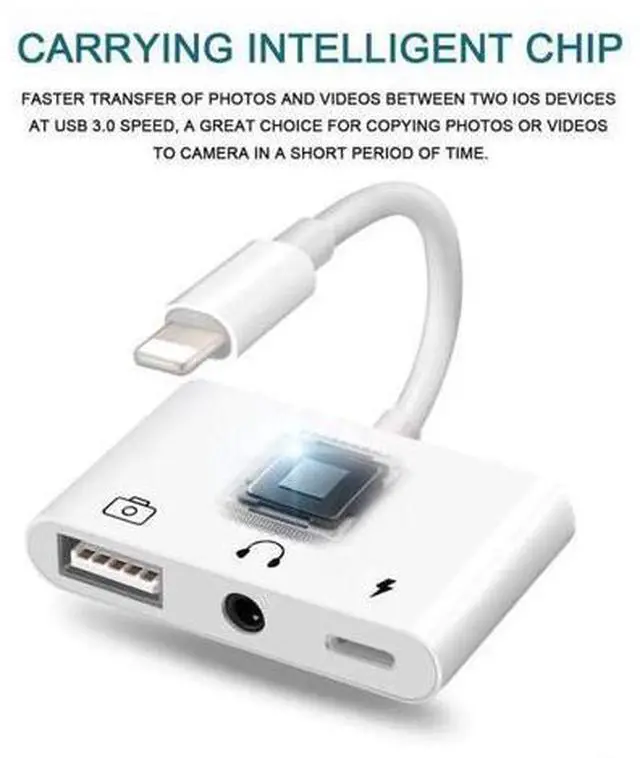
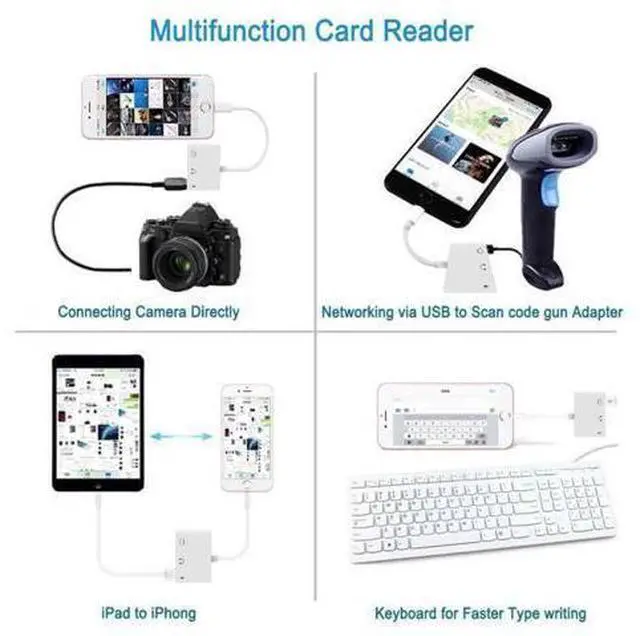
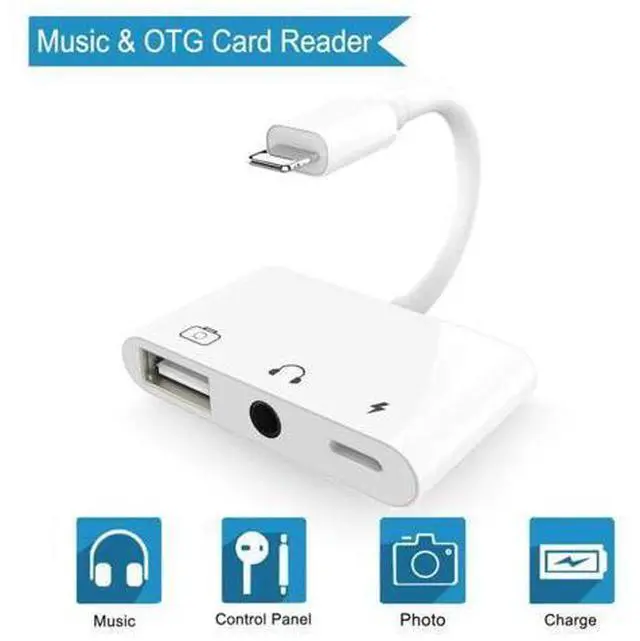
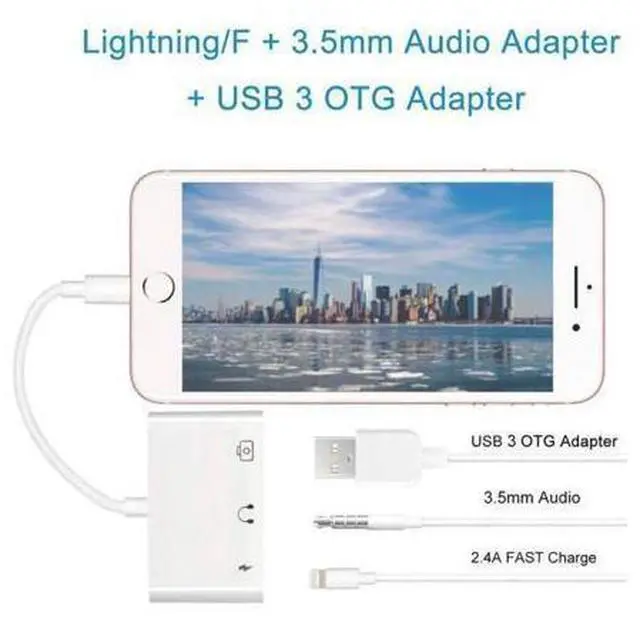
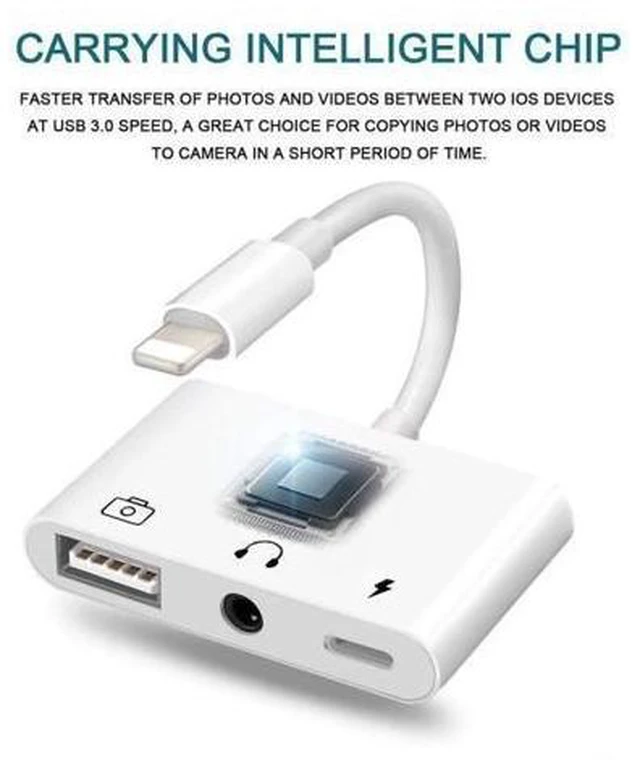
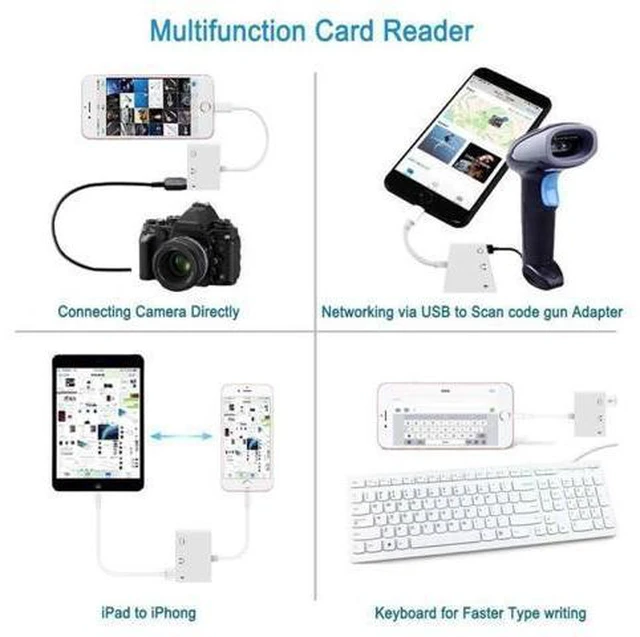
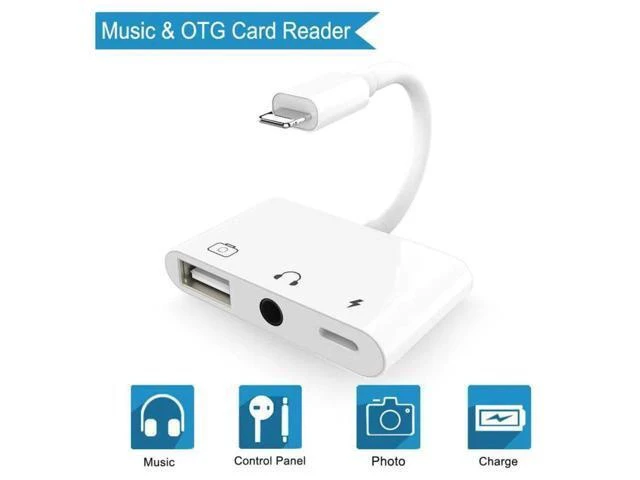
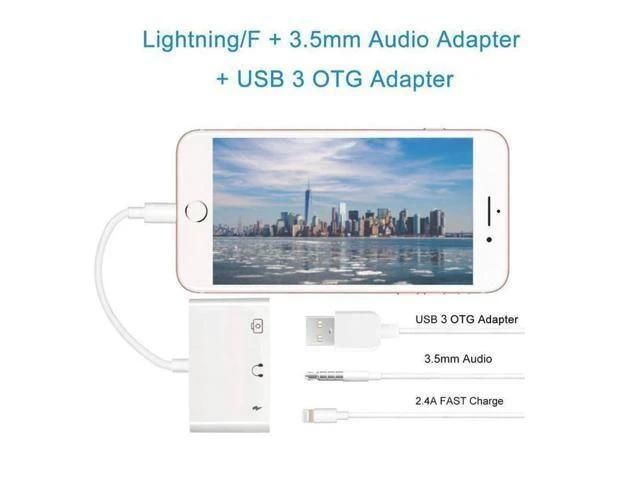
Required Description: This 3 in 1 Lightning To USB Adapter is a product to produce by us, it supports lighting for USB 3 camera adapter, for lightning charging plug and 3.5 mm audio earphone listening. As before, you need to buy two or more adapter to share this 3 function, now just one is ok.
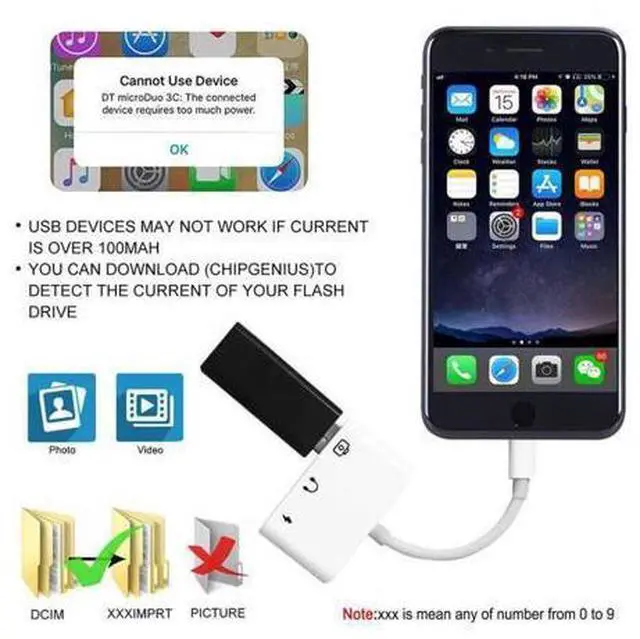
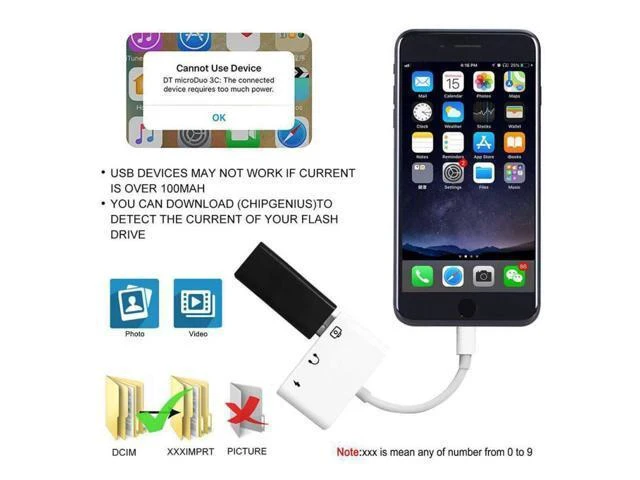
note: 1. When connecting with USB device, you can not put photos on U disk directly, you need to create a file named "DCIM" (Most cameras have this file). Then send photos to this file, insert usb to OTG, after 3-7 seconds, iPAD will automatically pop up the image window 2. This adapter does NOT support USB devices over 500mA, please check your current devices. Firstly, you must download "ChipGenius" software on your computer. Insert U disk into computer, use "ChipGenius" to detect U disk information 3. Support photo and video transfer only 4. Support iOS 9.3 - 12.1 or later How to Transfer Photos and Videos from Your Camera 1. Connect your iPhone or iPad and connect to Lightning to USB Camera Adapter for Lighting port We will provide a satisfactory solution for you.

Required Description: This 3 in 1 Lightning To USB Adapter is a product to produce by us, it supports lighting for USB 3 camera adapter, for lightning charging plug and 3.5 mm audio earphone listening. As before, you need to buy two or more adapter to share this 3 function, now just one is ok.
note: 1. When connecting with USB device, you can not put photos on U disk directly, you need to create a file named "DCIM" (Most cameras have this file). Then send photos to this file, insert usb to OTG, after 3-7 seconds, iPAD will automatically pop up the image window 2. This adapter does NOT support USB devices over 500mA, please check your current devices. Firstly, you must download "ChipGenius" software on your computer. Insert U disk into computer, use "ChipGenius" to detect U disk information 3. Support photo and video transfer only 4. Support iOS 9.3 - 12.1 or later How to Transfer Photos and Videos from Your Camera 1. Connect your iPhone or iPad and connect to Lightning to USB Camera Adapter for Lighting port We will provide a satisfactory solution for you.
Warranty & Returns
Warranty, Returns, And Additional Information
Warranty
- Please contact the Seller directly for warranty information. Warranty information may also be found on the Manufacturer's website.
- CONTACT
Return Policies
- Return for refund within: 30 days
- Return for replacement within: non-replaceable
- This item is covered by Glovibe Tech Return Policy
Manufacturer Contact Info
- For a directory of all our manufacturers, please click below.
- Manufacturers Directory
LOADING...