Your Browsing History
Meet Your Seller
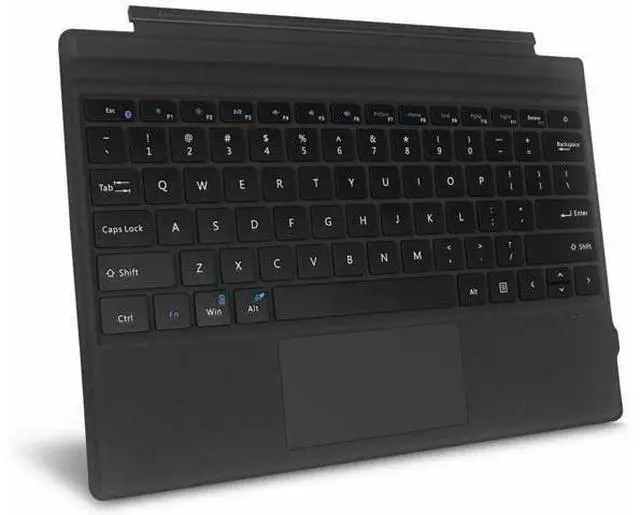
Type Cover For Microsoft Surface Pro 7 6 5 4 3 Slim Wireless Bluetooth Keyboard
Limited time offer, ends 07/26 By LUOYIMAN
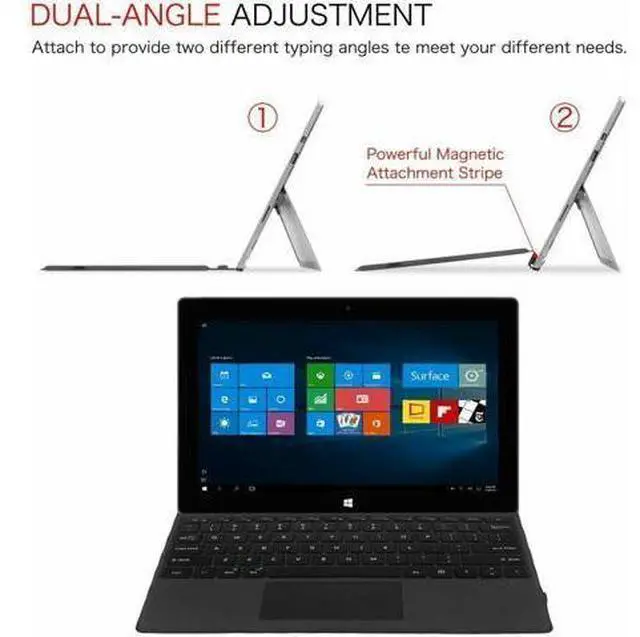
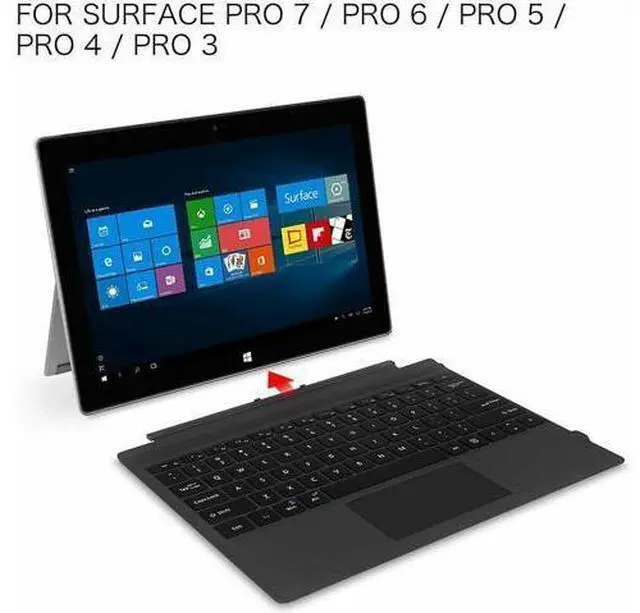
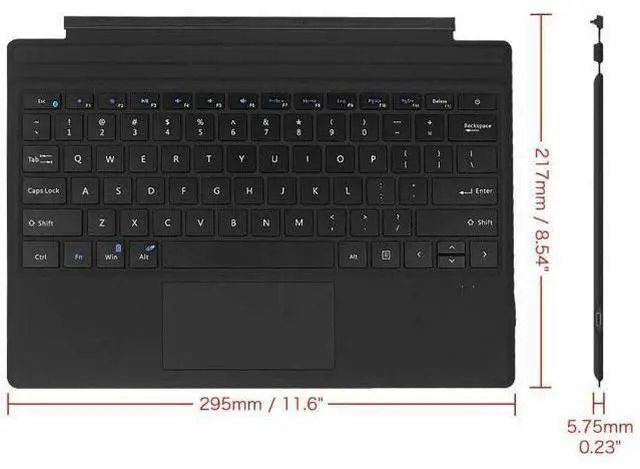
- This Bluetooth Keyboard is designed for Microsoft Surface Pro 7 + (2021), Surface Pro 7 (2019), Surface Pro 6 (2018), Surface Pro 5th Gen (2017), Surface Pro 4, Surface Pro 3. Will not be compatible with the Surface 3 and any other devices.
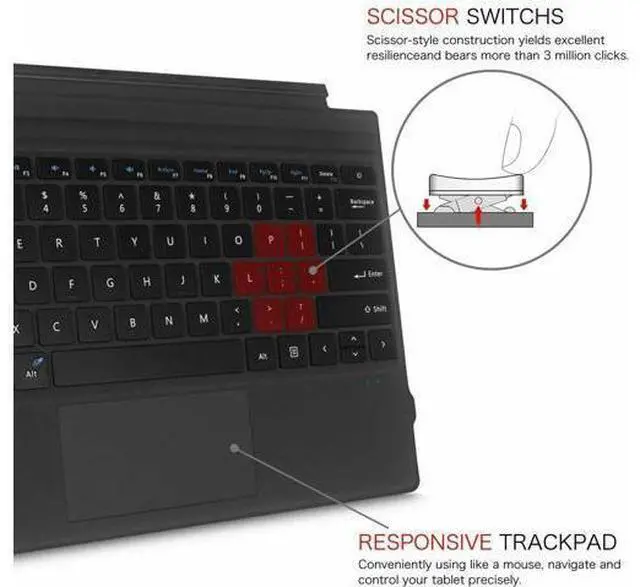
- Comfortable, quiet typing
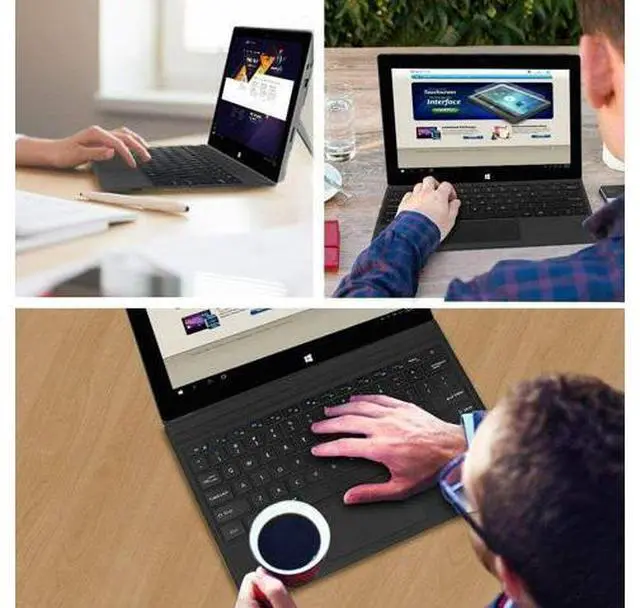
- With ergonomic design, simple and compact layout and quiet typing function, it could make your hands feel more comfortable when typing, reducing the burden of your hands.
- Power On/Off
- Press the power button 1.5 seconds, the keyboard turns on. Re-press the power button 3 seconds to close.
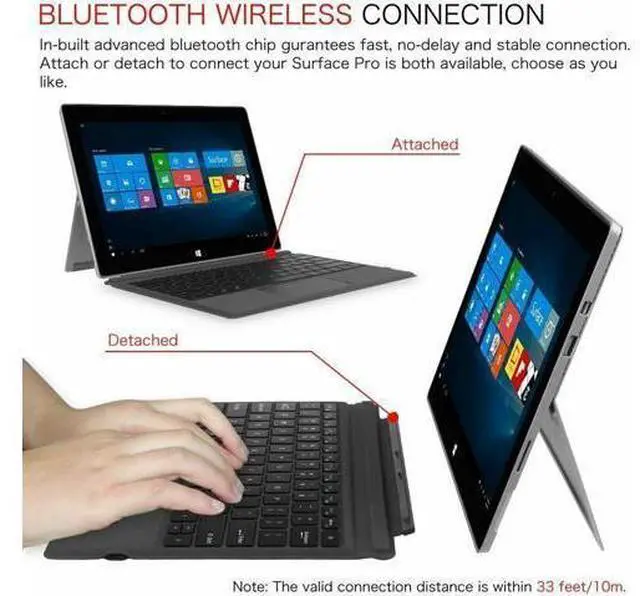
- Bluetooth Pairing
- Press "Fn + Esc (Blutooth icon)" keys together for connecting. Go to your "SETTINGS" screen on your tablets with Bluetooth-enabled device, activate its Bluetooth function and search for the keyboard device.

+
+
Overview
Specs
Reviews
Any questions? Our AI beta will help you find out quickly.
Try me now
This Bluetooth Keyboard is designed for Microsoft Surface Pro 7 + (2021), Surface Pro 7 (2019), Surface Pro 6 (2018), Surface Pro 5th Gen (2017), Surface Pro 4, Surface Pro 3. Will not be compatible with the Surface 3 and any other devices.. Comfortable, quiet typing. With ergonomic design, simple and compact layout and quiet typing function, it could make your hands feel more comfortable when typing, reducing the burden of your hands.. Power On/Off. Press the power button 1.5 seconds, the keyboard turns on.
Re-press the power button 3 seconds to close.. Bluetooth Pairing. Press "Fn + Esc (Blutooth icon) " keys together for connecting. Go to your "SETTINGS" screen on your tablets with Bluetooth-enabled device, activate its Bluetooth function and search for the keyboard device.
Warranty & Returns
Warranty, Returns, And Additional Information
Warranty
- Please contact the Seller directly for warranty information. Warranty information may also be found on the Manufacturer's website.
- CONTACT
Return Policies
- Return for refund within: 30 days
- Return for replacement within: 30 days
- This item is covered by LUOYIMAN Return Policy
Manufacturer Contact Info
- For a directory of all our manufacturers, please click below.
- Manufacturers Directory
LOADING...