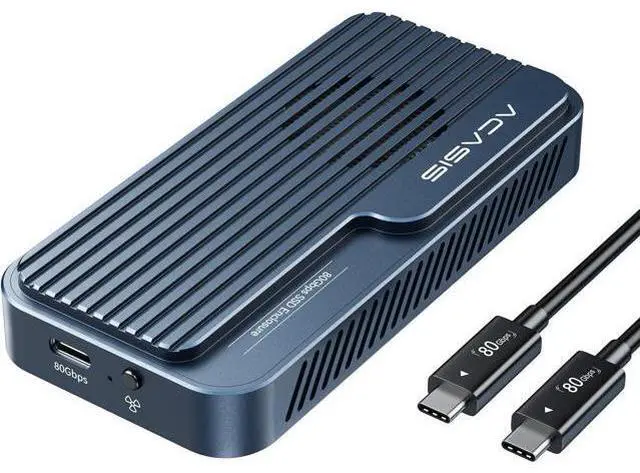
What's in the box 80Gbps Cable ( 19.68 in) x1 80Gbps M. 2 NVMe SSD Enclosure x1 SSD Size Adapter x1 Silicone Stoppers x2 Thermal Pads x2 Can't Recognize The 80Gbps Nvme SSD
Enclosure?
Windows: Update Thunderbolt drivers; new drives Disk Management New Volume.
Mac: Check Thunderbolt in System Report; if undetected, test ports; new drives Disk Utility Erase.
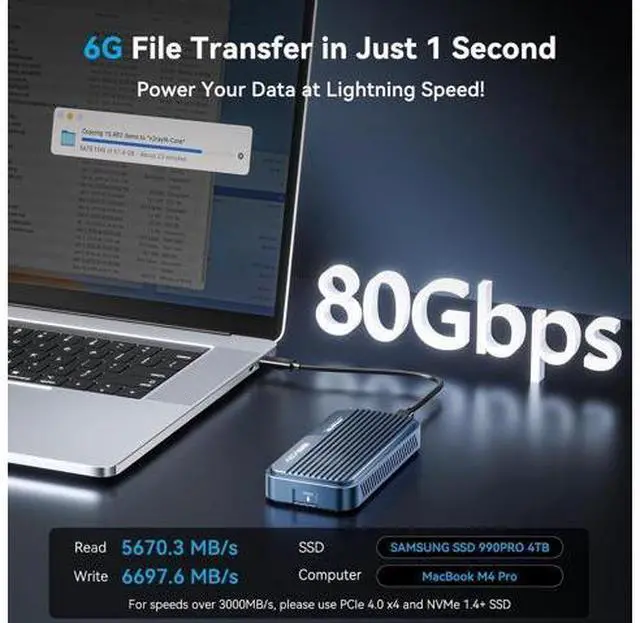
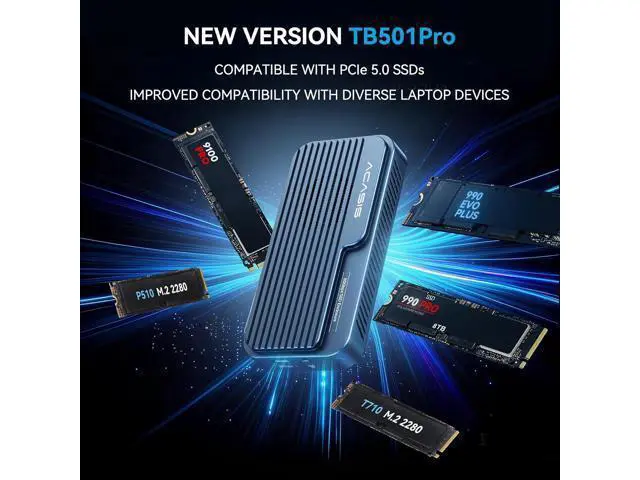
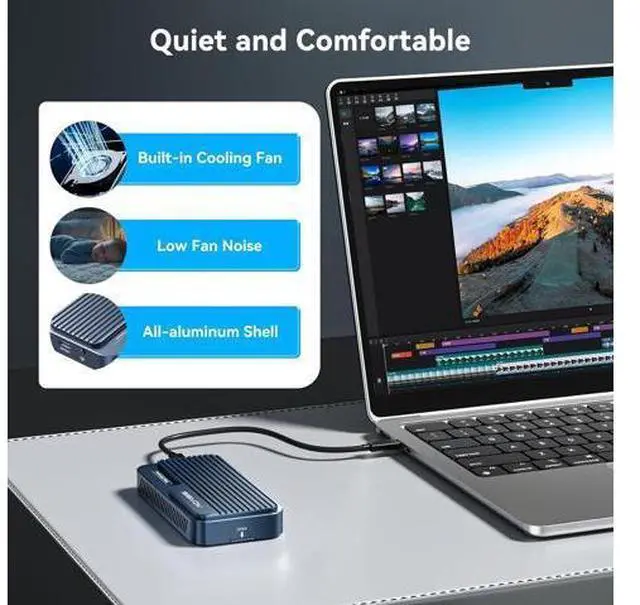
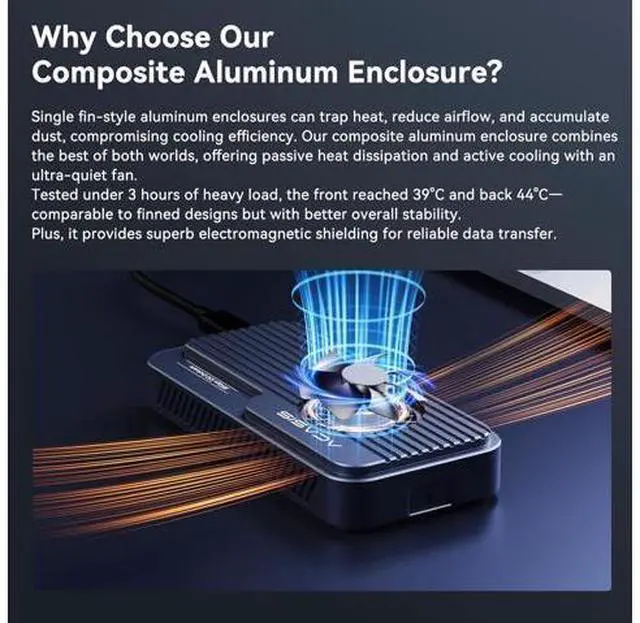
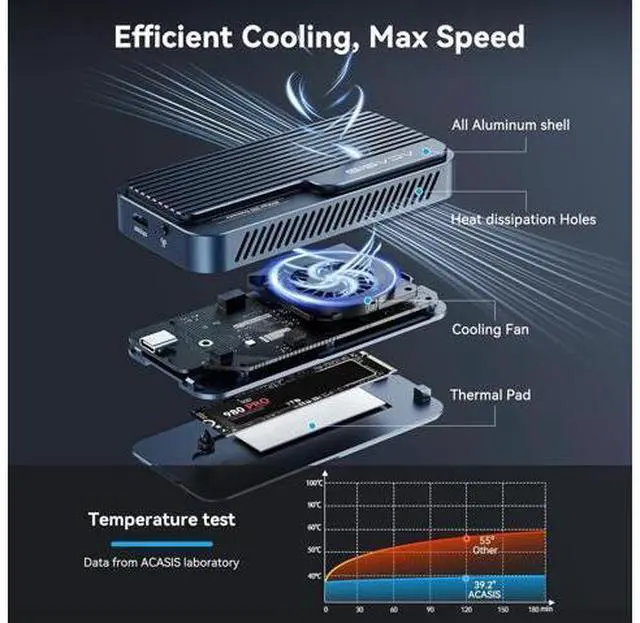
General: Try another TB cable; if light fails, request replacement. What advantages does the ACASIS 80Gbps M. 2 NVMe SSD Enclosure have over other hard drive enclosures? Dual chip is industry standard, support 80Gbps theoretical speeds (up to 6000MB/s real-world performance) Backward compatible with USB4 V 1.0, USB 3.2 / 3.1 / 3.0. Auto-activating fan, aluminium housing with thermal pads for effective heat dissipation. Why is the enclosure recognized as a USB device when connected to a MacBook with a Thunderbolt 3 port? Some Thunderbolt 3 ports may only run at USB speed (10Gbps) with the 80Gbps enclsoure due to compatibilitylimits. We recommend using a Thunderbolt 3 or 4 enclosure instead. Why is the enclosure recognized as a USB device when connected to a MacBook with a Thunderbolt 3 port? Some Thunderbolt 3 ports may only run at USB speed (10Gbps) with the 80Gbps enclsoure due to compatibilitylimits. We recommend using a Thunderbolt 3 or 4 enclosure instead. The enclosure has been upgraded. May I confirm whether all stock is the latest B2 revision with PCIe 5.0 compatibility? Please note that all current inventory, in every color, uses the JHL9480-B2 version.
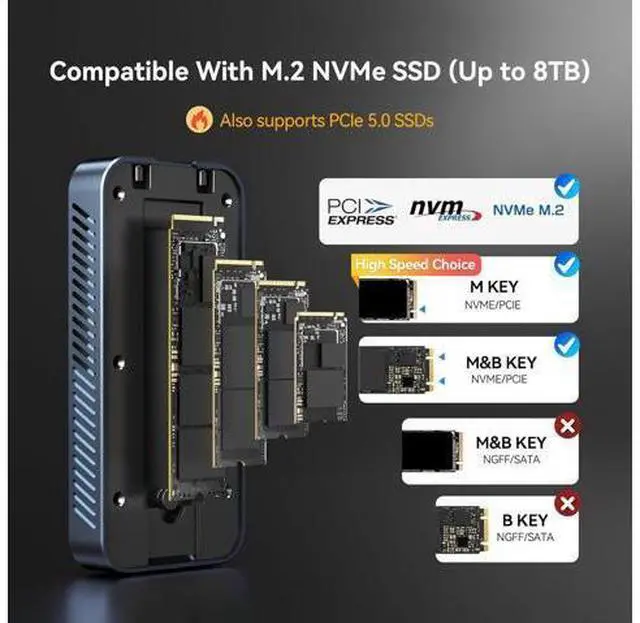
If your device is unable to detect PCIe 5.0, we kindly suggest revisiting the troubleshooting steps outlined in the first QA.