






Consumers around the world want to easily access information they care about and get problems fixed at reasonable cost. Foxwell innovate at all levels of the technology with the most distinguished experts in the automotive aftermarket and offer best in class solutions.
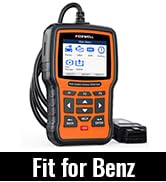
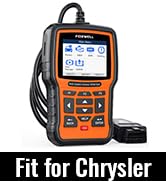
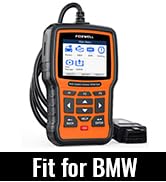
FOXWELL NT510 Elite Series
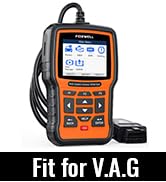
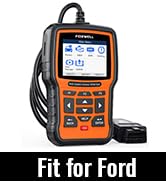
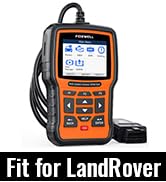
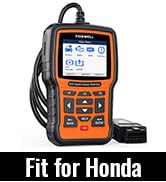
FOXWELL NT510 Elite Series
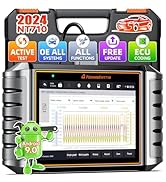
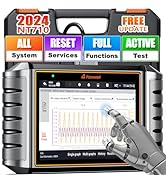
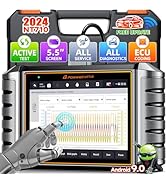
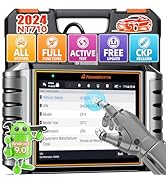
FOXWELL NT710 Diagnostic Tool
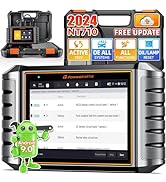
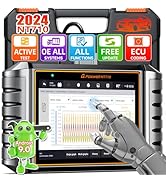
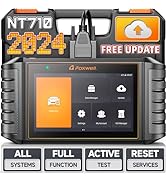
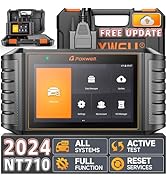
FOXWELL NT710 Diagnostic Tool
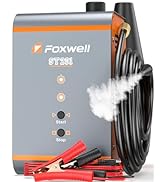
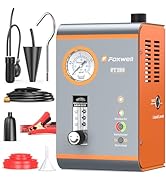
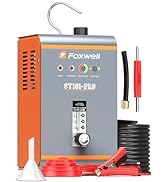
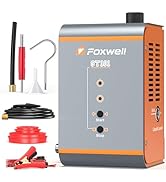
Smoke Tester, Perfect Partner!
How did we get our start?
To make diagnosis easier,smarted and more valued for all our customers-from car owners to professional technicians and even workshops, FOXWELL was founded to focus on innovation and technology, who is always commits to being most distinguished experts in the field of automotive diagnosis.
What makes our products unique?
We believe curiosity is the best source. We keep exploring new ways to make products that could solve customers' current problems and connect them with the future.
Why do we love what we do?
We’re motivated to our products really meet customers’ needs.
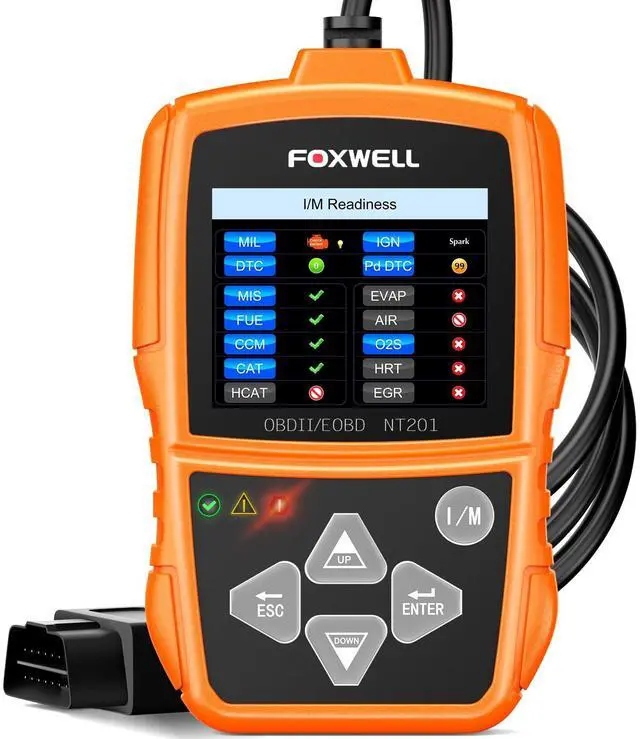
FOXWELL code reader for cars and trucks
Merchant VideoLowest Cost Solutions for 90% Common Repair Problems
Solve Simple Car Problems -Affordably and Easily
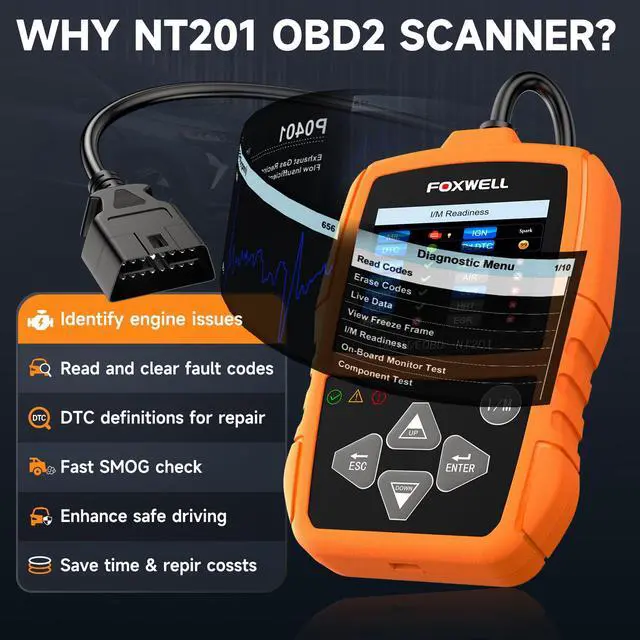
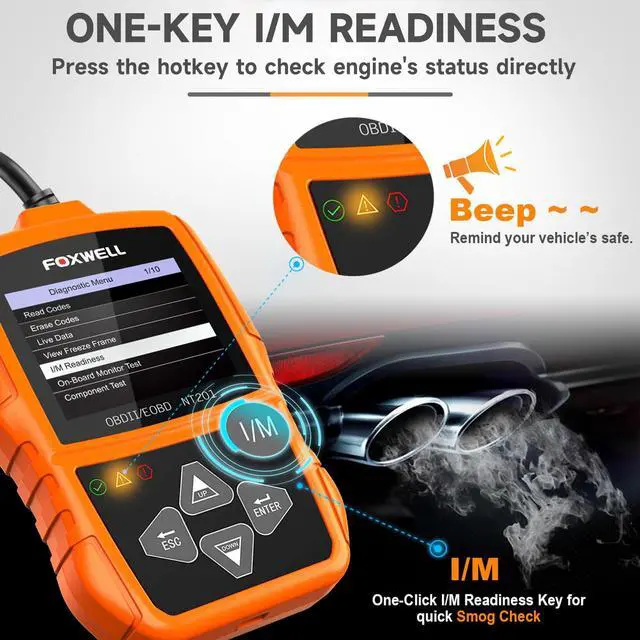
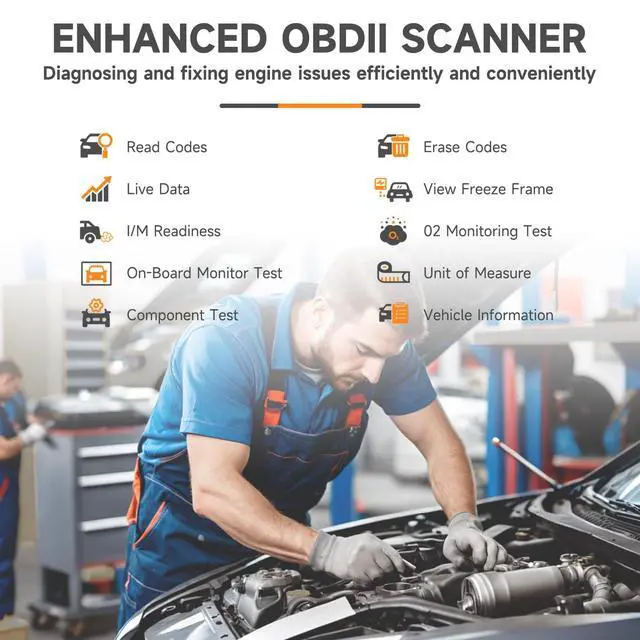
Self-check engine issues and smog test, avoid unnecessary maintenance or overcharging.


More In-Depth Features About Foxwell NT201 Scanner
Faster & Smarter Diagnosis
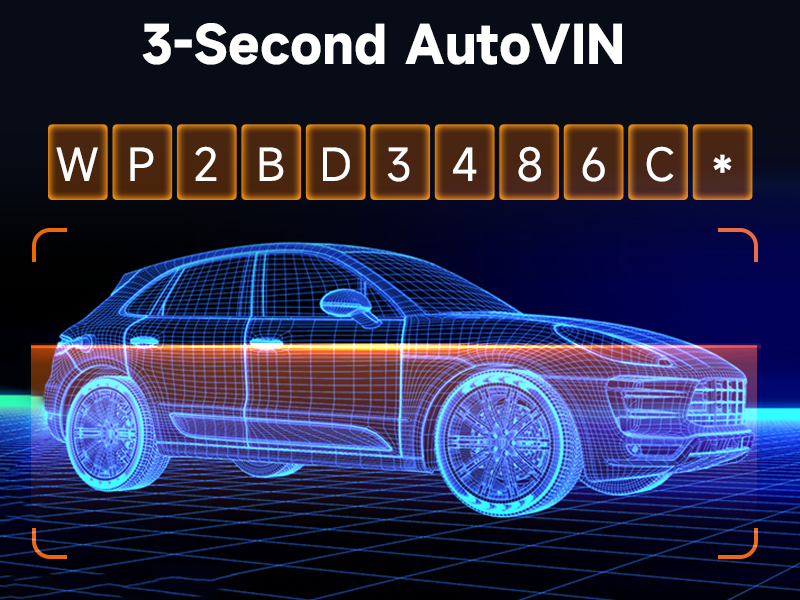
Display vehicle information, such as VIN, CID, CVN, and etc., offers convenience for users and improves diagnostic accuracy and efficiency
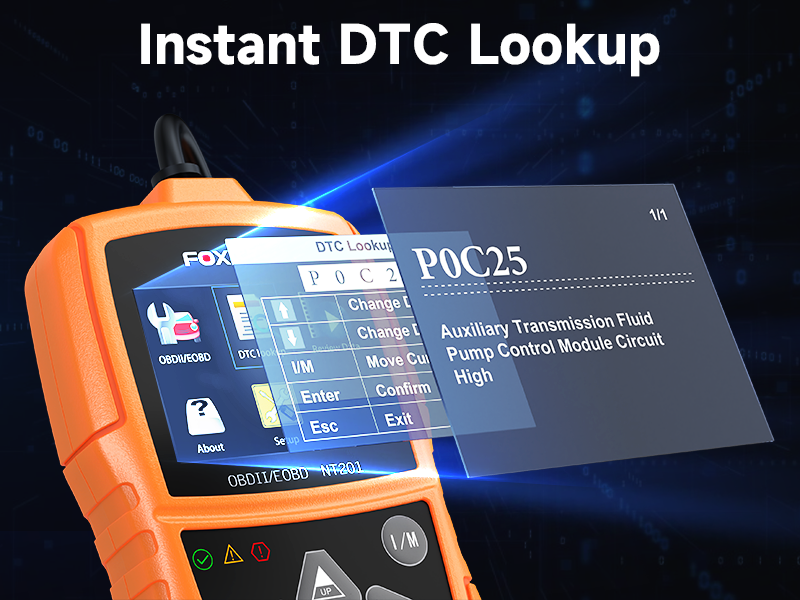
Accurate & Reliable Analysis
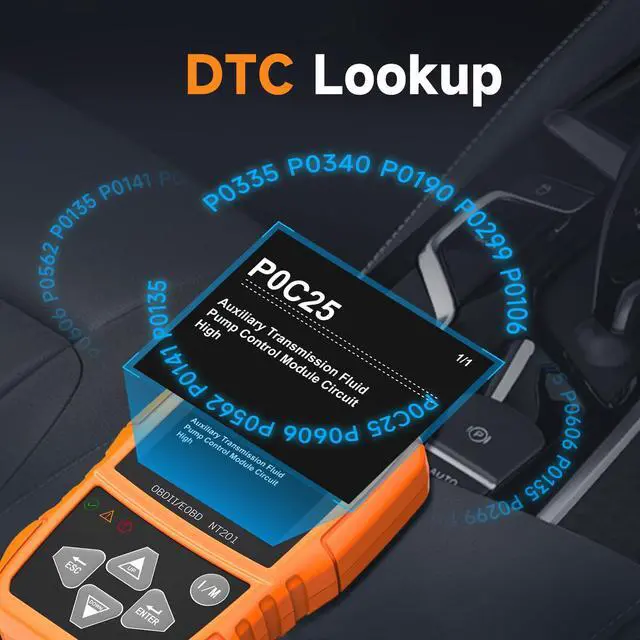
Provides instant code definitions and clues for your reference to begin car troubleshooting in the right direction.
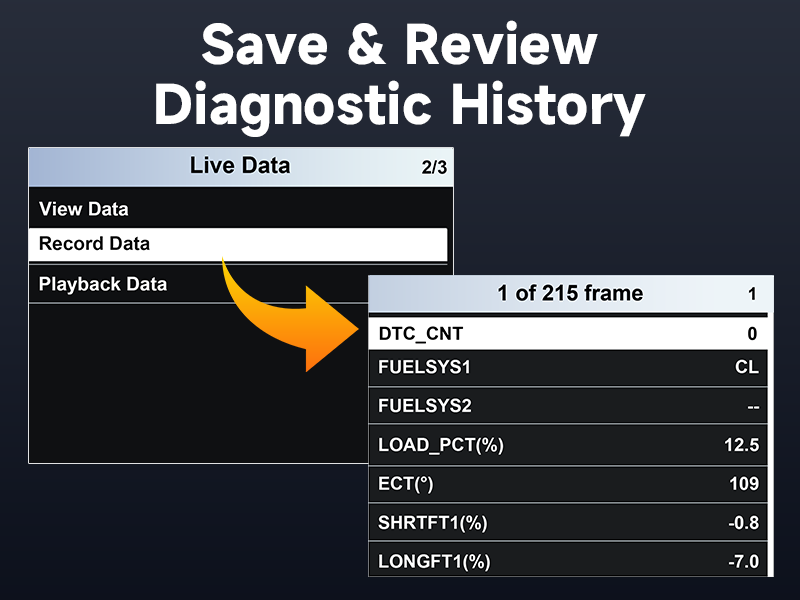
Timely & Precise Evaluation
Supports review, record, and playback data. Store and transfer diagnostic report to your phone/computer for fast analysis


Will the scanner work on my car? How do I know if it’s compatible?
FOXWELL NT201 is compatible with all OBD-II compliant cars and light trucks, gasoline vehicles since 1996 and diesel vehicles since 2008. If your car has the standard 16-pin OBD-II port, it will work.
Do I need to update it? Does it come with free updates?
No updates are required. Unlike some advanced scanners, NT201 is designed to be fully functional out of the box. There’s no need for software downloads or subscriptions. Just plug it in and start scanning. (We also provide lifetime free update.)
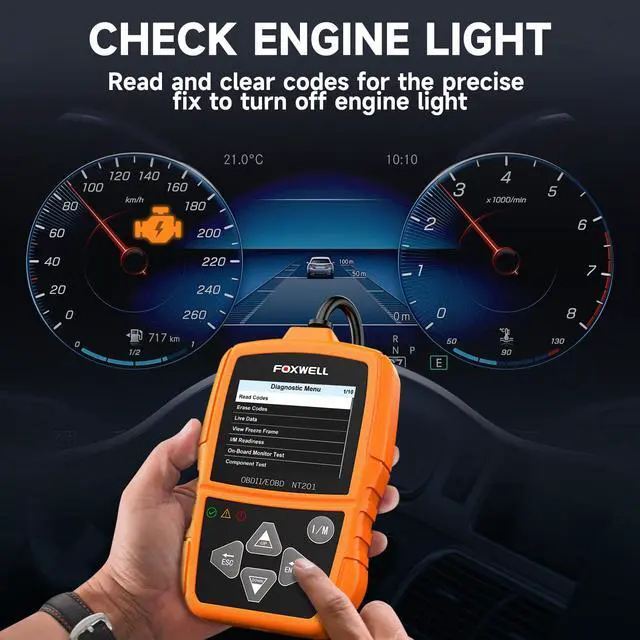
Can I just clear the codes to turn off the Check Engine Light?
It's only recommended after repairing the problem. Simply erasing the code without fixing the cause will make the light come back, often quickly.
When should I avoid clearing the codes right away?
If you haven’t diagnosed or fixed the issue, it’s better to read and record the codes first and leave them active. This helps your mechanic (or you) diagnose the problem.
Should I drive the car after repairs before clearing the code?
Yes. Many mechanics recommend fix first, then test drive to confirm the problem is gone. The car’s system may reset the light on its own if the fault no longer exists. If not, you can manually clear it with the scanner.
FOXWELL code reader for cars and trucks
Merchant VideoLowest Cost Solutions for 90% Common Repair Problems
Solve Simple Car Problems -Affordably and Easily
Self-check engine issues and smog test, avoid unnecessary maintenance or overcharging.


More In-Depth Features About Foxwell NT201 Scanner


Faster & Smarter Diagnosis
Display vehicle information, such as VIN, CID, CVN, and etc., offers convenience for users and improves diagnostic accuracy and efficiency
Accurate & Reliable Analysis
Provides instant code definitions and clues for your reference to begin car troubleshooting in the right direction.
Timely & Precise Evaluation
Supports review, record, and playback data. Store and transfer diagnostic report to your phone/computer for fast analysis
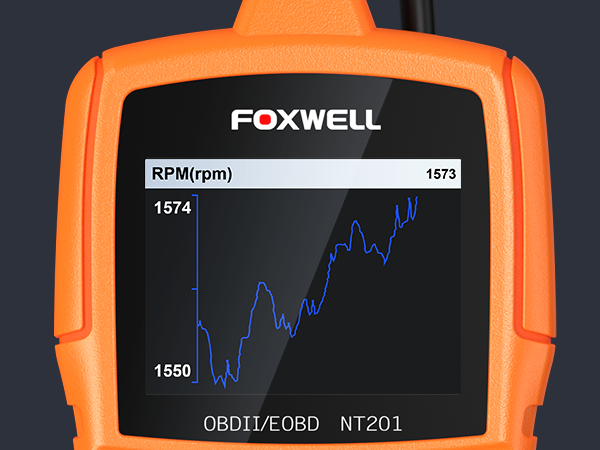
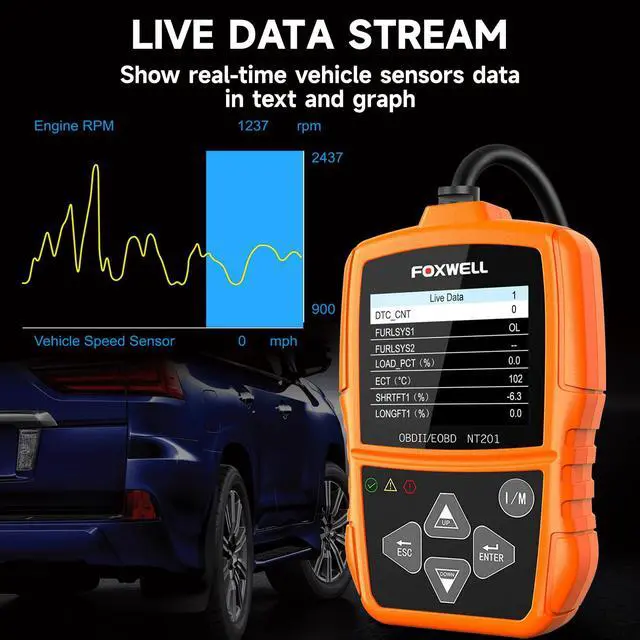
Live Data of Revolutions Per Minute
Most engines achieve optimal fuel efficiency at mid-range RPMs (typically 2000–3000). Running at high RPMs (e.g., above 4000) may lead to increased wear and overheating.
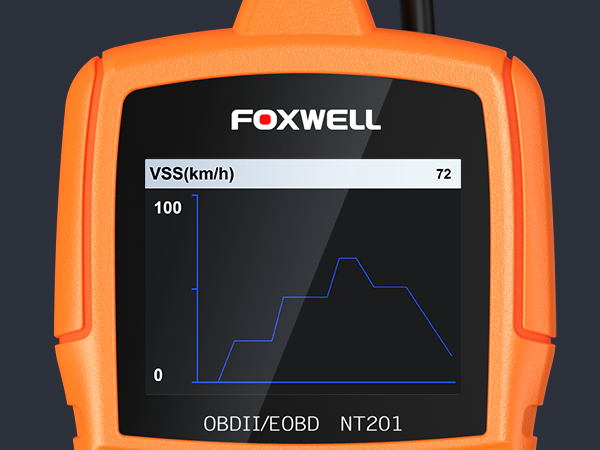
Live Data of Vehicle Speed Sensor (km/h))
Allows you to check whether the speedometer's displayed speed matches the actual speed, improves vehicle stability and safety
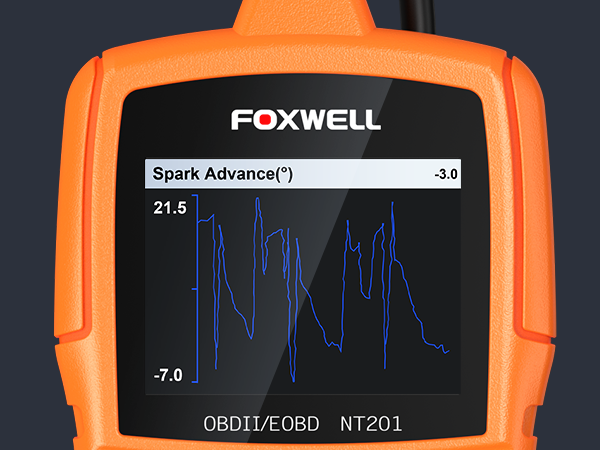
Live Data of Spark Advance(°)
At idle may approx 5°-15° (engine-depend).At high loads/RPM may reach 20°-40°.Continuously too high may lead to vibration, continuously too low may lead to lack of power or increased fuel consumption
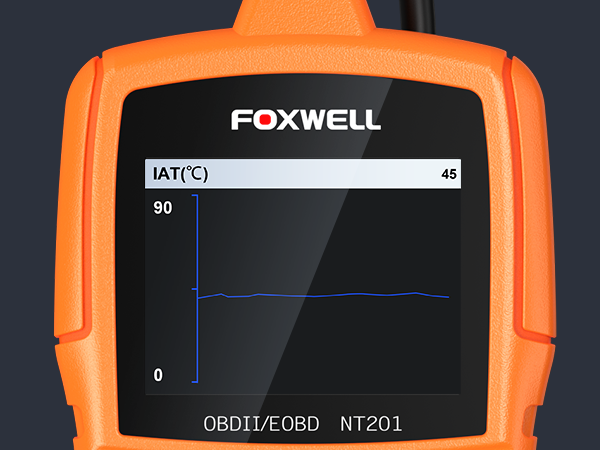
Live Data of Intake Air Temperature (?)
Normal operation: IAT will near ambient (e.g., at start/shifting) While driving: May rise to 50°C–80°C due to pressurization. Unusual high or low IAT need to check sensor issues.
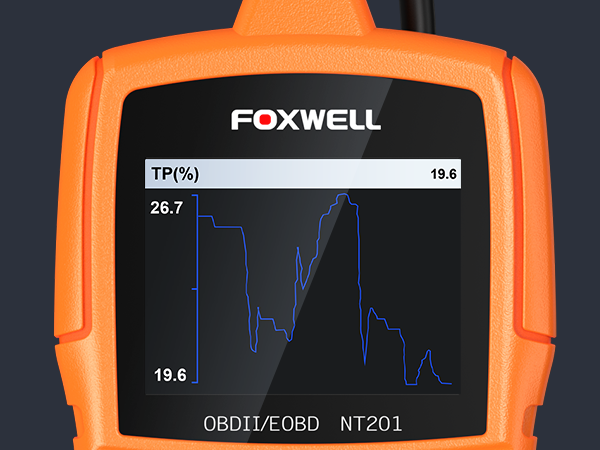
Percentage of Throttle Position Sensor Opening(%)
At idle: typically 0%-5%. At constant speed: 10%-30%.Sharp value fluctuation: may be poor wiring contact, internal sensor wear.Fixed value (e.g.always 0%/100%):sensor circuit is broken/short-circuited
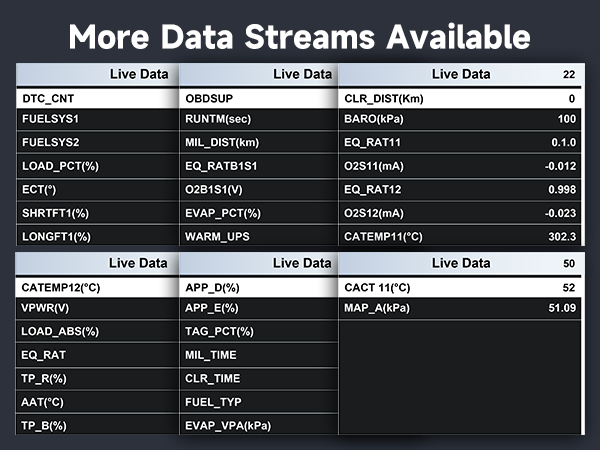
More Data Streams Available
Supports most key data streams:LOAD_PCT(%),ECT(?),CATEMP11(?),CATEMP12(?),VPWR(V),LOAD_ABS(%),CACT11(?),MAP_A(kPa),and so on.
Affordable, Accessible, Always Reliable


Will the scanner work on my car? How do I know if it’s compatible?
FOXWELL NT201 is compatible with all OBD-II compliant cars and light trucks, gasoline vehicles since 1996 and diesel vehicles since 2008. If your car has the standard 16-pin OBD-II port, it will work.
Do I need to update it? Does it come with free updates?
No updates are required. Unlike some advanced scanners, NT201 is designed to be fully functional out of the box. There’s no need for software downloads or subscriptions. Just plug it in and start scanning. (We also provide lifetime free update.)
Can I just clear the codes to turn off the Check Engine Light?
It's only recommended after repairing the problem. Simply erasing the code without fixing the cause will make the light come back, often quickly.
When should I avoid clearing the codes right away?
If you haven’t diagnosed or fixed the issue, it’s better to read and record the codes first and leave them active. This helps your mechanic (or you) diagnose the problem.
Should I drive the car after repairs before clearing the code?
Yes. Many mechanics recommend fix first, then test drive to confirm the problem is gone. The car’s system may reset the light on its own if the fault no longer exists. If not, you can manually clear it with the scanner.
Consumers around the world want to easily access information they care about and get problems fixed at reasonable cost. Foxwell innovate at all levels of the technology with the most distinguished experts in the automotive aftermarket and offer best in class solutions.
FOXWELL NT510 Elite Series
FOXWELL NT510 Elite Series
FOXWELL NT710 Diagnostic Tool
FOXWELL NT710 Diagnostic Tool
Smoke Tester, Perfect Partner!
How did we get our start?
To make diagnosis easier,smarted and more valued for all our customers-from car owners to professional technicians and even workshops, FOXWELL was founded to focus on innovation and technology, who is always commits to being most distinguished experts in the field of automotive diagnosis.
What makes our products unique?
We believe curiosity is the best source. We keep exploring new ways to make products that could solve customers' current problems and connect them with the future.
Why do we love what we do?
We’re motivated to our products really meet customers’ needs.