




Laptop Cooling Pad
Merchant Video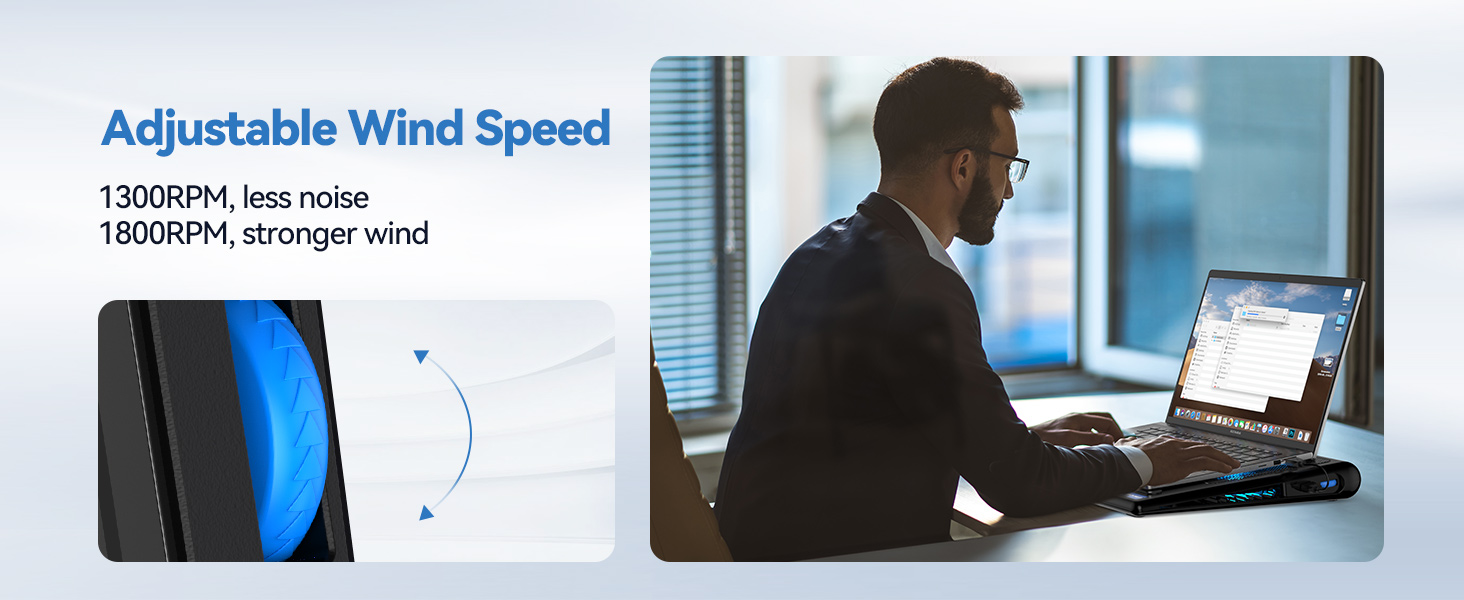



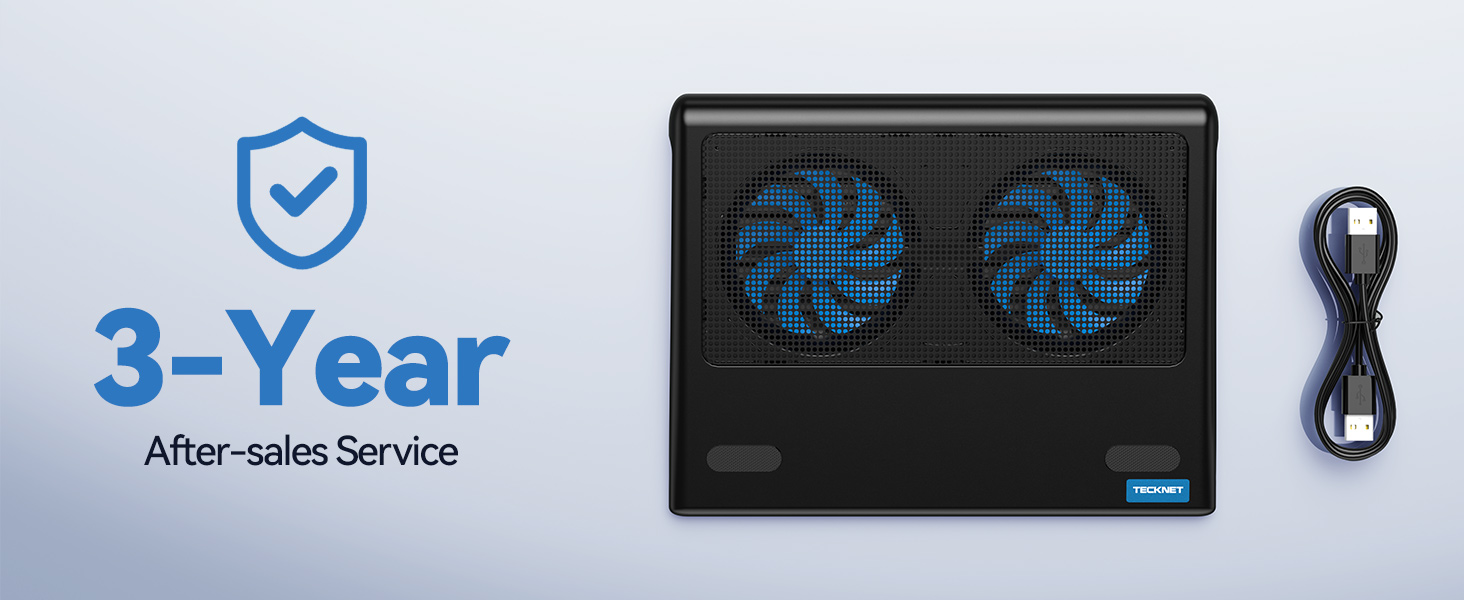
TECKNET Ergonomic Laptop Cooler for Lap
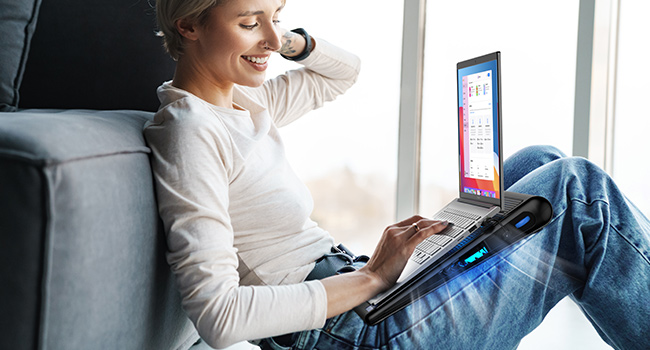
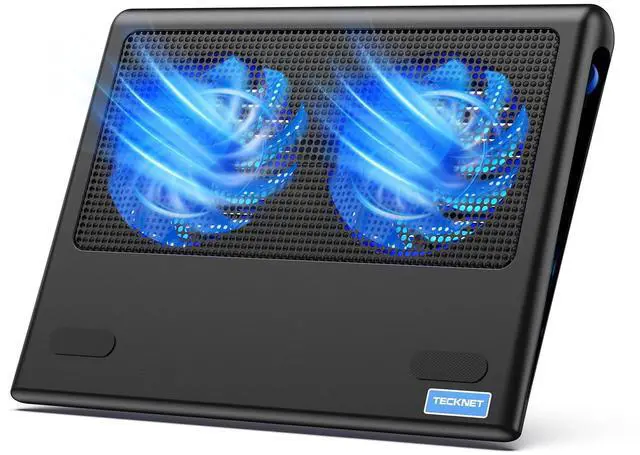
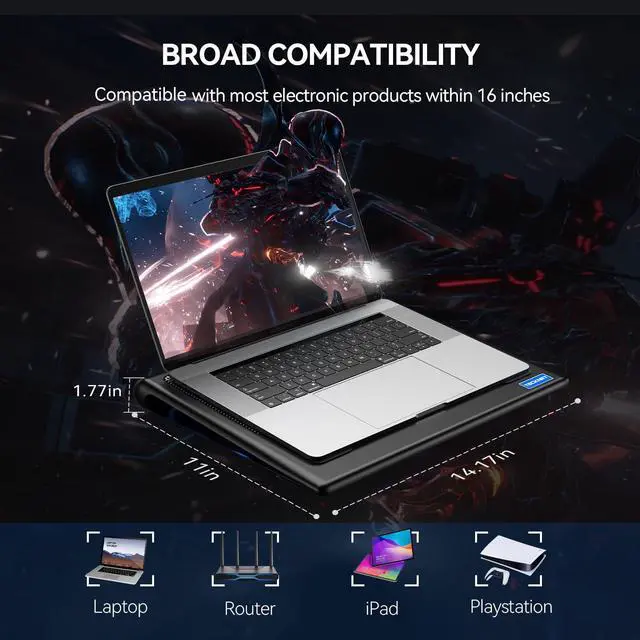
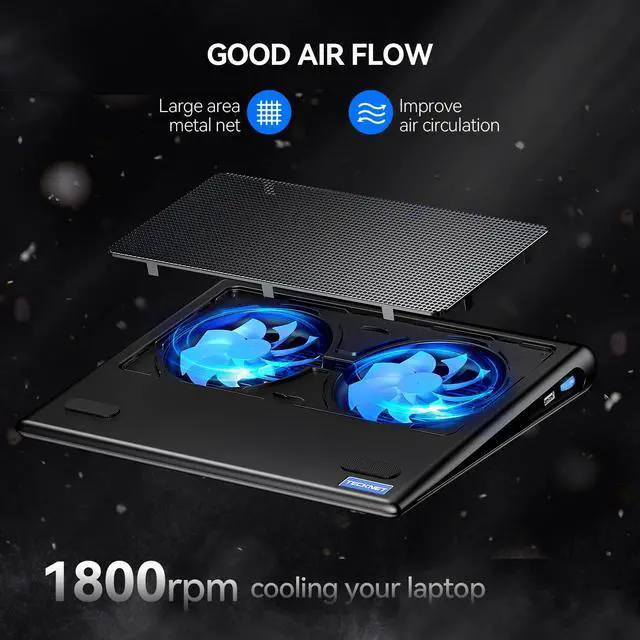
Laptop cooling pad rests on your lap and disperses heat generated by the laptop, using dual fans to provide ventilation which can be obstructed if the laptop is used directly on a pillow or comforter.
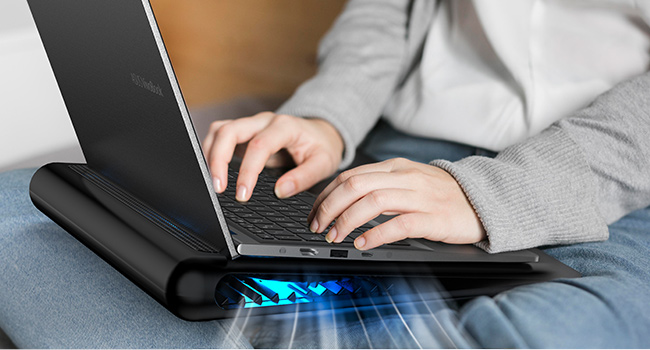
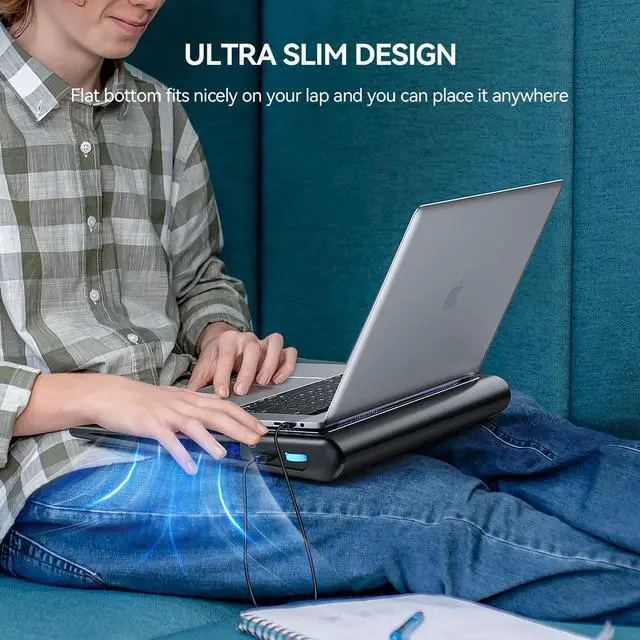
It can also be used when sitting cross-legged. The laptop cooler not only disperses the heat, but also provides a flat surface for the computer to sit on.
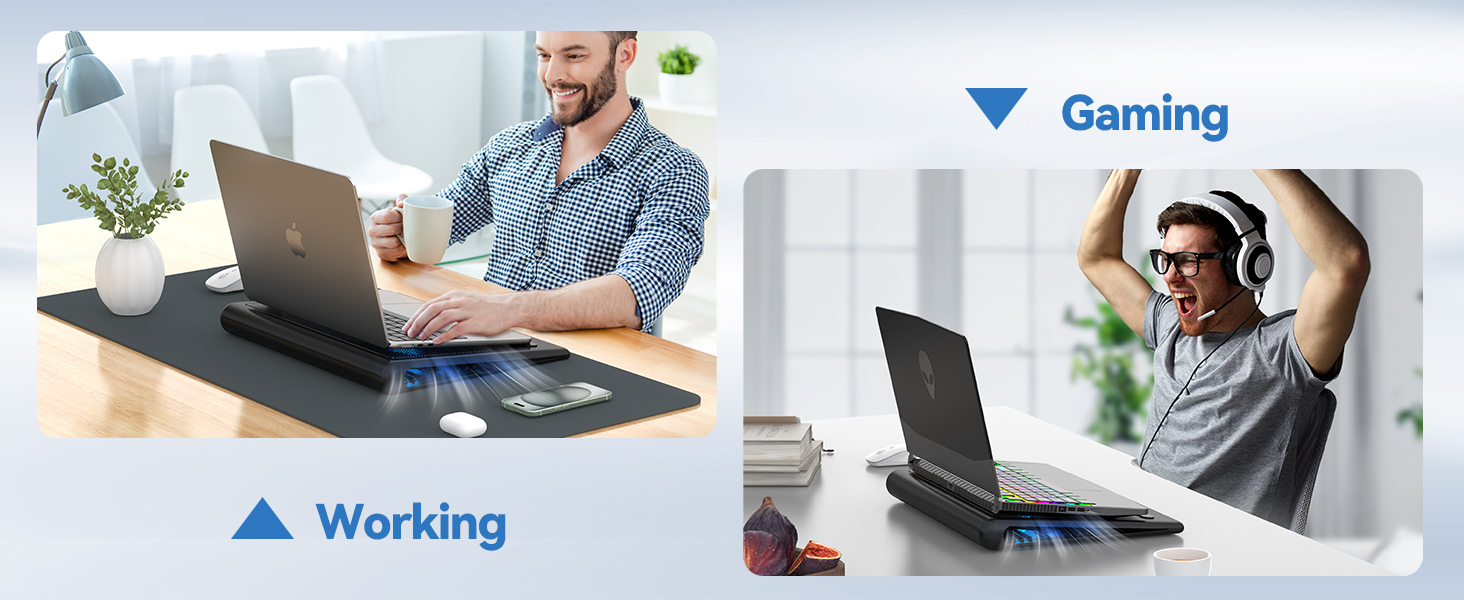
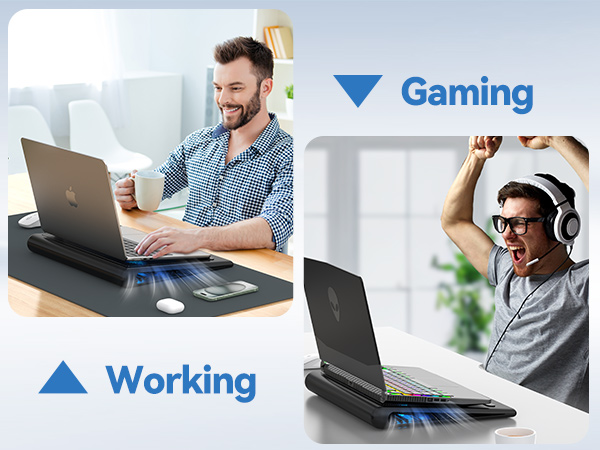
TECKNET Laptop Cooler Provides You With A Comfortable Work And Gaming Experience
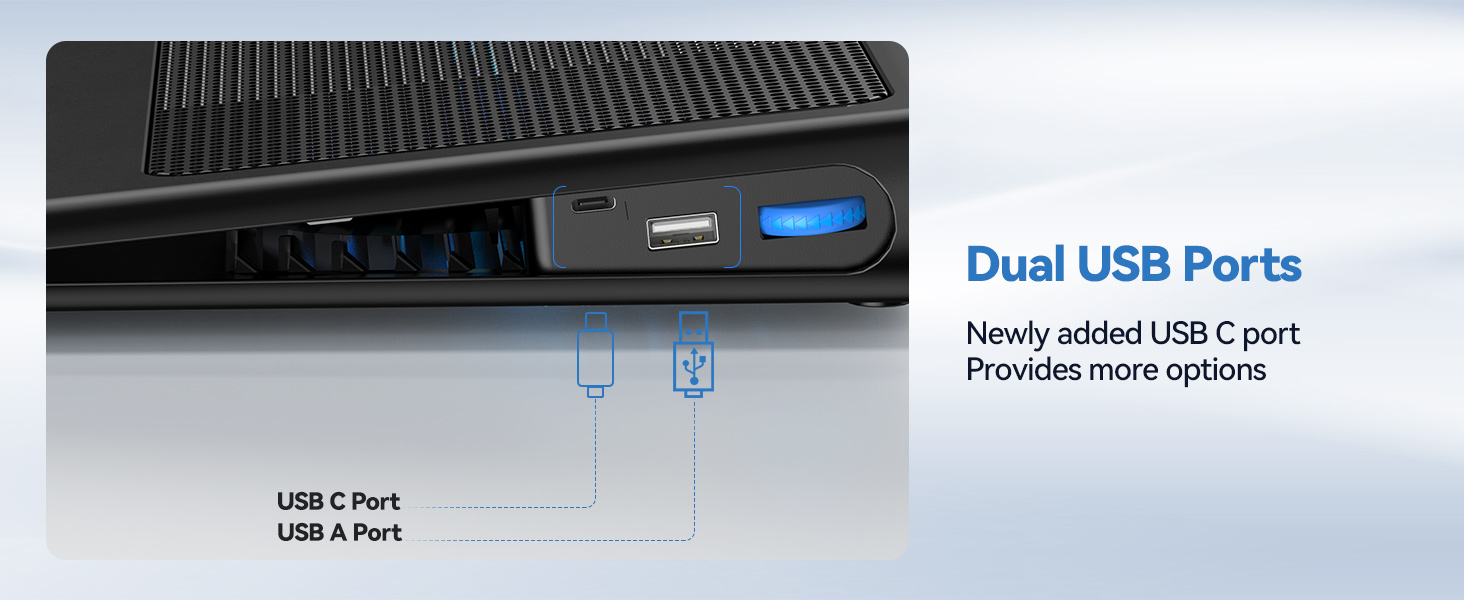
What type of USB cable can I use with this laptop cooler?
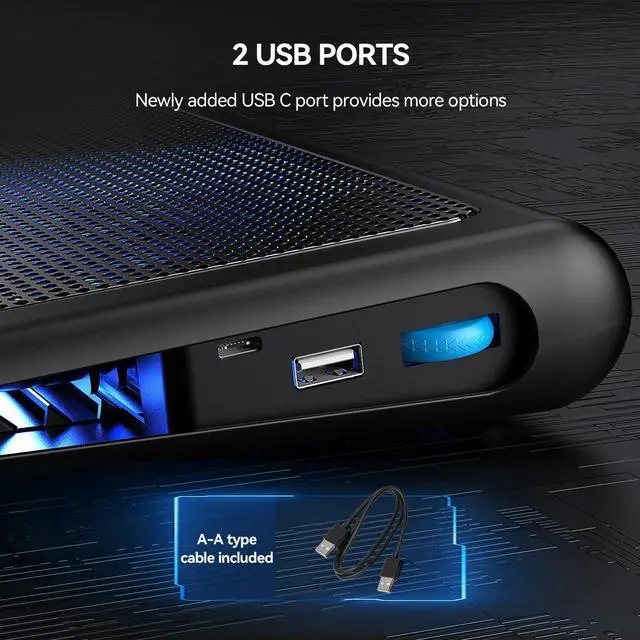
Both A-A and A-C cables are supported for use, but only A-A cable is included.
Can the speed of cooling fans be adjustable?
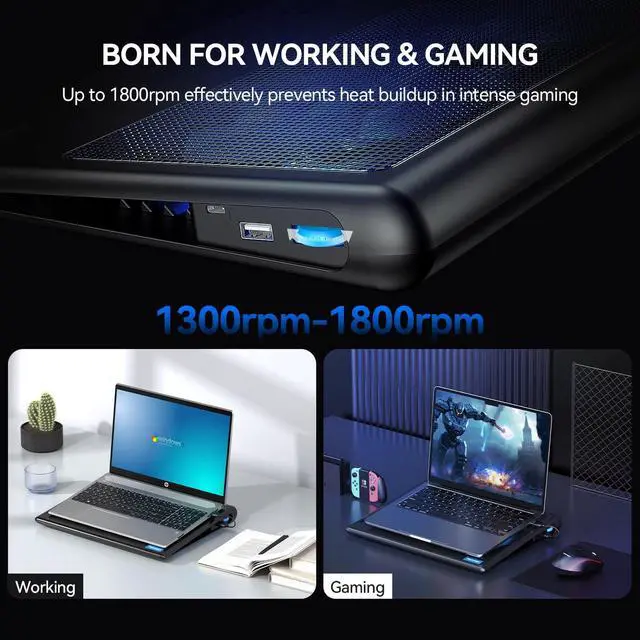
Yeah, there is a wheel on the right side of the product for adjusting the air speed, which ranges from 1300 to 1800 rpm.
Where can I use this laptop cooler?
Works on any flat surface and also supports use on your lap, effectively insulating you from the heat generated by your computer.
Can I turn the lights off?
No, only just turn the cooling pad off. The lights exist so that you can effectively tell if the radiator is working properly.



Laptop Cooling Pad
Merchant Video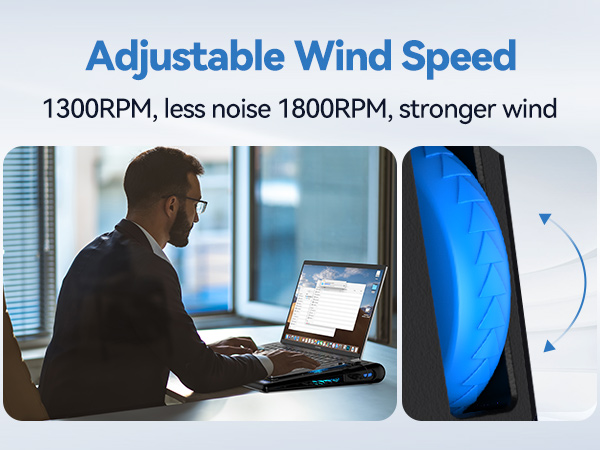



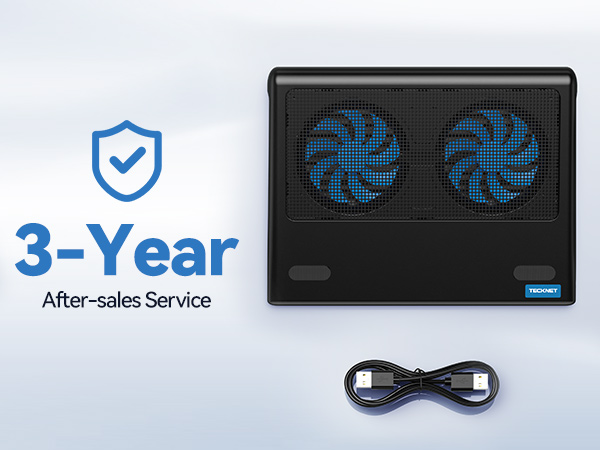
TECKNET Ergonomic Laptop Cooler for Lap
Laptop cooling pad rests on your lap and disperses heat generated by the laptop, using dual fans to provide ventilation which can be obstructed if the laptop is used directly on a pillow or comforter.
It can also be used when sitting cross-legged. The laptop cooler not only disperses the heat, but also provides a flat surface for the computer to sit on.
TECKNET Laptop Cooler Provides You With A Comfortable Work And Gaming Experience
Unbox And Demo Of The Tecknet Laptop Cooling Pad
Instant Setup, Immediate Cooling
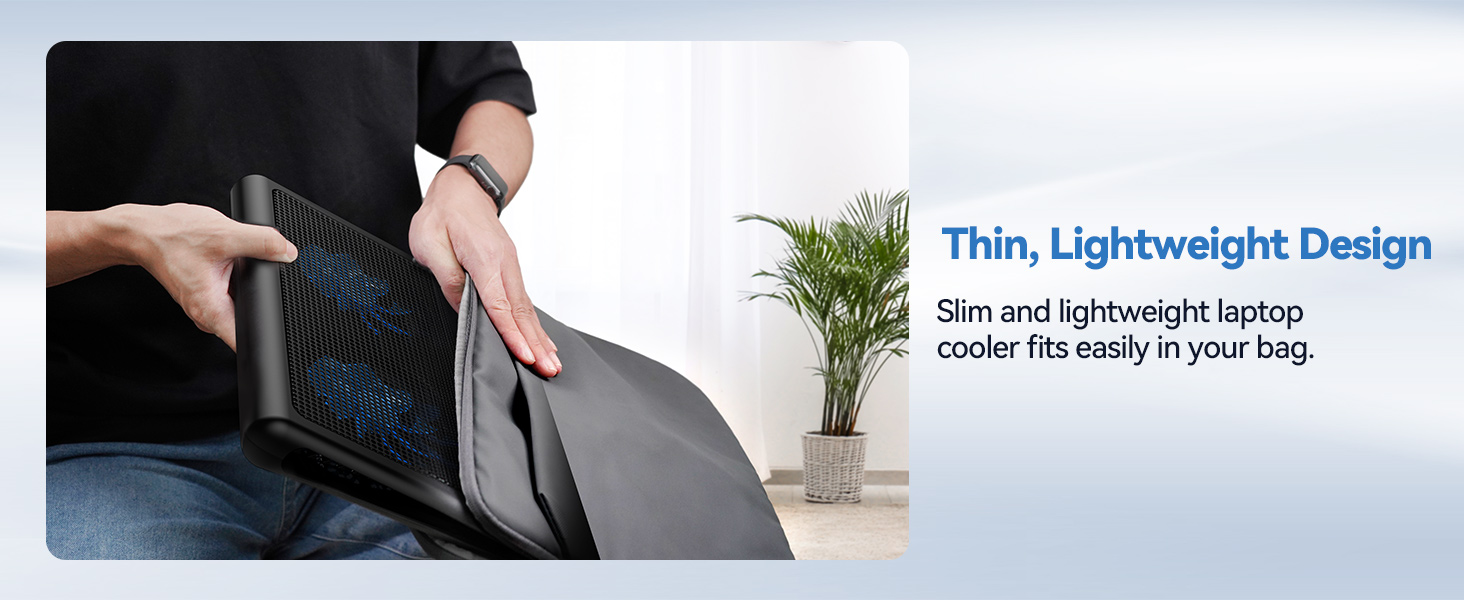
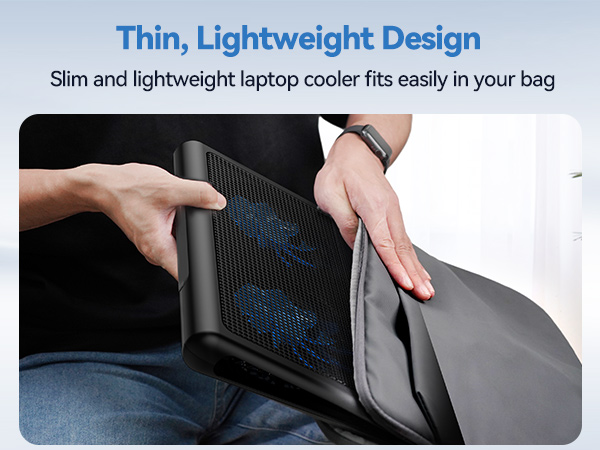
Out of the box, the TECKNET pad is ready to use. Its slim, portable design features a smooth surface that protects your laptop. Simply connect via USB-A or USB-C, and instantly feel the targeted cool breeze between its dual fans.
Professional Interpretation Of Cooling Performance
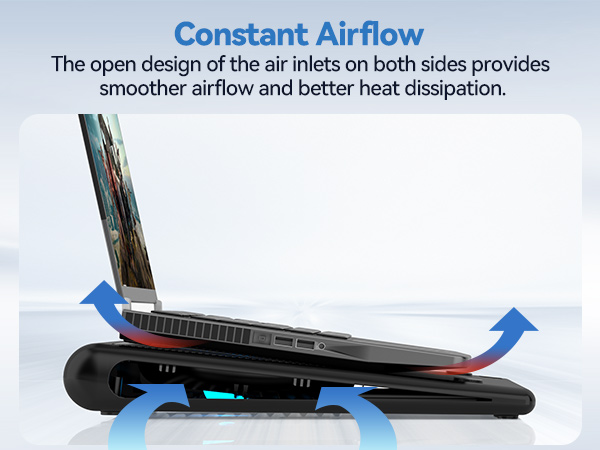
Engineered Airflow, Targeted Cooling
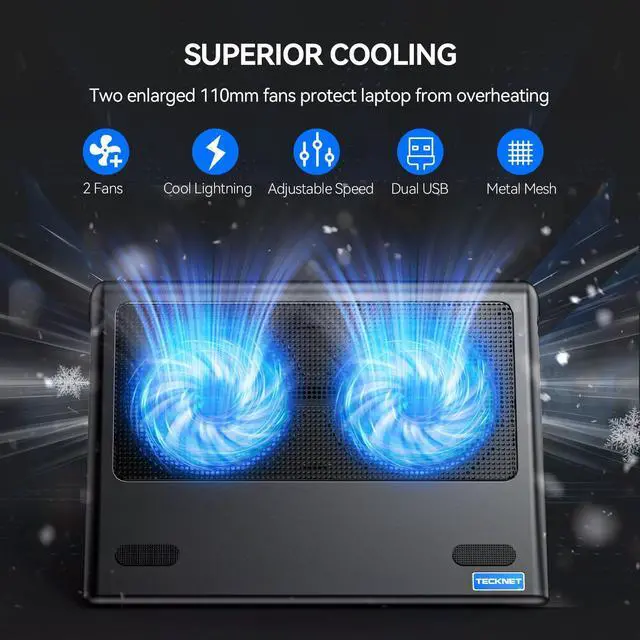
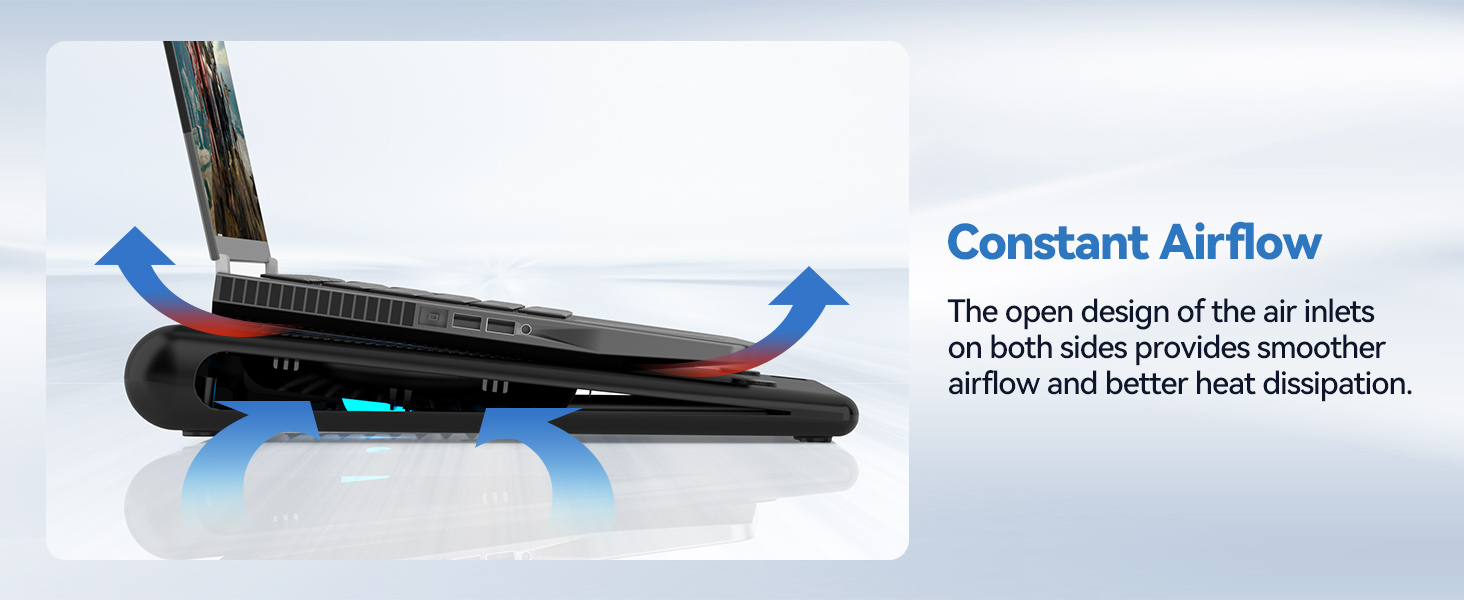
Our internal channel design and dual deep fans draw air from the sides, channeling a concentrated cool stream directly to your laptop's central CPU/GPU area. This isn't just airflow—it's strategic cooling for maximum heat dissipation.
It Can Really Help Cool Down Gaming Laptops!
Sustain Performance, Prevent Throttling
During intense gaming sessions, maximum fan speed effectively combats heat buildup. This helps prevent thermal throttling, allowing your hardware to maintain higher performance for smoother, longer gameplay.
Low-Noise Operation Helps You Stay Focused
Quiet Efficiency for Any Task
The adjustable speed control lets you tailor noise to your environment. The lowest setting provides ample cooling for daily work with minimal sound, ensuring quiet focus without distraction.
What type of USB cable can I use with this laptop cooler?
Both A-A and A-C cables are supported for use, but only A-A cable is included.
Can the speed of cooling fans be adjustable?
Yeah, there is a wheel on the right side of the product for adjusting the air speed, which ranges from 1300 to 1800 rpm.
Where can I use this laptop cooler?
Works on any flat surface and also supports use on your lap, effectively insulating you from the heat generated by your computer.
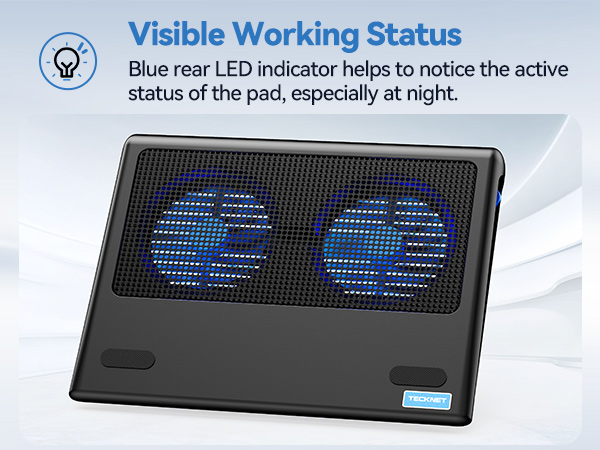
Can I turn the lights off?
No, only just turn the cooling pad off. The lights exist so that you can effectively tell if the radiator is working properly.
TECKNET Office Supplies
Charger
Mouse
Headset
