


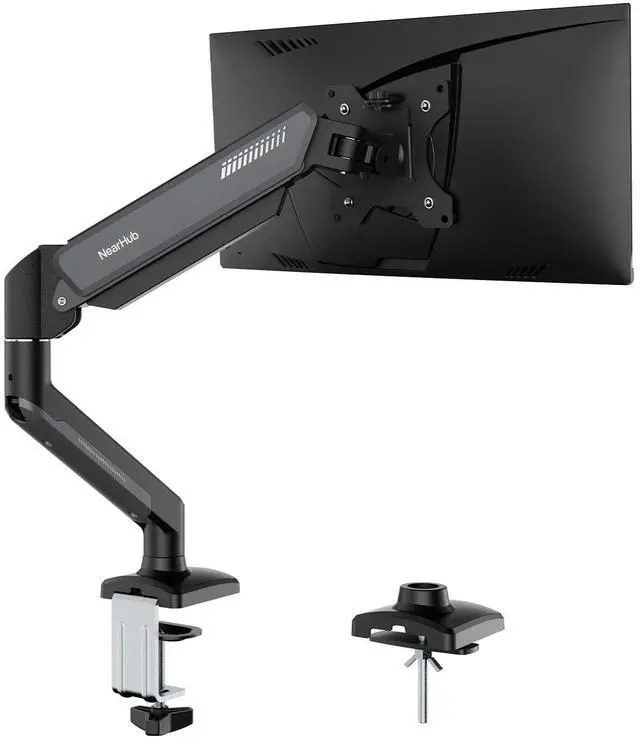
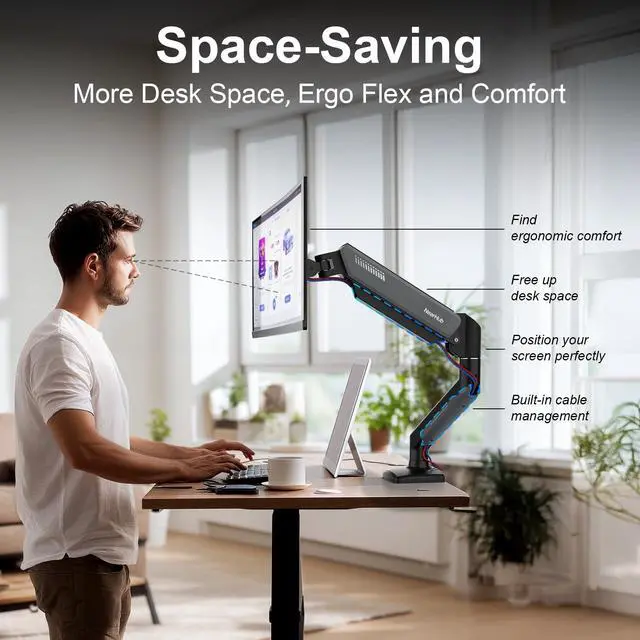


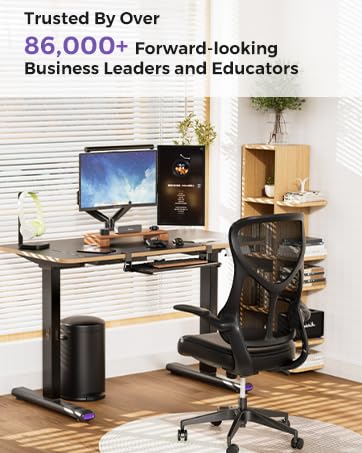


Monitor Desk Mount for 13-32"

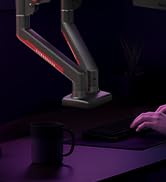
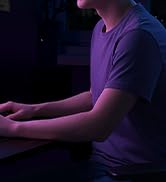
Monitor Mount Gaming fo 13-32"

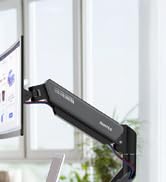

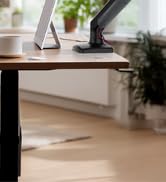
Monitor Mount for Screen13-32"
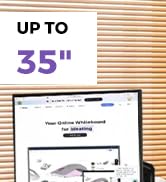
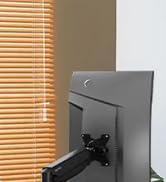
Ultrawide Monitor Stand for35"
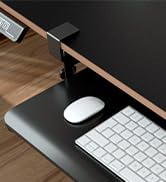
Large Keyboard Tray Under Desk
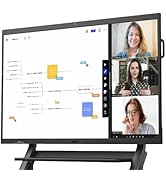
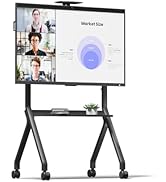
NearHub Board & Accessories
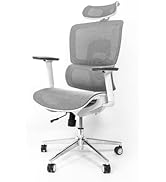
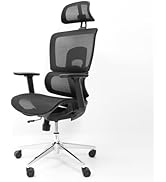
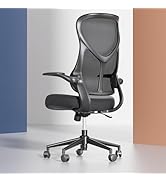
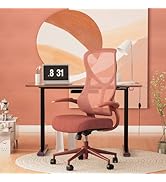
NearHub Ergonomic Chair Series
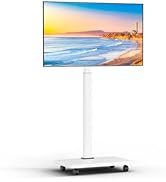
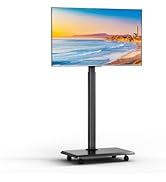
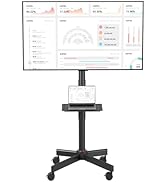
NearHub Rolling TV Cart Series
What is NearHub's core mission?
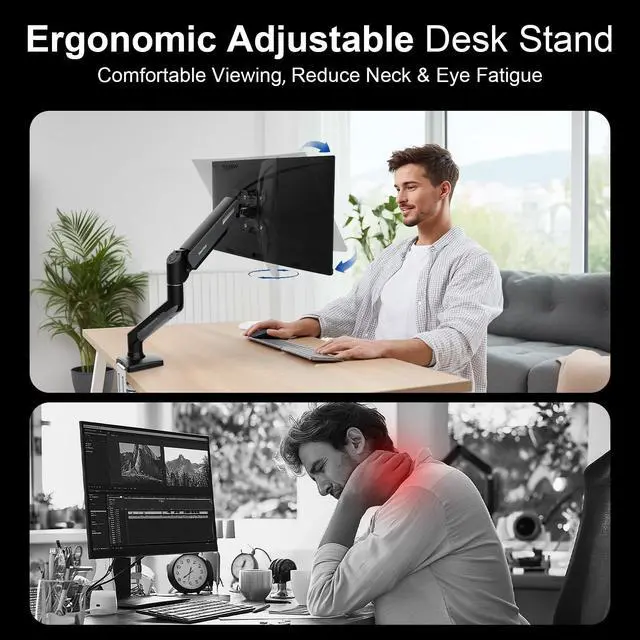
Invest in Health,Transform Daily Life with NearHub Ergo
Durability:
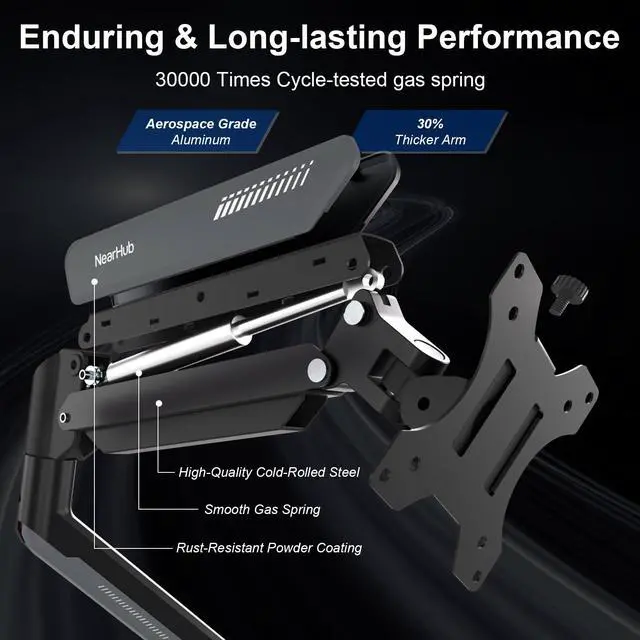
NearHub Ergo products are built to last, ensuring long-term durability and reliable performance for years to come
Support:
NearHub Team offers prompt and dedicated support to assist you whenever you need guidance or assistance.


What should I pay attention to before making a purchase?
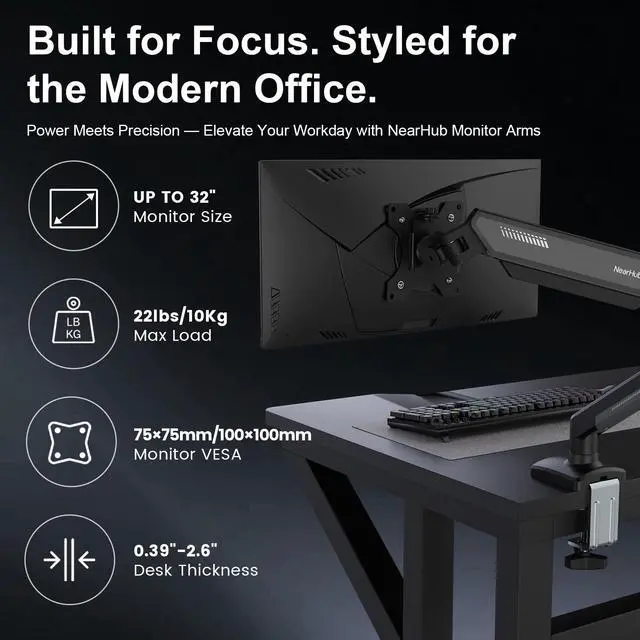
Please confirm your monitor's size is within 32'' and the weight should not exceed 22 pounds, C-clamp mount for desk thicknesses from 0.39"-2.6", grommet mount for desk thicknesses from 0.39"-2.6". (Notice: can't be installed on a glass table)
What is the solution if my monitor VESA pattern is not 75x75mm or 100x100mm?
If your VESA exceeds the above range or has no VESA holes, you will need to purchase a suitable VESA adapter.
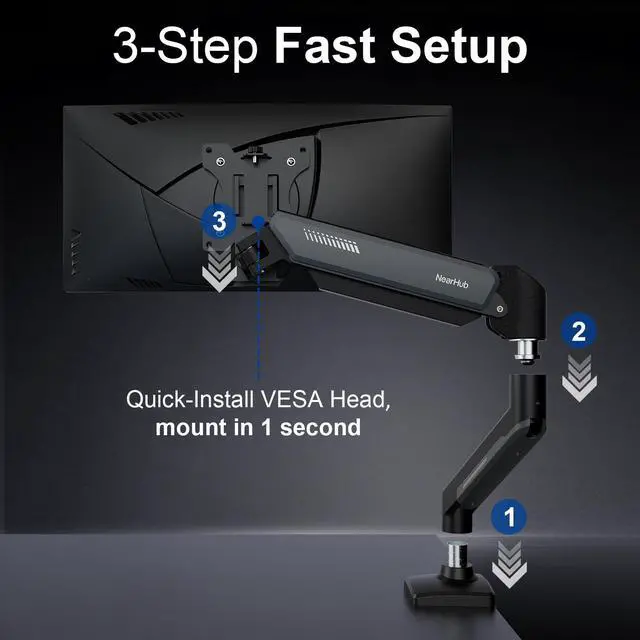
Is installation very difficult? What should I do if I don't know how to install it?
Don't worry, we provide you with a comprehensive tool installation package and detailed instructions. There are 4mm and 6mm Allen keys available. If you have any problems during the installation process, please feel free to talk to us at any time.
When the monitor keep tilting down,How can we solve it?
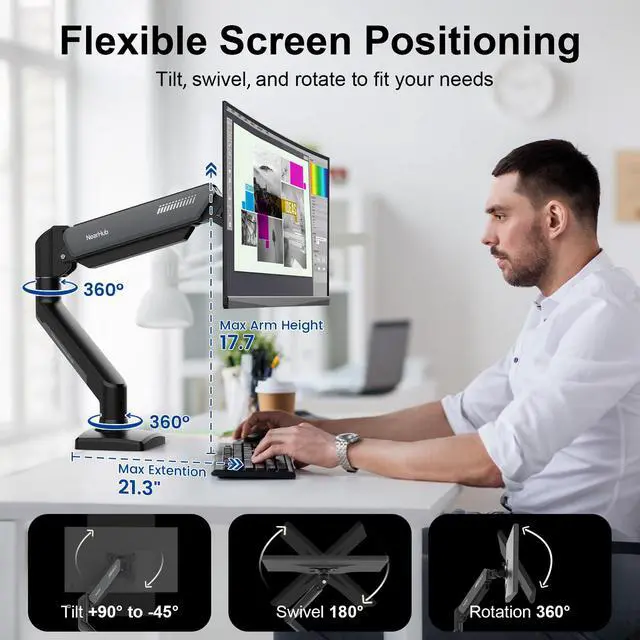
The main reason for tilting down is that the gas spring becomes loose : 1:Loosen the bolt 1-2 turns with the Allen Key; 2:Hold the monitor with both hands and adjust it to the right position; 3:Tighten the bolt firmly with the Allen key.
Will there be scratches or damage to my desk during installation or after removal?
Our designer has designed a cushioning pattern on the installation buckle, which is not easy to scratch the table and provides better anti slip effect.
NearHub Ergonomic Series Family
 Heavy-duty Monitor Arm |  Gaming Monitor Mount |  Dual Monitor Mount |  Keyboard Tray Under Desk |  NearHub Office Chair |  Heavy-duty TV Cart |  Rolling TV Cart | |
|---|---|---|---|---|---|---|---|
Customer Reviews | — | — | — | — | — | — | — |
Price | — | — | — | — | — | — | — |
Max Load | 28.6 lbs | 22 lbs | 22 lbs | 11 lbs | 243 lbs | 88 lbs | 55 lbs |
Installation Method | C-Clamp & Grommet Base | C-Clamp & Grommet Base | C-Clamp & Grommet Base | Simple C-Clamp | Screw Fixation | Screw Fixation | Screw Fixation |
Material | Aluminium;Iron | Aluminium;Iron | Aluminium;Iron | Carbon fiber wooden board | Iron;Elastic cloth;Sponge | Iron;fiber wooden board | Iron |
Adjustable | ? | ? | ? | ? | ? | ? | ? |
Adjustment Method | Manual | Manual | Manual | Manual | Manual | Manual | Manual |


What should I pay attention to before making a purchase?
Please confirm your monitor's size is within 32'' and the weight should not exceed 22 pounds, C-clamp mount for desk thicknesses from 0.39"-2.6", grommet mount for desk thicknesses from 0.39"-2.6". (Notice: can't be installed on a glass table)
What is the solution if my monitor VESA pattern is not 75x75mm or 100x100mm?
If your VESA exceeds the above range or has no VESA holes, you will need to purchase a suitable VESA adapter.
Is installation very difficult? What should I do if I don't know how to install it?
Don't worry, we provide you with a comprehensive tool installation package and detailed instructions. There are 4mm and 6mm Allen keys available. If you have any problems during the installation process, please feel free to talk to us at any time.
When the monitor keep tilting down,How can we solve it?
The main reason for tilting down is that the gas spring becomes loose : 1:Loosen the bolt 1-2 turns with the Allen Key; 2:Hold the monitor with both hands and adjust it to the right position; 3:Tighten the bolt firmly with the Allen key.
Will there be scratches or damage to my desk during installation or after removal?
Our designer has designed a cushioning pattern on the installation buckle, which is not easy to scratch the table and provides better anti slip effect.
NearHub Ergonomic Series Family
Heavy-duty Monitor Arm | Gaming Monitor Mount | Dual Monitor Mount | Keyboard Tray Under Desk | NearHub Office Chair | Heavy-duty TV Cart | Rolling TV Cart |
|---|---|---|---|---|---|---|
| Customer Reviews | ||||||
| — | — | — | — | — | — | — |
| Price | ||||||
| — | — | — | — | — | — | — |
| Max Load | ||||||
| 28.6 lbs | 22 lbs | 22 lbs | 11 lbs | 243 lbs | 88 lbs | 55 lbs |
| Installation Method | ||||||
| C-Clamp & Grommet Base | C-Clamp & Grommet Base | C-Clamp & Grommet Base | Simple C-Clamp | Screw Fixation | Screw Fixation | Screw Fixation |
| Material | ||||||
| Aluminium;Iron | Aluminium;Iron | Aluminium;Iron | Carbon fiber wooden board | Iron;Elastic cloth;Sponge | Iron;fiber wooden board | Iron |
| Adjustable | ||||||
| ? | ? | ? | ? | ? | ? | ? |
| Adjustment Method | ||||||
| Manual | Manual | Manual | Manual | Manual | Manual | Manual |
Monitor Desk Mount for 13-32"
Monitor Mount Gaming fo 13-32"
Monitor Mount for Screen13-32"
Ultrawide Monitor Stand for35"
Large Keyboard Tray Under Desk
NearHub Board & Accessories
NearHub Ergonomic Chair Series
NearHub Rolling TV Cart Series
What is NearHub's core mission?
Invest in Health,Transform Daily Life with NearHub Ergo
Durability:
NearHub Ergo products are built to last, ensuring long-term durability and reliable performance for years to come
Support:
NearHub Team offers prompt and dedicated support to assist you whenever you need guidance or assistance.