here!
here!
I’m your shopping assistant for PC builds, upgrades, and everything tech.
Got questions? Ask away!
Start a conversation
here!
I’m your shopping assistant for PC builds, upgrades, and everything tech.
Got questions? Ask away!
Start a conversation



Any questions? Ask CelesteSM will help you find out quickly.
Will this laptop cooling pad fit my laptop size?
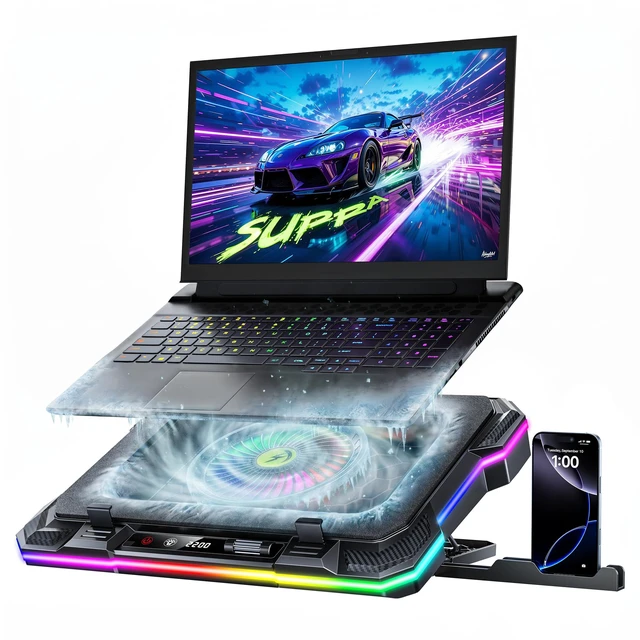
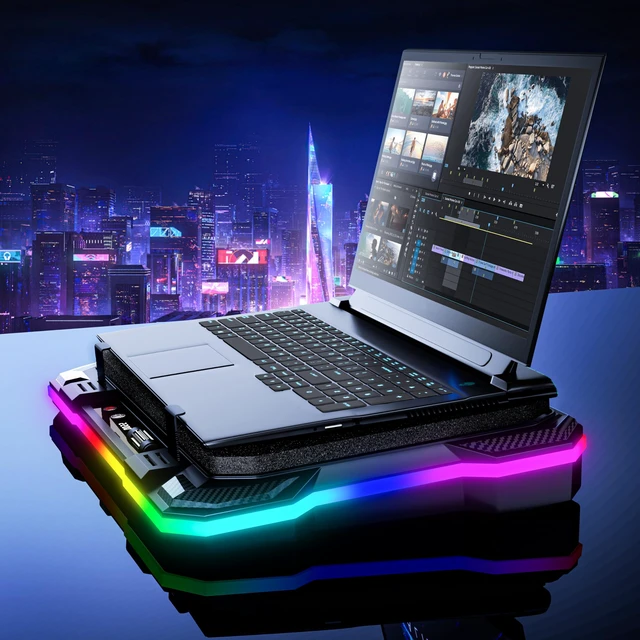
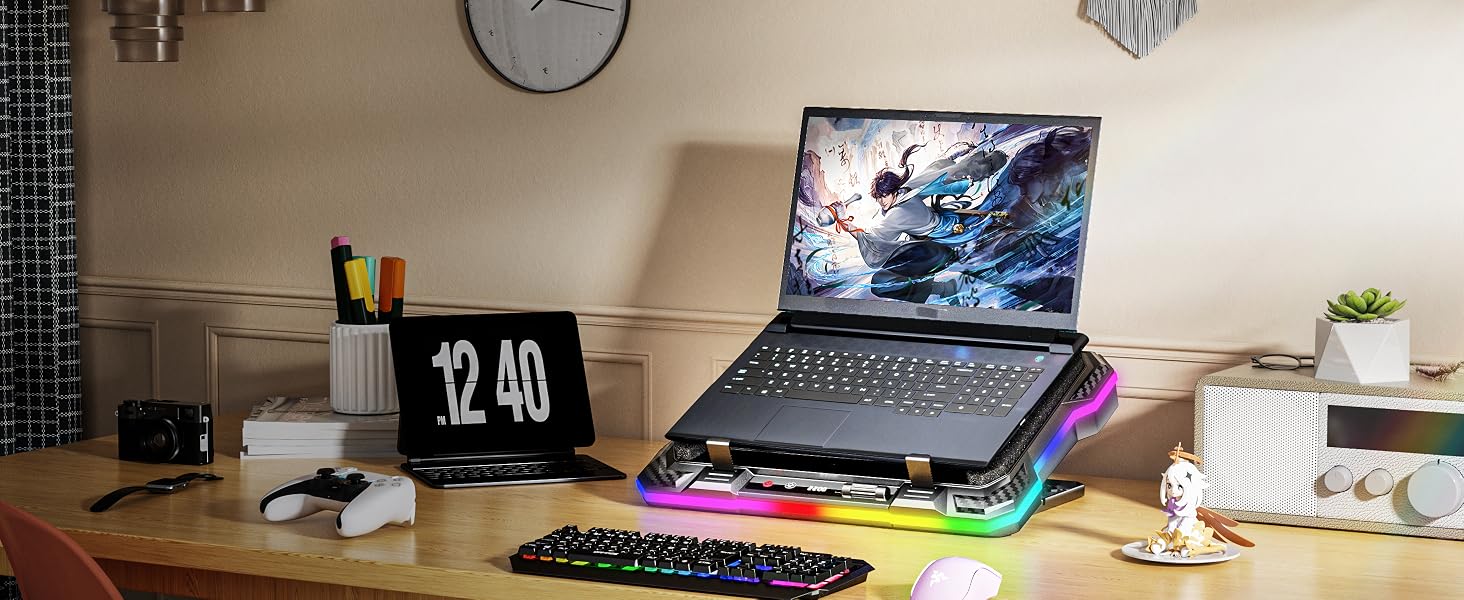
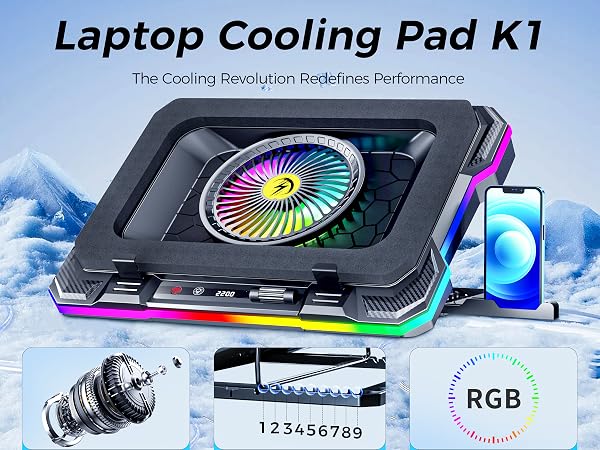
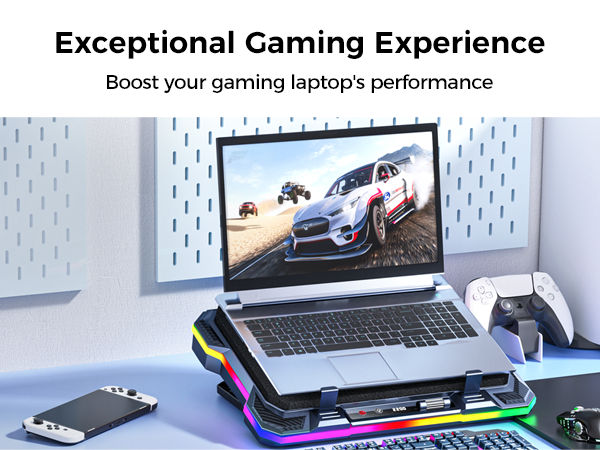
This laptop cooling pad is compatible with 14 to 19 inch laptops, but the base of a large laptop may extend slightly beyond the cooling stand area, but this does not significantly affect whole cooling performance
Will the laptop cooling stand stop my laptop from overheating during gaming or intensive work?
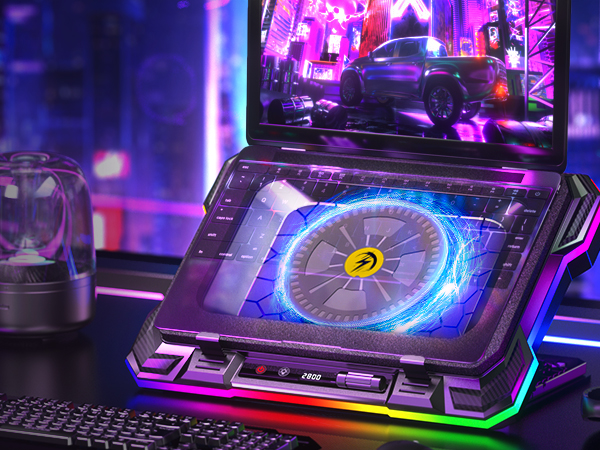
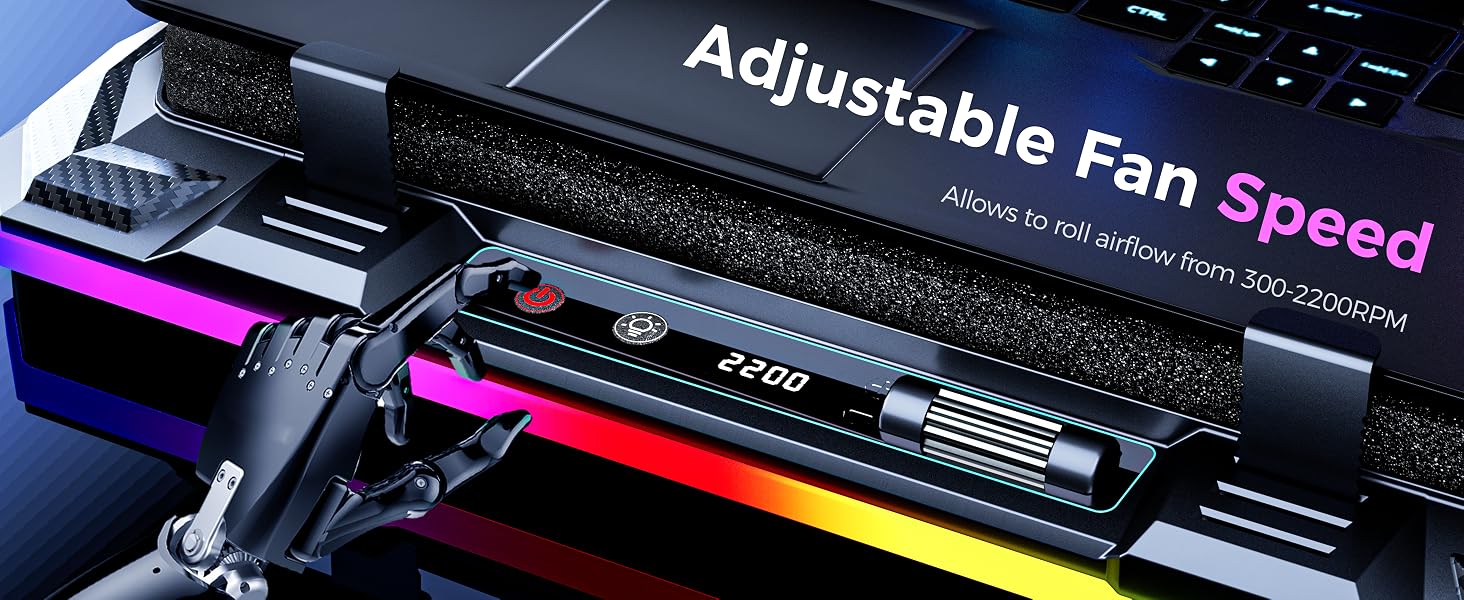
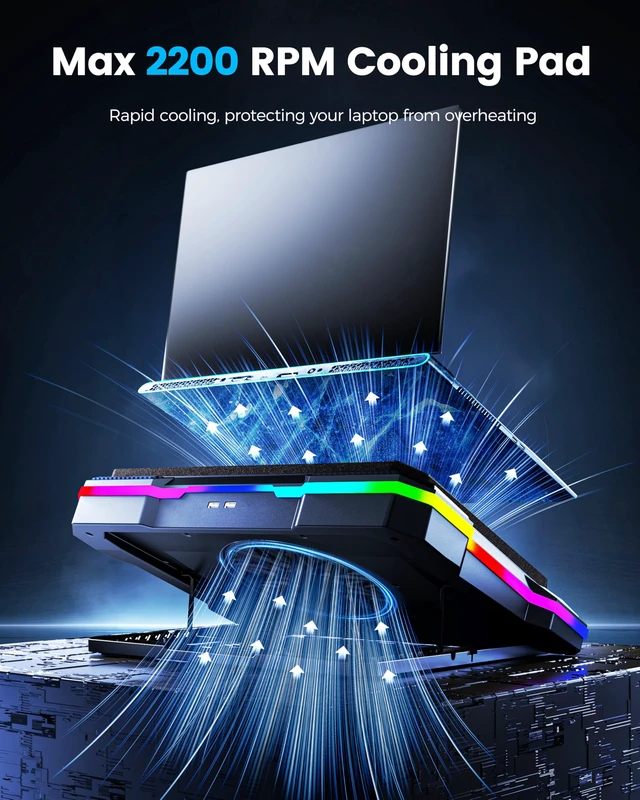
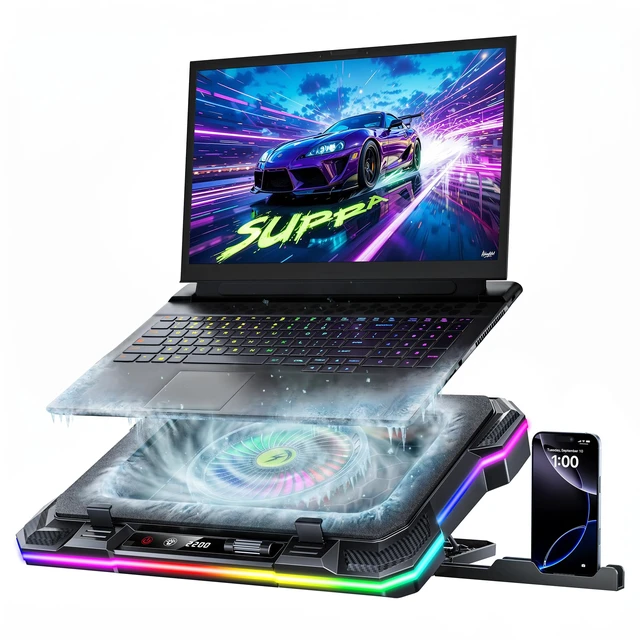
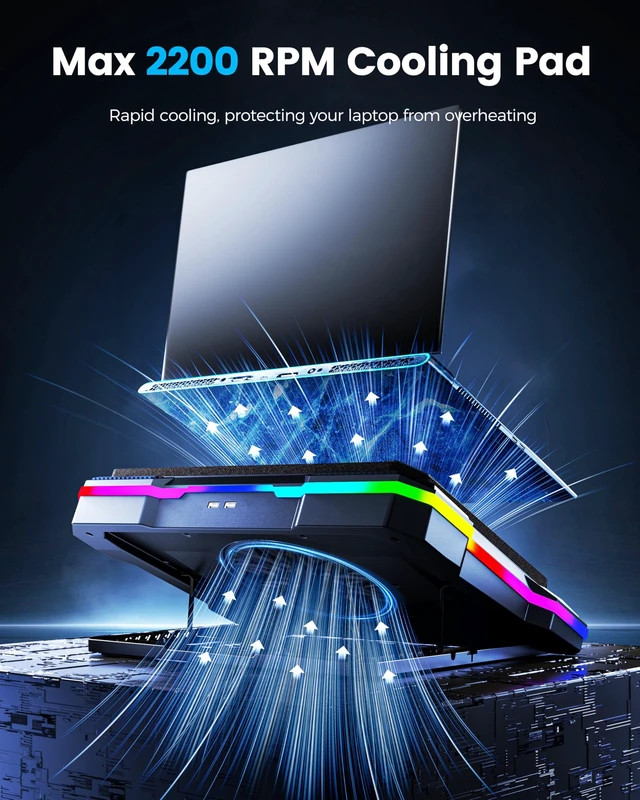
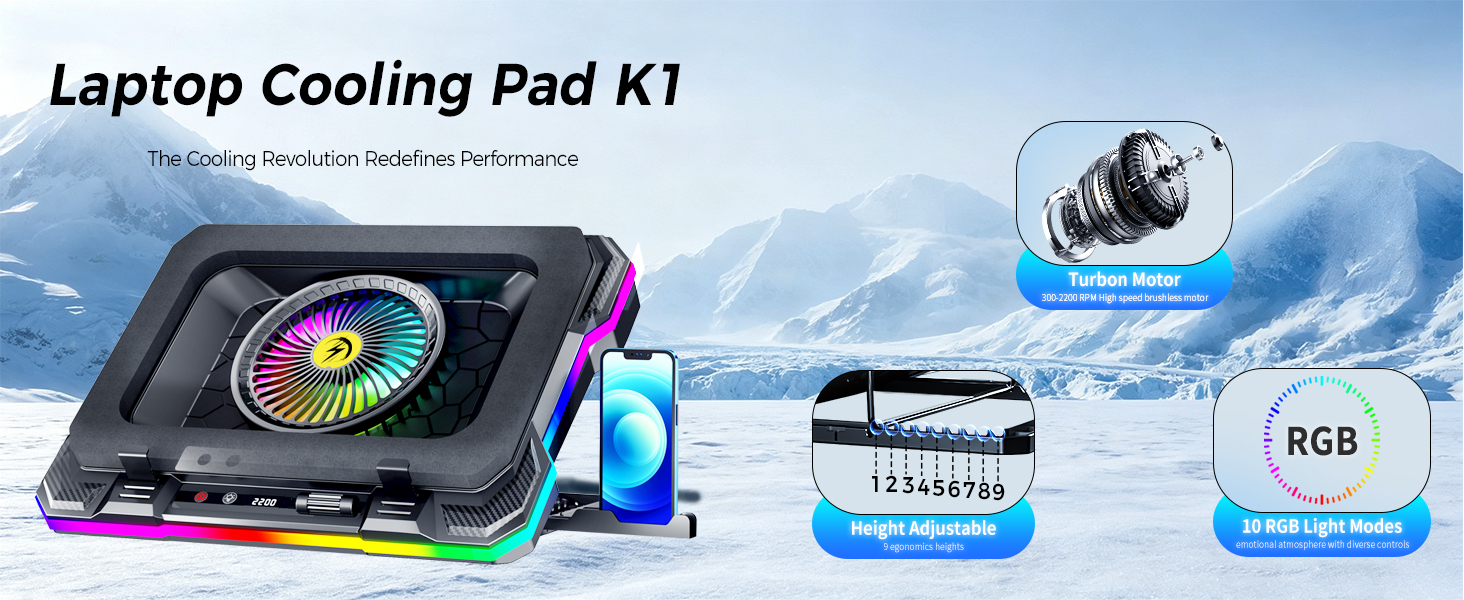
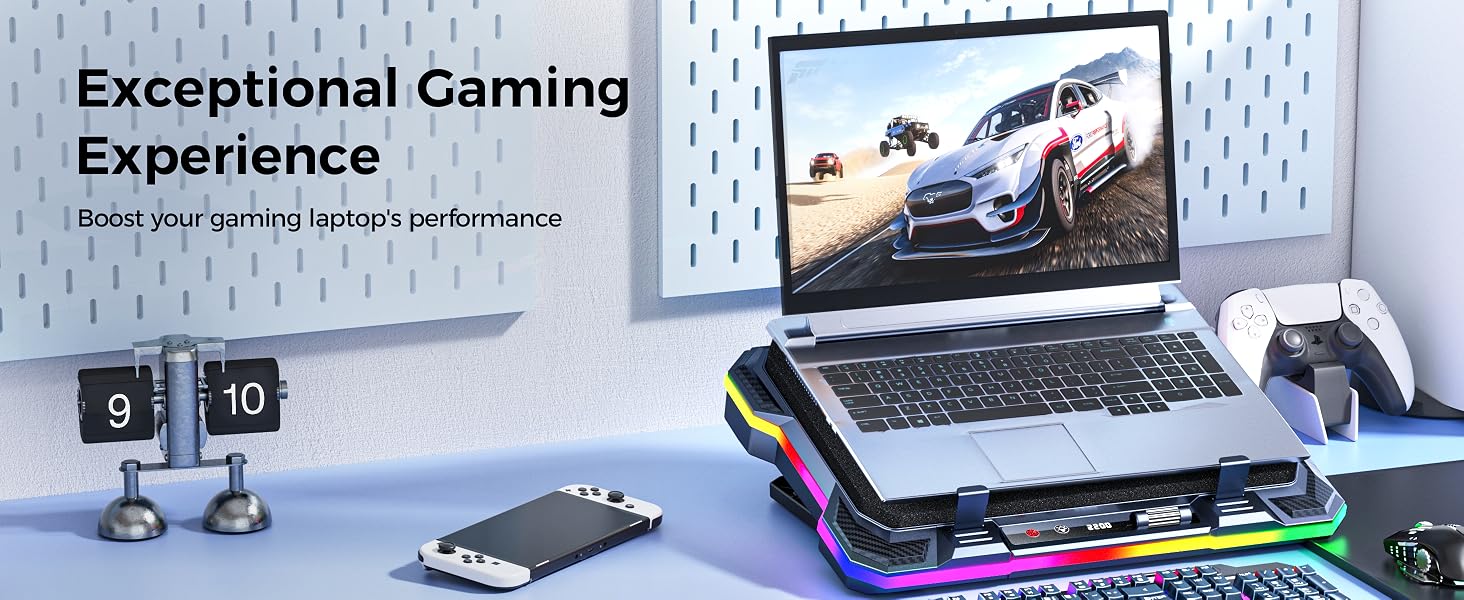
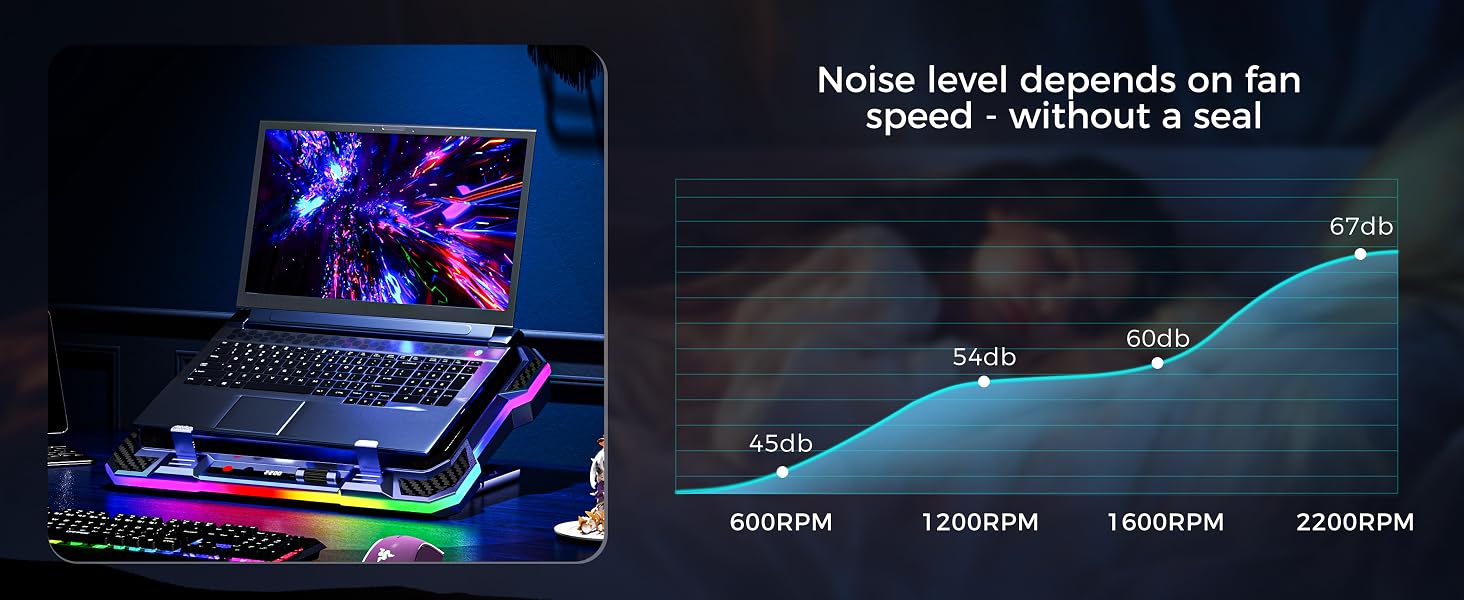
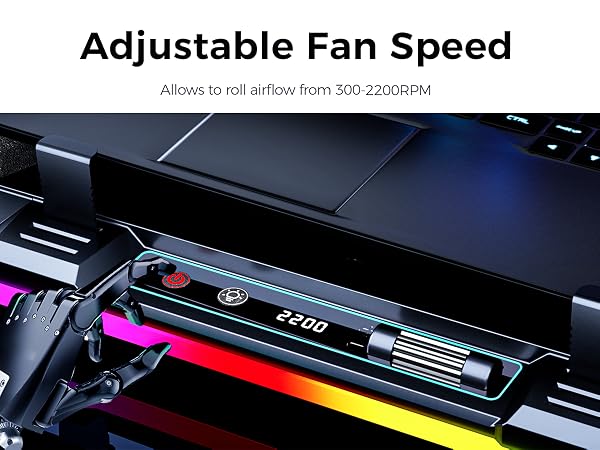
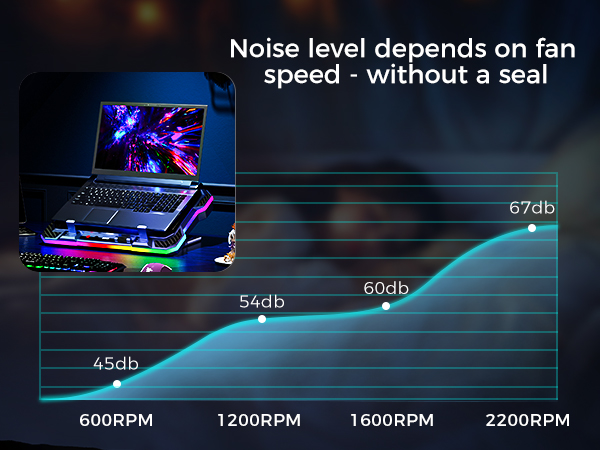
This laptop fan cooling pad has a strong wind speed in 300-2200 RPM, which will help to cool down the CPU and GPU. Run the laptop stand for 5 minutes before gaming will provent the laptop from overheating
Can I turn off the lights while the laptop fan runs?
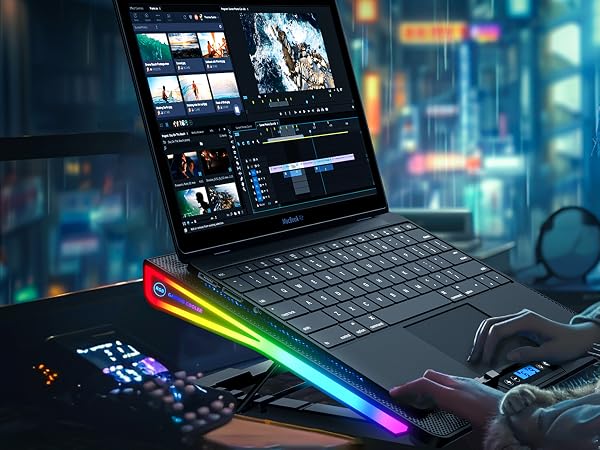
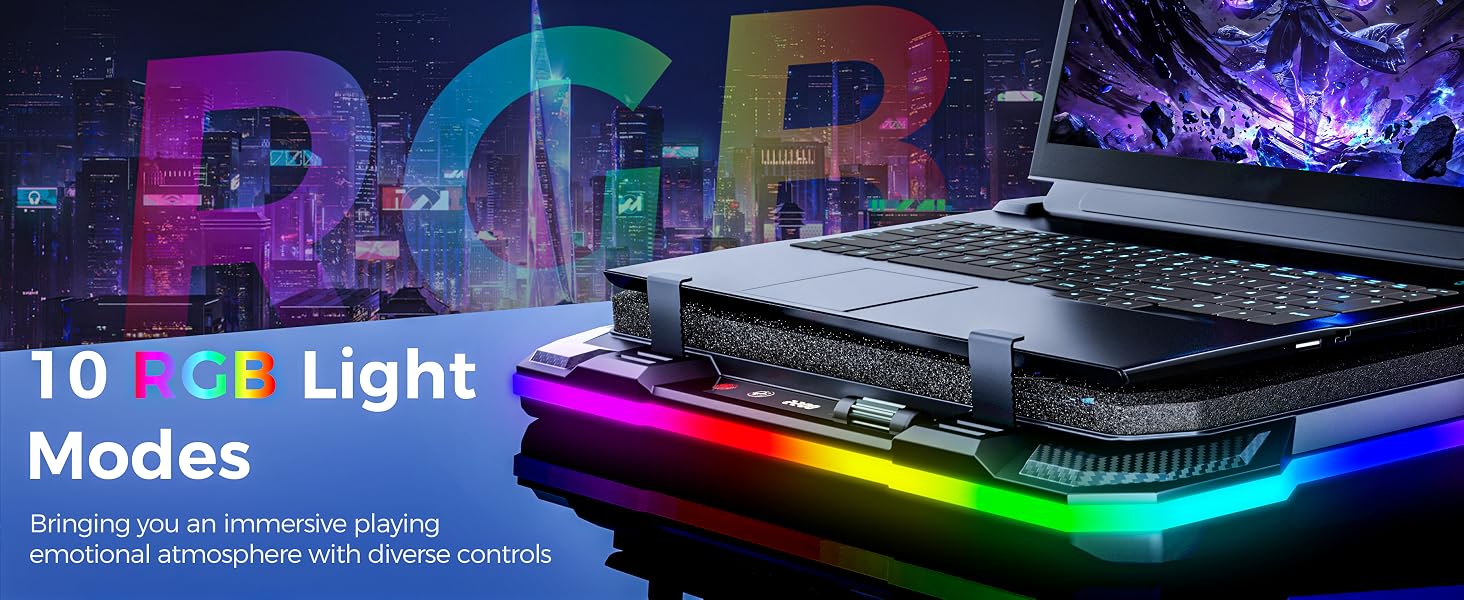
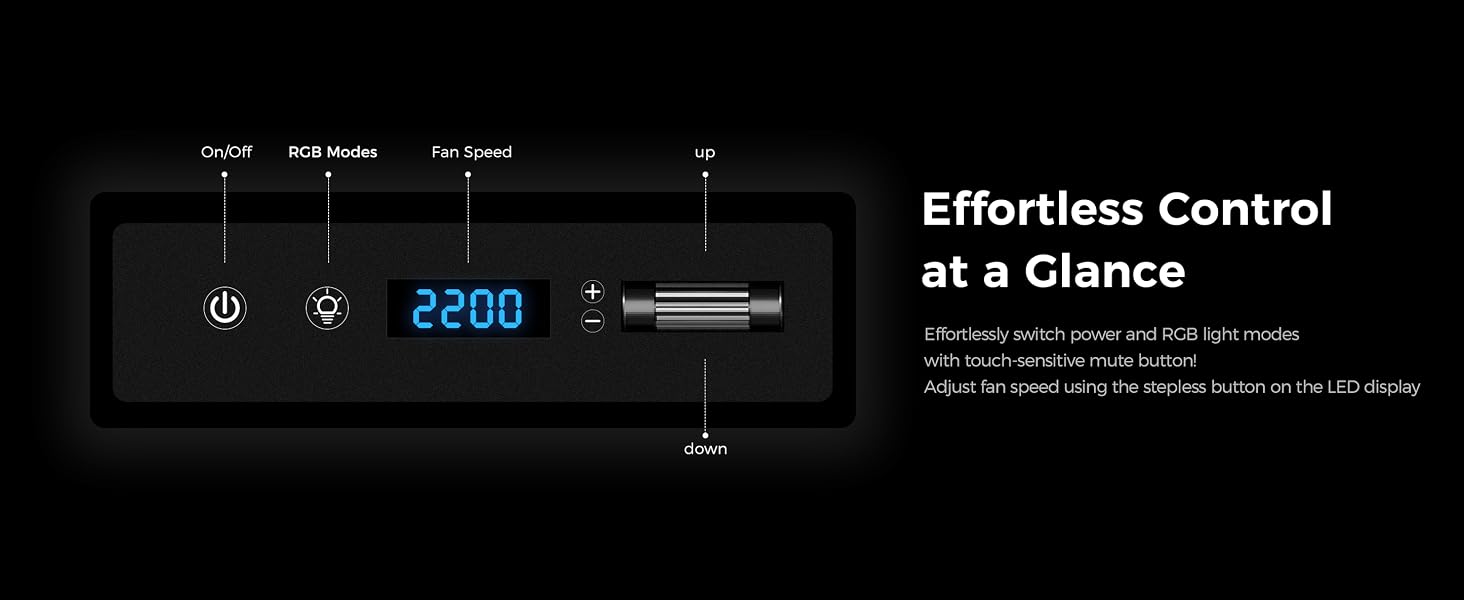
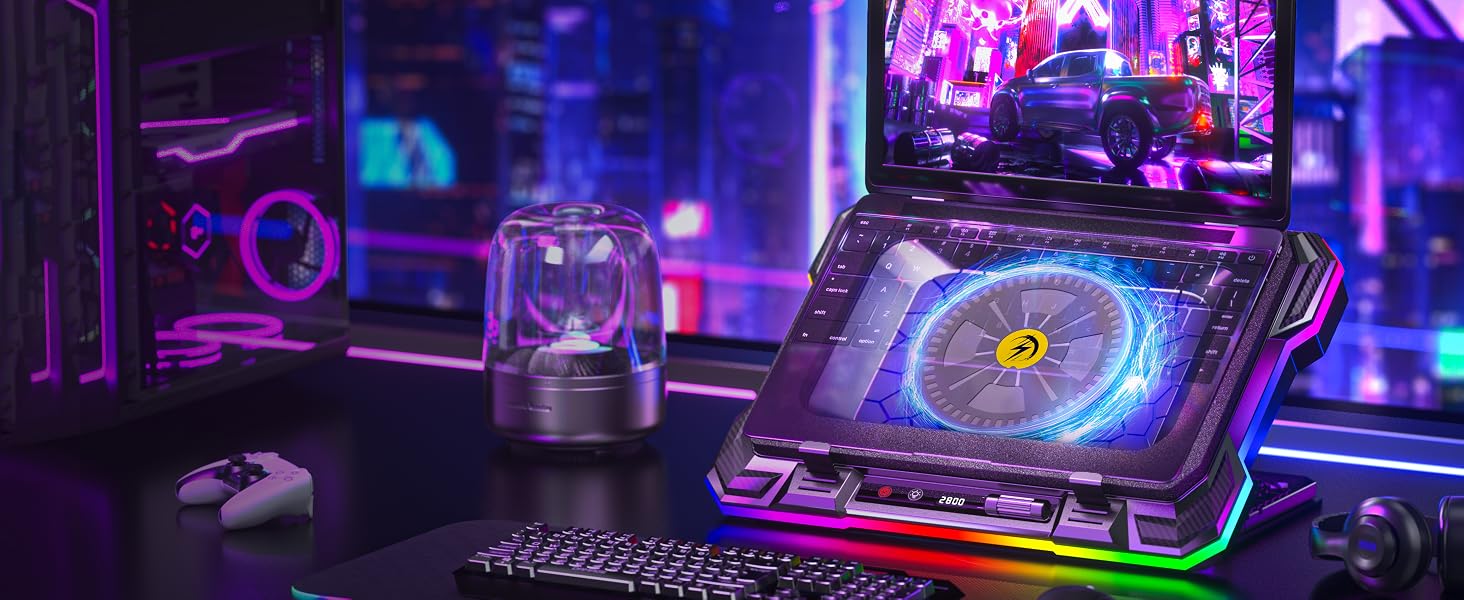
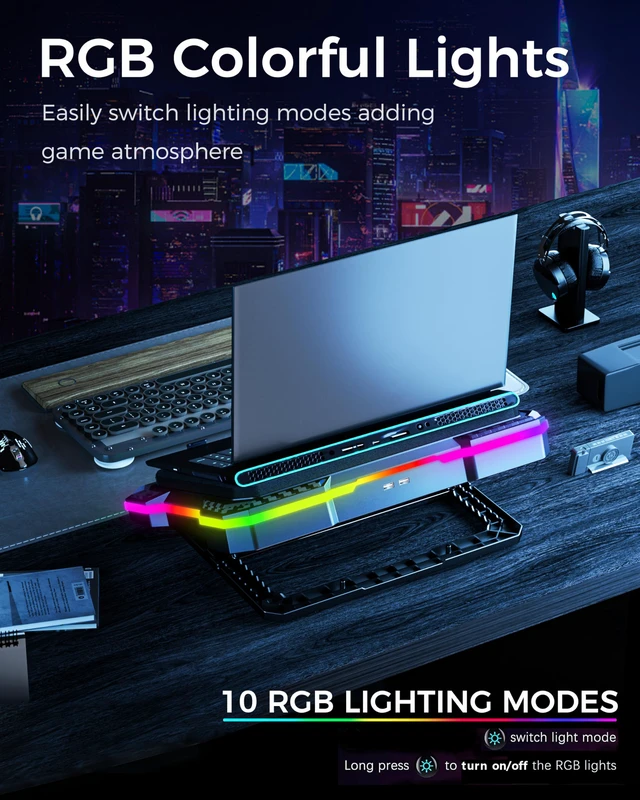
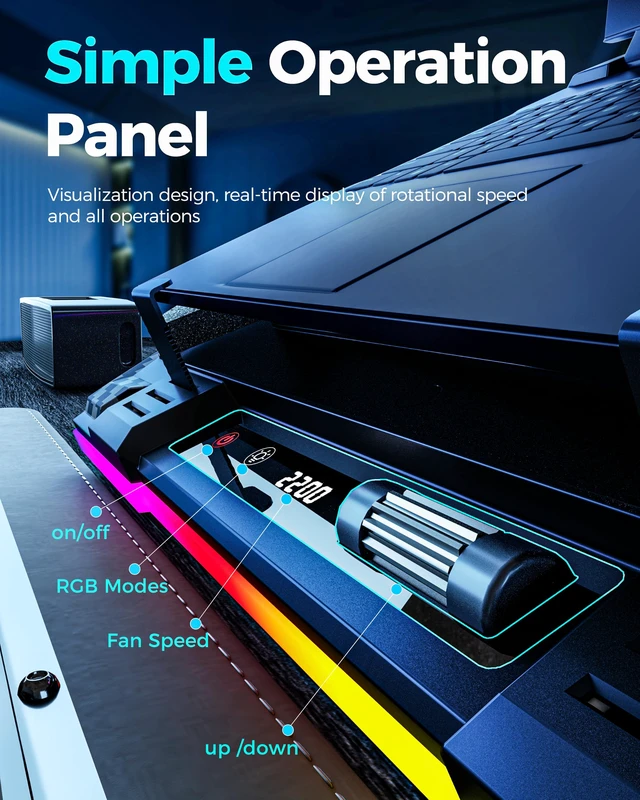
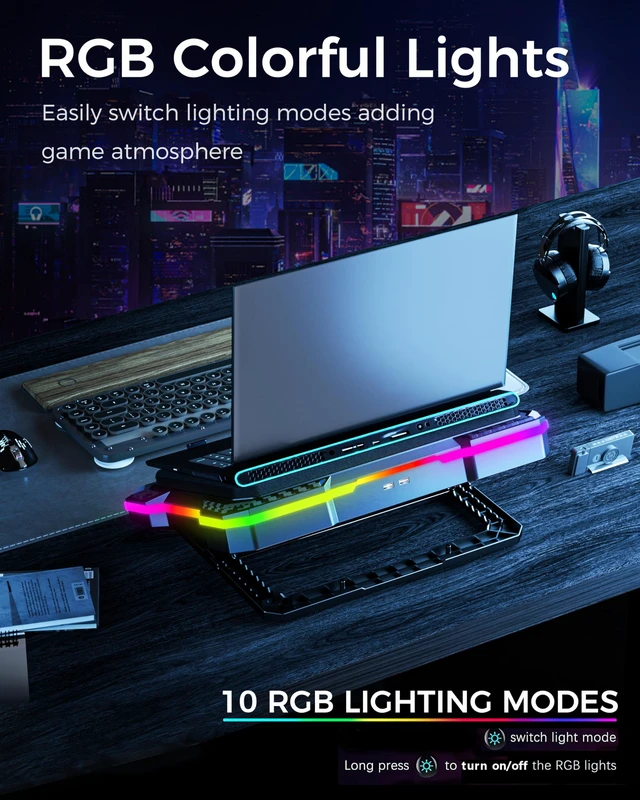
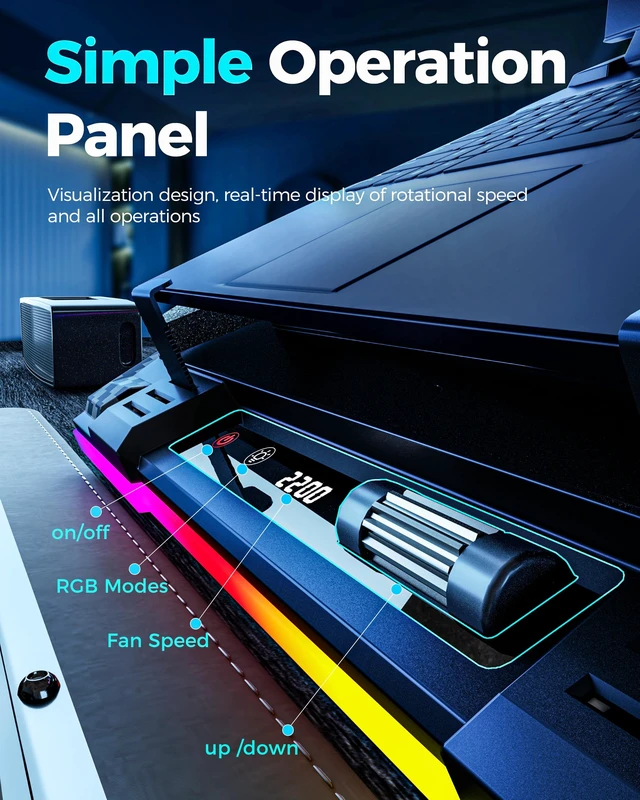
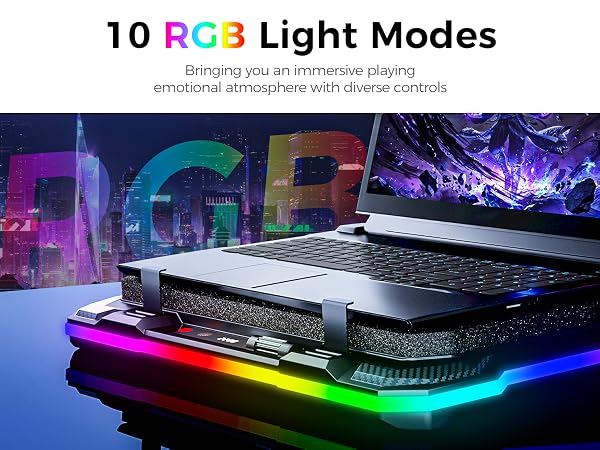
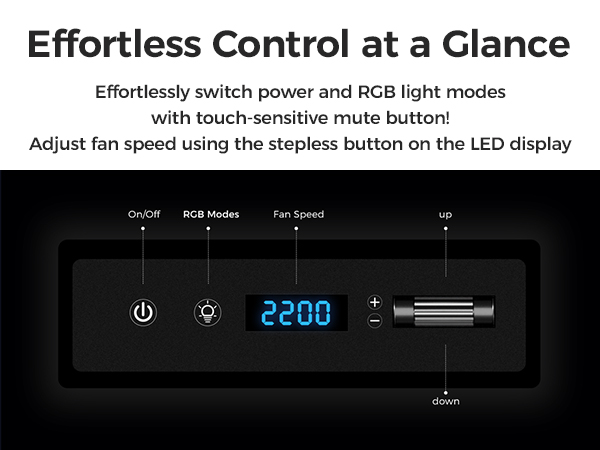
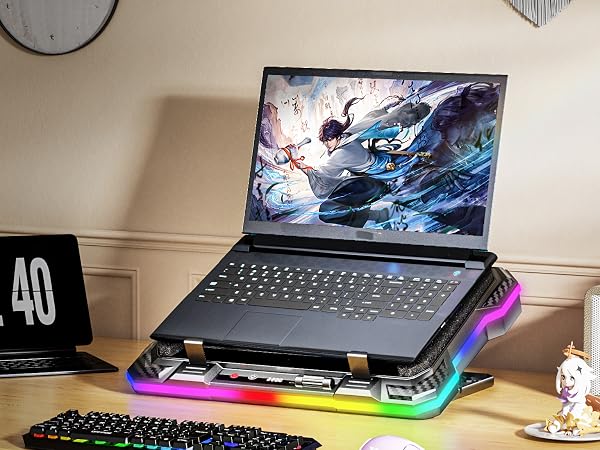
Yes, you can turn off all RGB lights by long pressing the mode button on the control panel, and the fan will keep run separately, and you can increase the fan speed by rolling button
Does it require drivers or software?
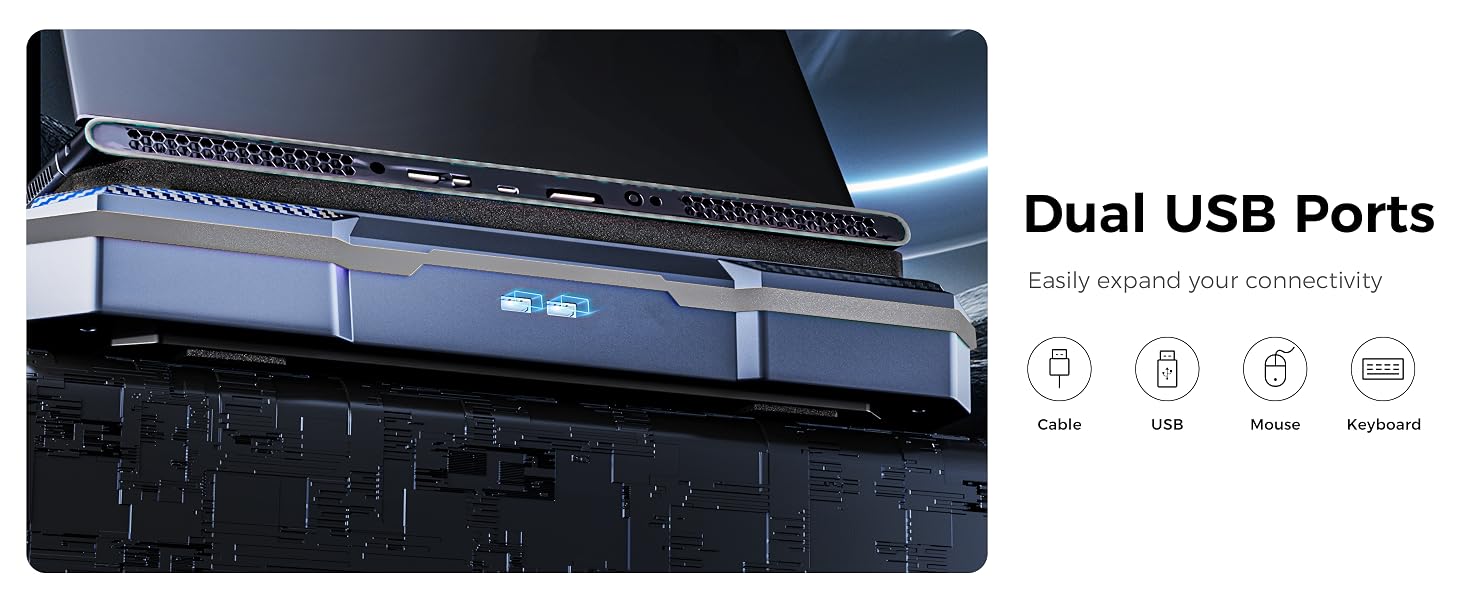
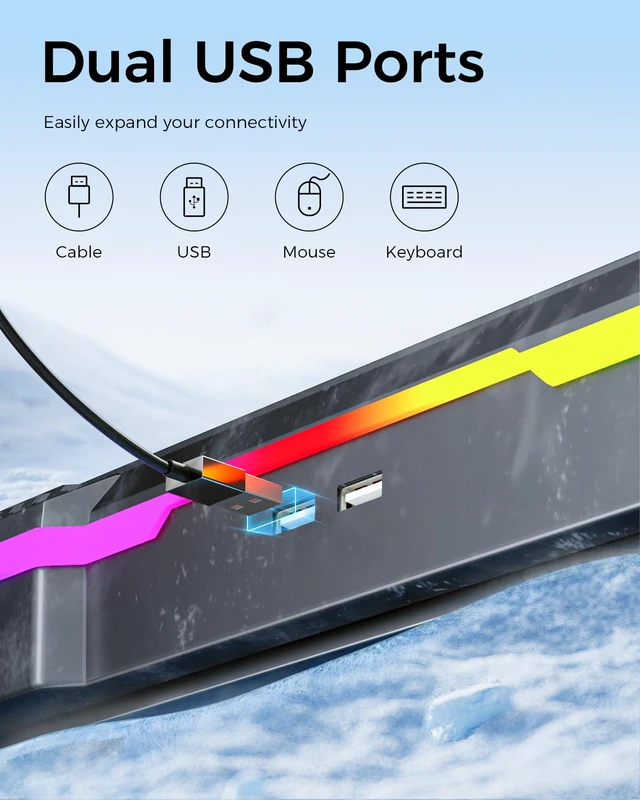
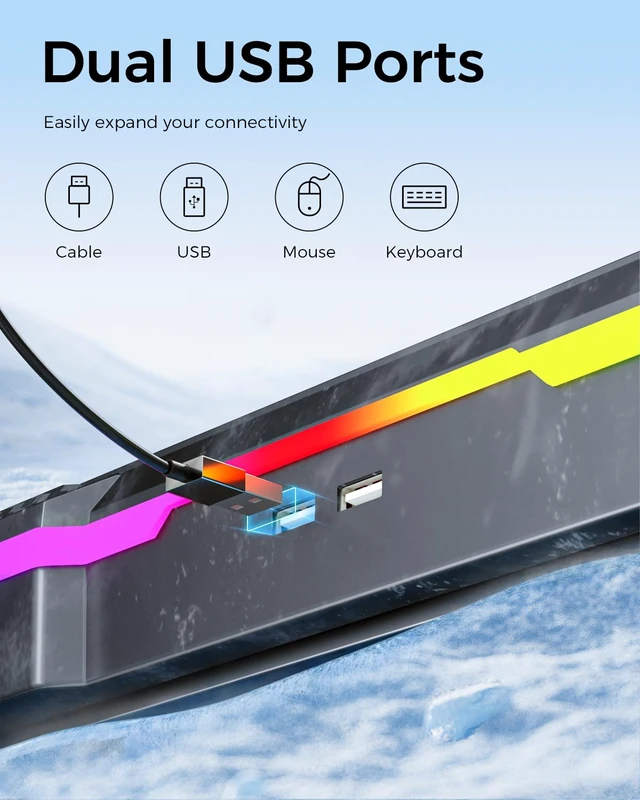
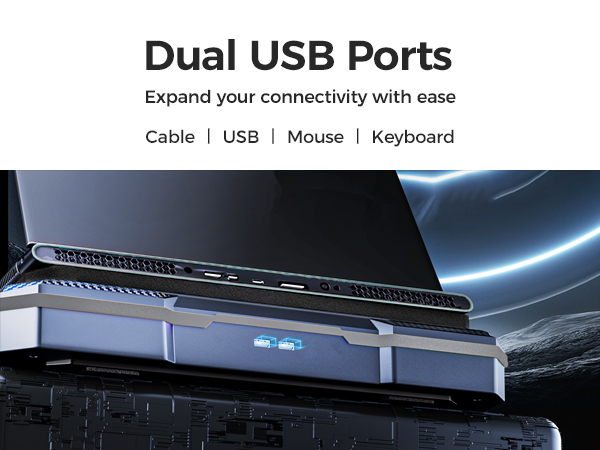
No, No, the cooling fan for laptop does not require any drivers or software installation. Our laptop cooling fan is plug-and-play, simply connect it to your laptop's USB port, and it will start working immediately
Will this laptop cooling pad fit my laptop size?
This laptop cooling pad is compatible with 14 to 19 inch laptops, but the base of a large laptop may extend slightly beyond the cooling stand area, but this does not significantly affect whole cooling performance
Will the laptop cooling stand stop my laptop from overheating during gaming or intensive work?
This laptop fan cooling pad has a strong wind speed in 300-2200 RPM, which will help to cool down the CPU and GPU. Run the laptop stand for 5 minutes before gaming will provent the laptop from overheating
Can I turn off the lights while the laptop fan runs?
Yes, you can turn off all RGB lights by long pressing the mode button on the control panel, and the fan will keep run separately, and you can increase the fan speed by rolling button
Does it require drivers or software?
No, No, the cooling fan for laptop does not require any drivers or software installation. Our laptop cooling fan is plug-and-play, simply connect it to your laptop's USB port, and it will start working immediately