here!
I’m your shopping assistant for PC builds, upgrades, and everything tech.
Got questions? Ask away!
Start a conversation
here!
I’m your shopping assistant for PC builds, upgrades, and everything tech.
Got questions? Ask away!
Start a conversationShipped by BrightTeng Media Store




Any questions? Ask CelesteSM will help you find out quickly.
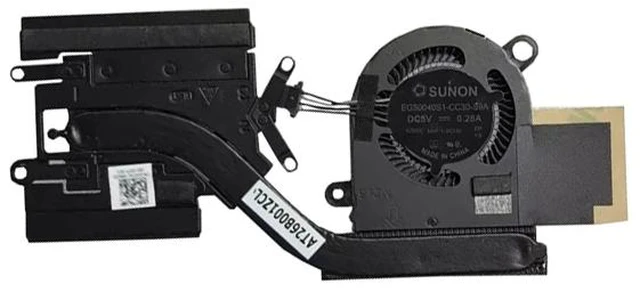
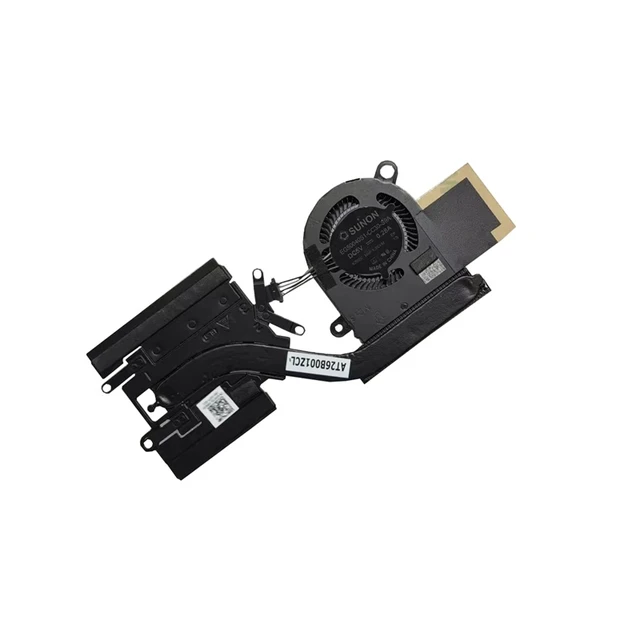
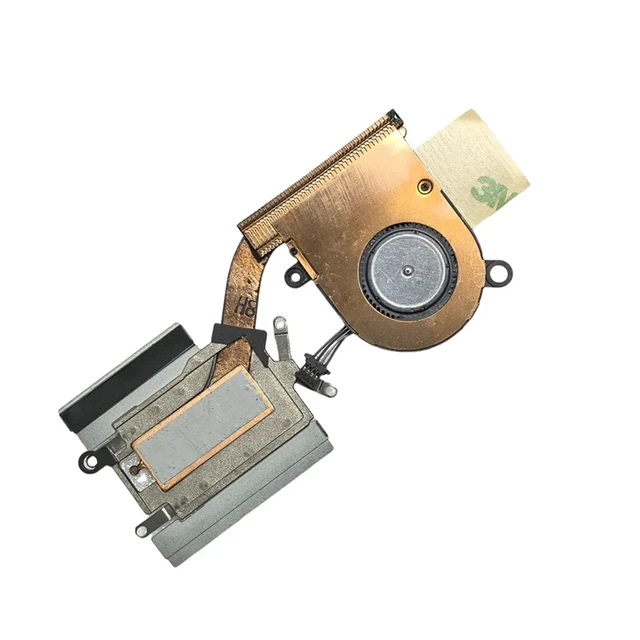
Precision-engineered to match part numbers 034T0C and EG50040S1-CC30-S9A, ensuring exact compatibility with the Dell Latitude 7390 2-in-1 convertible. Factory-spec mounting holes, connector, and heatsink alignment guarantee a hassle-free drop-in installation with no modifications needed - restore your Latitude to original cooling performance.
2. Complete Fan + Heatsink Assembly - One-Step Thermal SolutionIncludes both the cooling fan and heatsink as a complete module. Perfect for repairing laptops with clogged, corroded, or damaged heatsink fins in addition to a failed fan. Replace the entire thermal system in one step for maximum heat transfer and long-term reliability - no need to source fan and heatsink separately.
3. Eliminate Overheating & Shutdowns - Keep Your Latitude Running StrongA worn cooler causes high CPU temperatures, thermal throttling, random shutdowns, and sluggish performance - especially critical in the slim 7390 2-in-1 chassis with limited airflow. This replacement restores proper airflow and heat dissipation, keeping your business convertible stable during multitasking, video conferencing, and heavy workloads while protecting the motherboard and CPU from heat damage.
4. Quiet, Professional-Grade Operation - Built for Business UsePrecision-balanced fan blades and a quality motor deliver strong, consistent airflow at low noise levels. Eliminates the loud grinding, rattling, or buzzing of an aging stock fan. Perfect for quiet offices, meetings, and shared workspaces - your Latitude stays cool and silent throughout the workday, whether in laptop, tent, or tablet mode.
5. Easy DIY Installation - Save on Service CostsStraightforward replacement takes just 15-30 minutes with basic screwdriver tools. No soldering or technical expertise required - remove the back cover, detach the old cooler, install the new assembly, and reassemble. An affordable alternative to expensive Dell service center repairs, getting your business 2-in-1 back to work fast.