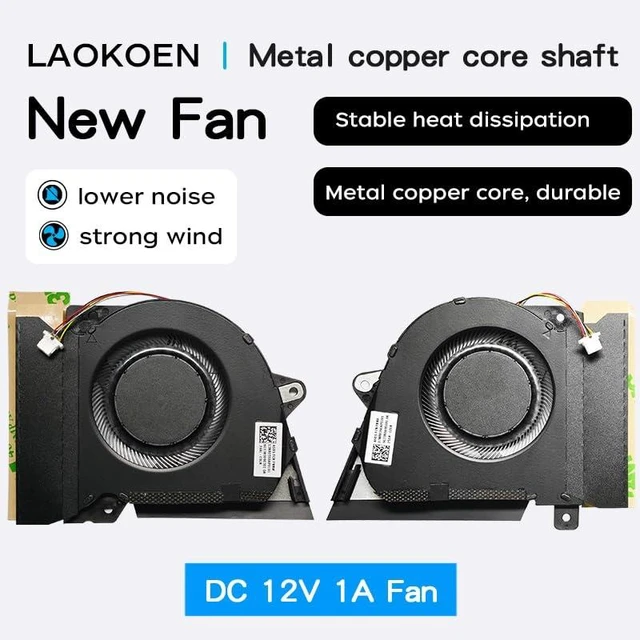
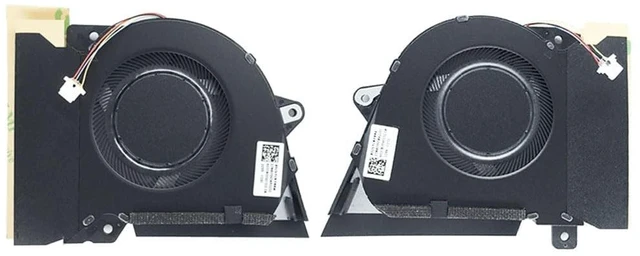
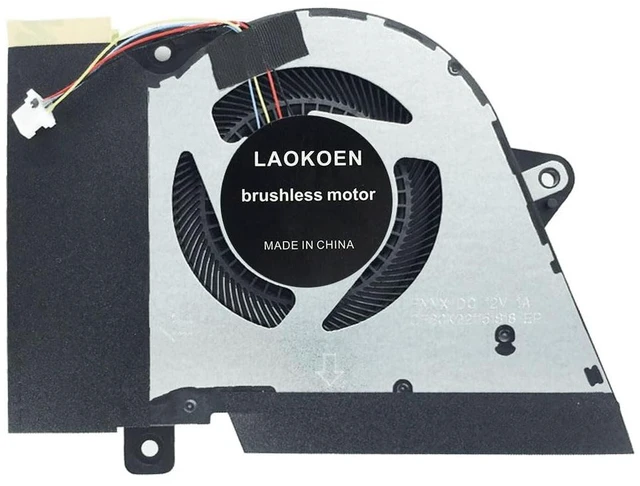
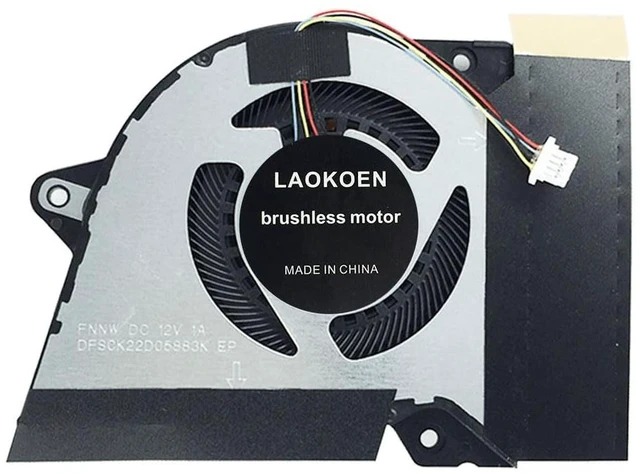
- Location diagram of laptop cooling fan.
- When using a laptop normally, the one on the left is the CPU cooling fan, and the one on the right is the GPU cooling fan.
- Compatible laptop models:
- Cooling Fans for ASUS ROG Zephyrus G14 GA401I GA401IV GA401IH GA401IH-BR7N2BL Laptop Series P/N:13NR03F0AP0101 DFSCK22105182H FMBB 13NR03F0AP0301 DFSCK22115181H FMBC 12V 1A Fan.
- Cooling Fans for ASUS Rog Zephyrus G14 GA401I GA401IV GA401Q GA401QC GA401QE GA401QH GA401QM GA401QEC Laptop P/N:13NR05S0AP0101 13NR05S0AP0201 DFSCK221151818 DFSCK22D05883K FNNX FNNW DC12V 1A Fan.
- Replacing your old CPU and GPU cooling fans will result in a quiet office environment.
- Laptops of the same model may have different cooling fans. You can compare the part numbers of the cooling fans in our product description,Thank you!

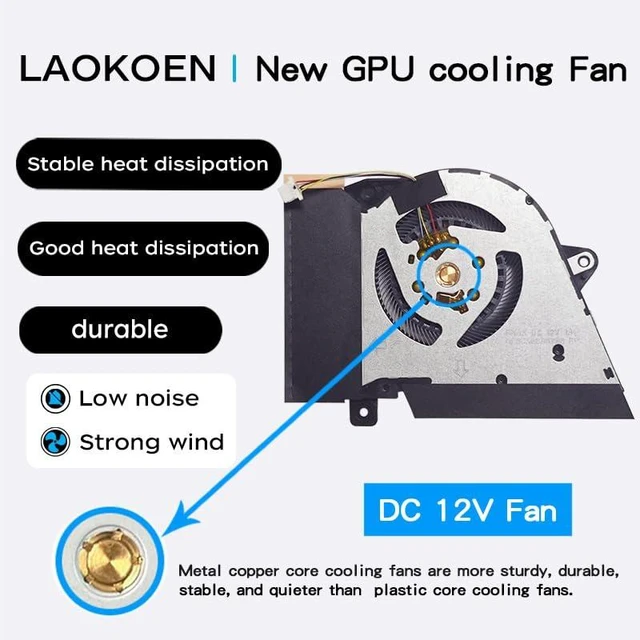
- Advantages of Metal Copper Core Shaft:
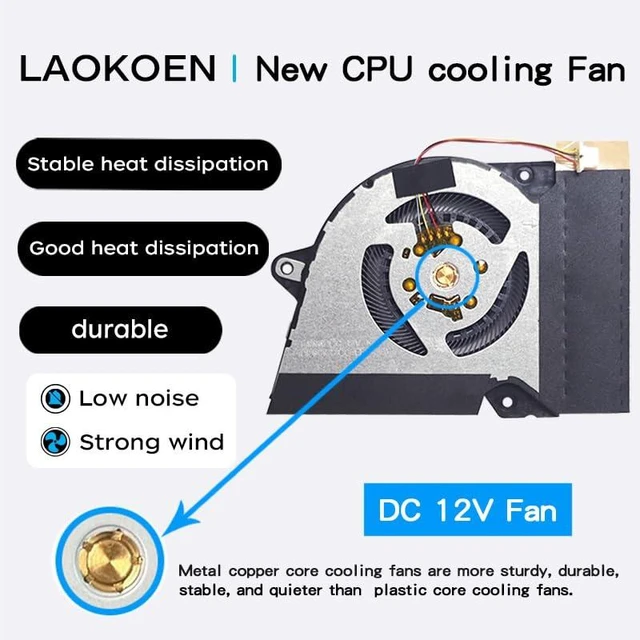
- Metal copper core shaft More stable heat dissipation and lower noise.
- The axis of the cooling fan is made of metal, which has low operating sound, high air volume, and is durable and long-lasting .
- Using a computer is quiet, comfortable, and no longer troubled by noise.
- Solve the error, abnormal noise, and high temperature of your laptop fan, so that your laptop fan can operate normally again!
- Metal copper core cooling fans are more sturdy, durable, stable, and quieter than cheap plastic core cooling fans.
- How to identify low-quality products:
- Those low-priced cooling fans, whose fans are not made of metal copper core shaft sleeves, often use plastic instead. As a result, the cooling fans have high operating noise, low air volume, short service life, and poor cooling effect .
- Replacing the cooling fan with a new one can solve the problem:
- Using a computer is quiet, comfortable, and no longer troubled by noise.
- The temperature of the laptop is no longer too high, and it runs faster and more comfortably at low temperatures.
- The computer no longer prompts' Fan error 'when turned on, making office use smoother.
- Reminder : When the cooling fan is dissipating heat at full speed, there will be a certain amount of airflow sound, which is a normal phenomenon. When the temperature of the laptop drops, the airflow sound will disappear.
- Some laptops prompt 'Fan error', which may not necessarily be a problem with the cooling fan. If a new cooling fan still prompts' Fan error ', it means it is not a problem with the cooling fan, but rather the motherboard or other issues.

- How to determine a compatible cooling fan for your laptop
- Flip your laptop 360 degrees, and on the back of the bottom of the laptop, you can see the detailed model number, as shown in the picture. Find the words' model: GA401I ', which is the detailed model number of your laptop.
- After disassembling the machine, remove your own cooling fan and compare whether the part number of your cooling fan matches the part number description of our cooling fan product
- After disassembling the machine, remove your own cooling fan and send me the part number on your cooling fan. We will help you check it.
- Laptops of the same model may have different cooling fans. You can compare the part numbers of the cooling fans in our product description,Thank you!

- A good fan will have a fan part number identification and the fan's workmanship is particularly meticulous,
- The connection points of the fan interface and the order of the fan wires should be kept consistent with the original fan wires, which is the only way to make a good cooling fan.
- How to check the part number of the laptop cooling fan in order to find a better quality cooling fan:
- Open the laptop shell and you can see your cooling fan, as shown in the picture: this position is your fan part number. If you cannot see the part number of your laptop cooling fan here, then remove the fan and on the back of the fan, as shown in the picture below: you can also see your fan part number:
- Coding of cooling fan:
- CPU cooling fan : FNBB 13NR03F0AP0101 , FNNW 13NR05S0AP0101 .
- GPU cooling fan : FMBC 13NR03F0AP0301 , FNNX 13NR05S0AP0201 .
- By looking at the model diagram on the bottom back of the computer and comparing it with our product description and pictures, you can find a cooling fan that is compatible with your laptop .

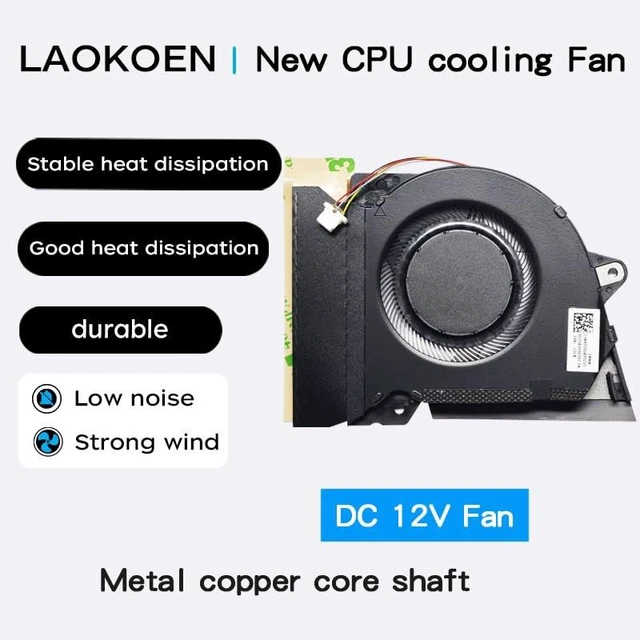
CPU cooling FanThis is a CPU fan DC12V 1A, for ASUS ROG Zephyrus G14 GA401I GA401IV GA401IH GA401IH-BR7N2BL GA401Q GA401QC GA401QE GA401QH GA401QM GA401QEC Laptop Series,
Cooling fan part number P/N: FMBB 13NR03F0AP0101 FNNW 13NR05S0AP0101

GPU cooling FanThis is a GPU fan DC12V 1A , for ASUS ROG Zephyrus G14 GA401I GA401IV GA401IH GA401IH-BR7N2BL GA401Q GA401QC GA401QE GA401QH GA401QM GA401QEC Laptop Series,
Cooling fan part number P/N: FMBC 13NR03F0AP0301 FNNX 13NR05S0AP0201
- If the above model does not match your laptop model, you can disassemble your laptop before purchasing and compare the part numbers of the cooling fan to avoid purchasing the wrong product and delaying the use of the laptop.
- If you have other laptops and cannot find a compatible cooling fan for your own laptop, you can also send us the cooling fan diagram of your laptop and we will help you find a suitable cooling fan.
- When installing a laptop fan, please pay attention to the shutdown and power-off operation, disconnect the built-in battery plug, and take anti-static measures. Be sure not to plug the fan plug in the wrong direction, and check whether your fan voltage is consistent with the voltage described in the product before installation, otherwise it will burn out the cooling fan!!!.





 here!
here!