How to find a laptop model ?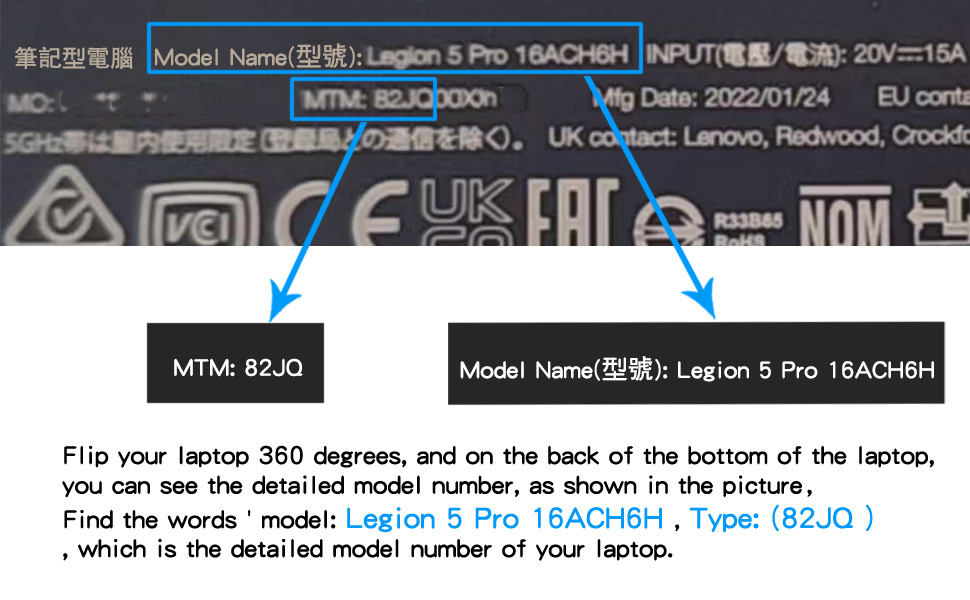
- How to determine a compatible cooling fan for your laptop ?
- Flip your laptop 360 degrees, and on the back of the bottom of the laptop,you can see the detailed model number, as shown in the picture,Find the words ' model: Legion 5 Pro 16ACH6H , Type: (82JQ ) ' which is the detailed model number of your laptop.
- Compatible laptop models:
- for Lenovo Legion 5 Pro 16ACH6H (Type:82JQ ) RTX3060 RTX3060Ti RTX3070Ti graphics card laptop ,
- for Lenovo Legion R9000P 2021h RTX3060 RTX3060Ti RTX3070Ti graphics card laptop.
- Part number of cooling fan:
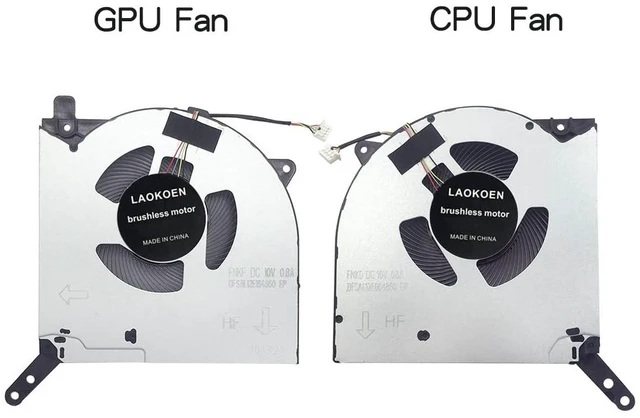
- CPU cooling fan : FNKD DFSAL12E064860 BAPA090R1HY003 NS8CC14-20J08 ;
- GPU cooling fan : FNKF DFSAL12E164860 BAPA090R1HY004 NS8CC15-20J09 ;
- Fan Service Part Number FRU P/N: 5H40S20280 5H40S20277 5H40S20281 5H40S20282 5H40S20278 5H40S20279 .
- Important : The DC10V 0.8A fan is compatible with the DC10V 0.5A fan ,
- fter disassembling the machine, remove your own cooling fan and compare whether the part number of your cooling fan matches the part number description of our cooling fan product.
- The same model of laptop has fans with different part numbers. If your laptop model is consistent with our product description, it can also be compatible for use.

- Find the correct cooling fan through the after-sales service part number.
- Thermal Module 82JQ :The service part numbers described in the table above are all compatible and applicable
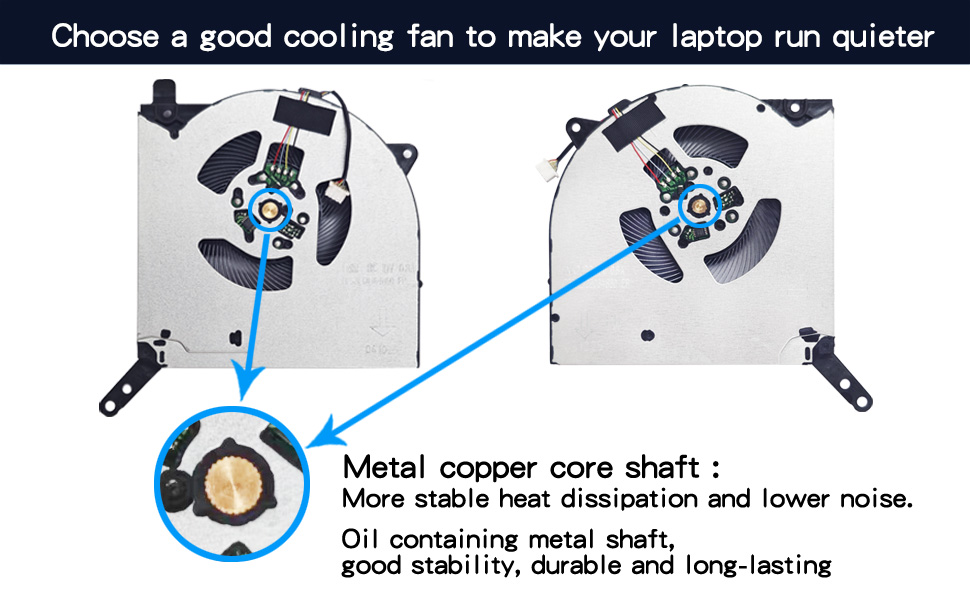
- Advantages of Metal Copper Core Shaft:
- Metal copper core shaft More stable heat dissipation and lower noise.
- The axis of the cooling fan is made of metal, which has low operating sound, high air volume, and is durable and long-lasting .
- Using a computer is quiet, comfortable, and no longer troubled by noise.
- Solve the error, abnormal noise, and high temperature of your laptop fan, so that your laptop fan can operate normally again!
- Metal copper core cooling fans are more sturdy, durable, stable, and quieter than cheap plastic core cooling fans.
- Replacing the cooling fan with a new one can solve the problem:
- Using a computer is quiet, comfortable, and no longer troubled by noise.
- The temperature of the laptop is no longer too high, and it runs faster and more comfortably at low temperatures.
- When the computer is turned on, it no longer prompts "fan error", making office use smoother.
- Reminder : When the cooling fan is dissipating heat at full speed, there will be a certain amount of airflow sound, which is a normal phenomenon. When the temperature of the laptop drops, the airflow sound will disappear.
- Some laptops prompt 'Fan error', which may not necessarily be a problem with the cooling fan. If a new cooling fan still prompts' Fan error ', it means it is not a problem with the cooling fan, but rather the motherboard or other issues.
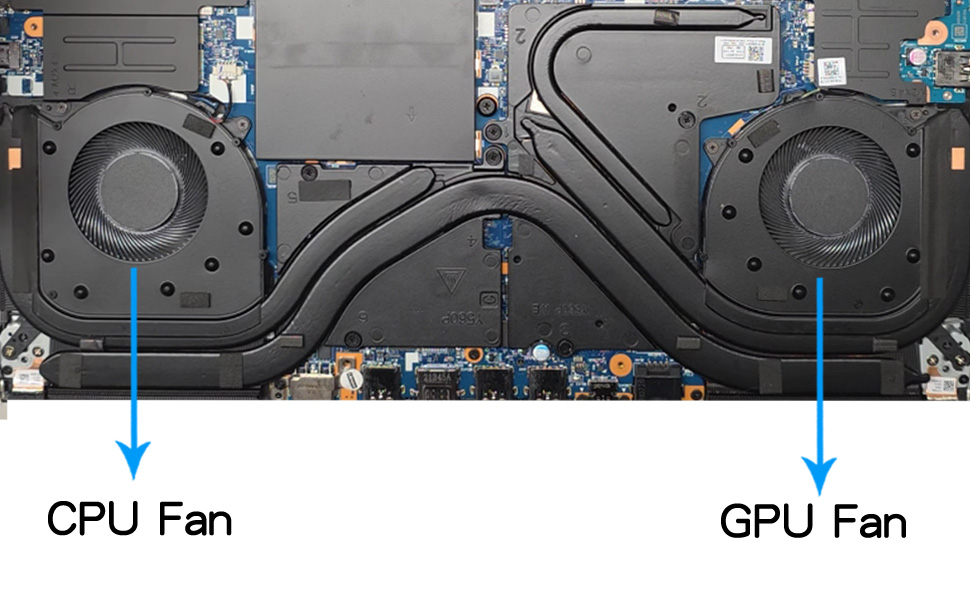
- Location diagram of laptop cooling fan:
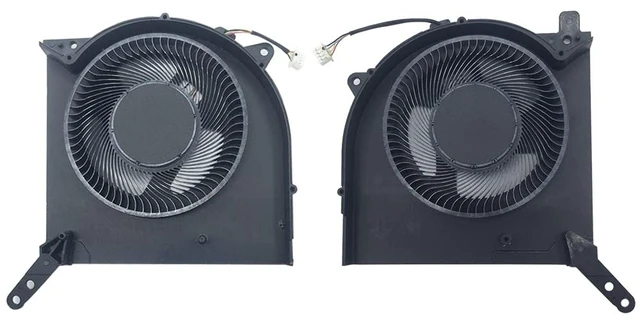
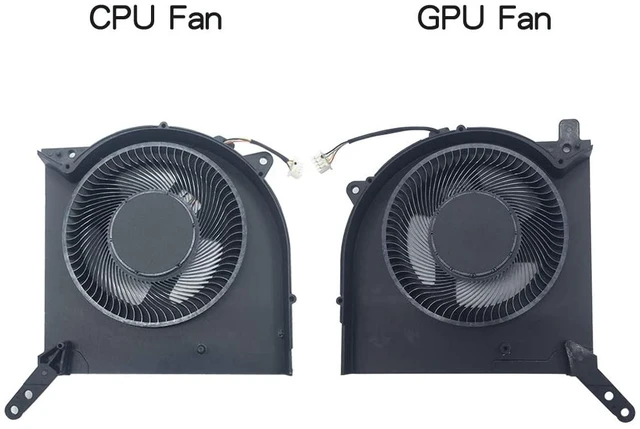
- As shown in the above figure, When using a laptop normally, the one on the left is the CPU cooling fan, and the one on the right is the GPU cooling fan.
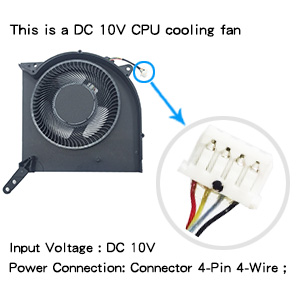
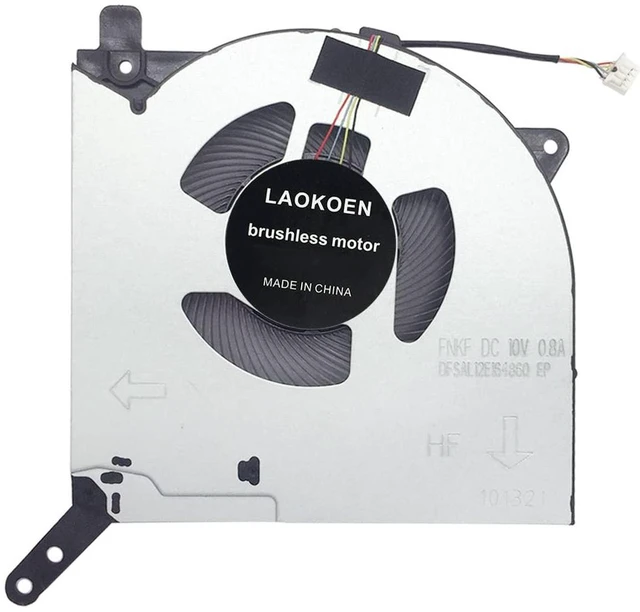
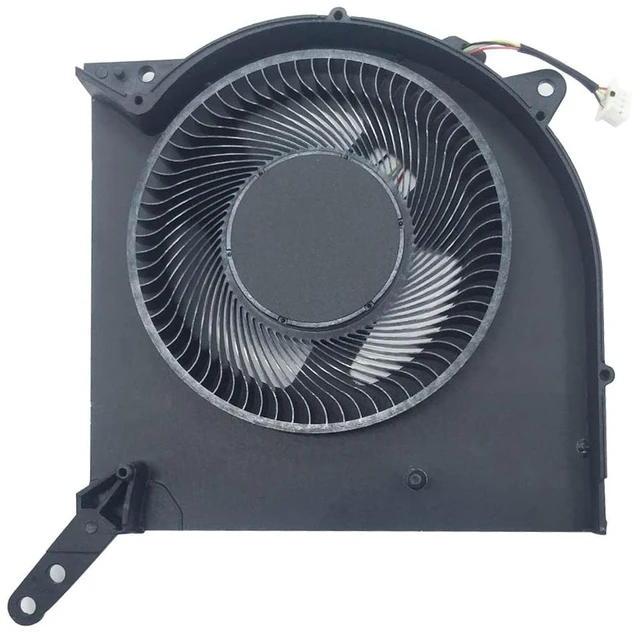
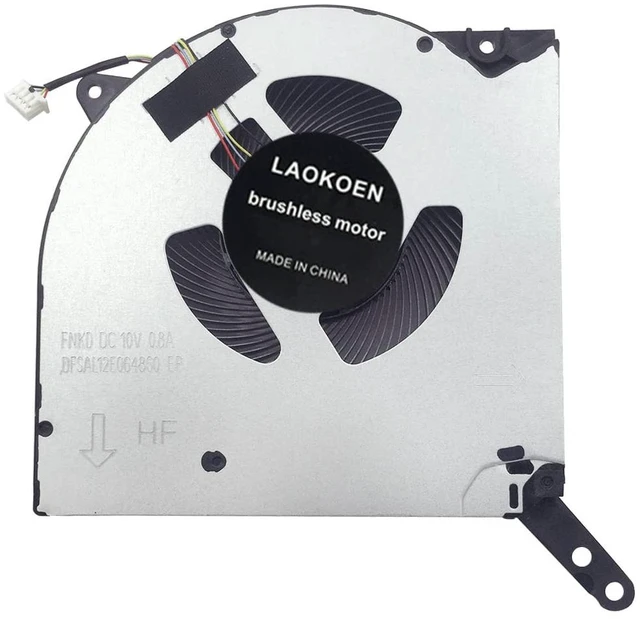
This is the front of the CPU fan. The voltage of the cooling fan is DC10V 0.8A. When using a computer normally, the cooling fan is installed on the left side of the keyboard, which is the cooling fan below the F1 button.
- Important : The DC10V 0.8A fan is compatible with the DC10V 0.5A fan ,
If you can't tighten the screws on your fan cover, it's because the threads of the original fan screws are not sharp enough, making them difficult to tighten. You can use the sealing tape we provided to stick the cover to the fan, which will not affect its use
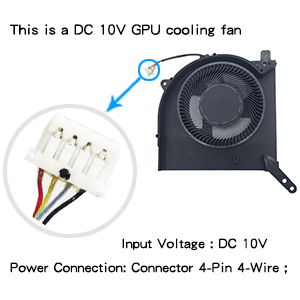
This is the front of the GPU fan, and the voltage of the cooling fan is DC10V 0.8A. When using a computer normally, the cooling fan is installed on the right-hand side of the keyboard, which is the cooling fan below the F12 button.
Important : The DC10V 0.8A fan is compatible with the DC10V 0.5A fan ,
If you can't tighten the screws on your fan cover, it's because the threads of the original fan screws are not sharp enough, making them difficult to tighten. You can use the sealing tape we provided to stick the cover to the fan, which will not affect its use





 here!
here!