• $46.99
  • Free 30-day Returns
  • Ships from China.
    Sold by EmpressTech

    Shipped by EmpressTech

    Price alert
    Shop it at NeweggBusiness.

    Meet Your Seller

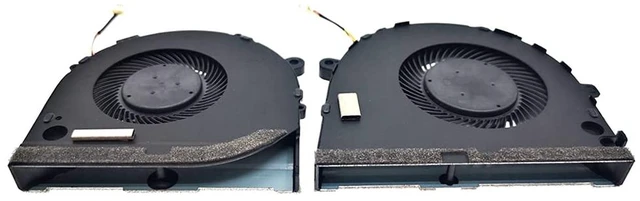
    New Replacement Cooling Fans for Dell G3-3579 G3 15 3579 Gaming Series Laptop CPU+GPU Fan One Pair P/N: 0GWMFV 0TJHF2 5V 0.5A (4-Pin 4-Wire)

    • Compatible models: For Dell G3-3579 G3 15 3579 Gaming Series Laptop CPU+GPU Fan One Pair P/N: 0GWMFV 0TJHF2 Series laptop Fan.
    • Fan description: brand new, 5V,0.5A.
    • Applicable scenarios:Solve the error, abnormal noise, and high temperature of your laptop fan, so that your laptop fan can operate normally again!
    • Worry-free service: Brand new, every fan has been tested before shipment and packed in a shockproof box. Ensure safety during transportation! In addition, we also provide a 90-day warranty for the product.
    • Note: Please check the compatible models before purchasing and compare the sample fan Pictures , If you have any questions about what kind of fan you need, please contact us.
    +
    +
    Overview
    Specs
    Reviews

    Any questions? Ask CelesteSM will help you find out quickly.

    Location diagram of laptop cooling fan

    1. Location diagram of laptop cooling fan:


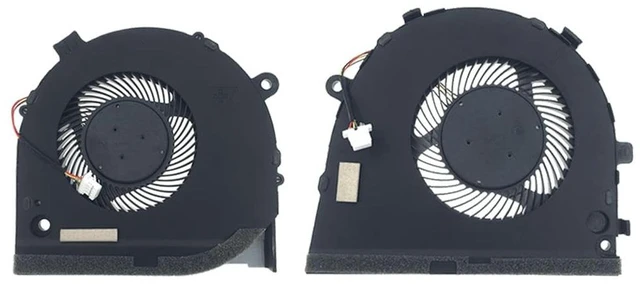
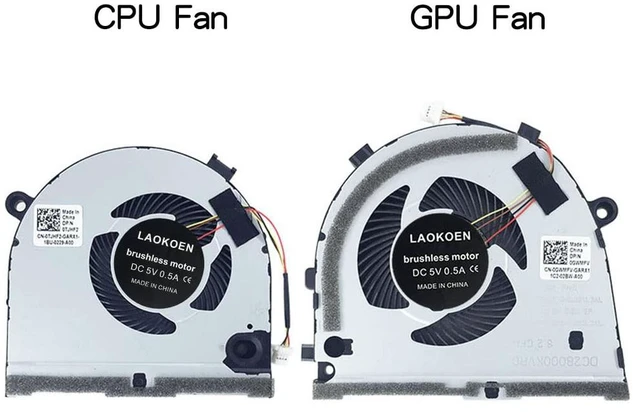
    1. When using a laptop normally, the one on the left is the CPU cooling fan, and the one on the right is the GPU cooling fan.


    1. Compatible laptop models:


    1. for Dell G3-3579 G3 15 3579 Gaming laptop series.


    Fan part number

    1. How to check the part number of the laptop cooling fan in order to find a better quality cooling fan:


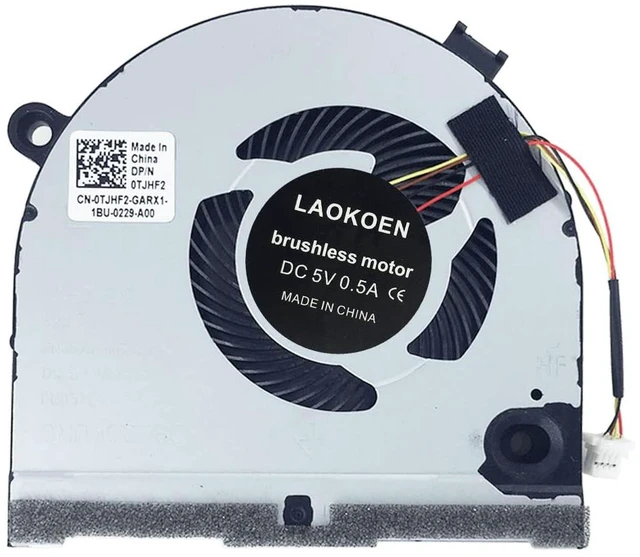
    1. Open the laptop shell and you can see your cooling fan, as shown in the picture: this position is your fan part number. If you cannot see the part number of your laptop cooling fan here, then remove the fan and on the back of the fan, as shown in the picture below: you can also see your fan part number:


    1. Coding of cooling fan:


    1. CPU cooling fan : 0TJHF2 , FKB6 , DFS481105F20T , DC28000KUR0 .
    2. GPU cooling fan : 0GWMFV .


    1. By looking at the model diagram on the bottom back of the computer and comparing it with our product description and pictures, you can find a cooling fan that is compatible with your laptop .


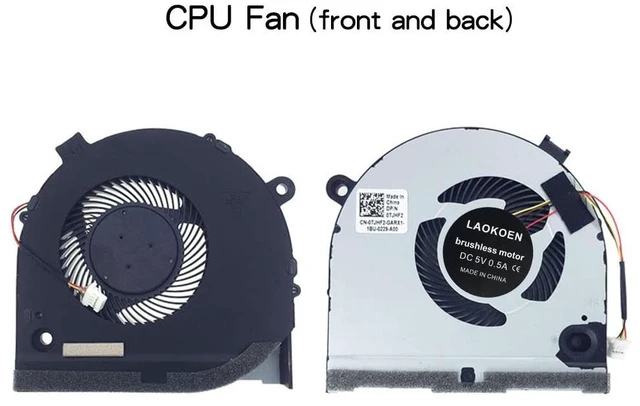
    CPU cooling Fan

    This is the front of the CPU fan. The voltage of the cooling fan is DC5V 0.5A. When using a computer normally, the cooling fan is installed on the left side of the keyboard, which is the cooling fan below the F1 button.


    1. Fan p/n:CN- 0TJHF2 FKB6 DFS481105F20T DC28000KUF0 DC28000KUR0 .


    GPU cooling Fan

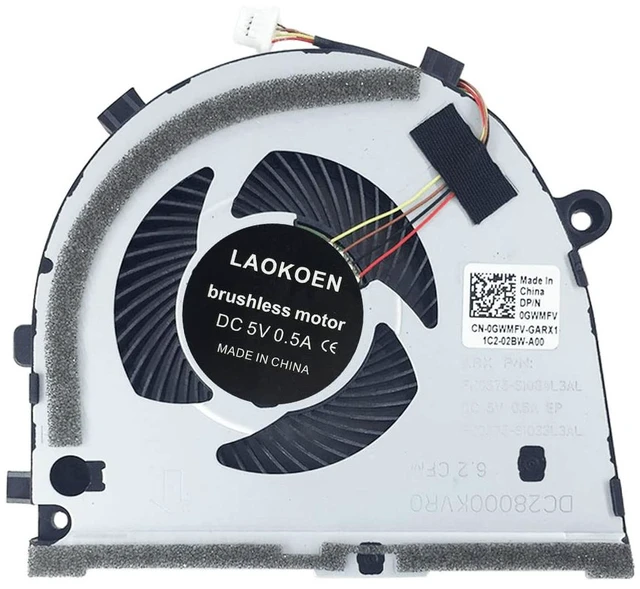
    This is the front of the GPU fan. The voltage of the cooling fan is DC5V 0.5A. When using a computer normally, the cooling fan is installed on the right side of the keyboard, which is the cooling fan below the F12 button.


    1. Fan p/n:CN- 0GWMFV FKB7 DFS551205ML0T DC28000KVF0 DC28000KVR0 .


    Warranty & Returns

    Warranty, Returns, And Additional Information

    Warranty

    • Please contact the Seller directly for warranty information. Warranty information may also be found on the Manufacturer's website.
    • CONTACT

    Return Policies

    Manufacturer Contact Info

    LOADING...