here!
I’m your shopping assistant for PC builds, upgrades, and everything tech.
Got questions? Ask away!
Start a conversation
here!
I’m your shopping assistant for PC builds, upgrades, and everything tech.
Got questions? Ask away!
Start a conversation



Any questions? Ask CelesteSM will help you find out quickly.


Product information:
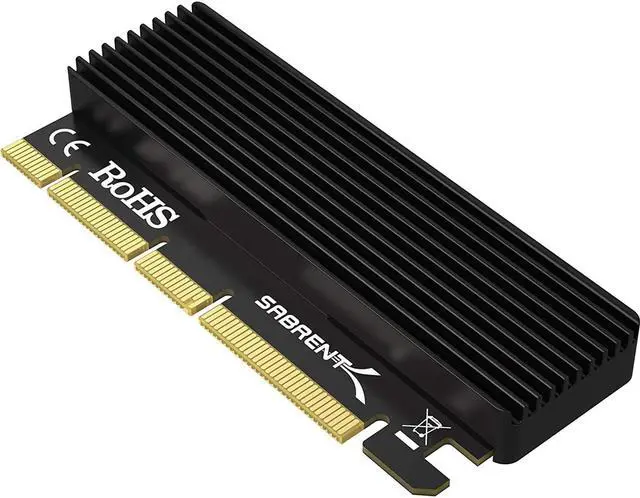
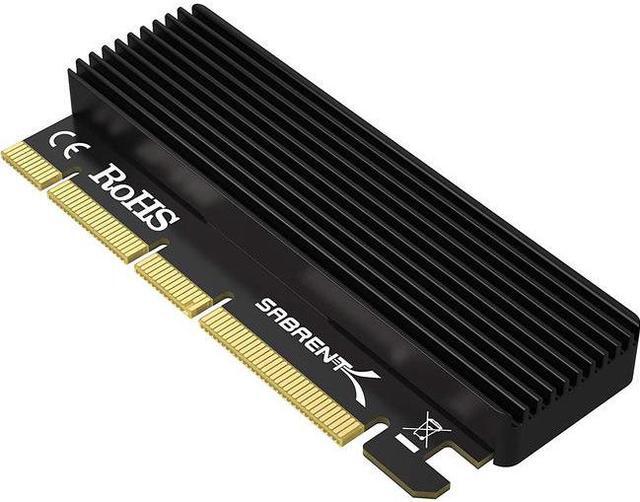
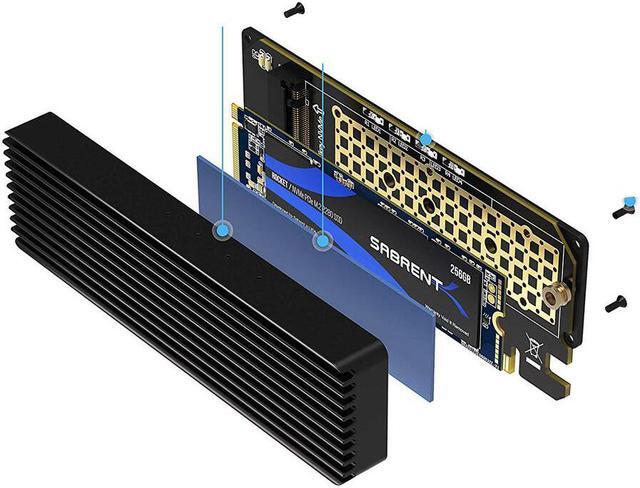
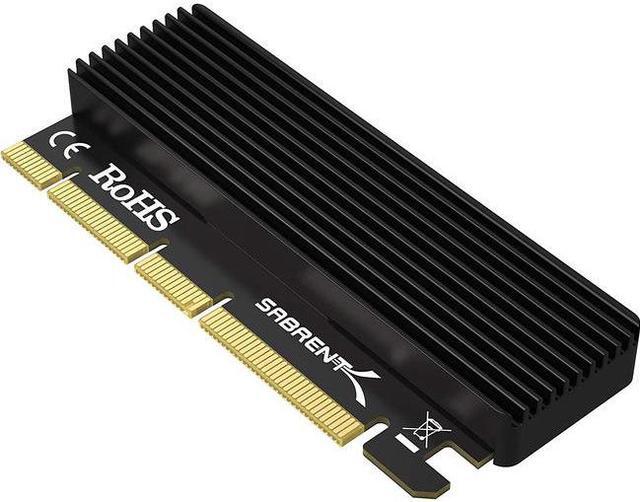
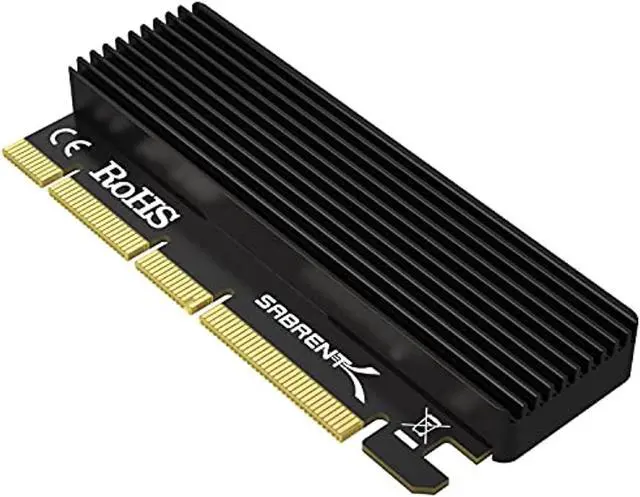
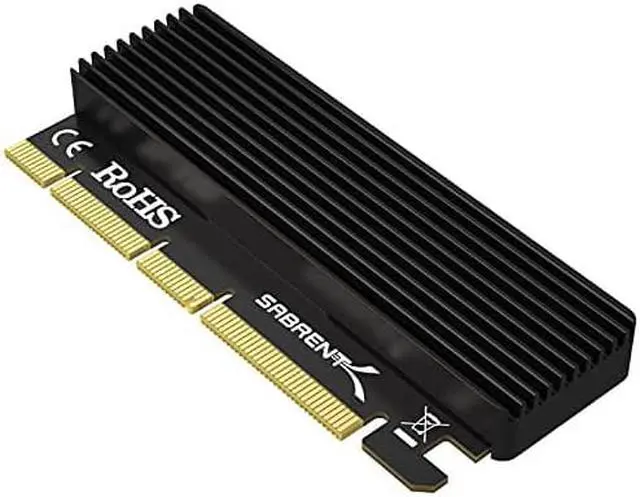
The Sabrent (EC-PCIE) NVMe M.2 SSD to PCIe X16/X8/X4 Card with aluminum heat sink is the perfect solution for faster transfer speeds!
Features:
• Enjoy extremely fast transfer speeds via PCIe lanes.
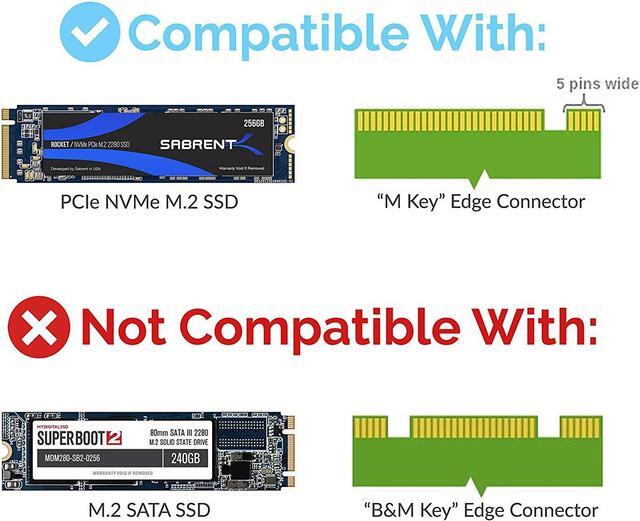
• SSD Bus interface: NVMe (NOT compatible with SATA M. 2 SSD).
• SSD form factor: M. 2 M-Key (NOT compatible with B-Key SSD).
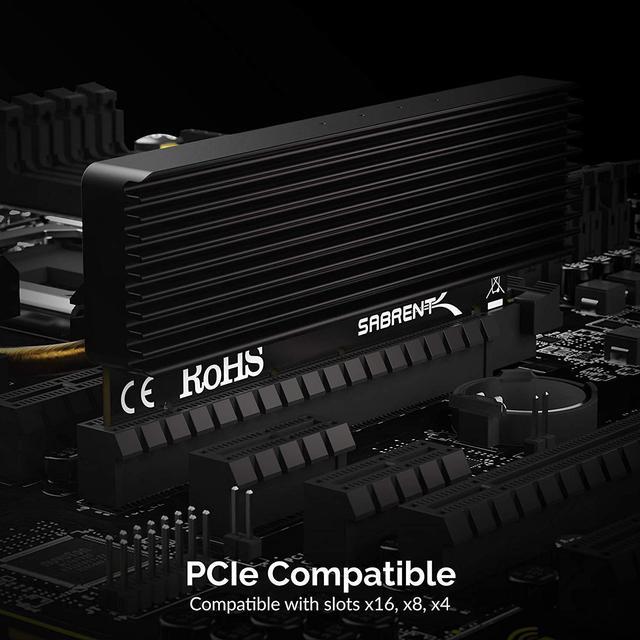
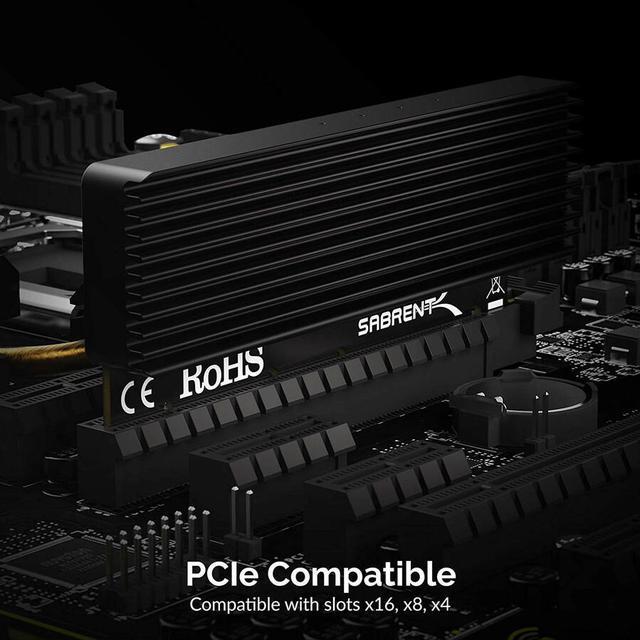
• PCI Express Physical interface: PCIe x16/x8/x4 slot, Logical Interface /
PCIe Lanes: X4.
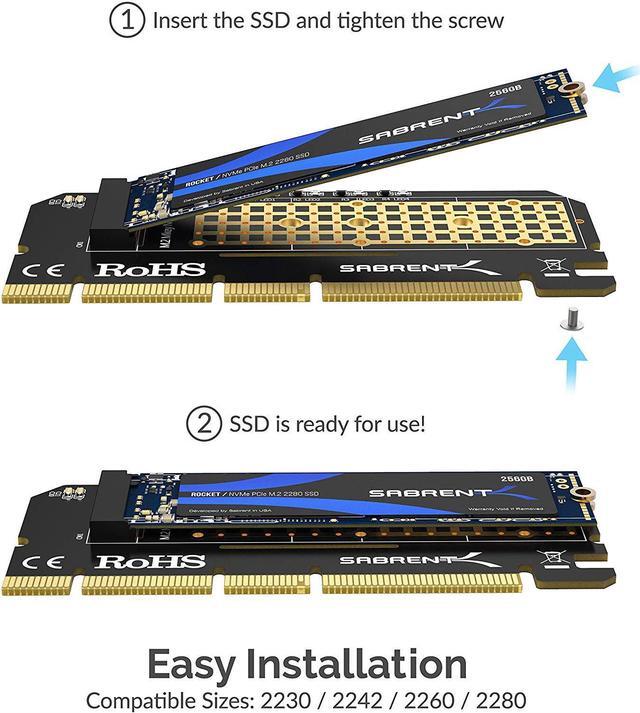
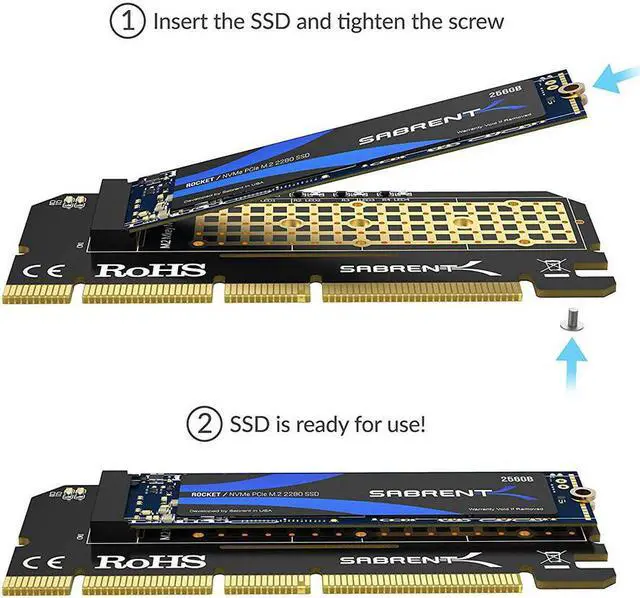
• Compatible Sizes: 2230 / 2242 / 2260 / 2280.
NOTE: It will not fit the PCIe x1 slot. All necessary screws are included.
System requirements:
• A computer and BIOS (usually set to AHCI) compatible with NVMe SSD over PCIe lanes.
• Windows 7 with Microsoft's Hotfixes for NVMe SSD.
• Windows 8 and above.
• Linux. If after installation you get a yellow exclamation mark under the Device Manager, you may need to get an additional driver from your SSD's manufacturer.
What's in the box?:
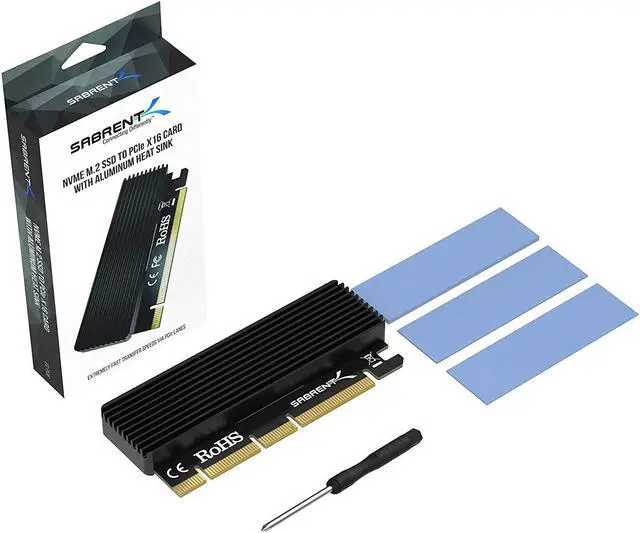
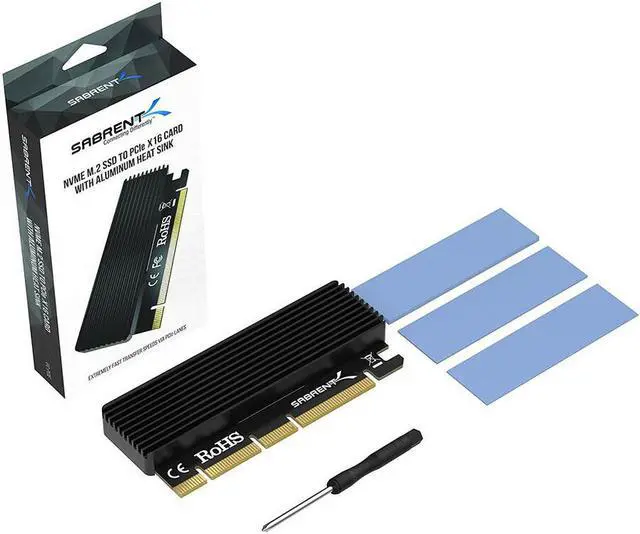
• NVMeM. 2 SSD To PCIe x16/x8/x4 Card (SSD is NOT included).
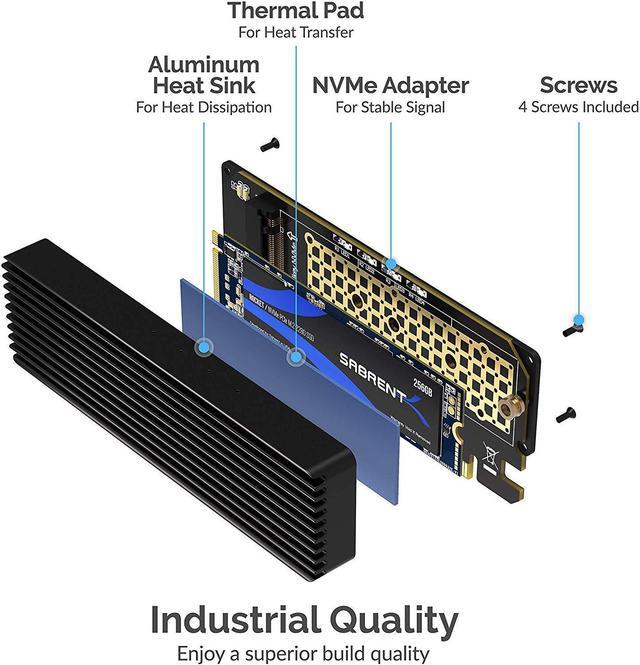
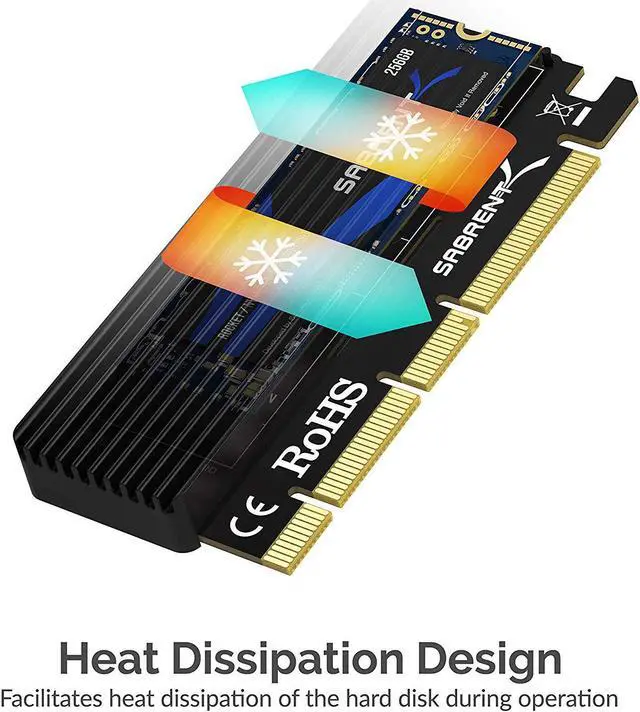
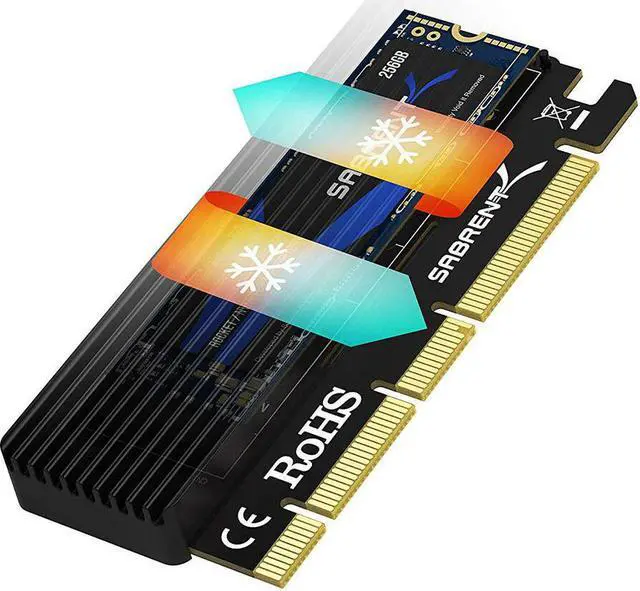
• Heatsink with thermal pad.
• Screws & Screwdriver Included.
The SABRENT EC-PCIE is an M.2 M-Key NVMe SSD adapter card for adding a compatible SSD to a desktop with a PCIe x4, x8, or x16 slot; it suits builders who need an NVMe connection and want an included heatsink.
| Attribute | Value |
|---|---|
| Best For | Adding an M.2 NVMe SSD to a desktop motherboard through a PCIe x4 connection |
| Interface And Compatibility | Connects an M.2 M-key NVMe SSD to PCIe x4 lanes through a full-size x16 pinout; fits PCIe x16, x8, or x4 slots, but not x1 slots. Supports 2230, 2242, 2260, and 2280 SSDs; not compatible with SATA M.2 or B-key SSDs |
| Operating System Compatibility | Supports Windows 8 and later, Linux, and Windows 7 with Microsoft NVMe hotfixes; requires a computer and BIOS compatible with NVMe over PCIe lanes |
| Cooling And Included Accessories | Aluminum heatsink with thermal pad, screws, and screwdriver included; SSD not included |
| Physical Specifications | 80 g; 8.976 × 10.2 × 3.5 cm |
| Model Identifiers | SABRENT EC-PCIE |
Q: Sabrent EC-PCIE vs EC-TFPE: which should I use for a single NVMe SSD?
A: Choose the Sabrent EC-PCIE for a single NVMe SSD in a PCIe 3.0 or 4.0 desktop setup; it provides an x4 PCIe connection and includes a heatsink, thermal pad, and installation screws. Choose the EC-TFPE when you want tool-free installation or a card designed for PCIe 5.0 SSDs.
Q: Sabrent EC-PCIE vs EC-P3X4: which card should I choose to add NVMe storage?
A: Choose the Sabrent EC-PCIE to install one M.2 NVMe SSD through an x4 PCIe connection. Choose the EC-P3X4 when the goal is to add up to four M.2 NVMe SSDs through one PCIe card; it is designed for PCIe 3.0 x4 and 2280 drives.
Q: Sabrent EC-PCIE vs EC-NVME enclosure: which is better for using an NVMe SSD with a desktop?
A: For an internal desktop installation, choose the Sabrent EC-PCIE: it connects one M.2 NVMe SSD to the computer over PCIe x4 and includes a heatsink. Choose the EC-NVME enclosure when you want an external, portable USB-C connection; it connects over USB 3.1 Gen 2.
Q: Will this adapter work with a SATA M.2 SSD?
A: No. It supports NVMe M.2 SSDs with an M-key connector; SATA M.2 and B-key SSDs are not compatible.
Q: Which PCIe slot do I need, and will it fit in an x1 slot?
A: The card fits a physical PCIe x4, x8, or x16 slot and uses four PCIe lanes. It will not fit a PCIe x1 slot.
Q: What length M.2 SSDs does this card support?
A: It supports M.2 2230, 2242, 2260, and 2280 NVMe SSDs. The SSD is not included.
Q: Can I use the SSD on this card as a boot drive?
A: Possibly; boot support depends on whether the computer’s BIOS supports booting from an NVMe SSD over PCIe. Check the motherboard’s specifications before relying on it as a boot drive. The product information lists Windows 8 and later and Linux as supported; Windows 7 requires Microsoft NVMe hotfixes.
Q: Does the package include the SSD and installation hardware?
A: The SSD is sold separately. The package includes the adapter card, aluminum heatsink with thermal pad, screws, and a screwdriver.
Q: Can I use this to add an NVMe SSD if my motherboard’s M.2 slots are already full?
A: Yes, if you have an available PCIe x4, x8, or x16 slot and the system supports NVMe drives over PCIe. The adapter accepts one M-key NVMe M.2 SSD; it does not support SATA M.2 drives.
Q: Will an SSD in this adapter reach its advertised speed?
A: Not necessarily. The adapter connects the SSD over up to four PCIe lanes, but the host system’s PCIe generation and available lanes can limit speed. A Reddit user with a Gen 3 system reported speeds consistent with that platform’s limits.
Q: Can I install this adapter in a PCIe x1 slot?
A: No. The product information says it will not fit a PCIe x1 slot. It is designed for PCIe x4, x8, or x16 physical slots and uses up to four lanes.
Q: Is this adapter suitable for a 24/7 home server?
A: It may suit a system that needs one additional NVMe drive and has a compatible PCIe slot and BIOS. A Reddit user reported using multiple EC-PCIE adapters for years and described them as passive, but that individual experience does not guarantee compatibility with every server or motherboard.