Your Browsing History
Meet Your Seller
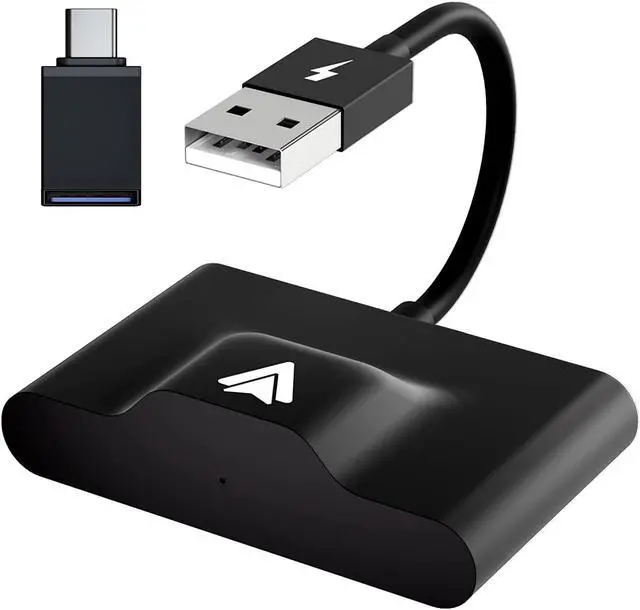
Android Auto Wireless Adapter,Dongle Android Wired to Wireless Adapter Converter for OEM Factory Wired CarPlay Car,USB Adapter Wireless Receiver Compatible for Carplay Android
Limited time offer, ends 07/19 By TechDen
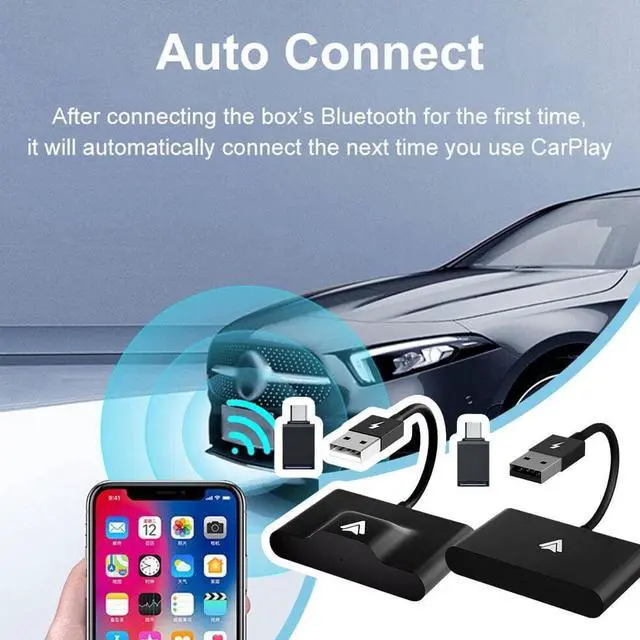
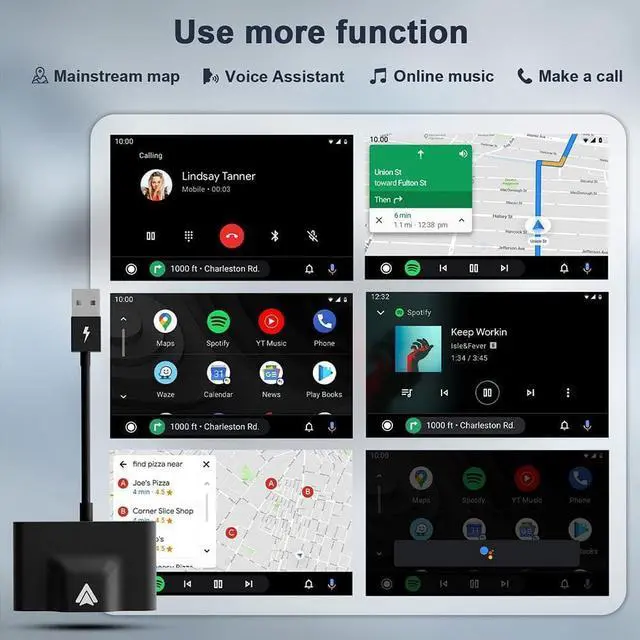
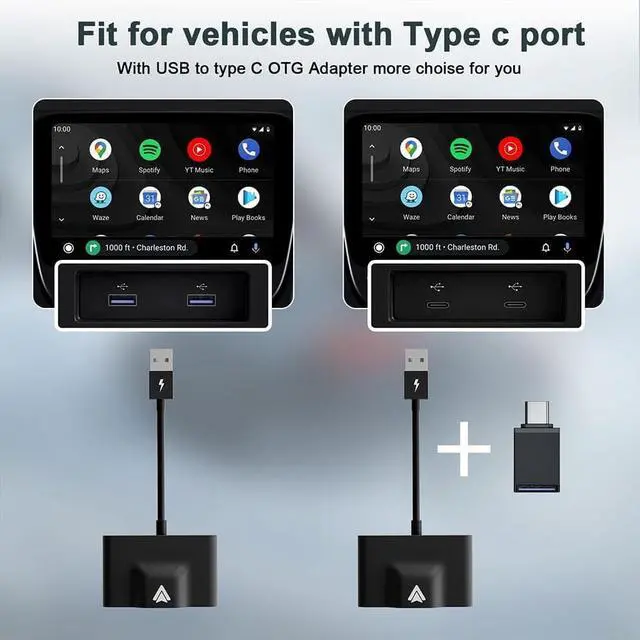
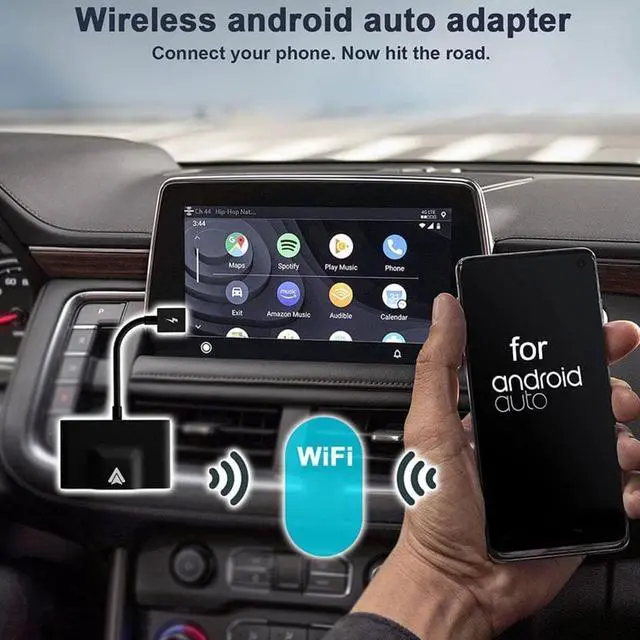
- (Compatible with Multiple Devices)Works with active Android smartphones compatible with Android 11 and above. (Wireless Car Adapter for Android Auto Devices)Once you turn on your car, you can use your Android Auto device wirelessly without plugging any cable into your smartphone. It can sync your phone apps to the car display, such as Spotify, Waze, Whatsapp, Youtube Music, but does not support watching videos. (Full line of Android Auto features)Don't worry about the music quality, calls and Google Maps, it perfectly inherits the original car operation mode. (Easy to Use) 1. Iert the wireless adapter into the USB or Type-C port of the car, the green light is on; 2. Turn on the WLAN and Bluetooth of the mobile phone (make sure that the Bluetooth and WLAN are not occupied by other devices), and pair the Bluetooth with smartDongle-xxxx; 3. Get Android Auto wireless. (Plug Directly into the USB Dock)This is a plug-and-play wireless adapter that can be configured in less than 1 min
+
+
Overview
Specs
Reviews
Any questions? Our AI beta will help you find out quickly.
Try me now
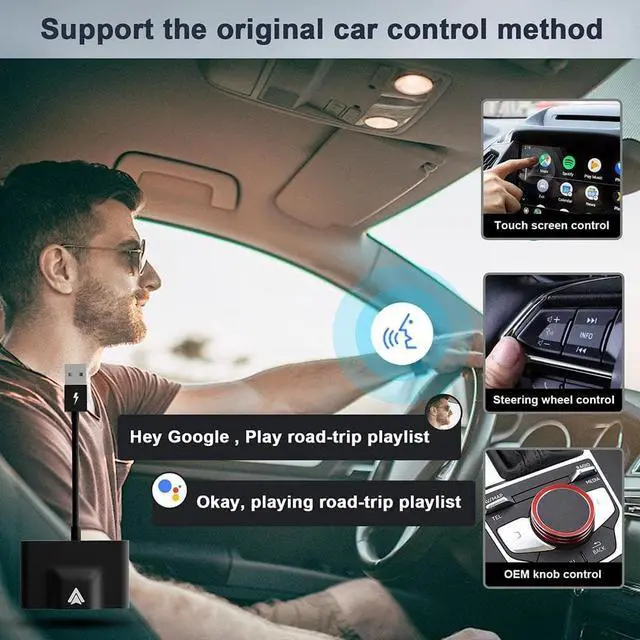
(Compatible with Multiple Devices) Works with active Android smartphones compatible with Android 11 and above. (Wireless Car Adapter for Android Auto Devices) Once you turn on your car, you can use your Android Auto device wirelessly without plugging any cable into your smartphone. It can sync your phone apps to the car display, such as Spotify, Waze, Whatsapp, Youtube Music, but does not support watching videos. (Full line of Android Auto features) Don't worry about the music quality, calls and Google Maps, it perfectly inherits the original car operation mode.
(Easy to Use) 1. Iert the wireless adapter into the USB or Type-C port of the car, the green light is on; 2. Turn on the WLAN and Bluetooth of the mobile phone (make sure that the Bluetooth and WLAN are not occupied by other devices), and pair the Bluetooth with smartDongle-xxxx; 3. Get Android Auto wireless. (Plug Directly into the USB Dock) This is a plug-and-play wireless adapter that can be configured in less than 1 minute with the auto-start feature. You must turn on Wireless Android Auto in the settings.

Warranty & Returns
Warranty, Returns, And Additional Information
Warranty
- Please contact the Seller directly for warranty information. Warranty information may also be found on the Manufacturer's website.
- CONTACT
Return Policies
- Return for refund within: 45 days
- Return for replacement within: 30 days
- This item is covered by TechDen Return Policy
Manufacturer Contact Info
- For a directory of all our manufacturers, please click below.
- Manufacturers Directory
LOADING...