• $365.58
  • Free 30-day Returns
  • Price alert
    Shop it at NeweggBusiness.

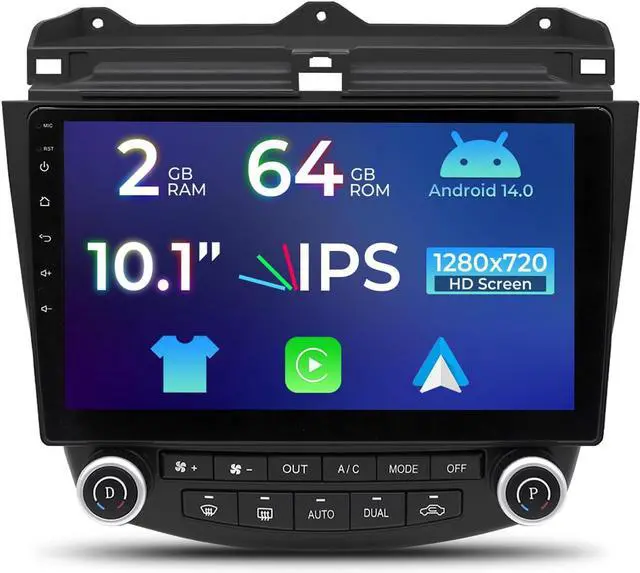
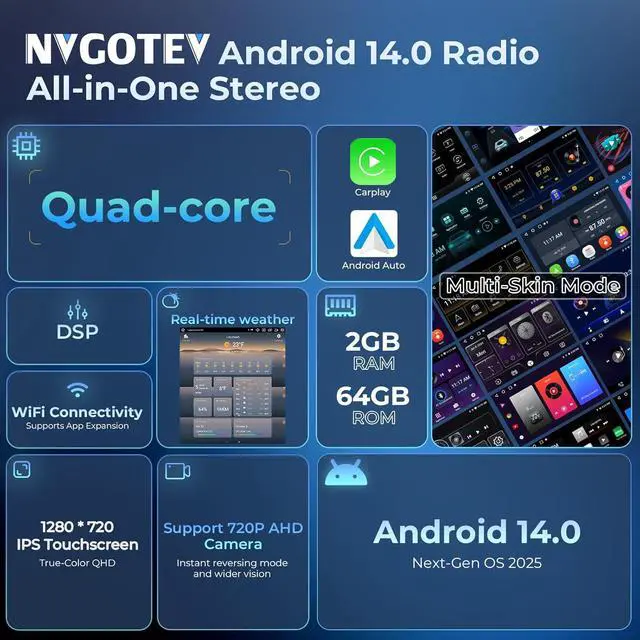
    Android 14.0 Car Radio for Honda Accord 7th 2003-2007, 10.1" IPS Touchscreen Car Stereo with CarPlay Android Auto, Quad-Core 2GB RAM+64GB ROM Support SWC,GPS Navi,WiFi,FM/RDS,Bluetooth

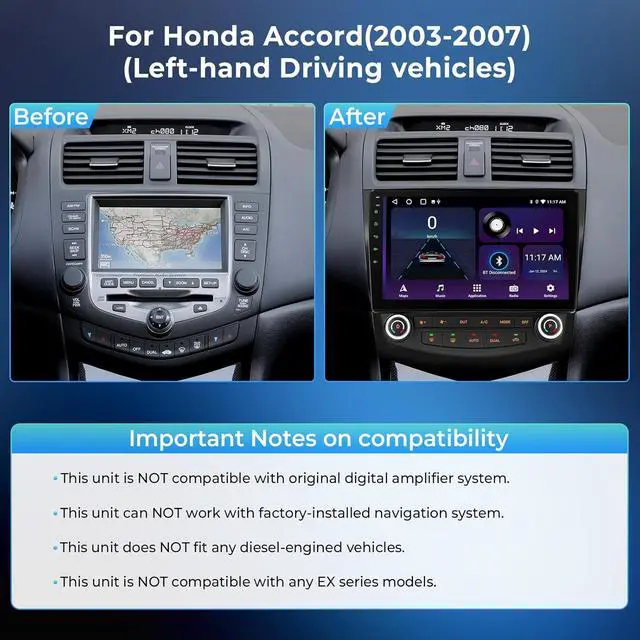
    • Car Radio replacement for Honda Accord 7th2GB RAM and 64GB ROM Android 14.0 Car Radio compatible with Honda Accord 7th 2003 2004 2005 2006 2007, No need additional frame, it includes a Plug and Play wiring harness for a effortless installation experience ! NOTE1Diesel and Ex-Series versions are not supported! 2: If You Have Any Questions About We Provided Wiring Harness for installation or use, Plz Contact Us ASAP!
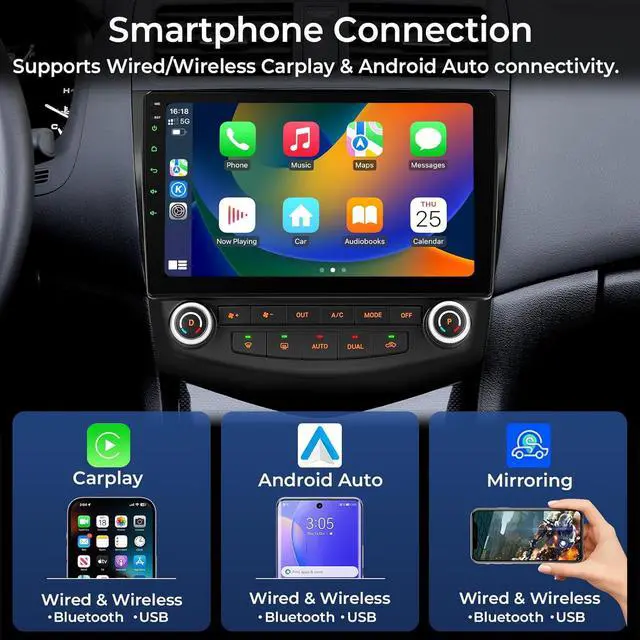
    • Car stereo for Honda Accord 7th with CarPlay/Android Auto & Mirror LinkEasily connect your iPhone or Android device via wired/ wireless(Bluetooth or USB)CarPlay & Android Auto. Mirroring brings your phone's interface to the 10.1 IPS car display so you can use apps without distraction. You can easily wake up Siri or Assistant to operate apps and perform various tasks, such as making calls, sending messages, finding directions, and controlling music playback.
    +
    +
    Overview
    Specs
    Reviews
    avatar

    Any questions? Our AI beta will help you find out quickly.

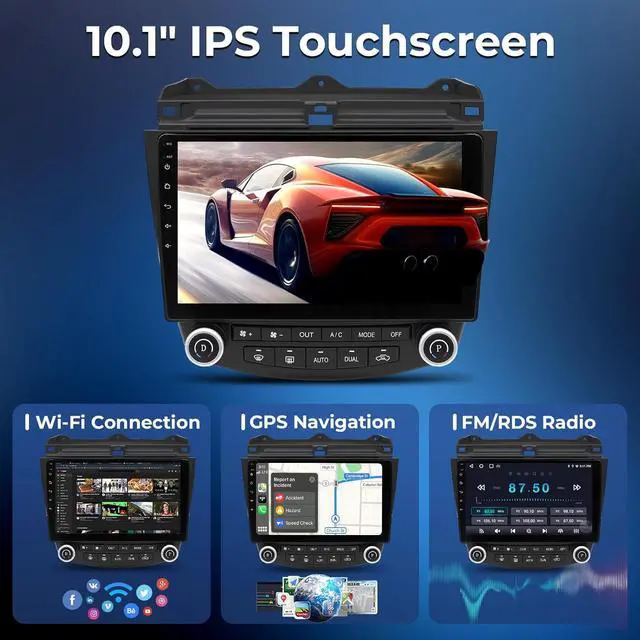
    Advanced GPS Navigation& WiFi ConnectionOur carplay radio for 2005 Honda Accord has a built-in GPS receiver and WiFi connection. With the included GPS antenna, you can easily connect and navigate to various destinations and easily achieve online and offline navigation. You can also browse the Internet, access GPS maps, YouTube, TikTok, Spotify and other applications.
    FM RDS Radiofor 2003 Honda Accord stereo is equipped with a stable FM RDS radio with various preset common stations, manual, semi-automatic and fully automatic channel search. High-quality FM RDS radio allows to save your favorite radio stations and listen to real-time news, traffic information, music, programs, weather forecasts, real-time road conditions, etc. at any time.
    Friendly Customer ServiceDagiton have professional technical team and great customer service, we offer 30-day Money-Back, 12-month Replacement, life-time Technical Support. If you have any confusion of installation or using, Please kindly email to us. We will handle with your problem as soon as possible within 24 hours.
    To set up a wireless connection for CarPlay or Android Auto, first pair your phone with the car stereo via Bluetooth. Once successfully paired, the system will usually launch the Zlink interface automatically. Alternatively, for a direct connection, you can simply use the original USB cable to link your phone to the head unit, which will instantly activate Android Auto or CarPlay.

    Warranty & Returns

    Warranty, Returns, And Additional Information

    Warranty

    • Please contact the Seller directly for warranty information. Warranty information may also be found on the Manufacturer's website.
    • CONTACT

    Return Policies

    Manufacturer Contact Info

    LOADING...