- Free 30-day Returns
Meet Your Seller
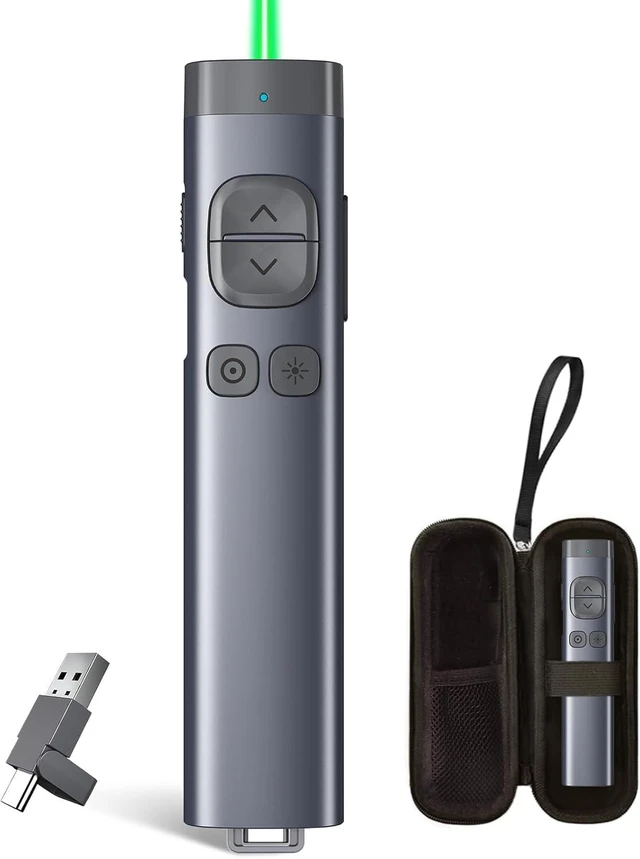
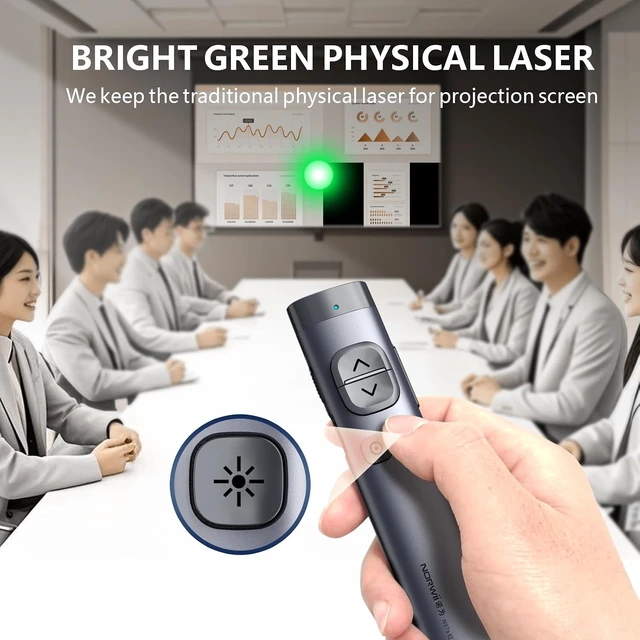
N97s Universal Presentation Remote, Digital Laser Pointer Clicker | Digital pointer and spotlight work on any screen. Connect via BT, or USBC / A. Metal housing, Silent button. 328ft range
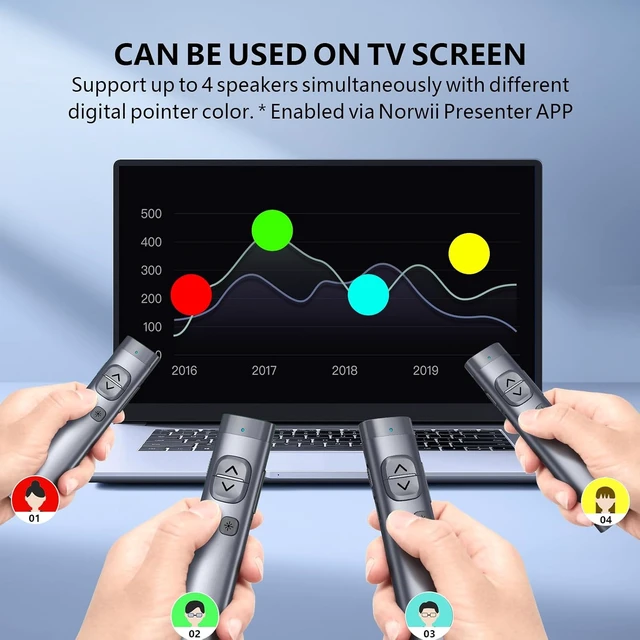
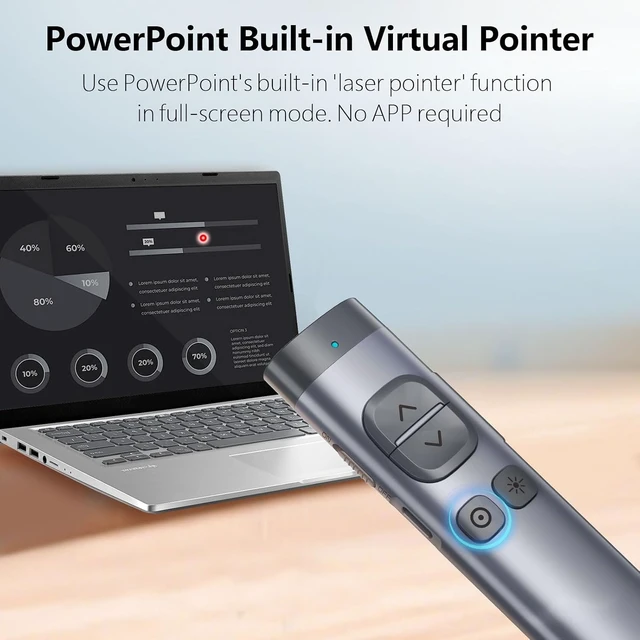
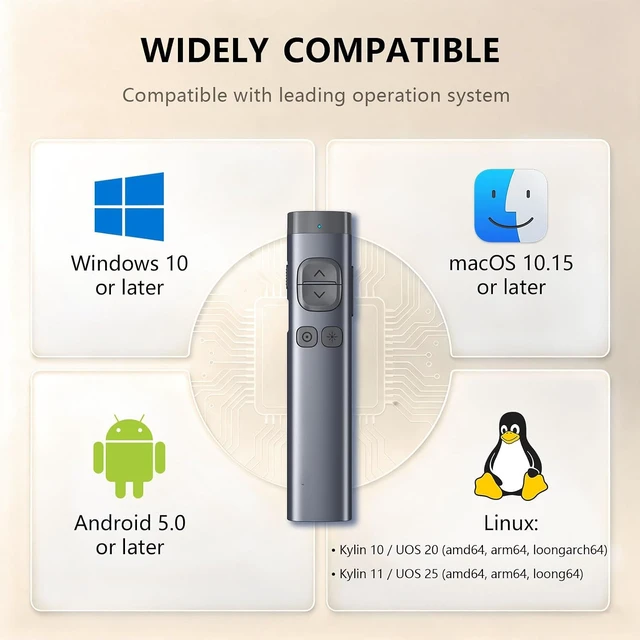
- Solution to TV screen presentation - Digital Pointer works on both TV screens and projection screens and is enabled via Presenter software. The presentation clicker is optimized to work with Windows 10, MacOS 10.15 or later, Android 5.0 or later, Linux Kylin 10 / UOS 20 (amd64, arm64, loongarch64) and Kylin 11 / UOS 25 (amd64, arm64, loong64). Support all leading presentation software including PowerPoint, Prezi, Keynote, Google Slides, Propresenter, MediaShout, Zoom and more. For details on feature compatibility, see the User Guide on the product details page.
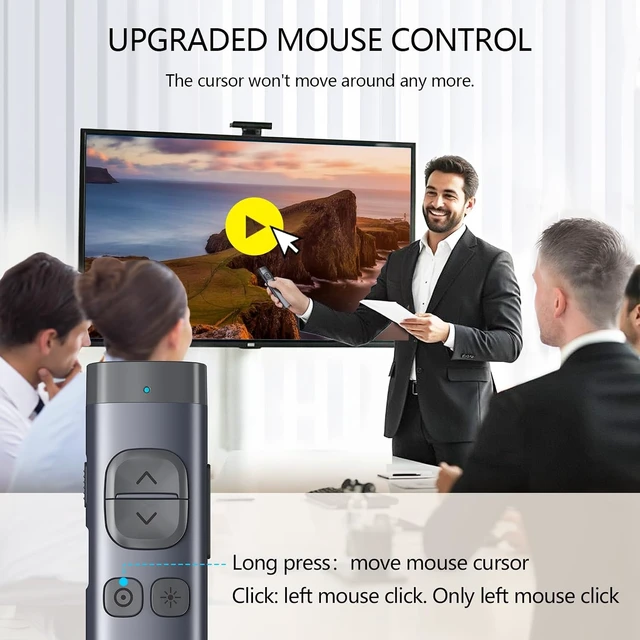
- Mouse-like Cursor Control - Use left mouse click to play and pause videos, open links, and enjoy a range of rich content interaction, only left mouse click, no right and double click
- Highlight and magnify - An advanced digital pointer system can highlight or magnify areas of focus in pixel-perfect detail. These functions are enabled via Presenter app
Any questions? Ask CelesteSM will help you find out quickly.
Metal Housing and Silent Button - the metal housing and the P+R silent buttons give you a comfortable feel and an unparalleled user experience
After startup the Presenter software (please update to the latest version), the Presenter software can support up to 4 people to use the digital pointer at the same time. In the software, you can choose a different pointer color for each one to differentiate between speakers.
Control mouse cursor to play video, open links. Note: Only left click, no right and double click.
Use software to set an on-screen timer to manage your time.
Only one type of USB receiver in one package, not 2 or more, depending your buying choice when placing the order.
Ensure startup the Presenter software and the presenter is connected. Enable the three authorizations and set the keyboard type as ANSI in macOS.


Warranty & Returns
Warranty, Returns, And Additional Information
Warranty
- Please contact the Seller directly for warranty information. Warranty information may also be found on the Manufacturer's website.
- CONTACT
Return Policies
- Return for refund within: 30 days
- Return for replacement within: 30 days
- This item is covered by Grandwood Tech Limited Return Policy
Manufacturer Contact Info
- For a directory of all our manufacturers, please click below.
- Manufacturers Directory