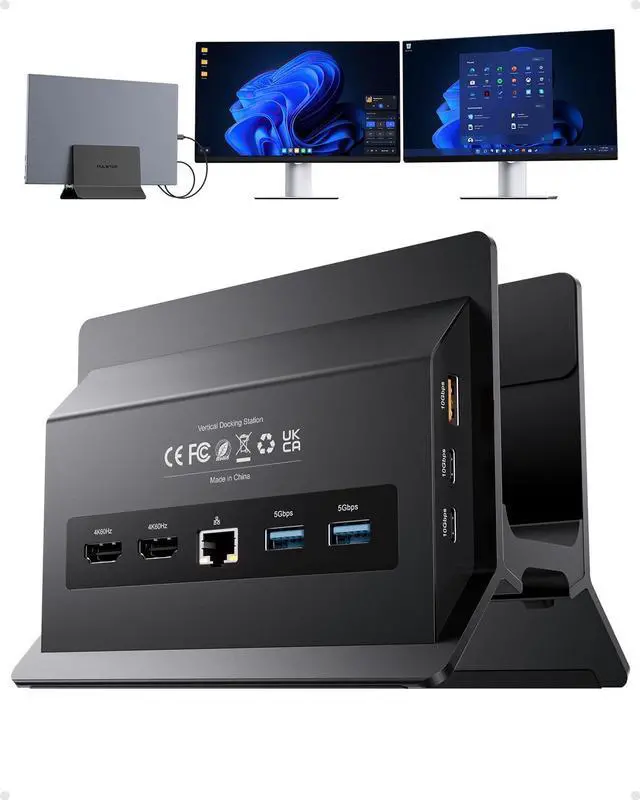
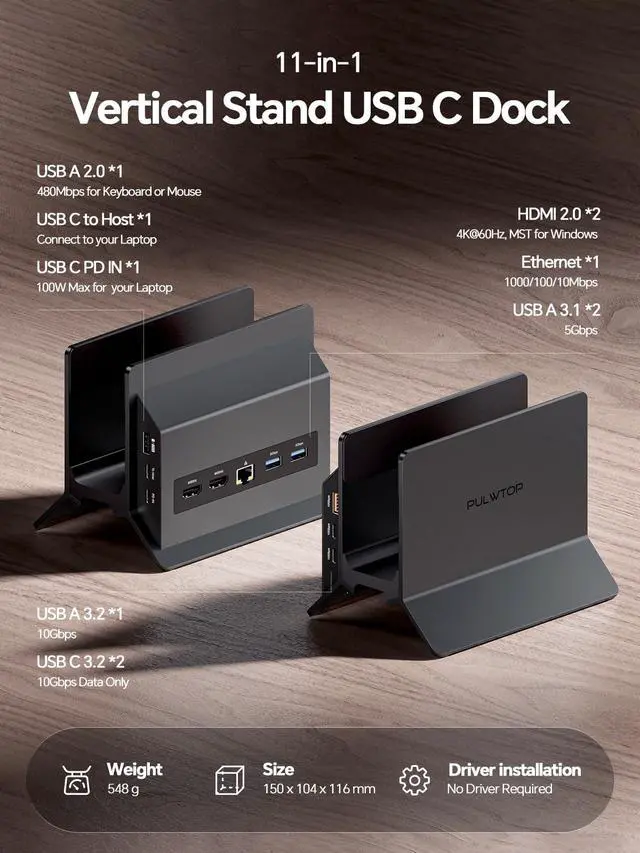
Comprehensive 11-in-1 Connectivity The USB-C docking station delivers full port expansion for
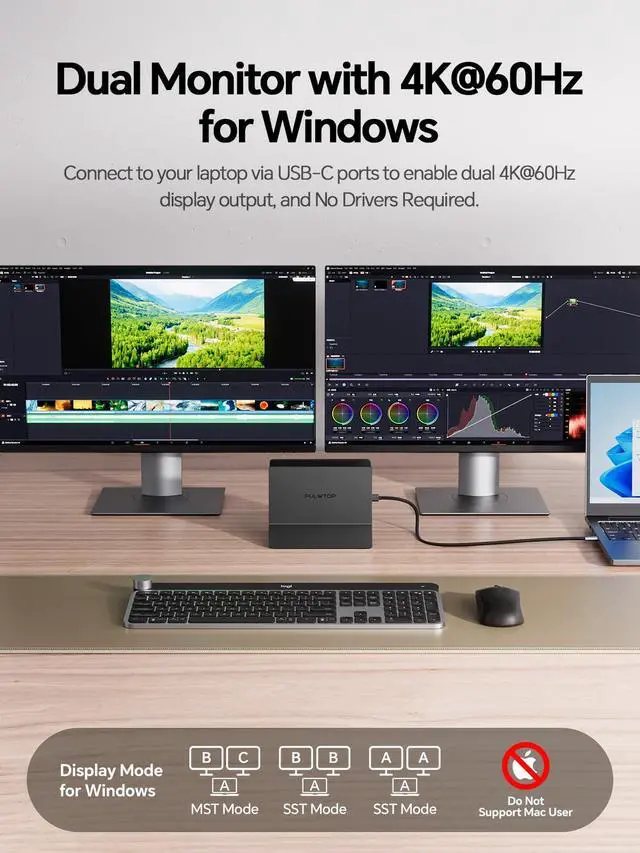
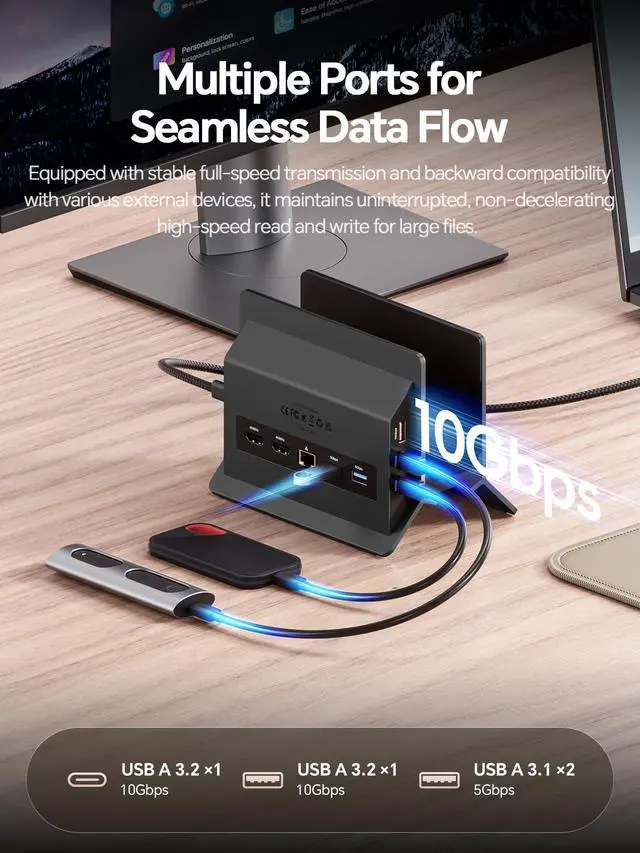
Windows laptops: 2× HDMI (4K@60Hz), 2× USB-C Gen2 (10Gbps), 1× USB-A Gen2 (10Gbps), 2× USB 3.0 (5Gbps), Gigabit Ethernet, USB 2.0, USB-C PD 100W charging, and a USB-C host port. Effortlessly connect two external monitors for work, gaming, or entertainment, plus all your essential peripheralsmouse, keyboard, external drivesthrough a single USB-C cable. Dual Monitor 4K@60Hz Docking Station for Windows Laptops Turn your Windows laptop into a high-productivity dual-monitor workstation with this USB-C dock. Supporting MST (Multi-Stream Transport), it drives two independent 4K@60Hz displays for extended or mirrored screensideal for office multitasking, creative design, stock trading, or immersive gaming. Plug and play, no driver required.
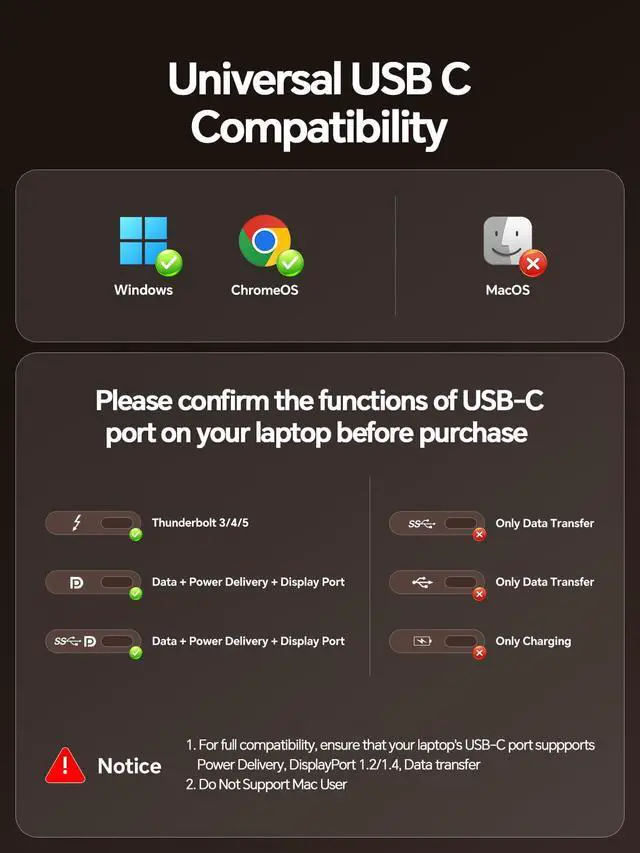
Note: NOT Support for Mac Users. High-Speed 10Gbps Data Transfer Equipped with USB-C 3.2 Gen 2 & USB-A 3.2 Gen 2 ports (10Gbps), this USB-C docking station lets you transfer large files like 4K videos, photo libraries, or backups in seconds. Two USB-A 3.0 ports (5Gbps) support printers and external HDDs, plus a dedicated USB-A 2.0 port for stable, low-latency mouse/keyboard connection.
Note: USB-C ports are data-only (no video output or charging). 100W PD Charging & Gigabit Ethernet The laptop docking station of usb-c pd port supports up to 100W input and delivers 85W safe charging to your laptop. The Gigabit Ethernet port provides fast, stable wired internet ideal for lag-free gaming, 4K streaming, and smooth video calls.
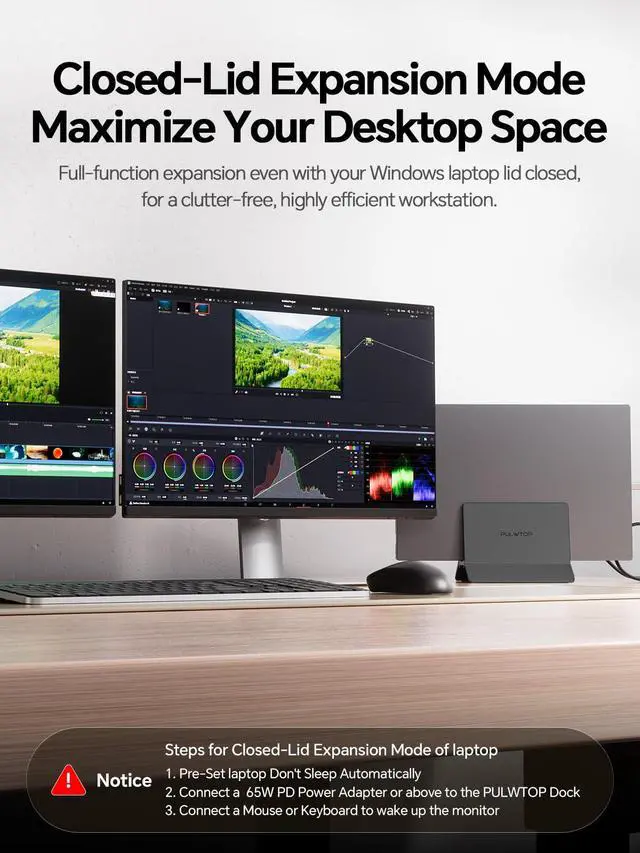
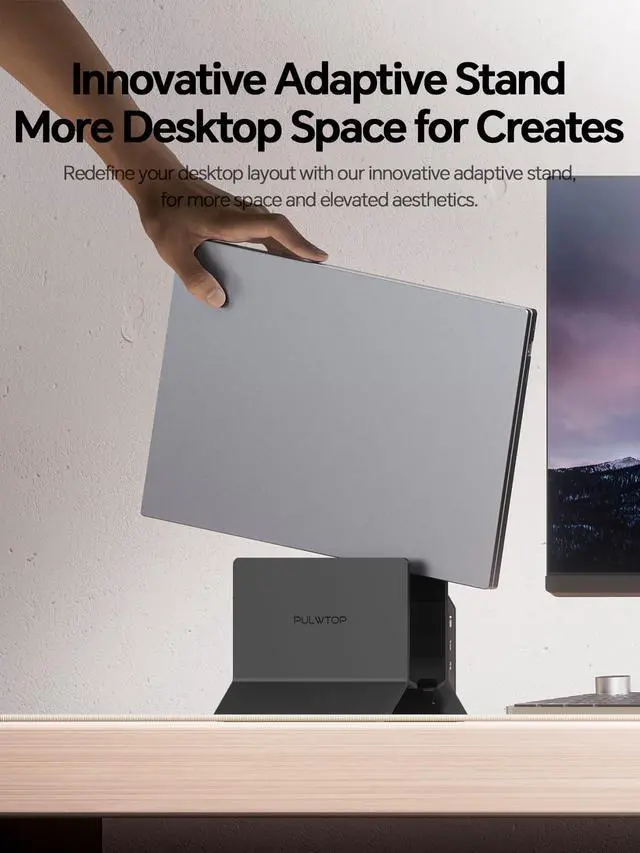
Note: Power adapter not included. A 65W or higher PD adapter is recommended for stable laptop charging. 2-in-1 Vertical Laptop Stand & Docking Station Space-saving design with superior cooling. This vertical USB-C docking station 2 monitor combines a laptop stand and a full-featured dock in one sleek body. Compatible with Thunderbolt 3/4/5, USB4, and full-featured USB-C Windows laptops (Dell, Lenovo, HP, ThinkPad).
Note: For clamshell mode with an external display, connect a PD adapter to the PD port and a mouse to a USB 2.0 port to wake up the screen





 here!
here!