

Your Browsing History
- Free 30-day Returns
$67.99

Meet Your Seller


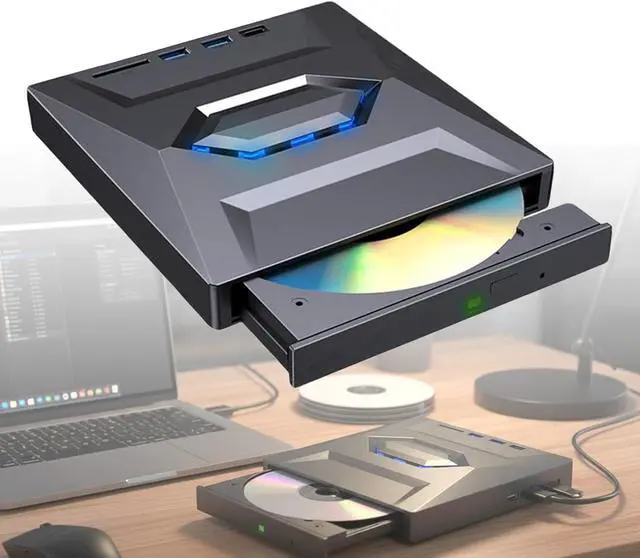
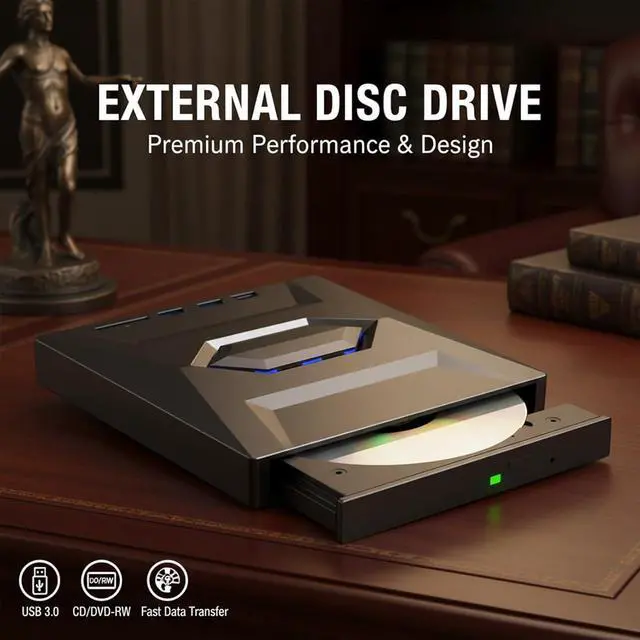




RAINPOT Saker External CD DVD Drive - USB 3.0 Type-C Portable Burner with SD Card Reader & USB Port, Plug & Play for Laptop/Desktop (Windows/Mac/Linux) (1PC)
- PLUG & PLAY EXTERNAL DVD DRIVEConnect the drive to your laptop or desktop via USB or Type-C, and it will be recognized automatically on most systems. No complicated setup is requiredsimply insert a disc to play, burn, or access files for instant use.
- CD & DVD READ AND WRITE SUPPORTSupports CD-R/RW, CD-ROM, DVD±R/RW, DVD-RAM and other common disc formats. Ideal for playing music CDs, watching DVDs, installing software, burning discs, or backing up important files to meet diverse daily needs.
- STABLE USB 3.0 DATA TRANSFEREquipped with USB 3.0 technology, this external drive provides faster and more reliable data transmission compared to older USB standards. It ensures smooth disc reading and burning performance, reducing waiting time for file operations.
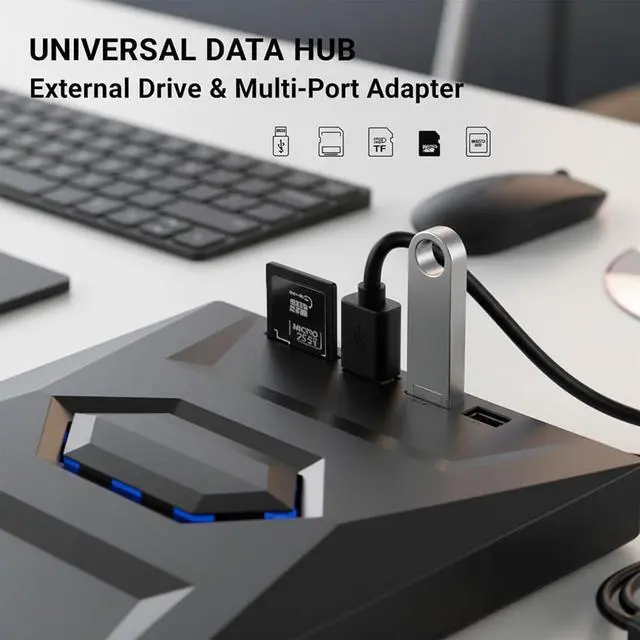
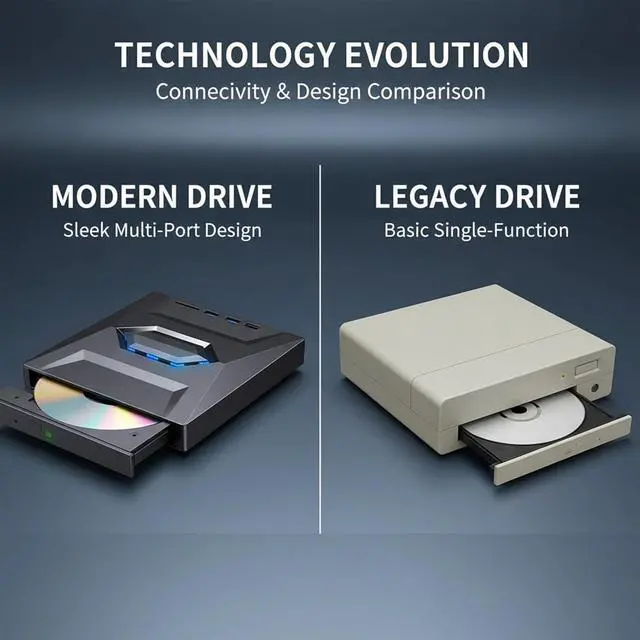
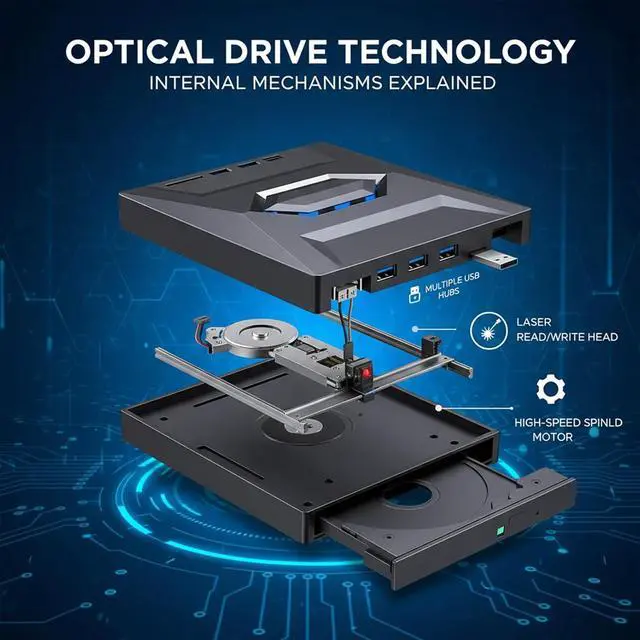
- PRACTICAL MULTI-PORT DESIGNDesigned with four useful interfaces including an SD card reader, USB port, USB power port, and Type-C connection. It enables easy file transfer from memory cards and offers flexible compatibility with modern and older computer models.
- SLIM PORTABLE OPTICAL DRIVEFeaturing a lightweight and compact design, the external drive fits neatly into a laptop bag for easy carrying. It is perfect for home office, school, travel, and any computer that requires external CD/DVD access.
+
+
Overview
Reviews

Any questions? Our AI mode will help you find out quickly.
Try me now
Versatile External CD DVD Drive for All Your Disc NeedsEnhance your computing experience with the SAKER External CD DVD Drive, a USB 3.0 Type-C portable optical drive designed for universal compatibility. Combining reliable disc reading/writing, a practical multi-port design, and plug-and-play convenience, it serves as a essential companion for laptops and desktops running Windows, Mac, or Linux. The slim, portable build makes it easy to take anywhere, supporting daily file management, media playback, and software installation tasks.
Key Features:Plug & Play Operation Auto-recognized by most systems via USB/Type-C; no extra drivers or setup needed.
Multi-Format Disc Support Works with CD-R/RW, CD-ROM, DVD±R/RW, DVD-RAM and common disc types.
Fast & Stable Data Transfer USB 3.0 technology delivers reliable performance for reading and burning discs.
All-in-One Multi-Port Design Integrates SD card reader, USB port, USB power port, and Type-C connectivity.
Portable & Compact Build Lightweight, slim body fits easily into bags for on-the-go use.
Wide System Compatibility Works seamlessly with Windows, Mac, and Linux operating systems.
Technical Specifications:Interface: USB 3.0 + Type-C (Backward Compatible with USB 2.0)
Supported Disc Formats: CD-R/RW, CD-ROM, DVD±R/RW, DVD-RAM
Additional Ports: SD Card Reader, USB Port, USB Power Port
Design: Slim, Portable, Lightweight Optical Drive
System Compatibility: Windows, Mac OS, Linux
Function: CD/DVD Reading, CD/DVD Burning, File Access/Transfer
How to Use:1. CONNECT Plug the drive into your laptop/desktop via USB or Type-C port.
2. WAIT Allow the system to auto-recognize the drive (no additional setup required).
3. OPERATE Insert a disc to play, burn, or access files directly.
4. TRANSFER Use the SD card reader/USB port for additional file sharing as needed.
Perfect For:Home Office Disc Management & File Backups
School & Student Software Installation (CD/DVD-Based)
Travel & On-the-Go Media Playback (Music CDs, DVDs)
Legacy Disc Access for Laptops/Desktops Without Built-In Drives
Multi-Device File Transfer (SD Cards, USB Drives, Discs)
General Computing Tasks (DVD Playback, CD Burning)
All-in-One Disc Solution SAKER External CD DVD Drive
Versatile External CD DVD Drive for All Your Disc Needs Key Features: Technical Specifications: How to Use: Perfect For:
Key Features:Plug & Play Operation Auto-recognized by most systems via USB/Type-C; no extra drivers or setup needed.
Multi-Format Disc Support Works with CD-R/RW, CD-ROM, DVD±R/RW, DVD-RAM and common disc types.
Fast & Stable Data Transfer USB 3.0 technology delivers reliable performance for reading and burning discs.
All-in-One Multi-Port Design Integrates SD card reader, USB port, USB power port, and Type-C connectivity.
Portable & Compact Build Lightweight, slim body fits easily into bags for on-the-go use.
Wide System Compatibility Works seamlessly with Windows, Mac, and Linux operating systems.
Technical Specifications:Interface: USB 3.0 + Type-C (Backward Compatible with USB 2.0)
Supported Disc Formats: CD-R/RW, CD-ROM, DVD±R/RW, DVD-RAM
Additional Ports: SD Card Reader, USB Port, USB Power Port
Design: Slim, Portable, Lightweight Optical Drive
System Compatibility: Windows, Mac OS, Linux
Function: CD/DVD Reading, CD/DVD Burning, File Access/Transfer
How to Use:1. CONNECT Plug the drive into your laptop/desktop via USB or Type-C port.
2. WAIT Allow the system to auto-recognize the drive (no additional setup required).
3. OPERATE Insert a disc to play, burn, or access files directly.
4. TRANSFER Use the SD card reader/USB port for additional file sharing as needed.
Perfect For:Home Office Disc Management & File Backups
School & Student Software Installation (CD/DVD-Based)
Travel & On-the-Go Media Playback (Music CDs, DVDs)
Legacy Disc Access for Laptops/Desktops Without Built-In Drives
Multi-Device File Transfer (SD Cards, USB Drives, Discs)
General Computing Tasks (DVD Playback, CD Burning)
All-in-One Disc Solution SAKER External CD DVD Drive
Versatile External CD DVD Drive for All Your Disc Needs Key Features: Technical Specifications: How to Use: Perfect For:
Warranty & Returns
Warranty, Returns, And Additional Information
Warranty
- Please contact the Seller directly for warranty information. Warranty information may also be found on the Manufacturer's website.
- CONTACT
Return Policies
- Return for refund within: 30 days
- Return for replacement within: 30 days
- This item is covered by Zhanfu Technology Co., Limited Return Policy
Manufacturer Contact Info
- For a directory of all our manufacturers, please click below.
- Manufacturers Directory
LOADING...