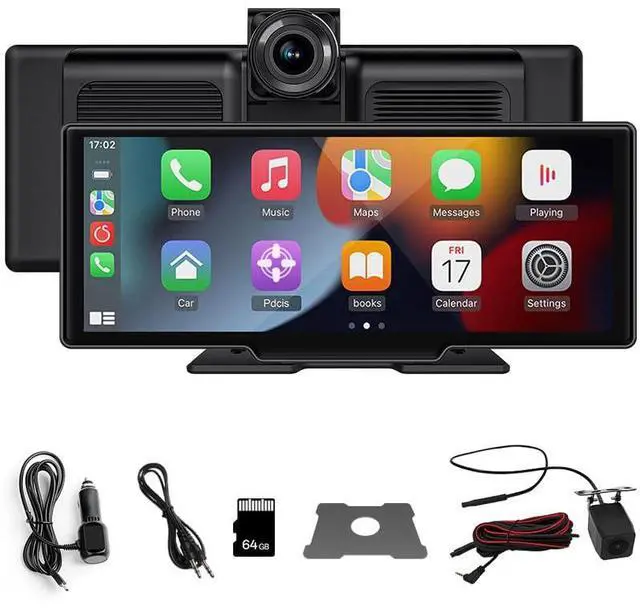
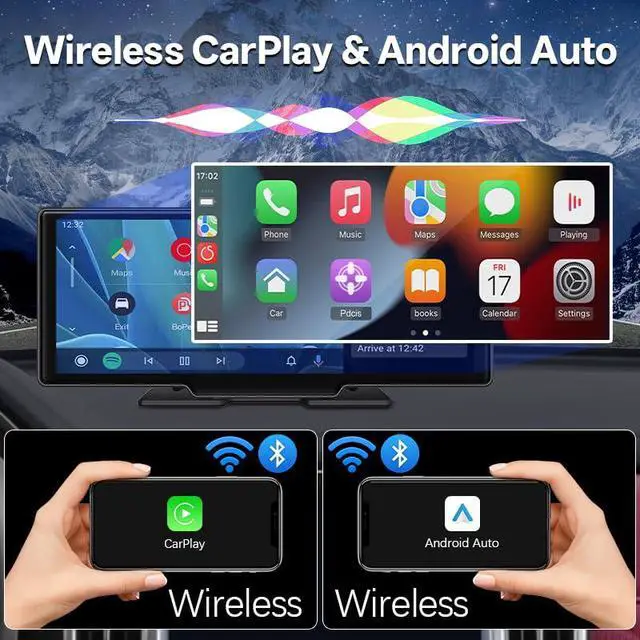
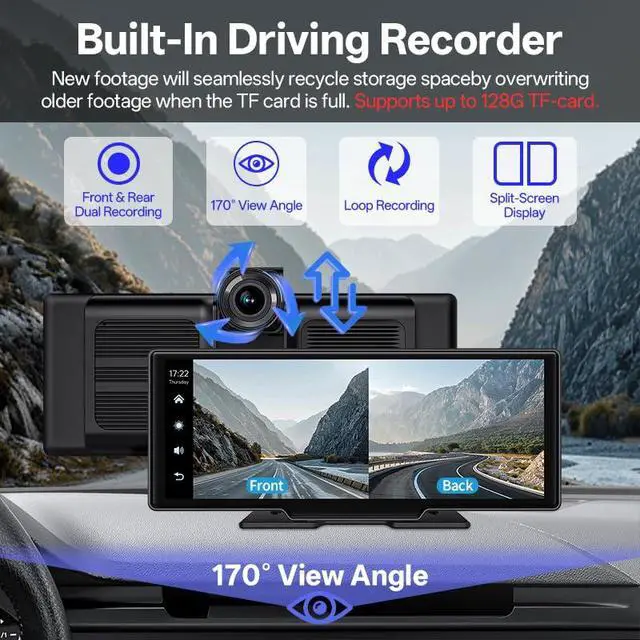
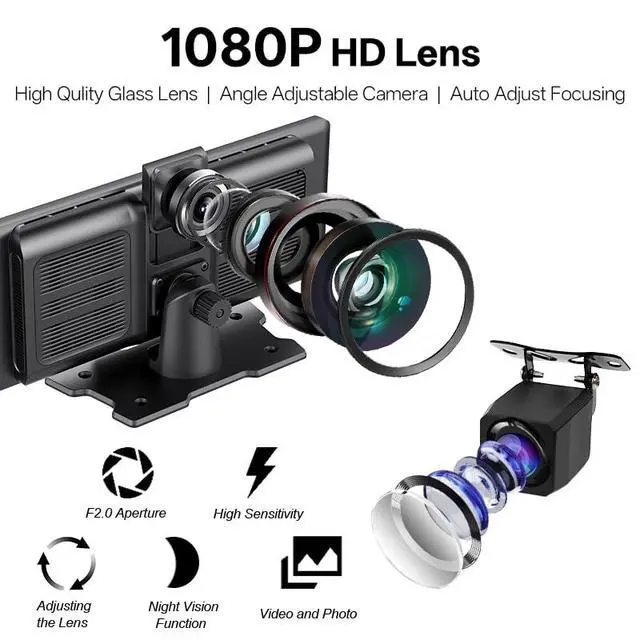
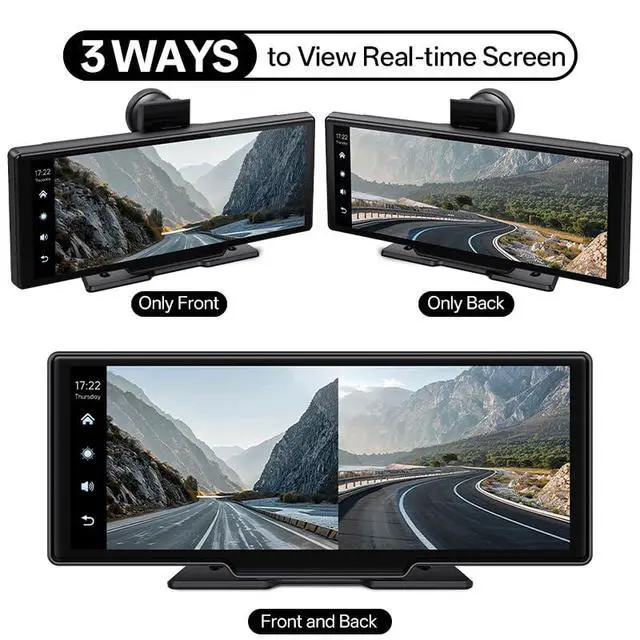
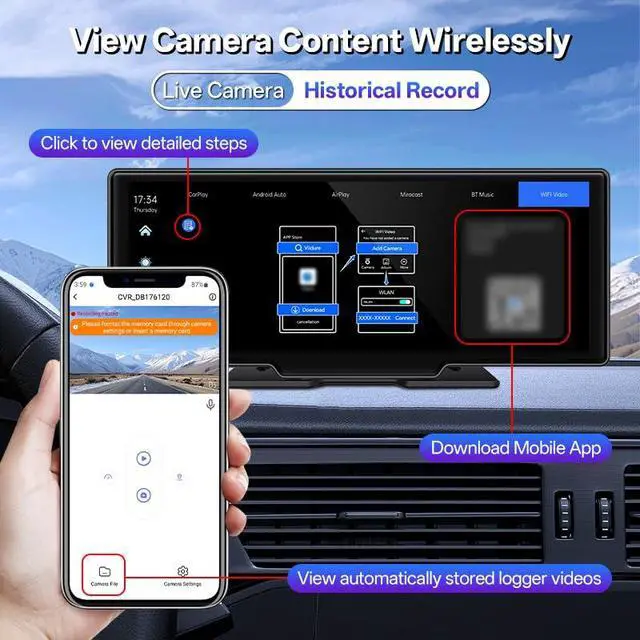
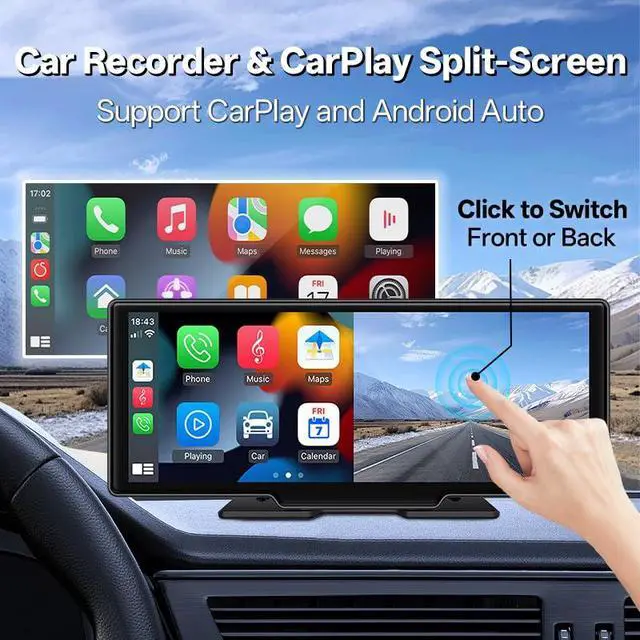
Apple CarPlay (Wired & Wireless): 1. Wired Connection: Use an Apple original or certified cable to connect your iPhone to the USB port. 2. Wireless Connection: First, enable Bluetooth and Wi-Fi on your iPhone. Android Auto (Wired & Wireless): Wired Connection: Connect the USB data cable, and the system will automatically enter the Android Auto interface. Wireless Connection: First, turn on Bluetooth and Wi-Fi on your phone, then connect via Bluetooth. It will automatically enter the Android Auto interface. CAMERA SYSTEM: The integrated front camera offers a 170-degree wide viewing angle for extensive road coverage. It includes a front 4K DVR loop recording camera and a 1080p night vision backup camera. FM Transmit: When this mode is selected, FM transmission is enabled by default. For instance, if the device's FM transmission frequency is set to "FM 106.0 MHz" (any available channel can be used), tune your car's original radio to the same FM frequency. Upon successful connection, all audio from the device will be broadcast to your car's original speakers via FM.
+
+
Specs
Reviews
Any questions? Our AI beta will help you find out quickly.
Try me now
Learn more about the Detailed Specifications
Additional Information
First Listed on Newegg
June 10, 2026
There are no reviews yet.
Do you own this product?
Warranty & Returns
Warranty, Returns, And Additional Information
Warranty
Please contact the Seller directly for warranty information. Warranty information may also be found on the Manufacturer's website.