
Your Browsing History




Any questions? Our AI beta will help you find out quickly.
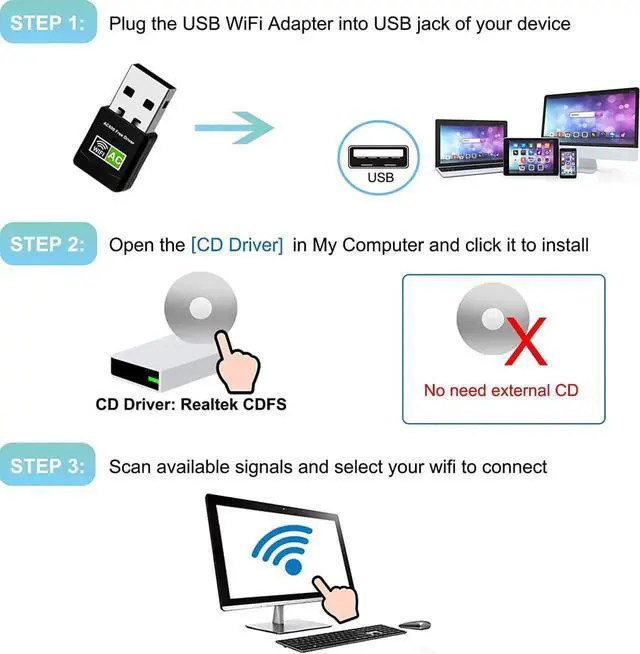
. Plug the wifi adapter into the USB port of your computer or laptop;
2. Open [ My Computer ] and click [ Realtek ] to install the driver.
3. Finish. Scan available network to connect.
Warm Tips:
1. The driver is built in the wifi adapter. Compared with other wifi adapters that need to get driver from a CD, this is designed for more convenience. You don't need to install the CD, ideal for ultra-thin laptop or desktop PC without CD Drive.
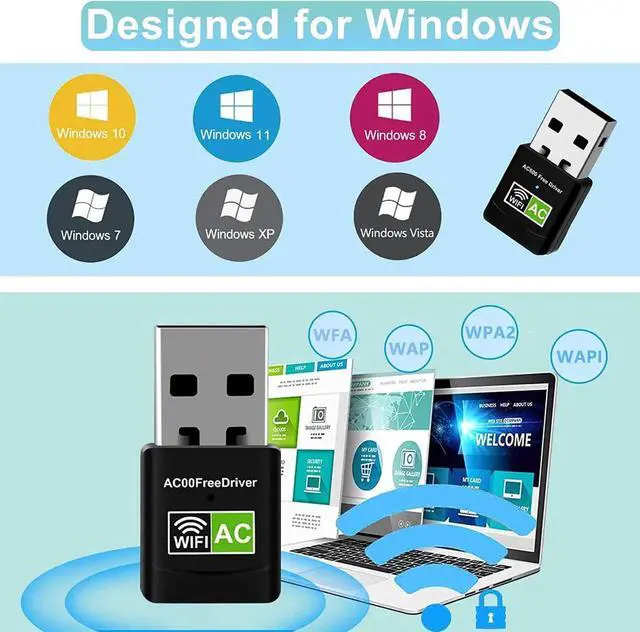
2. For Windows 10 and Windows 11 system, you don't need to install the driver. It's plug and play: Plug into USB - - Scan the network and connect.
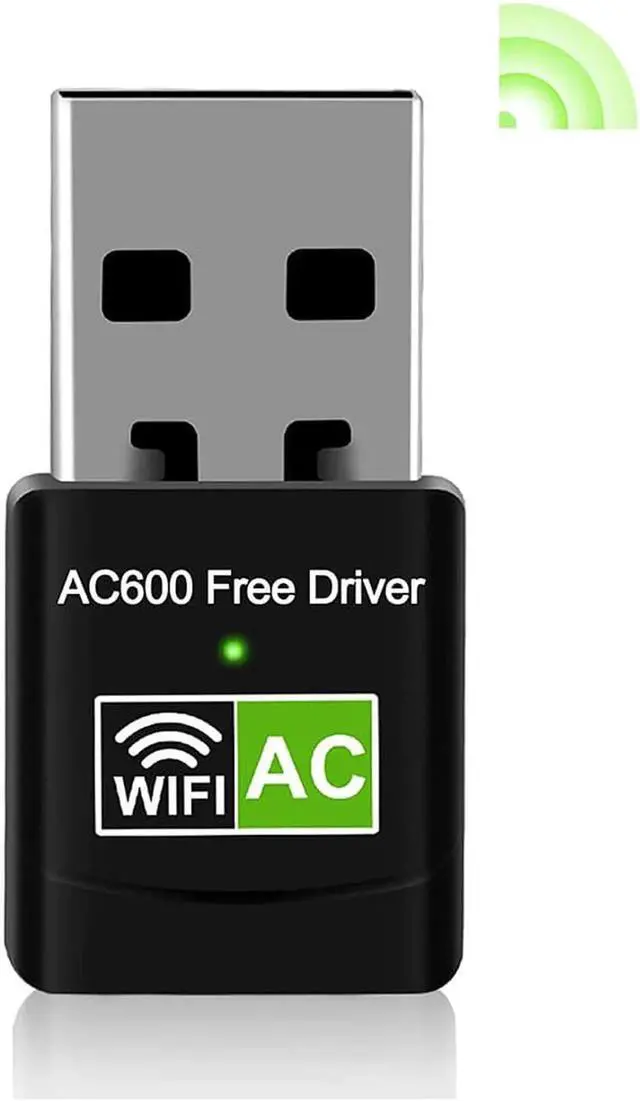
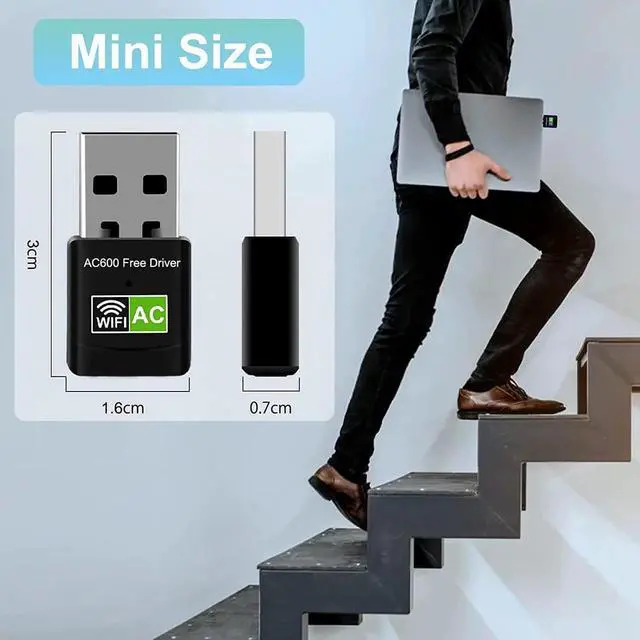
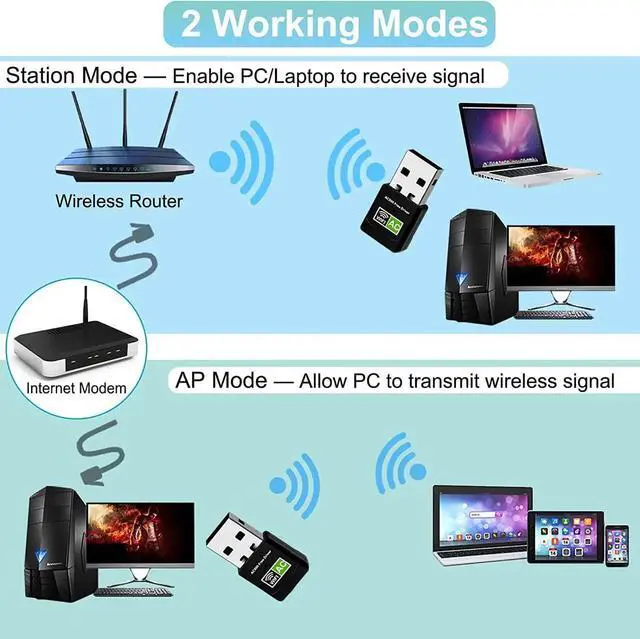
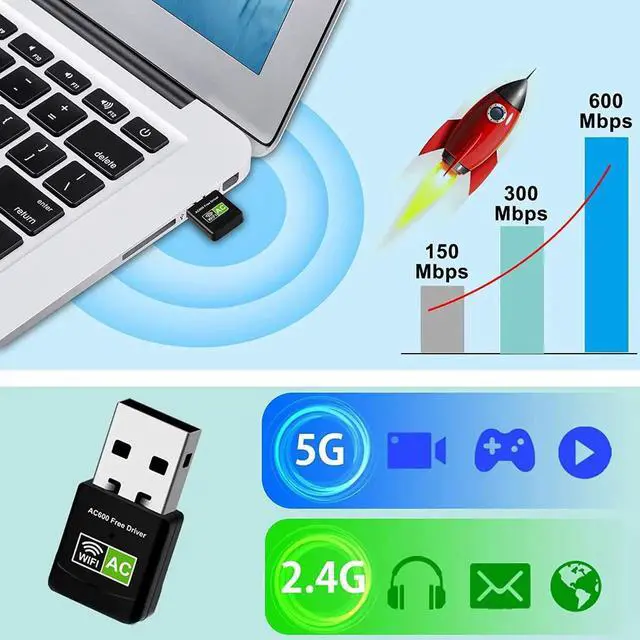
USB WiFi Adapter, 600Mbps Mini Wireless WiFi Network Adapters for Desktop Computer/Notebook PC, Dual Band 5G+ 2.4G WiFi Dongle Laptop External Network Card for Windows 11/10/8/XP etc, No Need CD Drive