




 here!
here!
I’m your shopping assistant for PC builds, upgrades, and everything tech.
Got questions? Ask away!
Start a conversation
here!
I’m your shopping assistant for PC builds, upgrades, and everything tech.
Got questions? Ask away!
Start a conversation





Any questions? Ask CelesteSM will help you find out quickly.


Description:
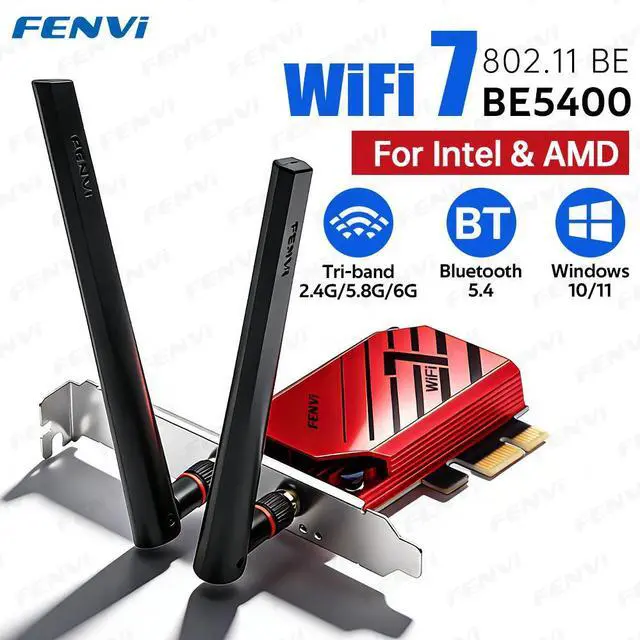
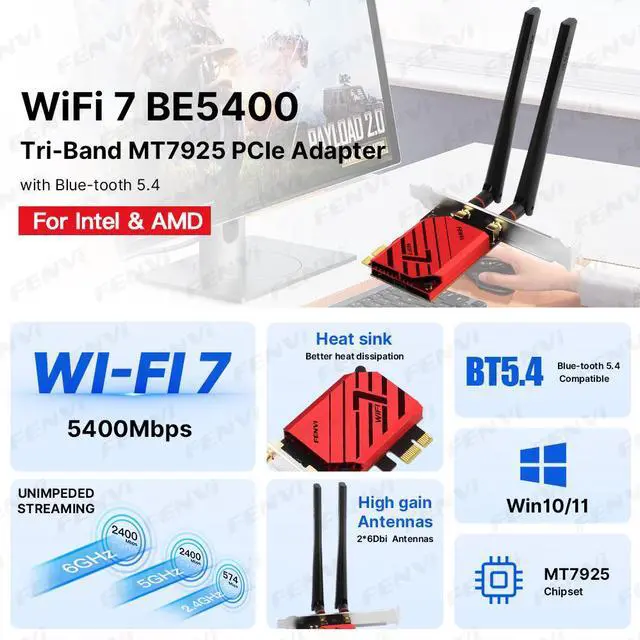
The fenvi FV-BE5400PRO is a Wi-Fi 7 PCIe wireless adapter for Windows 10/11 desktop PCs, combining tri-band 2.4GHz, 5GHz, and 6GHz connectivity with Bluetooth 5.4 and up to BE5400-rated wireless performance; it suits users upgrading Intel- or AMD-based desktops for faster wireless networking.
| Attribute | Value |
|---|---|
| Best For | Windows 10/11 desktop PCs needing Wi-Fi 7 tri-band wireless networking and Bluetooth 5.4 through a PCI Express slot |
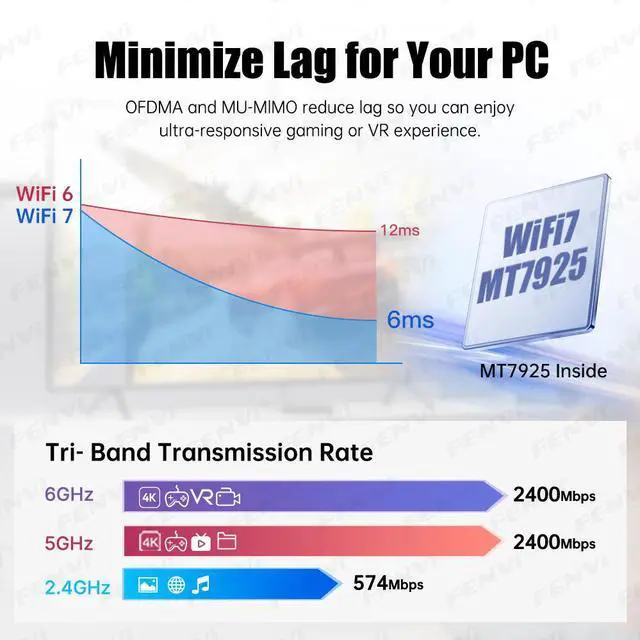
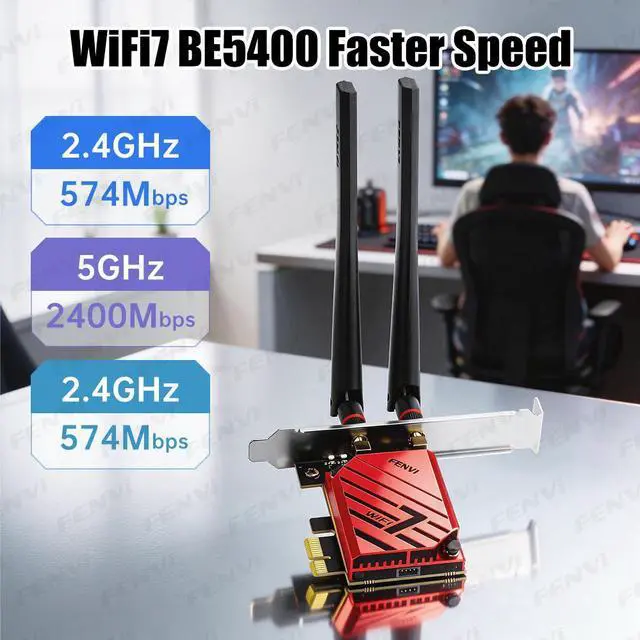
| Wireless Standard And Performance | Wi-Fi 7 connectivity using the 802.11be standard with BE5400 wireless data rates |
| Frequency And Antenna | Tri-band operation across 2.4GHz, 5GHz, and 6GHz with a 6dBi antenna |
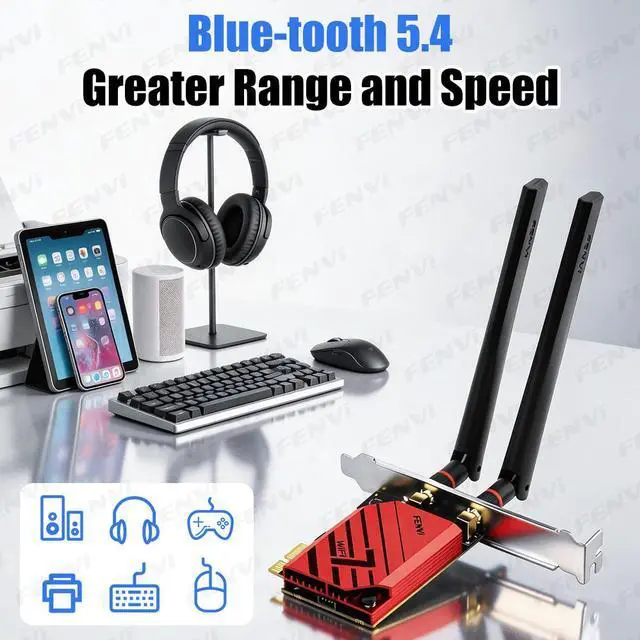
| Bluetooth | Bluetooth 5.4 for compatible wireless peripherals and accessories |
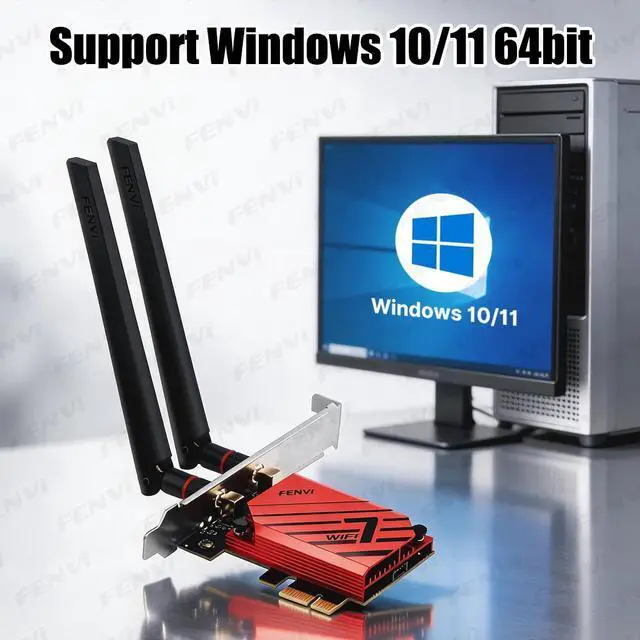
| Interface And Compatibility | PCI Express interface for systems running Windows 10 or Windows 11 |
| Brand And Appearance | Fenvi wireless adapter in red |
Q: Should I choose the fenvi FV-BE5400PRO or an Intel Wi-Fi 7 BE200 PCIe adapter?
A: Choose the fenvi FV-BE5400PRO for a Windows 10/11 desktop when you want a ready-to-install PCIe card using the MediaTek MT7925, tri-band Wi-Fi 7, Bluetooth 5.4, and stated Intel/AMD motherboard compatibility. Choose the Intel BE200 when your router and network can use 320 MHz Wi-Fi 7 channels and you want its higher theoretical client rate of up to 5.8 Gbps. The MT7925 is a 2x2, 160 MHz Wi-Fi 7 platform with up to 2.9 Gbps of chipset-level throughput, so the two products use different performance classes despite similar Wi-Fi 7 positioning.
Q: Is the FV-BE5400PRO a worthwhile upgrade from an Intel AX210 Wi-Fi 6E card?
A: The FV-BE5400PRO is the better upgrade when you already have a Wi-Fi 7 router and want Wi-Fi 7 features such as Multi-Link Operation, 4096-QAM, improved interference handling, and Bluetooth 5.4. An AX210 remains a practical choice when your router is limited to Wi-Fi 6E, because both adapters support 2.4 GHz, 5 GHz, and 6 GHz bands and 160 MHz channels. The upgrade is most meaningful when both the router and the desktop support Wi-Fi 7; otherwise, expected gains are usually limited by the network equipment.
Q: Is the FV-BE5400PRO better than a USB Wi-Fi 7 adapter for a desktop PC?
A: Choose the FV-BE5400PRO when the desktop has an available PCIe slot and performance, sustained throughput, and external antenna positioning are more important than portability. Choose a USB Wi-Fi 7 adapter when you need to move the adapter between computers, use it with a laptop, or avoid opening the PC case. Reviews of USB Wi-Fi 7 adapters show that they are convenient and flexible, while PCIe adapters are generally the stronger fit for a permanent desktop installation and high-throughput use.
Q: Should I buy the FV-BE5400PRO if my router only supports Wi-Fi 6 or Wi-Fi 6E?
A: Buy the FV-BE5400PRO if you are preparing for a Wi-Fi 7 router upgrade or need a current-generation desktop adapter with Bluetooth 5.4. If the existing router will remain Wi-Fi 6 or Wi-Fi 6E, a lower-cost Wi-Fi 6E adapter such as the AX210 can provide access to the 6 GHz band without requiring Wi-Fi 7 hardware. The FV-BE5400PRO can connect to older Wi-Fi generations, but its Wi-Fi 7 capabilities require a compatible Wi-Fi 7 access point to provide meaningful benefits.
Q: Will this Wi-Fi 7 card work with my desktop motherboard and an AMD or Intel processor?
A: Yes, it is designed for desktop PCs using Intel or AMD platforms, provided the motherboard has an available compatible PCI Express slot. It supports Windows 10 and Windows 11 64-bit, and the Wi-Fi and Bluetooth drivers must be downloaded from fenvi.cn. ([bestbuy.com](https://www.bestbuy.com/site/questions/asus-ac3100-dual-band-wireless-pci-express-network-card-red/5600320?utm_source=openai)
Q: Does this adapter support 2.4GHz, 5GHz, and 6GHz Wi-Fi?
A: Yes. The adapter supports all three bands: 2.4GHz, 5GHz, and 6GHz. To use the 6GHz band, the desktop also needs a compatible Wi-Fi 6E or Wi-Fi 7 router, and availability can depend on local wireless regulations. ([bestbuy.com](https://www.bestbuy.com/site/questions/tp-link-archer-tbe6500u-tri-band-be6500-6-5-gbps-wi-fi-7-wireless-ultra-fast-usb-3-0-adapter-with-advanced-wpa3-security-gray/6623611?utm_source=openai)
Q: Does it add Bluetooth to a desktop PC?
A: Yes. This PCIe adapter includes Bluetooth 5.4 as well as Wi-Fi 7, so it is suitable for desktops that need wireless networking and Bluetooth connectivity in one add-in card. Driver installation is required for both functions. ([bestbuy.com](https://www.bestbuy.com/site/questions/asus-ac3100-dual-band-wireless-pci-express-network-card-red/5600320?utm_source=openai)
Q: Is the advertised 5400Mbps speed the actual internet speed I will get?
A: No. BE5400 is a theoretical wireless data-rate class based on the adapter’s supported bands and channel widths. Actual throughput depends on the router, internet plan, signal strength, interference, connected device, and whether the 6GHz or other high-speed bands are available. ([bestbuy.com](https://www.bestbuy.com/site/questions/tp-link-archer-tbe6500u-tri-band-be6500-6-5-gbps-wi-fi-7-wireless-ultra-fast-usb-3-0-adapter-with-advanced-wpa3-security-gray/6623611?utm_source=openai)
Q: Who is this adapter best suited for?
A: It is best suited for a Windows 10 or Windows 11 desktop that lacks built-in Wi-Fi 7 or Bluetooth, especially when the user wants tri-band wireless connectivity and Bluetooth 5.4. It is not intended for laptops, phones, Mac systems, Linux systems, or other devices without a compatible PCIe slot. ([bestbuy.com](https://www.bestbuy.com/site/questions/tp-link-archer-tbe6500u-tri-band-be6500-6-5-gbps-wi-fi-7-wireless-ultra-fast-usb-3-0-adapter-with-advanced-wpa3-security-gray/6623611?utm_source=openai)
Q: Will the fenvi FV-BE5400PRO work with an AMD desktop?
A: It is designed to work with both Intel and AMD motherboards because it uses the MediaTek MT7925 chipset. However, community discussions indicate that AMD users should install the correct drivers and may need to disable Wi-Fi 7 mode or use Wi-Fi 6E settings if connection stability is poor.
Q: Is this card a good upgrade from Wi-Fi 5 or Wi-Fi 6?
A: It is most suitable when the desktop needs 6 GHz access, Wi-Fi 7 compatibility, or a replacement for an unreliable older adapter. The upgrade may provide limited benefit if the router does not support Wi-Fi 6E or Wi-Fi 7, or if the existing connection is already stable and fast enough.
Q: Does the FV-BE5400PRO deliver the full speed advertised for Wi-Fi 7?
A: The advertised BE5400 figure is a combined theoretical link rate across the 2.4 GHz, 5 GHz, and 6 GHz bands, not a guaranteed internet or file-transfer speed. This MT7925-based card supports up to 160 MHz channels, so it does not provide the 320 MHz capability associated with some higher-end Wi-Fi 7 chipsets.
Q: Is this card suitable if I want a trouble-free Windows installation?
A: It supports 64-bit Windows 10 and Windows 11, but drivers must be installed separately from Fenvi. Community reports indicate that MT7925 adapters can require manual driver installation or configuration changes, especially when Windows 10 or Wi-Fi 7 mode causes detection or connection problems.


