






![TP-Link USB C To Ethernet Adapter(UE300C), RJ45 To USB C [Thunderbolt 3/4 Compatible] Type-C Giga...](http://c1.neweggimages.com/sellingpilot/modules/product/a-plus/d3b73d1080ba871b9ce33dfcd472bc379173170d5eda27b171fb3093b95419fc.jpg)


Link to Your Computer via Bluetooth
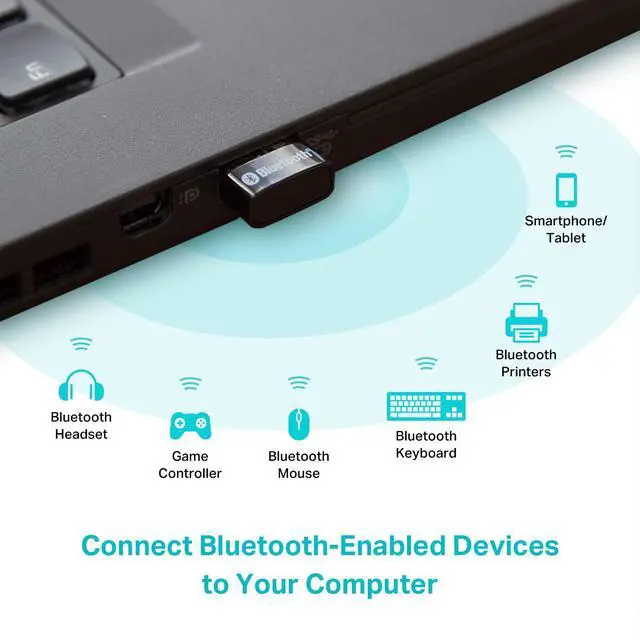
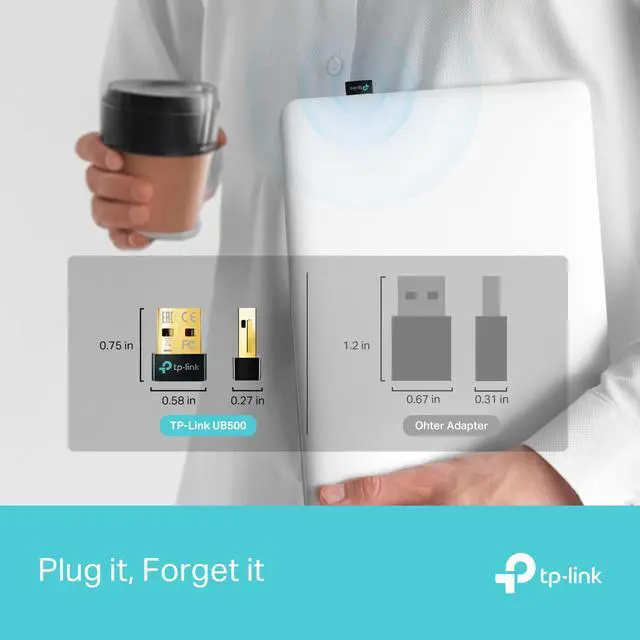
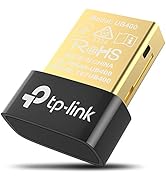
UB500 makes non-Bluetooth PCs and laptops Bluetooth-capable so you can connect your Bluetooth devices to your computer and enjoy it with ease. With the latest technology, it supports up to 7 Bluetooth devices at once with a powerful wireless connection.

Bluetooth 5.4: Faster Speed, Farther Coverage
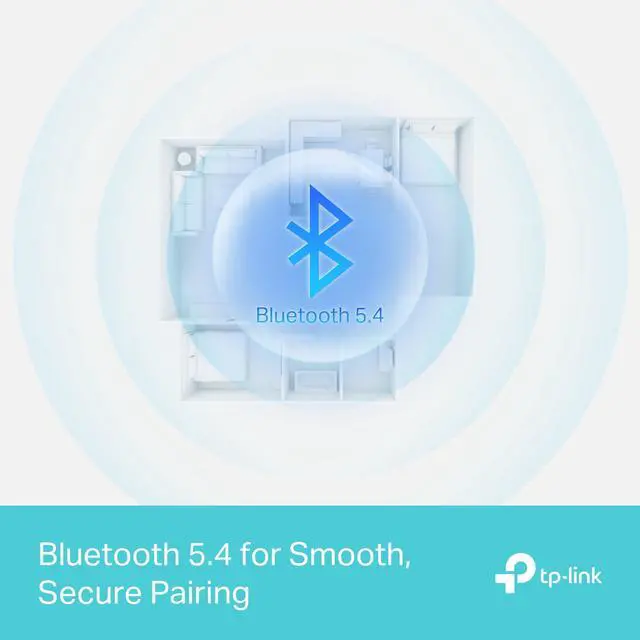
UB500 equips your PC with the more advanced Bluetooth 5.4 technology that has across-the-board upgrades compared to old versions. It runs faster and reaches further compared to Bluetooth 4.0 technology, ensuring a strong and stable wireless connection between your PC and Bluetooth devices. *

EDR and BLE Technology
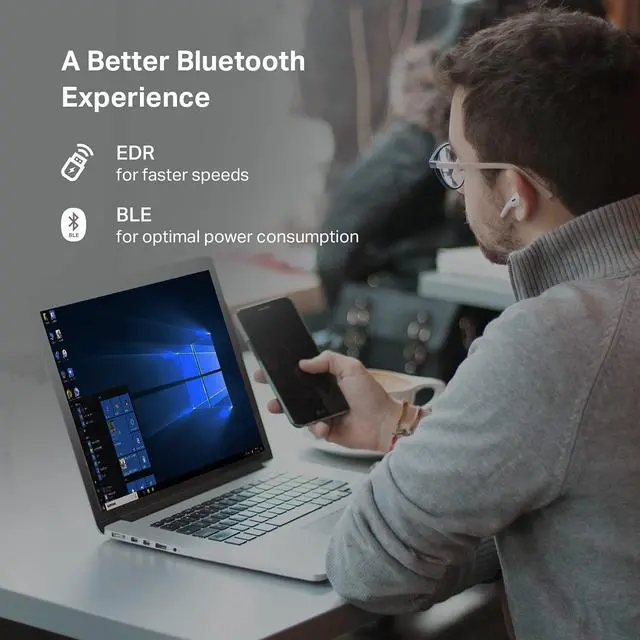
Featuring EDR and BLE technology, UB500 enhances your wireless experience by giving you faster speeds for data transfer and the optimal rate of power consumption.
Note: It can only connect to one BLE device at a time


Plug N’ Play for Windows 11, 10 and 8.1
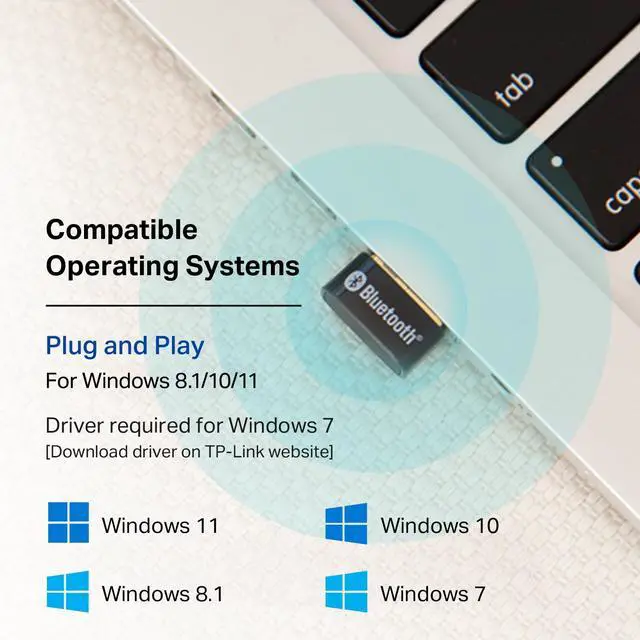
For Windows 11, 10 and 8.1, just plug the Bluetooth dongle into computer to enjoy a fast, convenient Bluetooth connection (make sure your computer is connected to the internet).
Windows 7 is also supported by installing the driver from TP-Link’s website*
What operating systems are compatible with the UB500?
Currently supported operating systems include Windows 11/10/8, Driver is needed for Windows 7
Please note that UB500 is not compatible with Mac, Linux, or TV.
Can the UB500 support more than one device at a time?
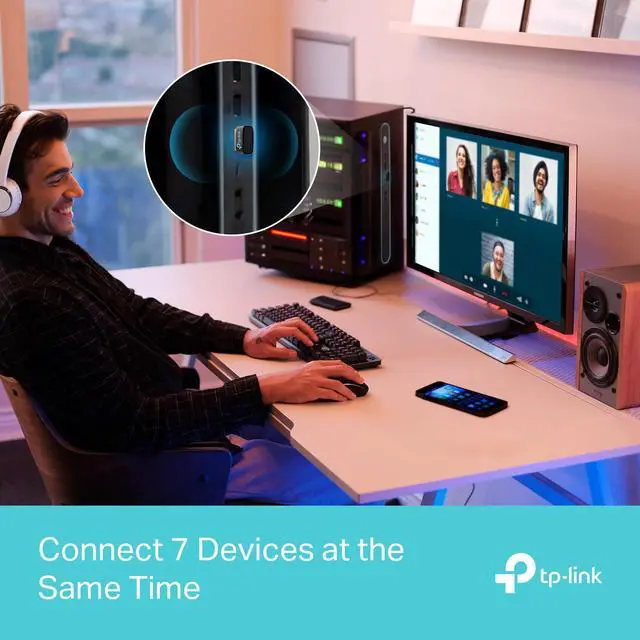
Yes, the Bluetooth adapter can support up to 7 devices at a time. However, It can only connect to one BLE device at a time.
How do I connect to PS5 controller?
You can try 2 things,
1. Unpair the controller from your PlayStation
2. Hook the controller to your computer via the USB cable and then hit the PS Button. Once the controller is detected you can disconnect the USB charging cable.
What is EDR and BLE technology?
EDR, Enhanced Data Rate, is a Bluetooth specification that provides faster data rates.
BLE, Bluetooth Low Energy, is the latest technology to lower power consumption to allow the device to operate at the optimal level.


Link to Your Computer via Bluetooth
UB500 makes non-Bluetooth PCs and laptops Bluetooth-capable so you can connect your Bluetooth devices to your computer and enjoy it with ease. With the latest technology, it supports up to 7 Bluetooth devices at once with a powerful wireless connection.

Bluetooth 5.4: Faster Speed, Farther Coverage
UB500 equips your PC with the more advanced Bluetooth 5.4 technology that has across-the-board upgrades compared to old versions. It runs faster and reaches further compared to Bluetooth 4.0 technology, ensuring a strong and stable wireless connection between your PC and Bluetooth devices. *

EDR and BLE Technology
Featuring EDR and BLE technology, UB500 enhances your wireless experience by giving you faster speeds for data transfer and the optimal rate of power consumption.
Note: It can only connect to one BLE device at a time


Plug Nâ?? Play for Windows 11, 10 and 8.1
For Windows 11, 10 and 8.1, just plug the Bluetooth dongle into computer to enjoy a fast, convenient Bluetooth connection (make sure your computer is connected to the internet).
Windows 7 is also supported by installing the driver from TP-Linkâ??s website*
What operating systems are compatible with the UB500?
Currently supported operating systems include Windows 11/10/8, Driver is needed for Windows 7
Please note that UB500 is not compatible with Mac, Linux, or TV.
Can the UB500 support more than one device at a time?
Yes, the Bluetooth adapter can support up to 7 devices at a time. However, It can only connect to one BLE device at a time.
How do I connect to PS5 controller?
You can try 2 things,
1. Unpair the controller from your PlayStation
2. Hook the controller to your computer via the USB cable and then hit the PS Button. Once the controller is detected you can disconnect the USB charging cable.
What is EDR and BLE technology?
EDR, Enhanced Data Rate, is a Bluetooth specification that provides faster data rates.
BLE, Bluetooth Low Energy, is the latest technology to lower power consumption to allow the device to operate at the optimal level.
Wi-Fi 7 Mesh
Wi-Fi 7 Routers
Mesh Wi-Fi
Wi-Fi Routers
Access Points
Range Extenders
WiFi USB Adapters
PCIe Cards
Network Switches
![TP-Link USB C To Ethernet Adapter(UE300C), RJ45 To USB C [Thunderbolt 3/4 Compatible] Type-C Giga...](//c1.neweggimages.com/sellingpilot/modules/product/a-plus/d3b73d1080ba871b9ce33dfcd472bc379173170d5eda27b171fb3093b95419fc.jpg)
USB BT + Ethernet
Festa Networking