




What can I do if the Bluetooth adapter isn’t working?
1. Remove other Bluetooth devices from your PC.
2. Disable any existing ones in Device Manager.
3. Reinsert the Bluetooth adapter and reconnect. (Refer to the user manual for detailed steps.)
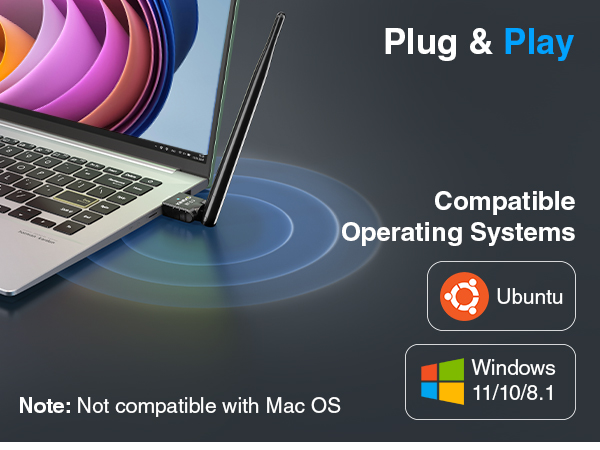
What operating systems are compatible with the BTD-LR-530?
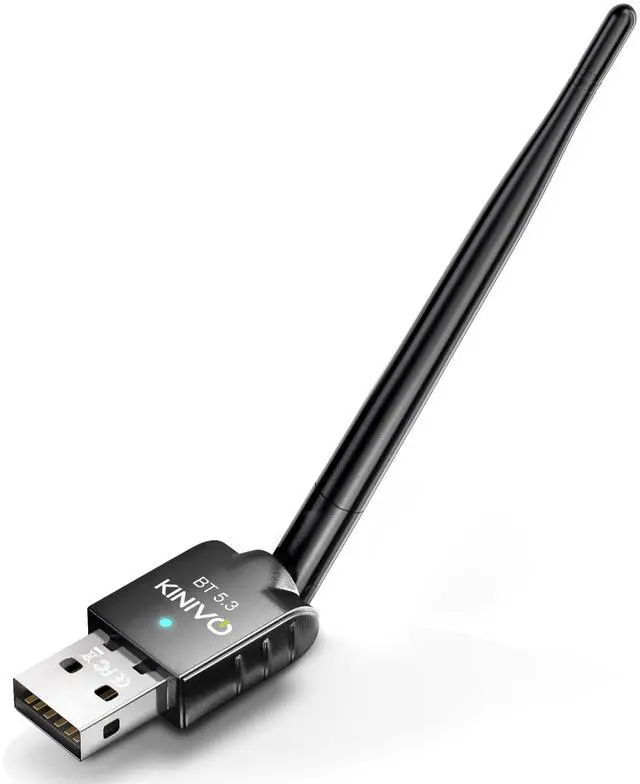
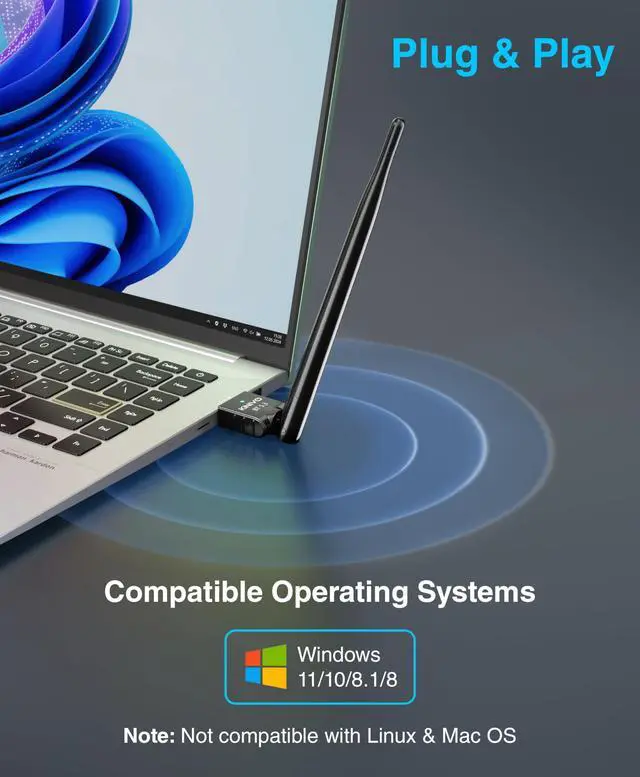
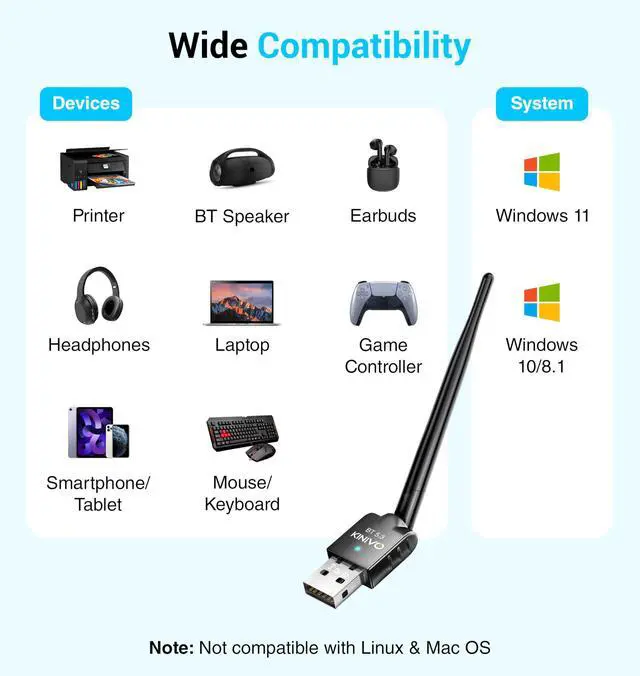
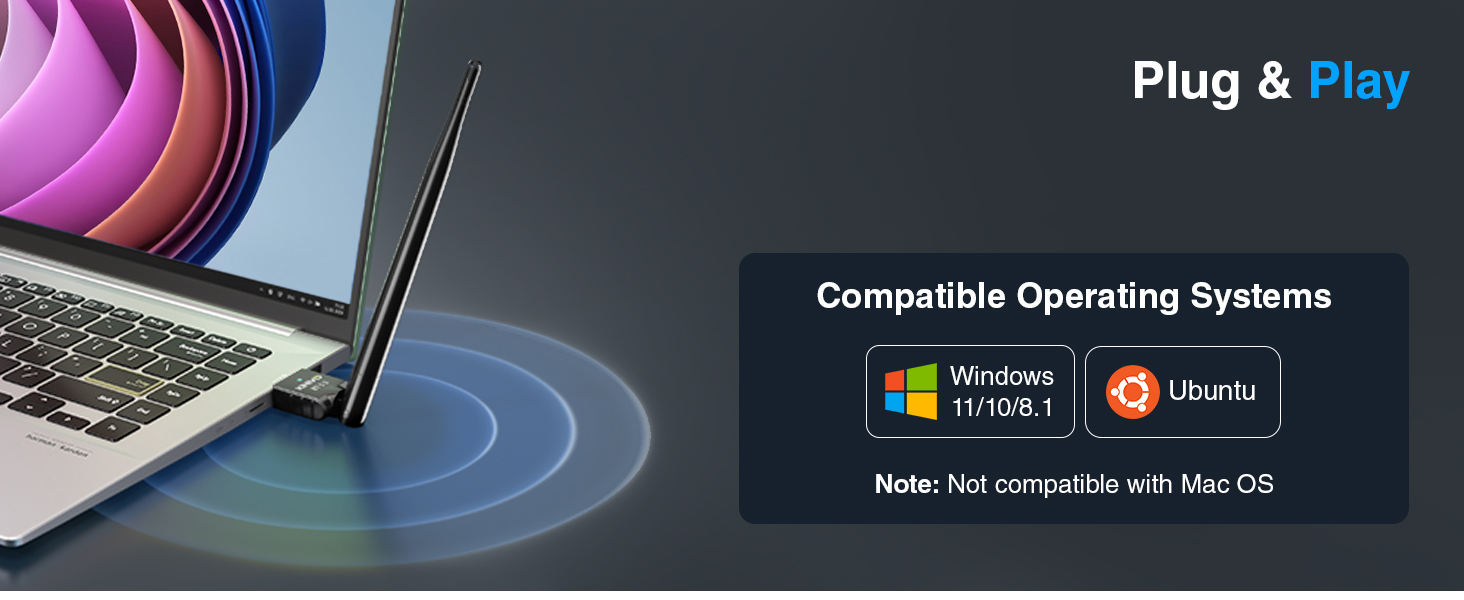
Currently supported operating systems include Windows 11/10/8.1. Please note that BTD-LR-530 does not support Linux & Mac OS
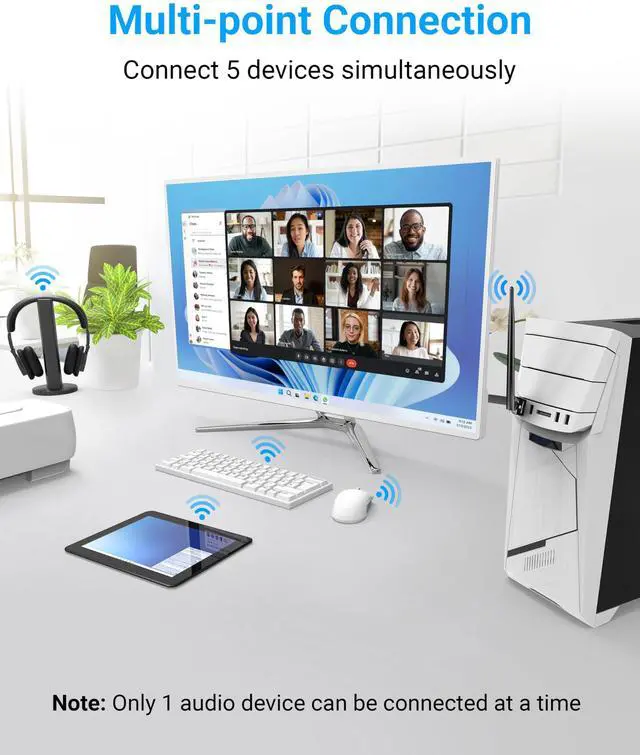
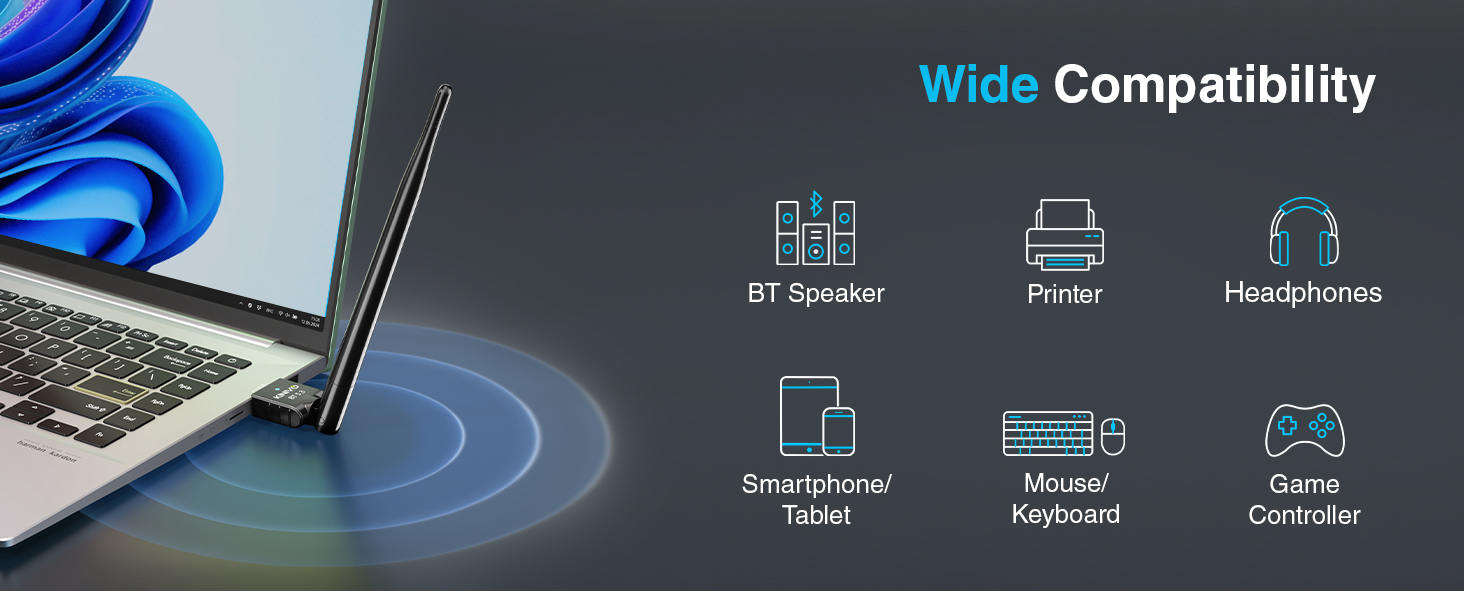
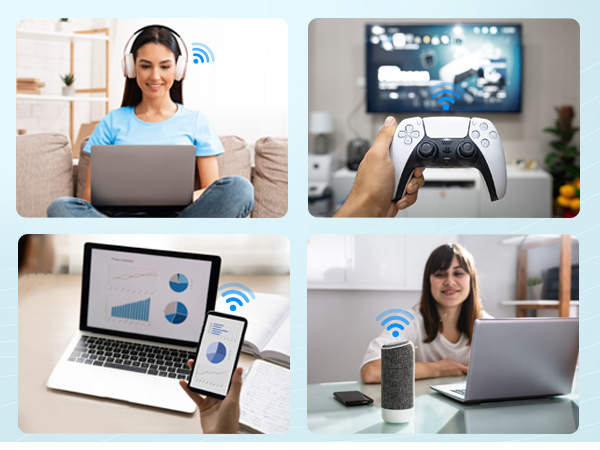
Can the BTD-LR-530 support more than one device at a time?
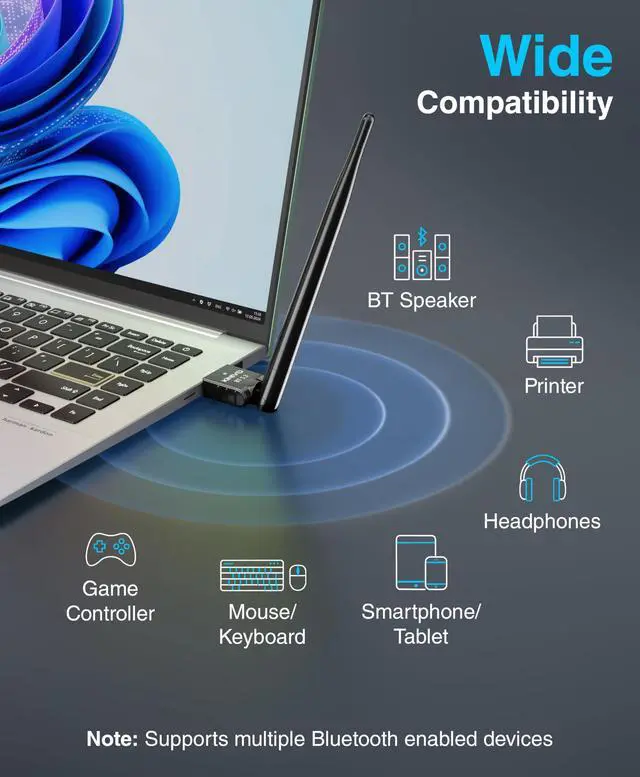
Yes, it can support up to 5 devices simultaneously.
How do I connect to a PS5 controller?
1. Unpair it from your PS5.
2. Plug it into your PC via USB-C.
3. Press the PS button — once connected, unplug to use wirelessly.

SHOP ALL DEALS >
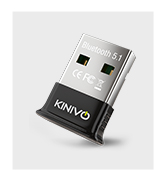
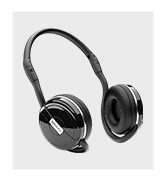
Kinivo Products
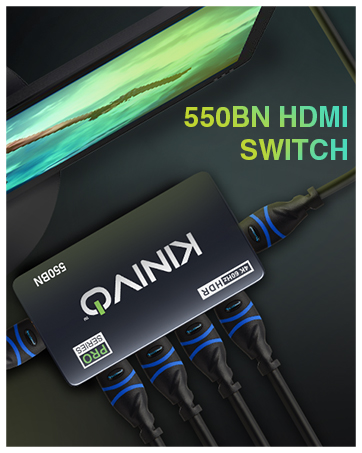
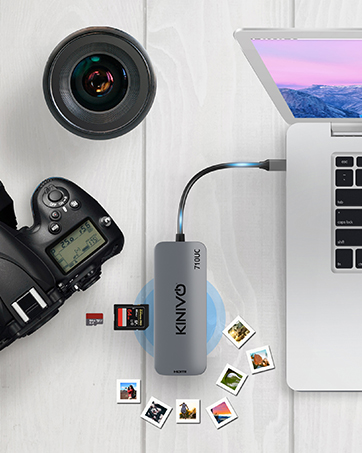


Kinivo is defined by reliability having served over 10 million customers in 60+ countries. Our customers buy our cables and accessories because they work well, and include US-based support. We are committed to providing innovative products for our customers.
We promise that you will never miss that favorite show, that you can stay connected with friends, and immerse yourself in your choice of entertainment wherever you may be.
What can I do if the Bluetooth adapter isn’t working?
1. Remove other Bluetooth devices from your PC.
2. Disable any existing ones in Device Manager.
3. Reinsert the Bluetooth adapter and reconnect. (Refer to the user manual for detailed steps.)
What operating systems are compatible with the BTD-LR-530?
Currently supported operating systems include Windows 11/10/8.1. Please note that BTD-LR-530 does not support Linux & Mac OS
Can the BTD-LR-530 support more than one device at a time?
Yes, it can support up to 5 devices simultaneously.
How do I connect to a PS5 controller?
1. Unpair it from your PS5.
2. Plug it into your PC via USB-C.
3. Press the PS button — once connected, unplug to use wirelessly.
SHOP ALL DEALS >
Kinivo Products
Kinivo is defined by reliability having served over 10 million customers in 60+ countries. Our customers buy our cables and accessories because they work well, and include US-based support. We are committed to providing innovative products for our customers.
We promise that you will never miss that favorite show, that you can stay connected with friends, and immerse yourself in your choice of entertainment wherever you may be.