





Founded in 2010, EDUP is a global provider of reliable networking devices and accessories.
Our product series are Wireless Wi-Fi Card, Bluetooth Dongle, Satellite Internet Starlink Accessories and so on. All of our products comply with international quality standards and are greatly appreciated in a variety of different markets throughout the world and have got CE, FCC, RoHS approved.
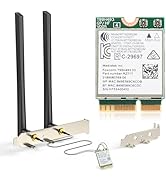
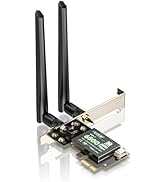
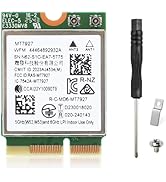
WiFi 7 Netwrok Card for PC
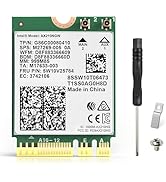
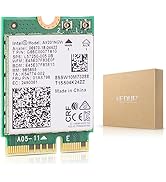
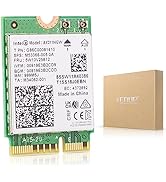
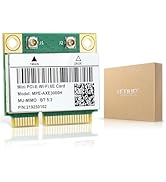
WiFi 6/6E Netwrok Card for PC
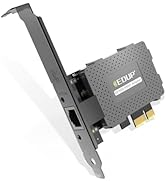
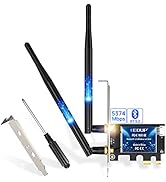
PCIE Network Card Series
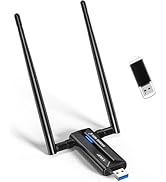
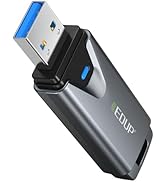
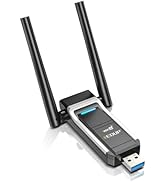
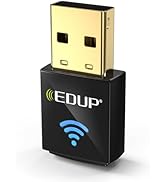
Usb Wifi Adapter Services
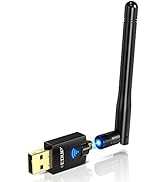
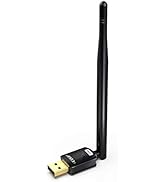
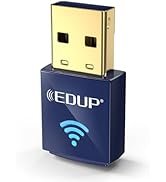
Usb Wifi Adapter Services
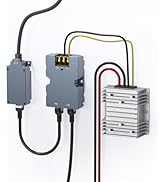
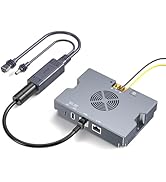
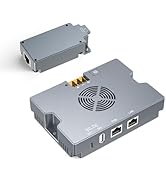
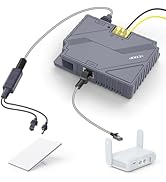
Starlink PoE Injector Series
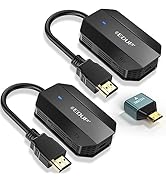
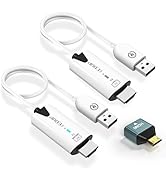
Wireless HDMI Series
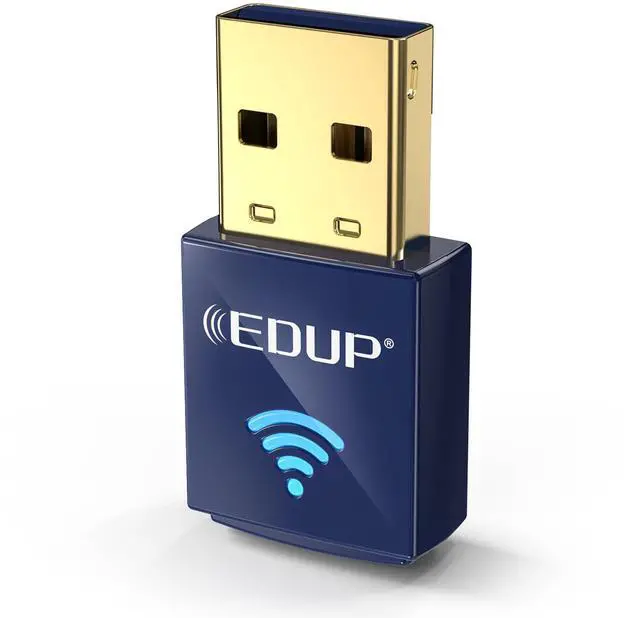
Wireless Nano USB Network Adapter
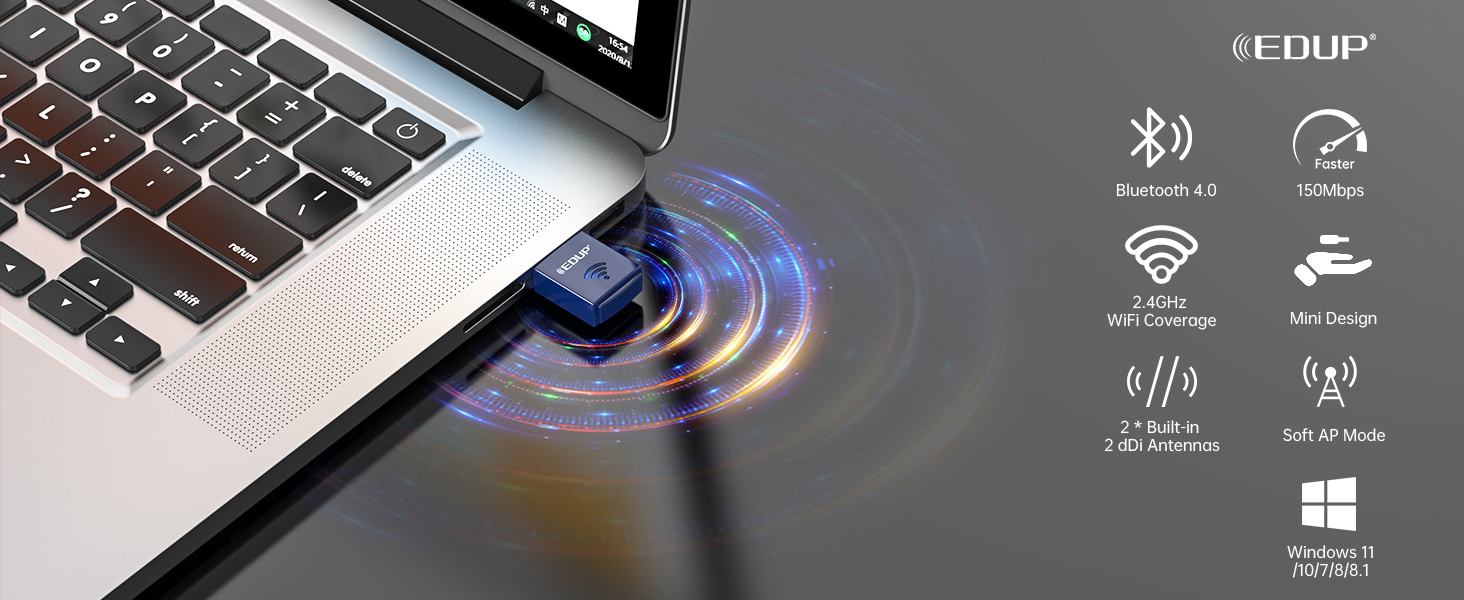


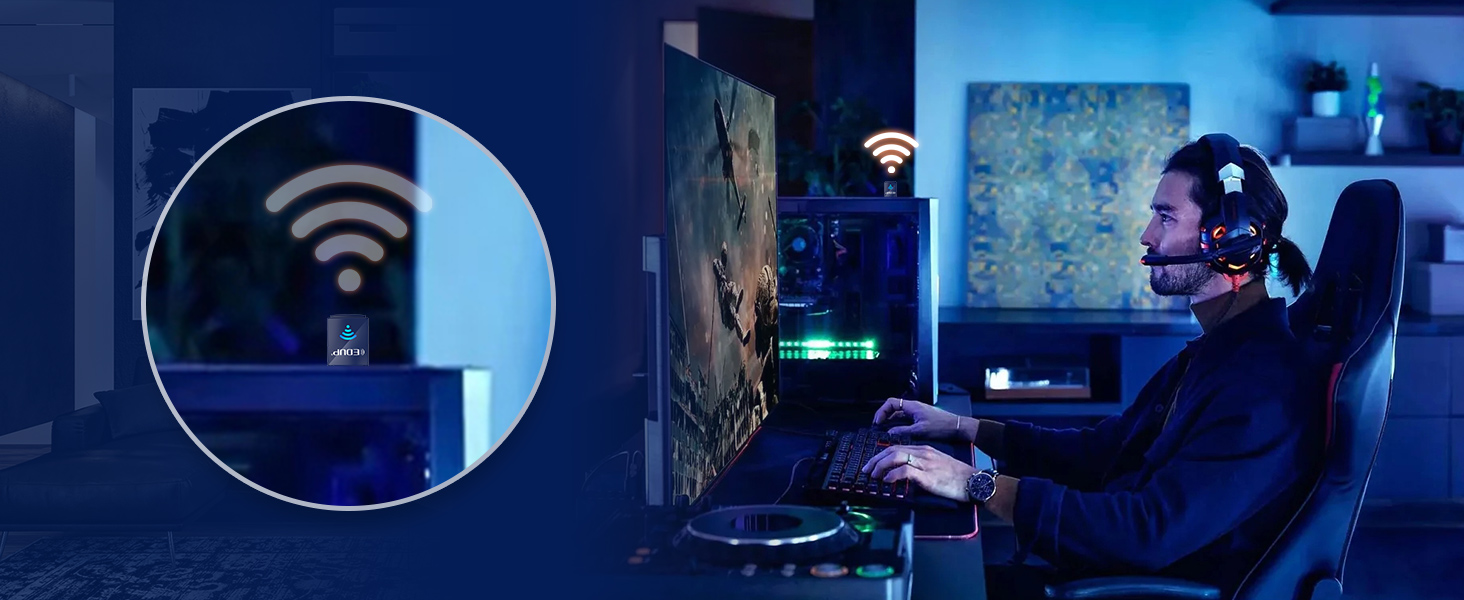

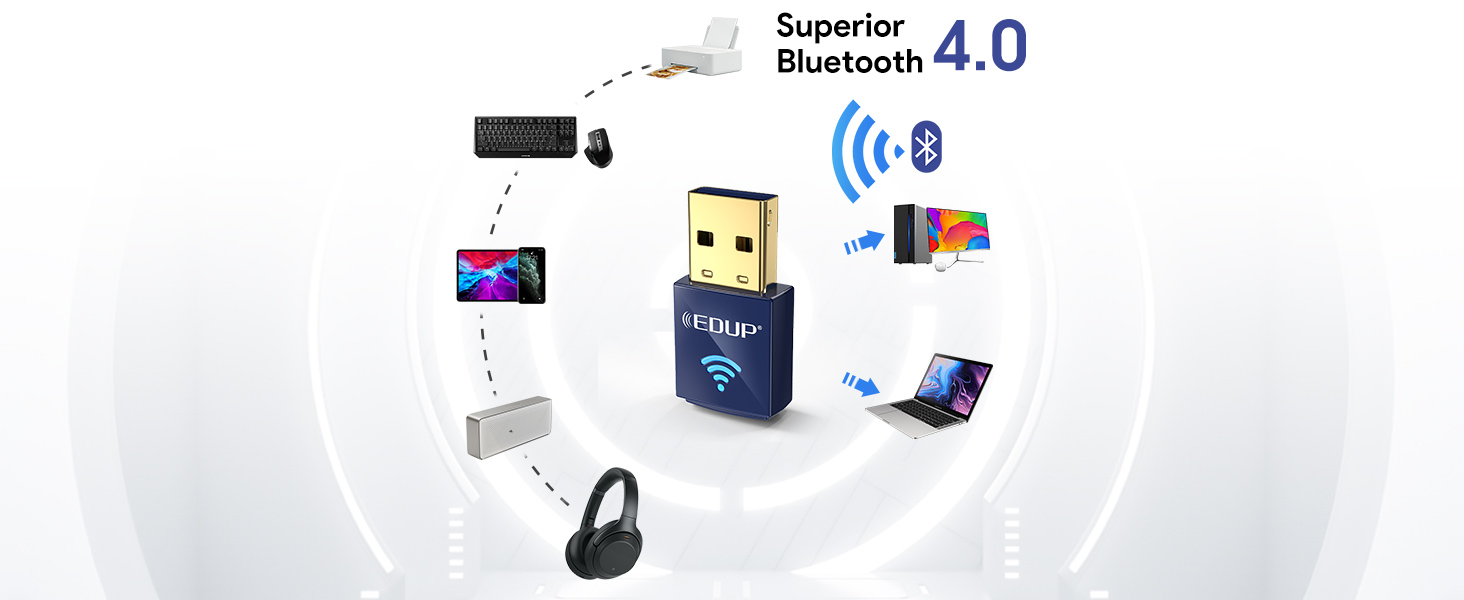

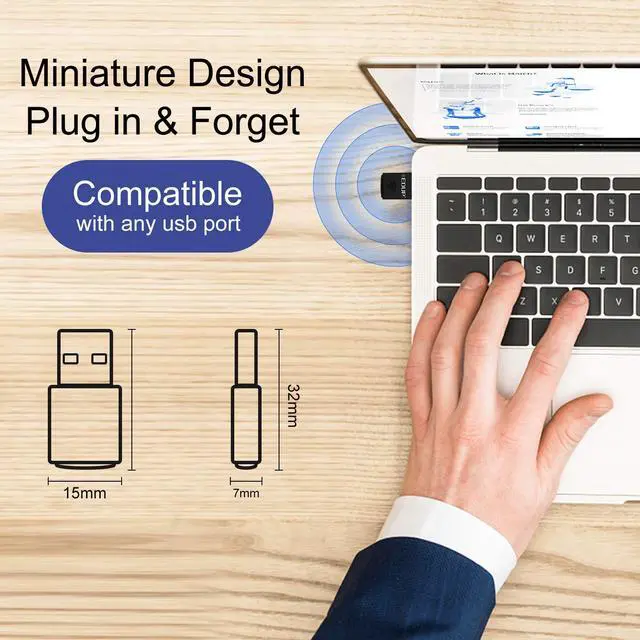
Nano Adapter Design
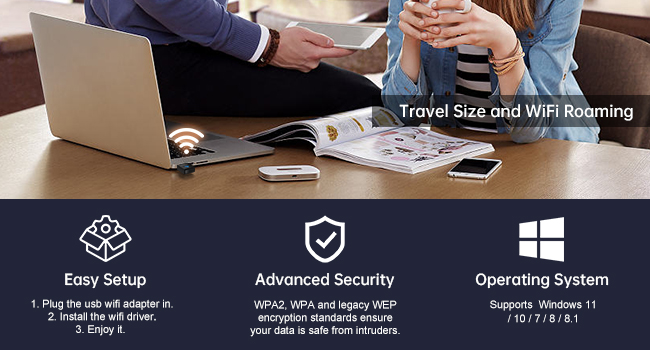
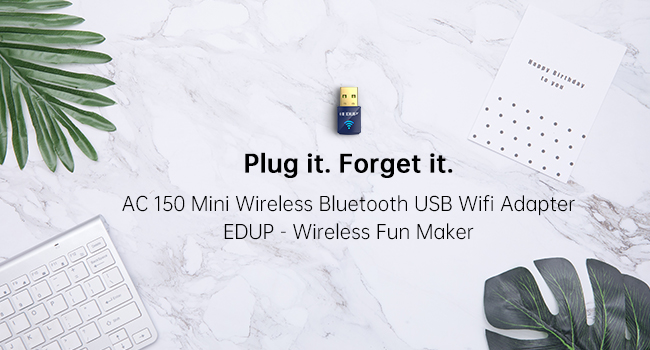
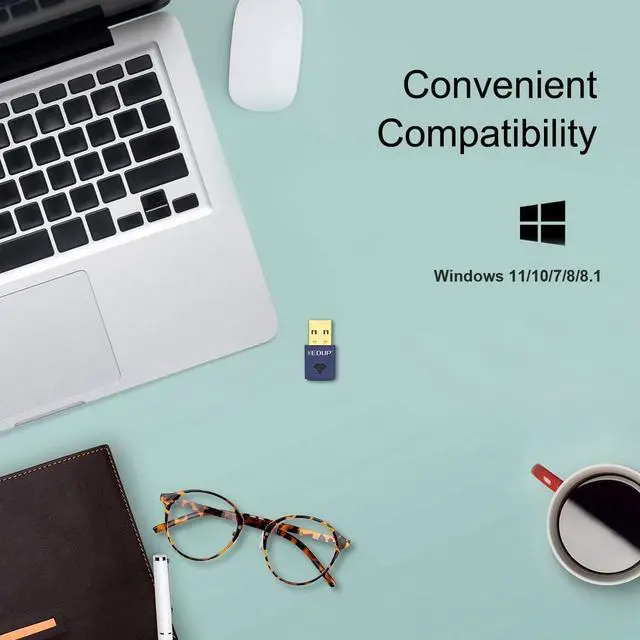
Q1: What operating systems are compatible with the WiFi and Bluetooth functions of this USB adapter?
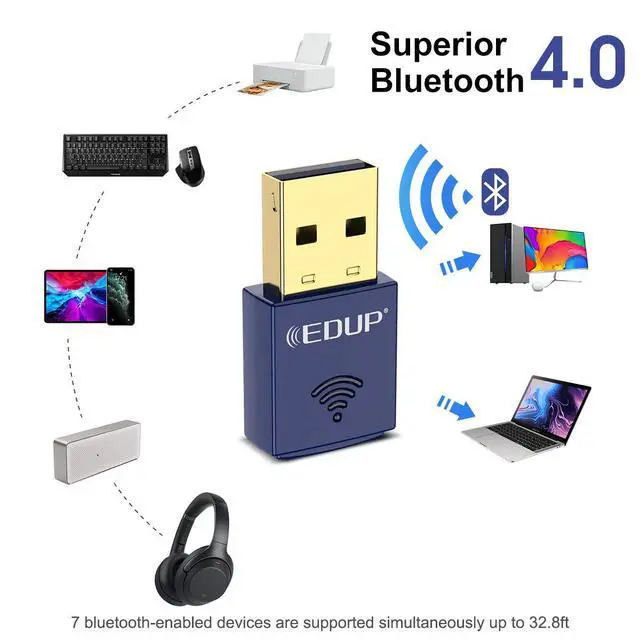
A1: The WiFi and Bluetooth functions are compatible with the following systems: Windows 11/10/7/8/8.1.
Q2: Does the WiFi function of this USB adapter support both 2.4GHz and 5.8GHz frequencies?
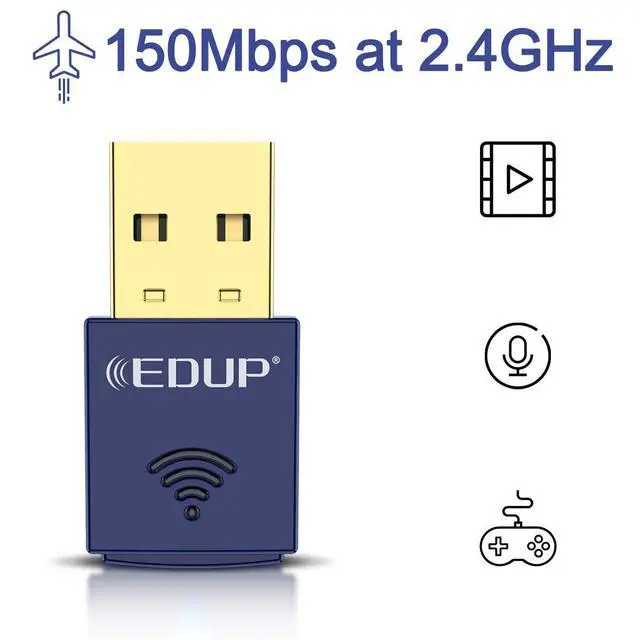
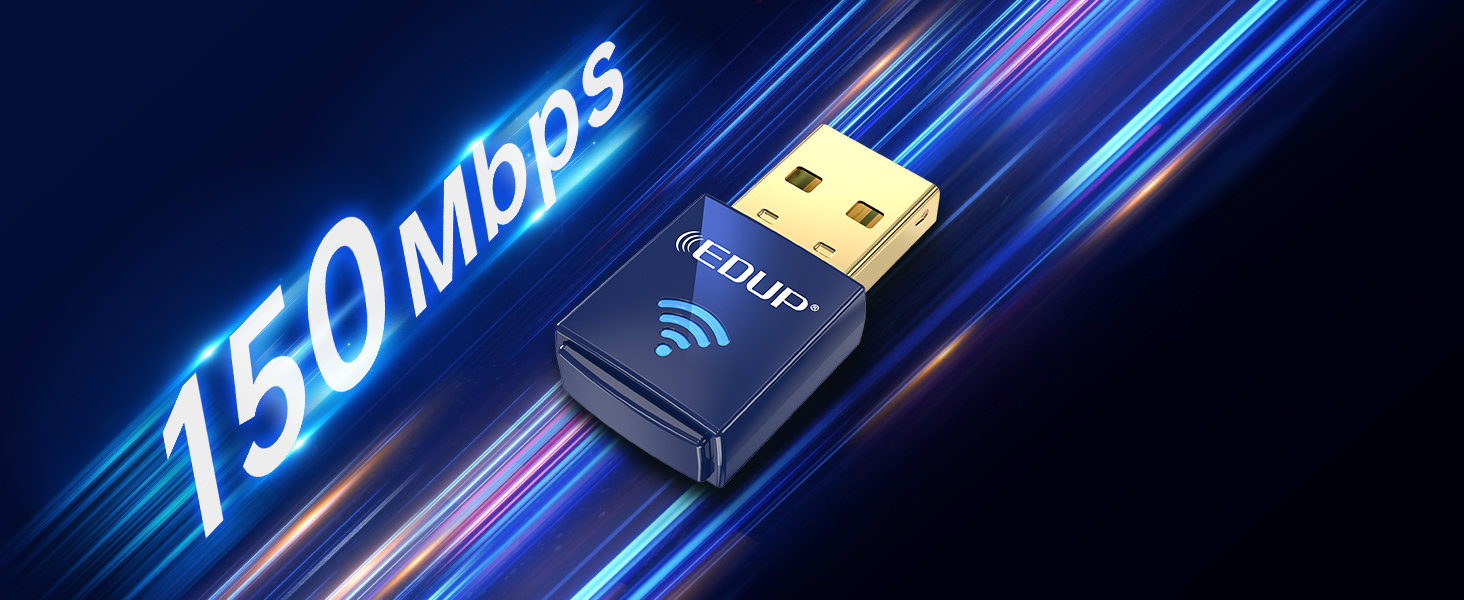
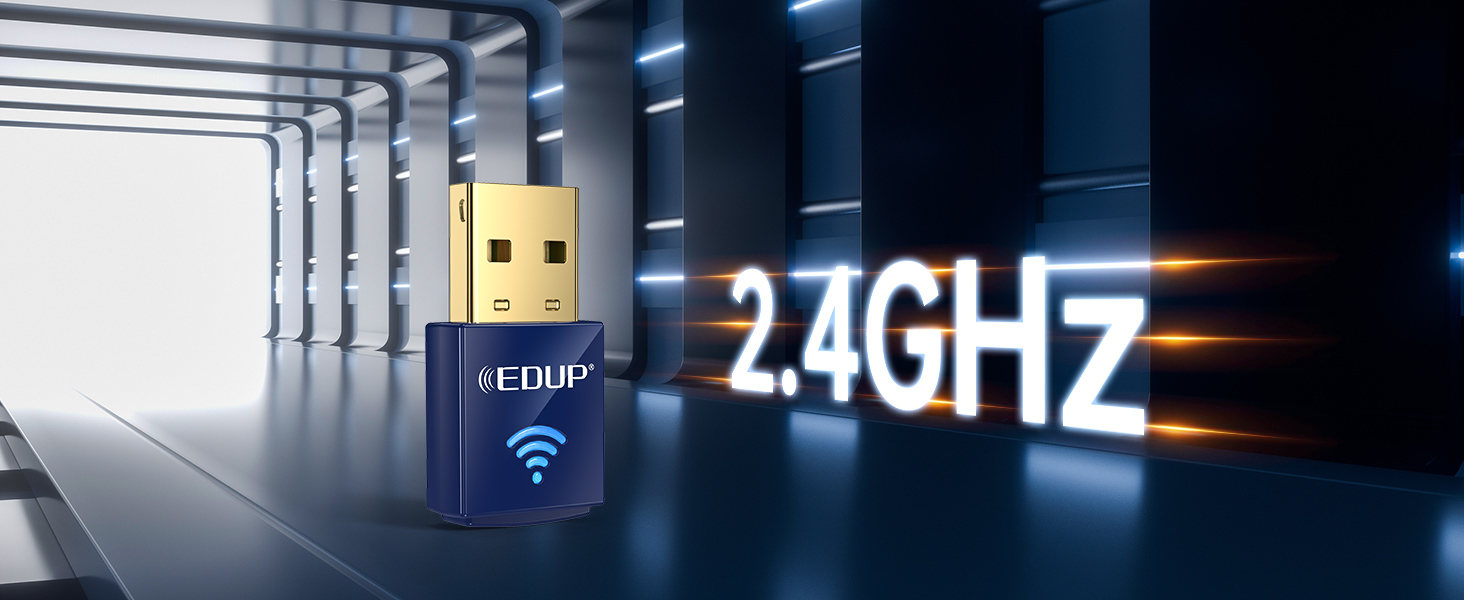
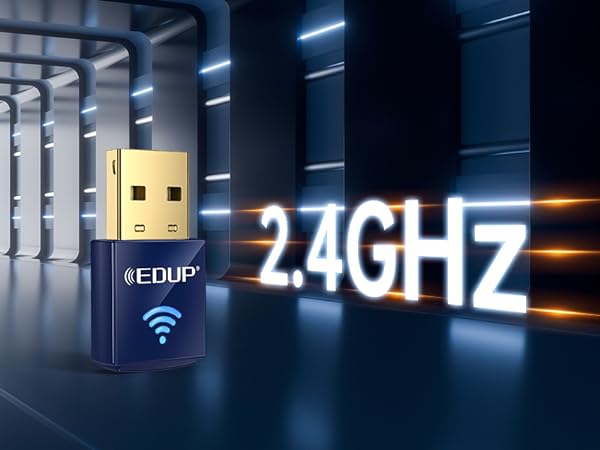
A2: The WiFi function supports 2.4GHz with a maximum speed of up to 150Mbps. It does not support 5.8GHz.
Q3: Where can I download the driver for this USB adapter?
A3: You can download the driver from the following location: szedup.com/search/8568 or by scanning the QR code on the user manual.
Q4: Does this USB adapter support TVs or gaming devices?
A4: This USB adapter is only compatible with computers running Windows 11/10/7/8/8.1. It does not support TVs or gaming devices.
Q5: What should I do if the WiFi or Bluetooth functions are not working or keep disconnecting?
A5:
1. Ensure your computer's operating system is within the Windows 11/10/7/8/8.1 range.
2. Check if there is interference from other nearby wireless devices.
3. Uninstall any previous drivers and reinstall the latest driver.
Mini Design Adapter
Windows 10/8.1 | ||
Mini Design | ||
WiFi Funtion |
Windows 10/8.1 | ||
Mini Design | ||
WiFi Funtion |
Windows 10/8.1 | ||
Mini Design | ||
WiFi Funtion |
Windows 10/8.1 | ||
Mini Design | ||
WiFi Funtion |
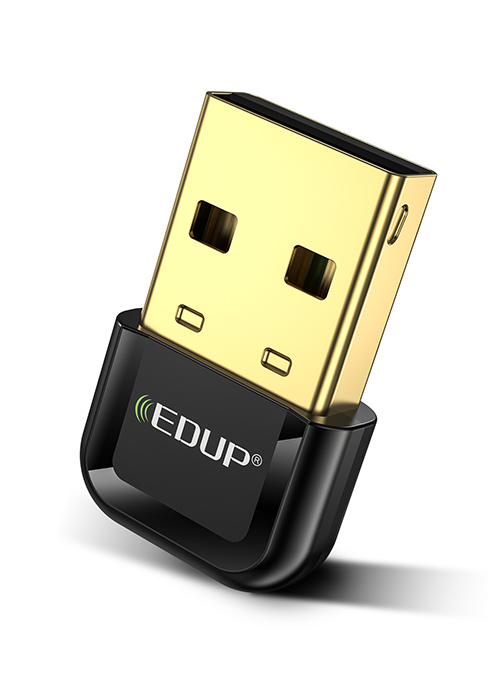
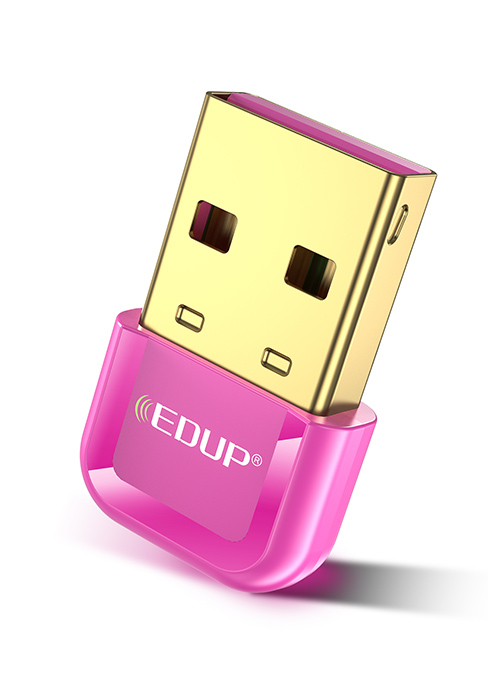
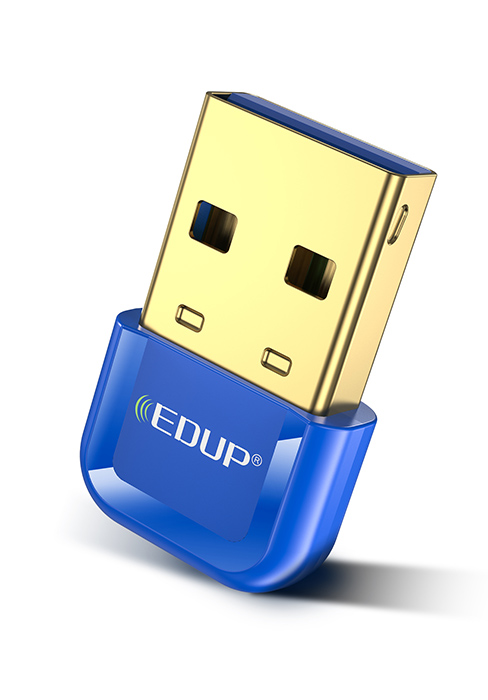
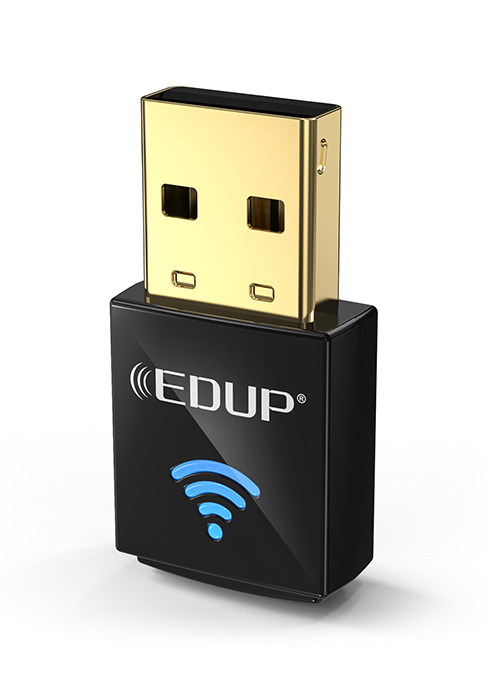
Wireless Nano USB Network Adapter
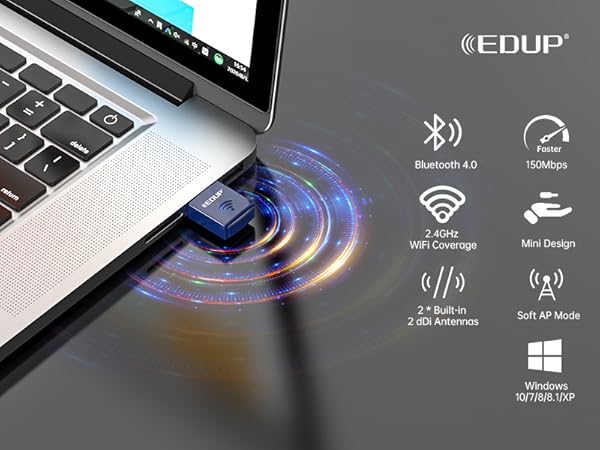
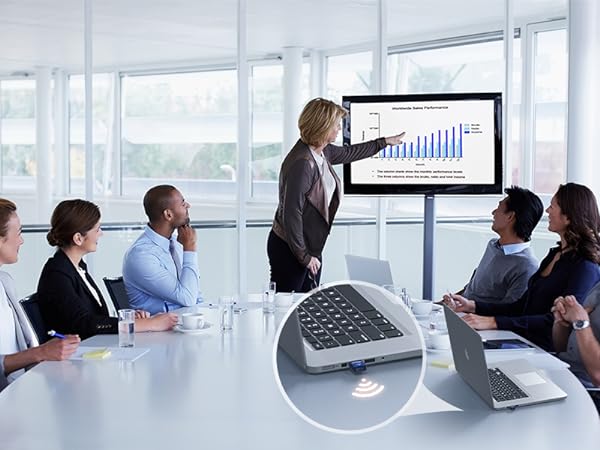
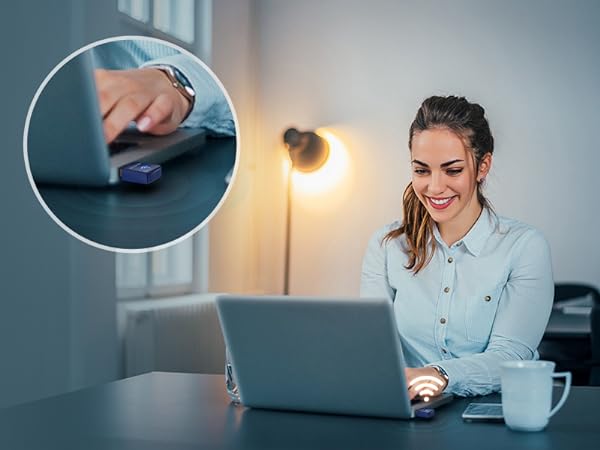

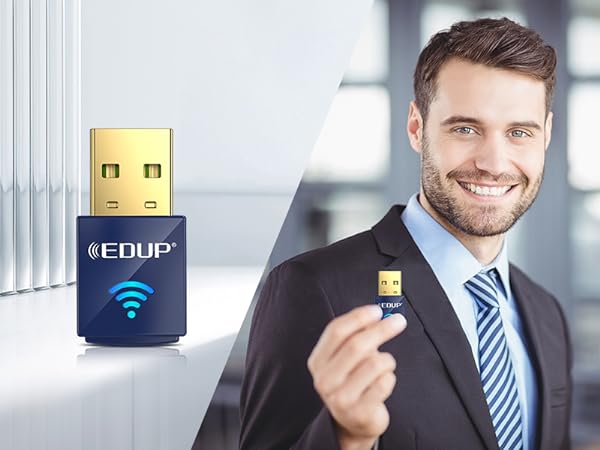
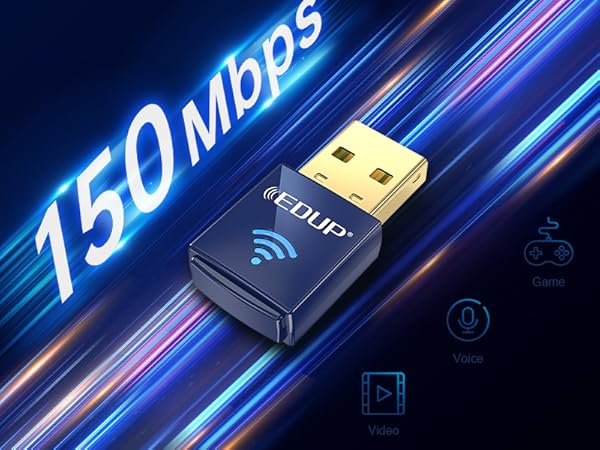
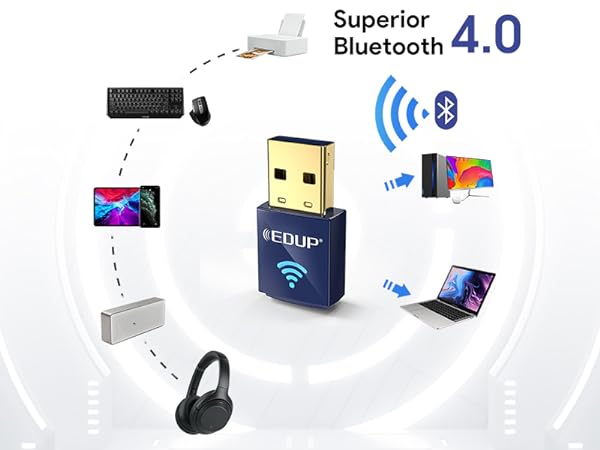
Say goodbye to lag and hello to smooth browsing, streaming, and online gaming.
Enjoy more stable connections and faster transmissions
Enhancing your laptop's networking capabilities with this Wireless Nano USB Network Adapter.
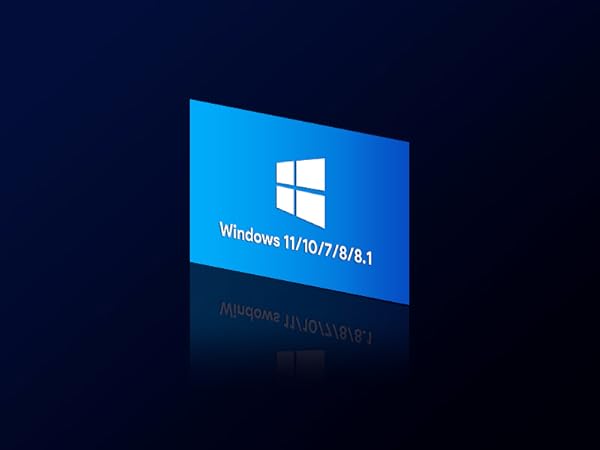
Compatible with Windows 11/10/7/8/8.1
Nano Adapter Design
Q1: What operating systems are compatible with the WiFi and Bluetooth functions of this USB adapter?
A1: The WiFi and Bluetooth functions are compatible with the following systems: Windows 11/10/7/8/8.1.
Q2: Does the WiFi function of this USB adapter support both 2.4GHz and 5.8GHz frequencies?
A2: The WiFi function supports 2.4GHz with a maximum speed of up to 150Mbps. It does not support 5.8GHz.
Q3: Where can I download the driver for this USB adapter?
A3: You can download the driver from the following location: szedup.com/search/8568 or by scanning the QR code on the user manual.
Q4: Does this USB adapter support TVs or gaming devices?
A4: This USB adapter is only compatible with computers running Windows 11/10/7/8/8.1. It does not support TVs or gaming devices.
Q5: What should I do if the WiFi or Bluetooth functions are not working or keep disconnecting?
A5:
1. Ensure your computer's operating system is within the Windows 11/10/7/8/8.1 range.
2. Check if there is interference from other nearby wireless devices.
3. Uninstall any previous drivers and reinstall the latest driver.
Mini Design Adapter
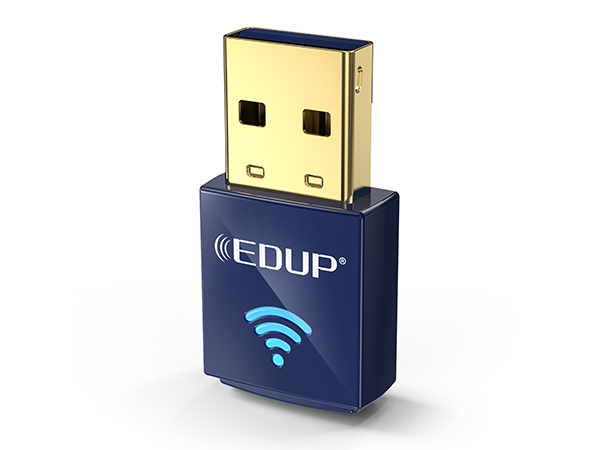
USB BT WiFi Adapter Blue
Windows 10/8.1
Mini Design
WiFi Funtion
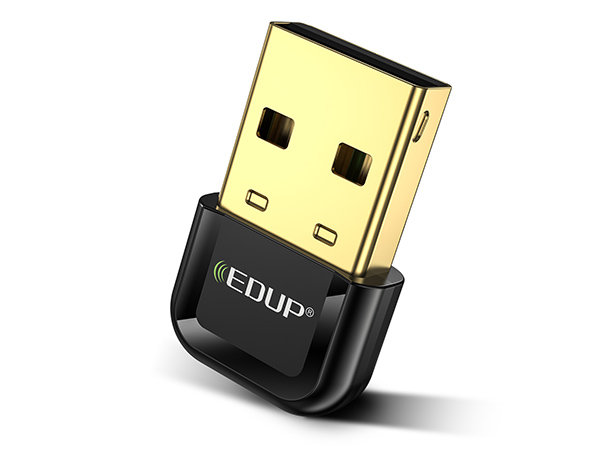
USB BT 5.3 Adapter for PC
Windows 10/8.1
Mini Design
WiFi Funtion
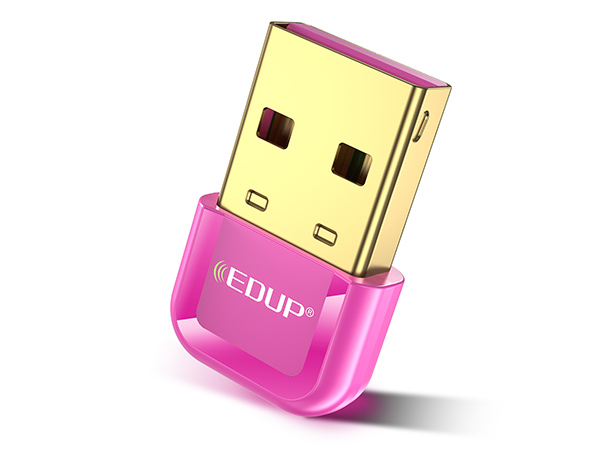
USB BT 5.3 Adapter for PC
Windows 10/8.1
Mini Design
WiFi Funtion
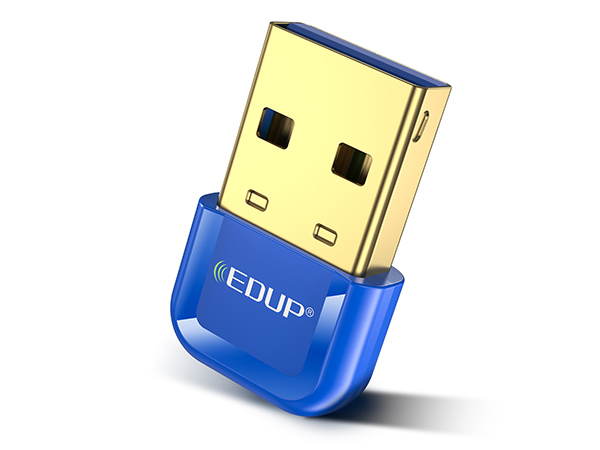
USB BT 5.3 Adapter for PC
Windows 10/8.1
Mini Design
WiFi Funtion
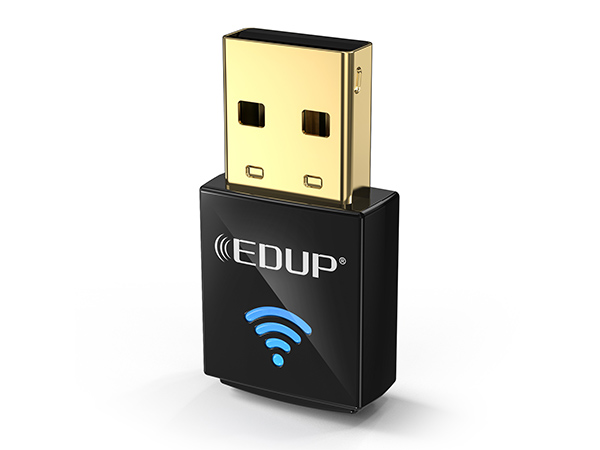
USB BT WiFi Adapter Black
Windows 10/8.1
Mini Design
WiFi Funtion
Founded in 2010, EDUP is a global provider of reliable networking devices and accessories.
Our product series are Wireless Wi-Fi Card, Bluetooth Dongle, Satellite Internet Starlink Accessories and so on. All of our products comply with international quality standards and are greatly appreciated in a variety of different markets throughout the world and have got CE, FCC, RoHS approved.
WiFi 7 Netwrok Card for PC
WiFi 6/6E Netwrok Card for PC
PCIE Network Card Series
Usb Wifi Adapter Services
Usb Wifi Adapter Services
Starlink PoE Injector Series
Wireless HDMI Series