• $28.99
  • Free 30-day Returns
  • Sold by "Deal Mall"

    Shipped by "Deal Mall"

    Price alert
    Shop it at NeweggBusiness.
    Meet Your Seller

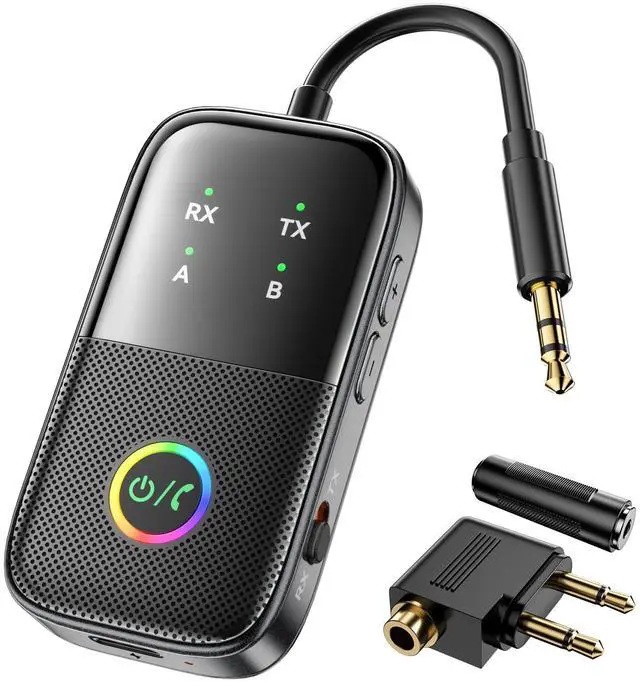
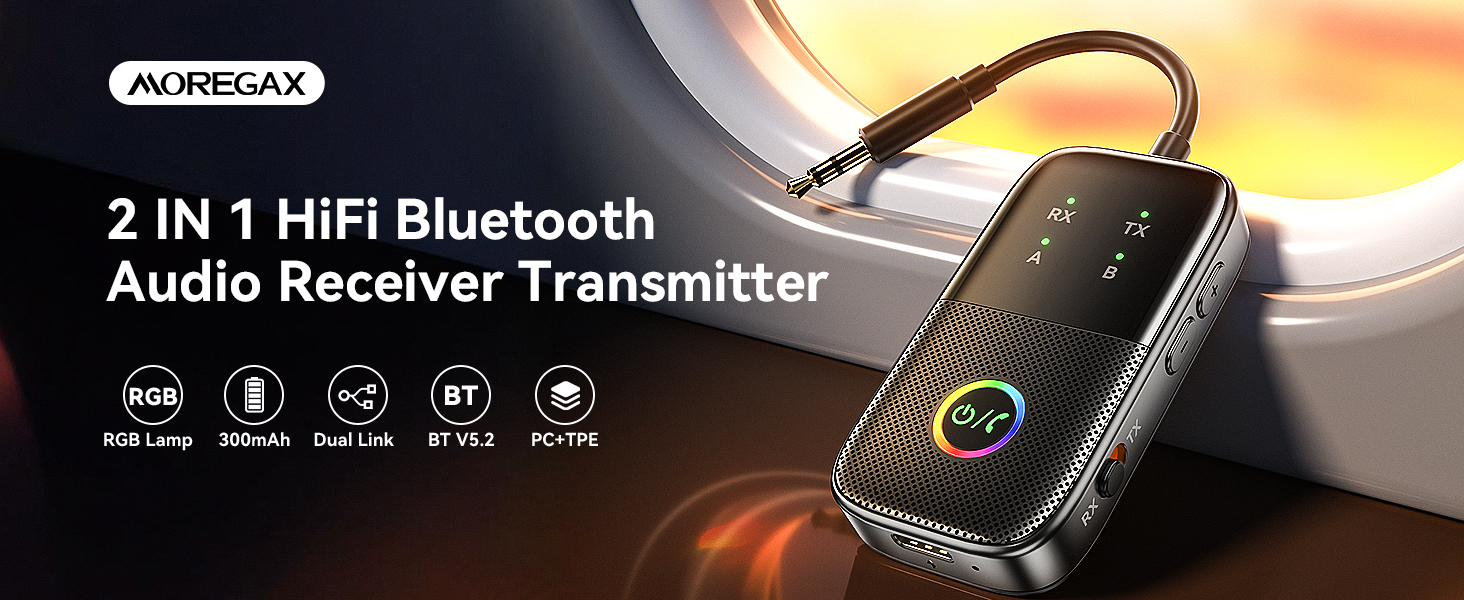
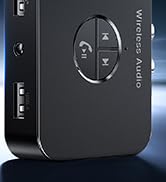
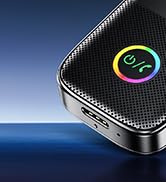
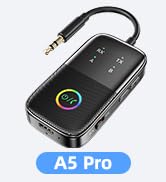
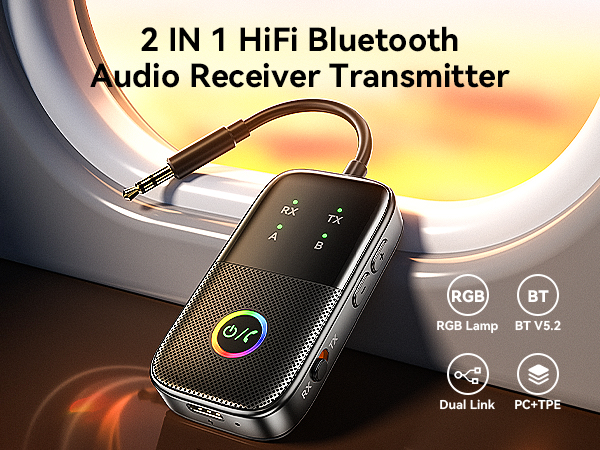
    A5 Pro Bluetooth Transmitter Receiver,2-in-1 Airplane Bluetooth Adapter for Airplanes,TVs,Gyms,Supports Connecting 2 AirPods/Headphones,Low Latency and HD for Car/Home Stereo

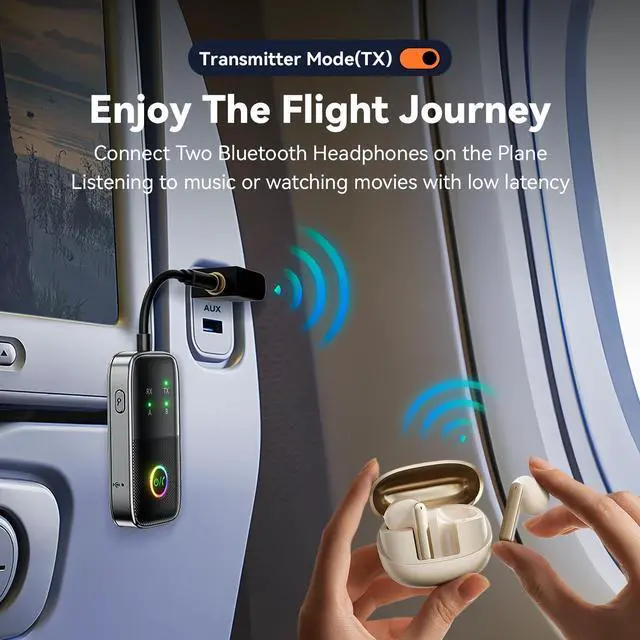
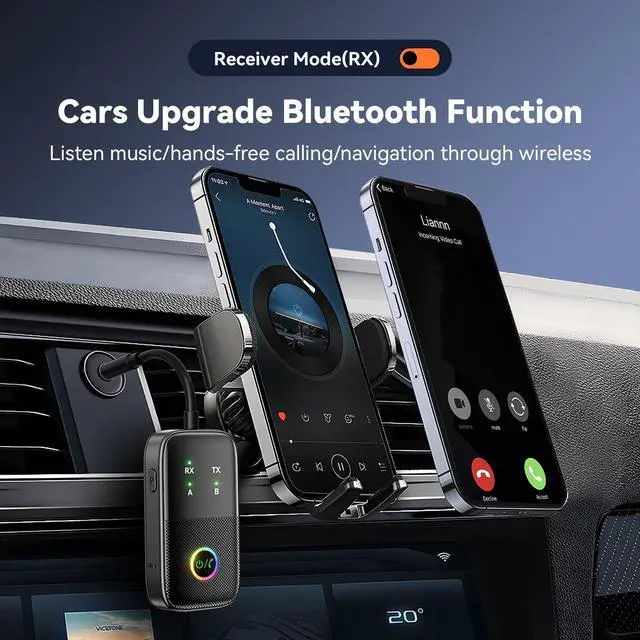
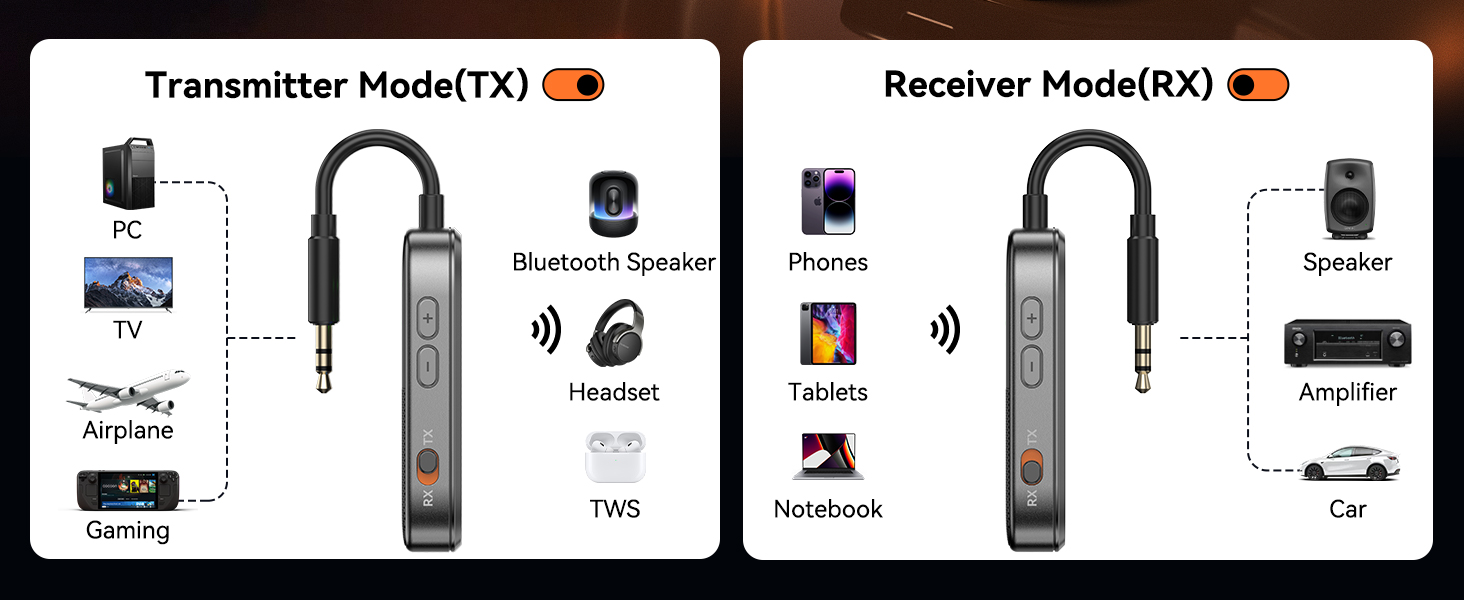
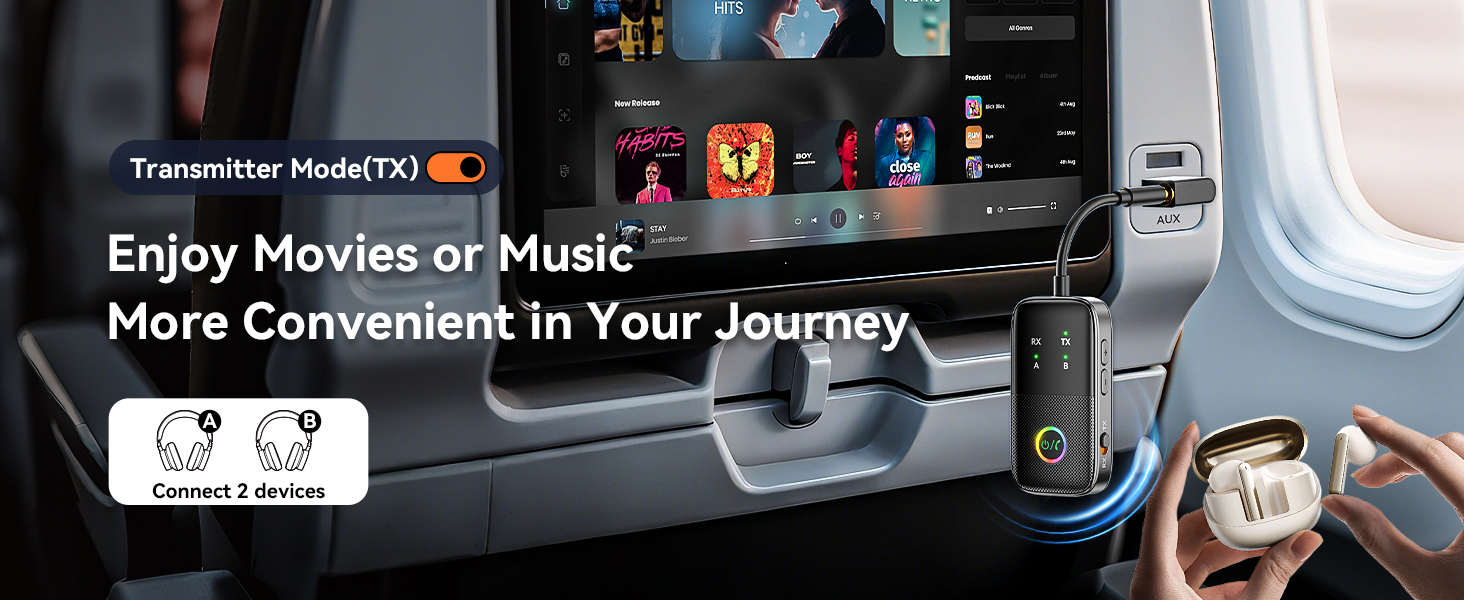
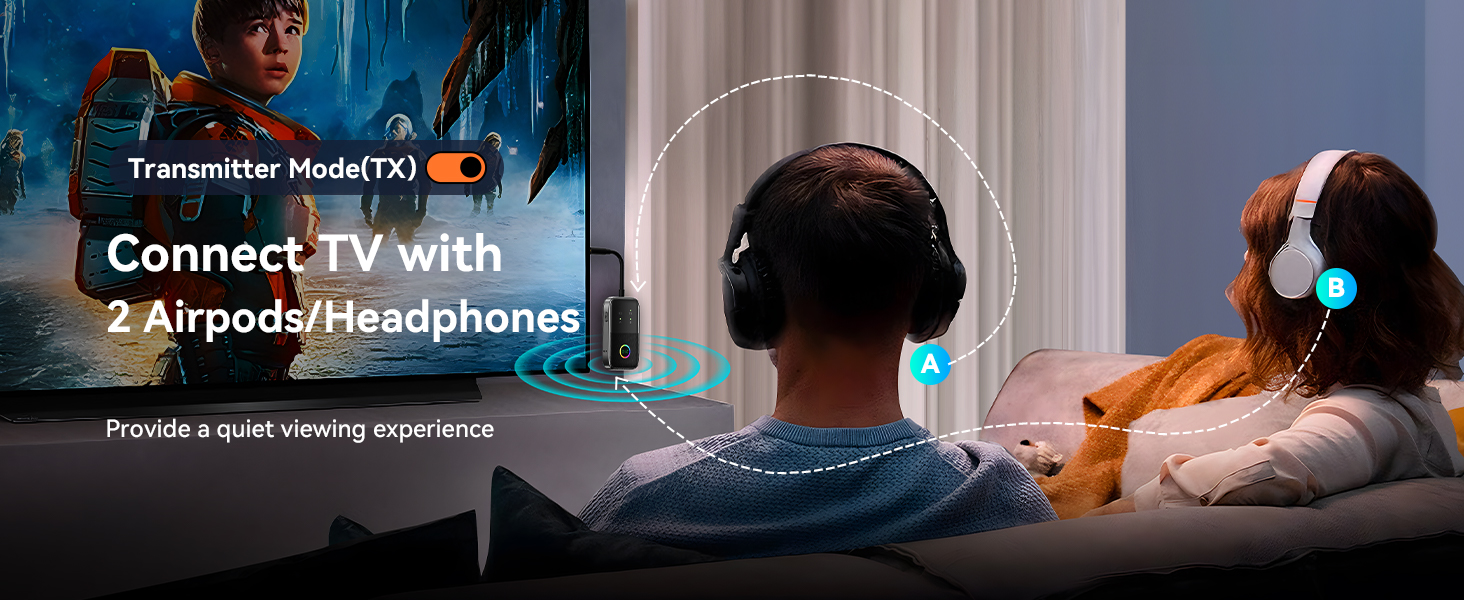
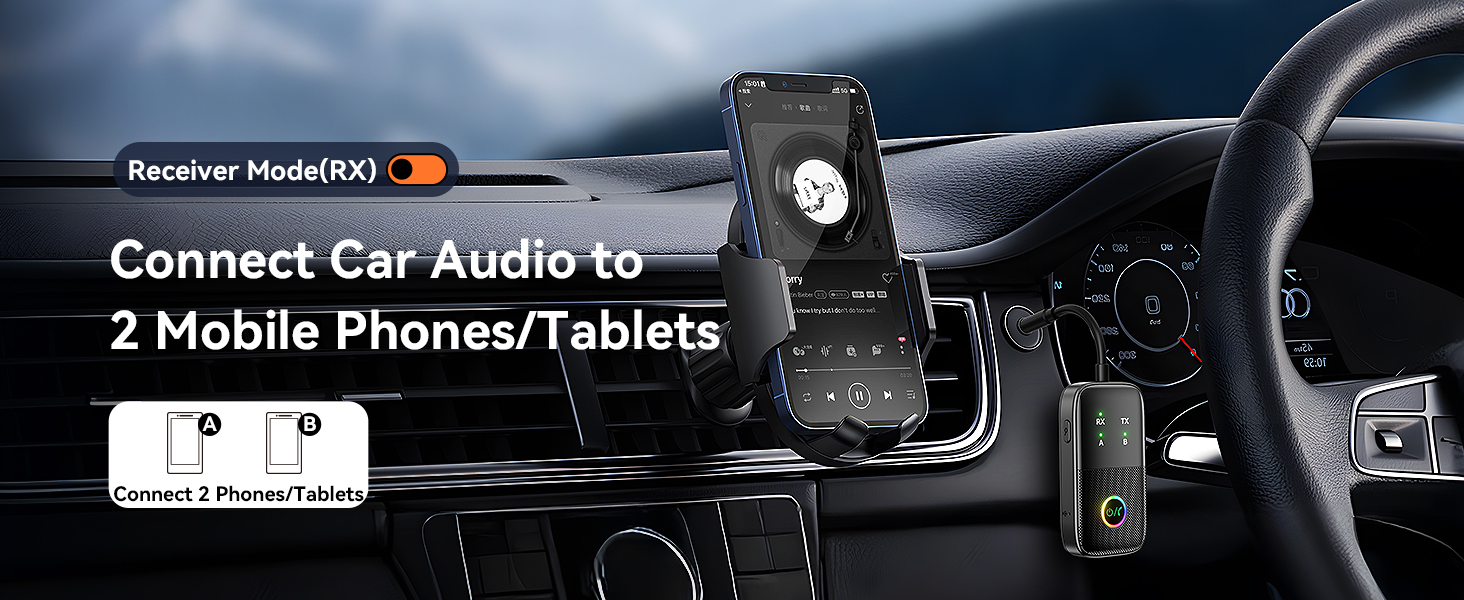
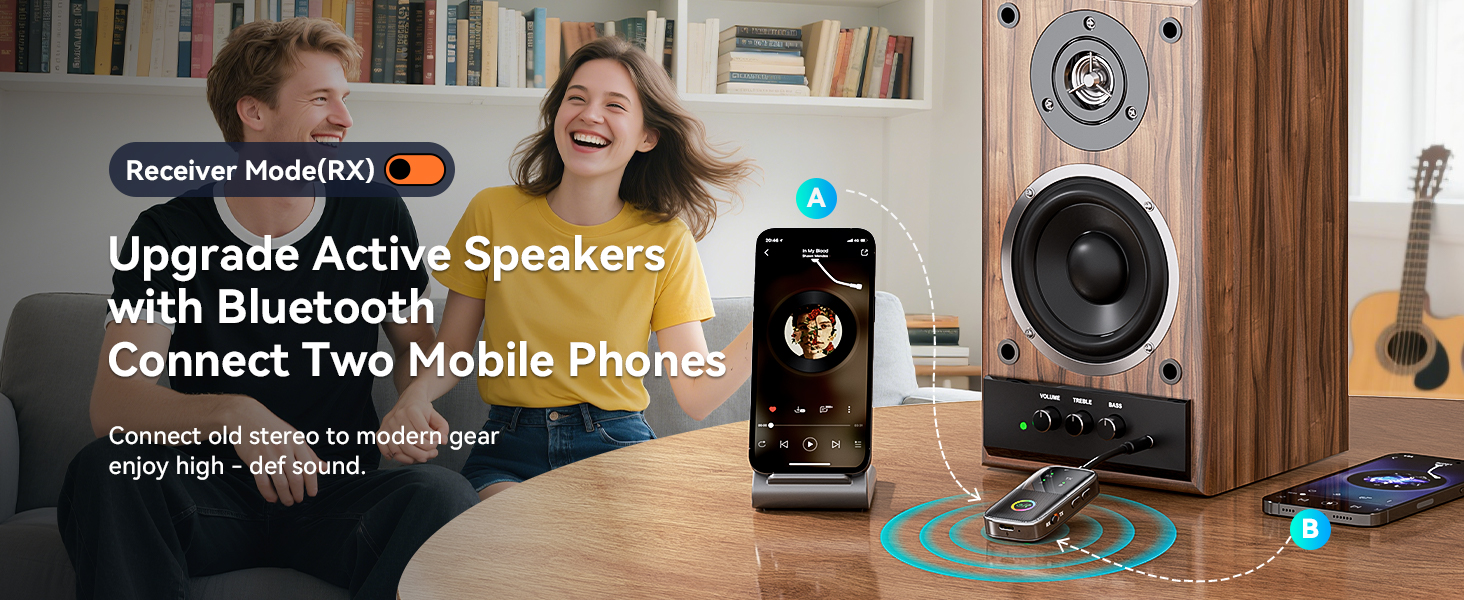
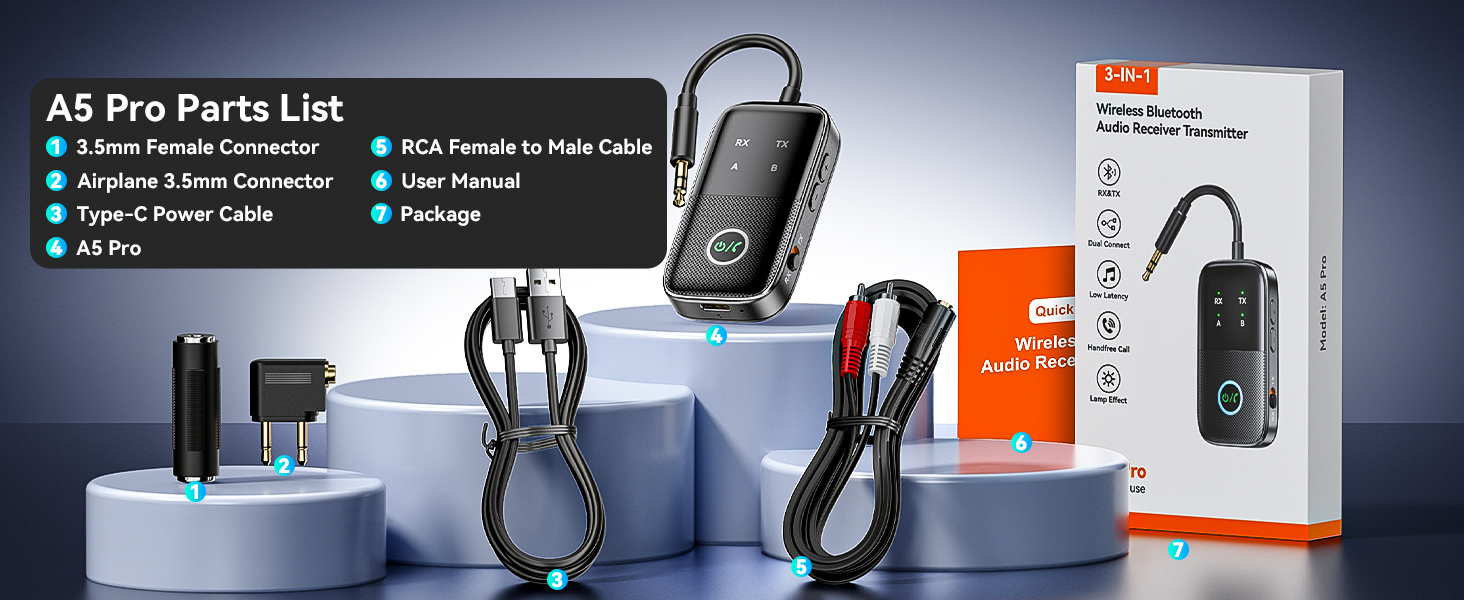
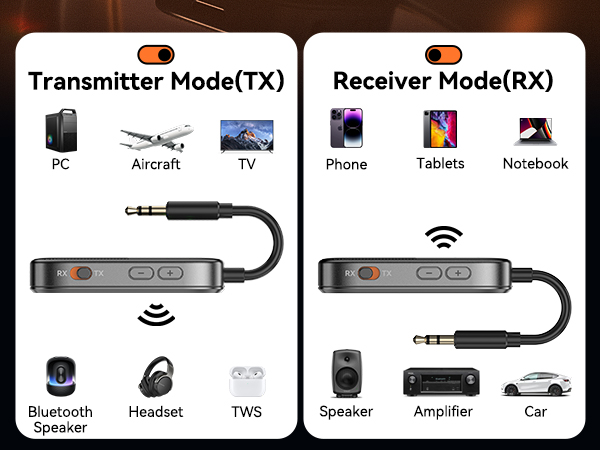
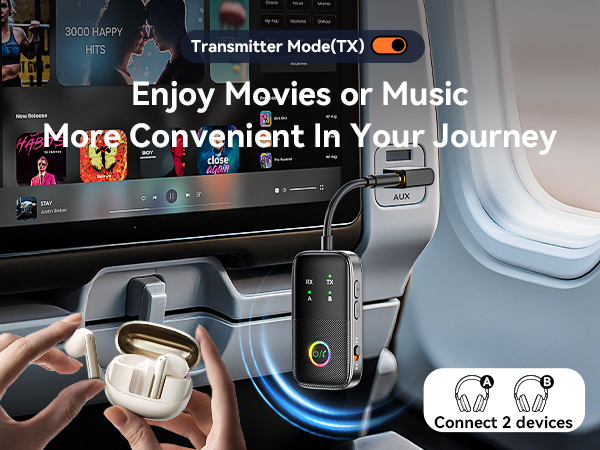
    • 2-in-1 Transmitter Receiver:The device supports both transmit and receive modes. In TX mode, the Bluetooth transmitter connects non-Bluetooth audio sources (such as airplanes, TVs, or MP3 players) to Bluetooth-enabled speakers and headphones via a 3.5mm (AUX/RCA) cable. In RX mode, the Bluetooth receiver receives audio from a smartphone or other Bluetooth-enabled audio source device and then transmits the audio over a 3.5 mm AUX cable to non-Bluetooth wired speakers, car/home stereos
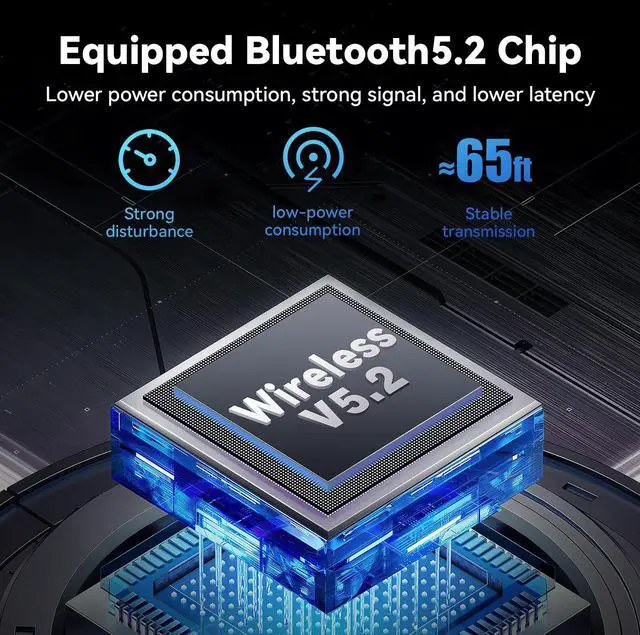
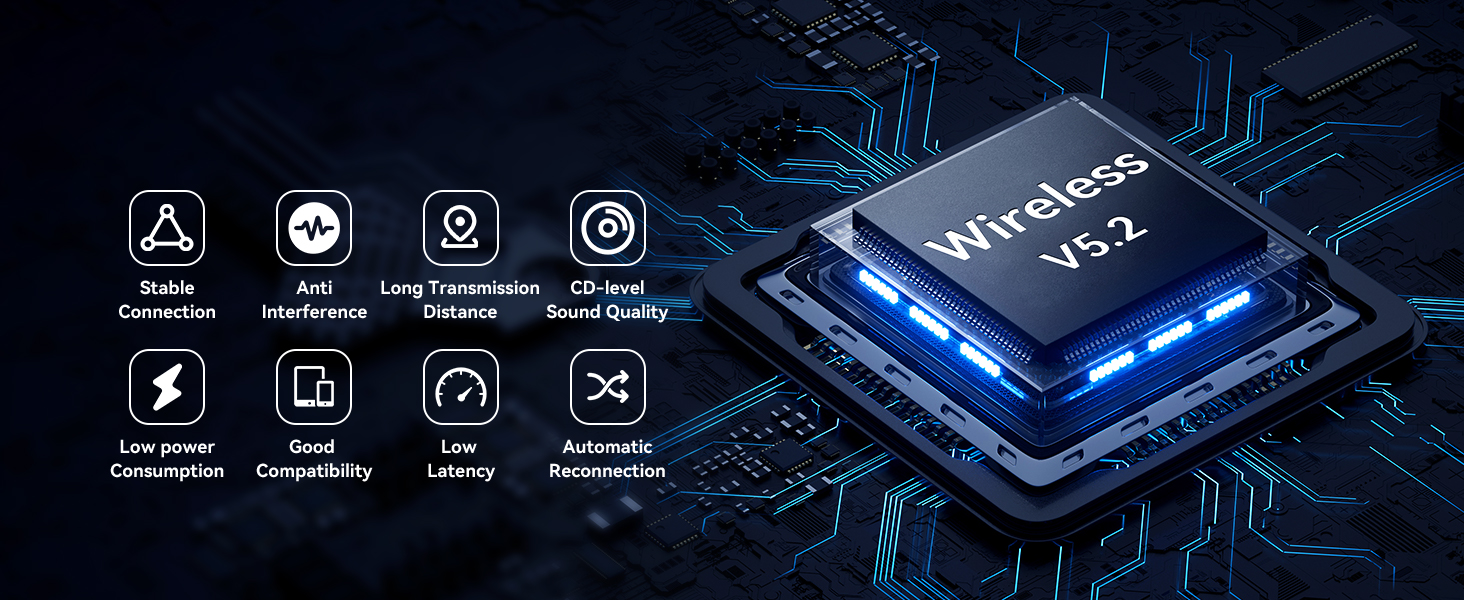
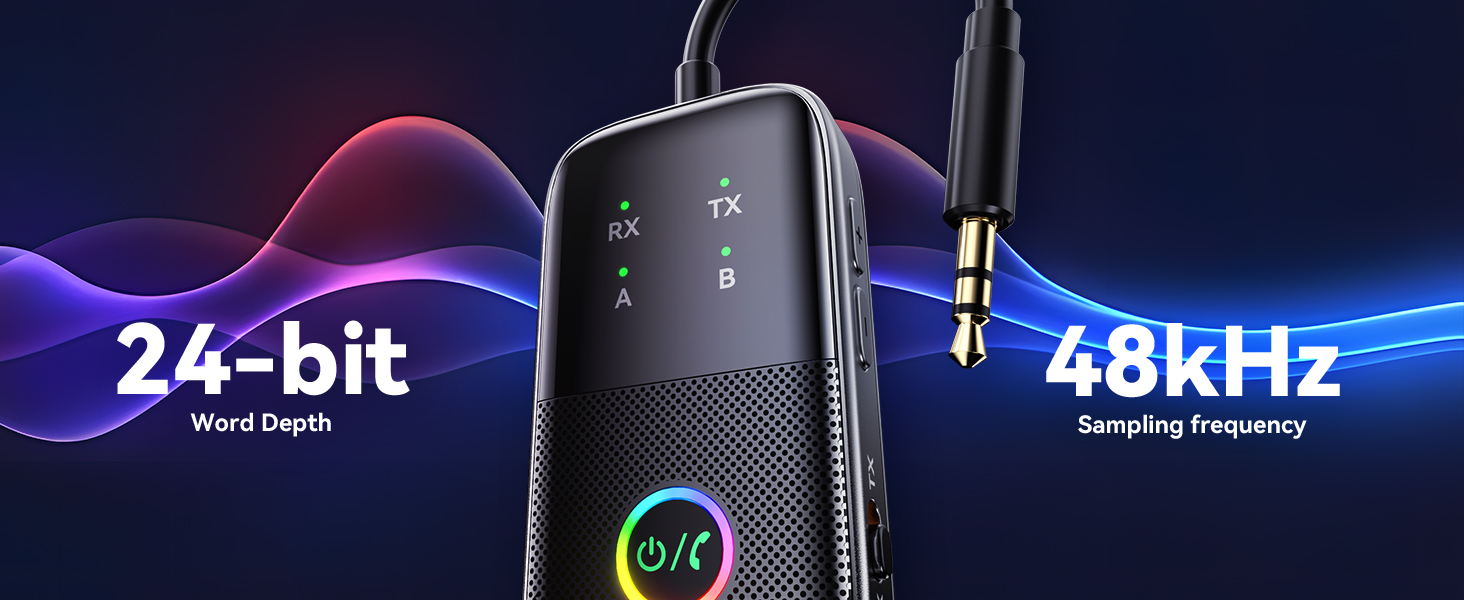
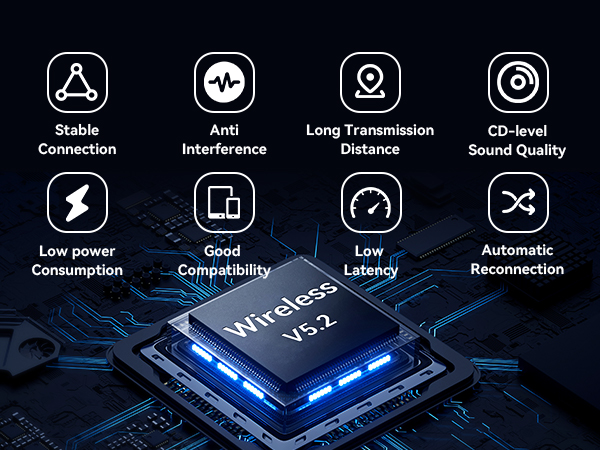
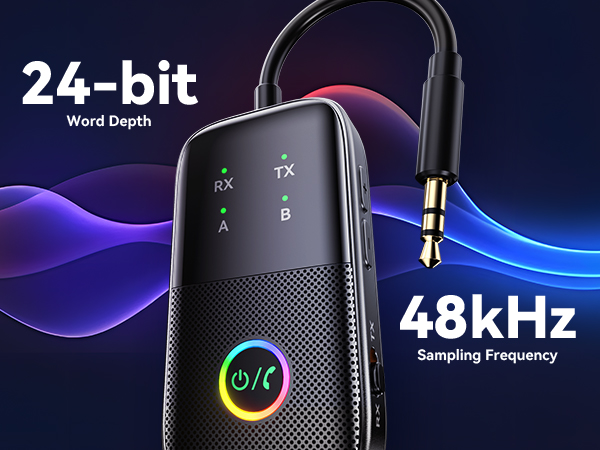
    • Bluetooth 5.2 chip: The Bluetooth Audio Adapter utilizes the state-of-the-art Bluetooth 5.2 chip, which provides robust support for a wide range of Bluetooth audio coding protocols, a dynamic combination that delivers superior decoding capabilities and ensures high-fidelity stereo sound quality that rivals CD-quality standards.
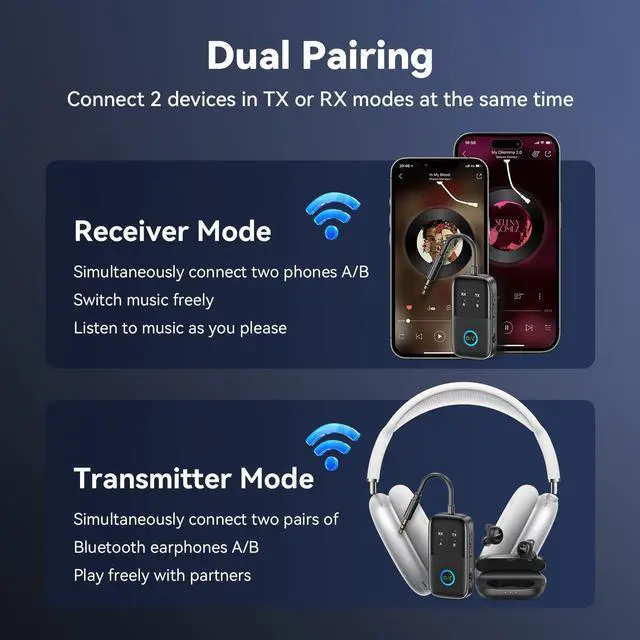
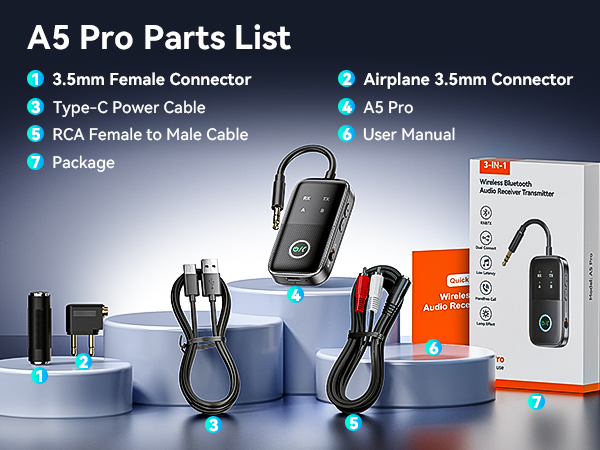
    • Wider compatibility: Comes with dual 3.5mm airplane headphone adapters, the A5 Pro is compatible with any airplane, regardless of the audio output jack type. It also works seamlessly with any device that outputs audio via AUX, such as tablets, PCs, fitness equipment, and more. Additionally, whether it's headphones or a smartphone/tablet, our wireless transceiver allows you to connect two devices at the same time without compromising sound quality.
    +
    +
    Overview
    Specs
    Reviews
    avatar

    Any questions? Our AI beta will help you find out quickly.

    airplane bluetooth adapter for headphones
    airplane bluetooth adapter for headphones
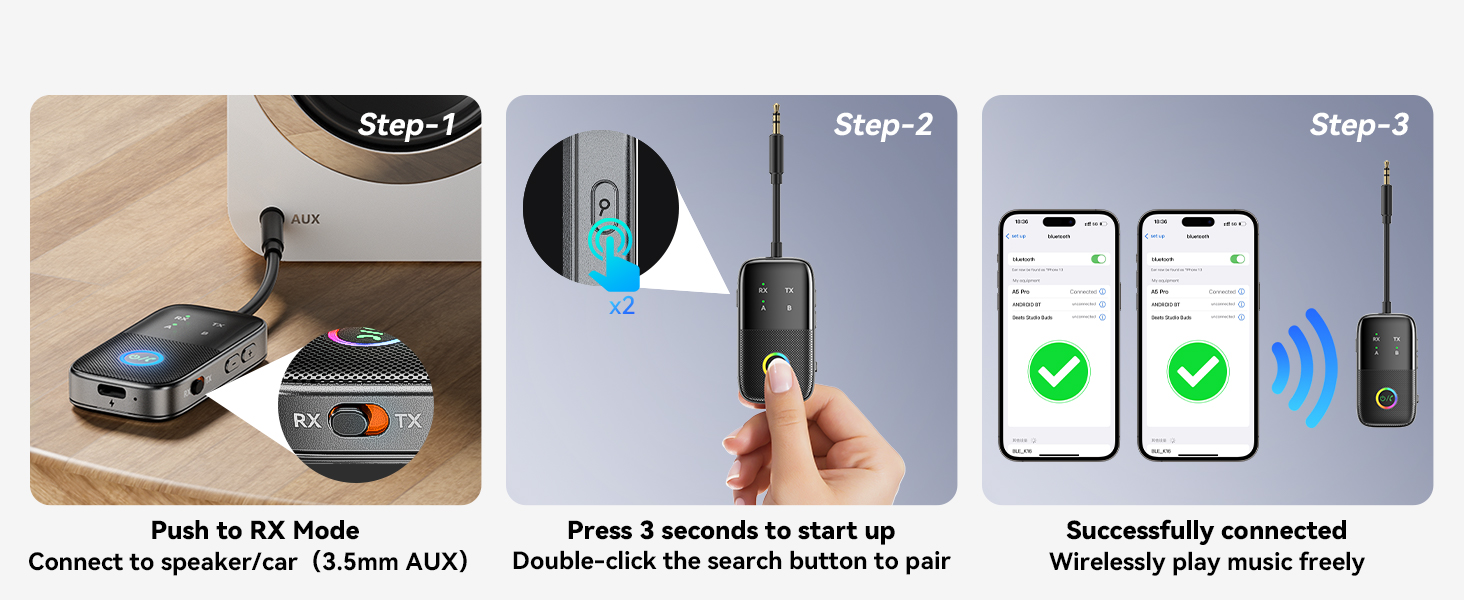
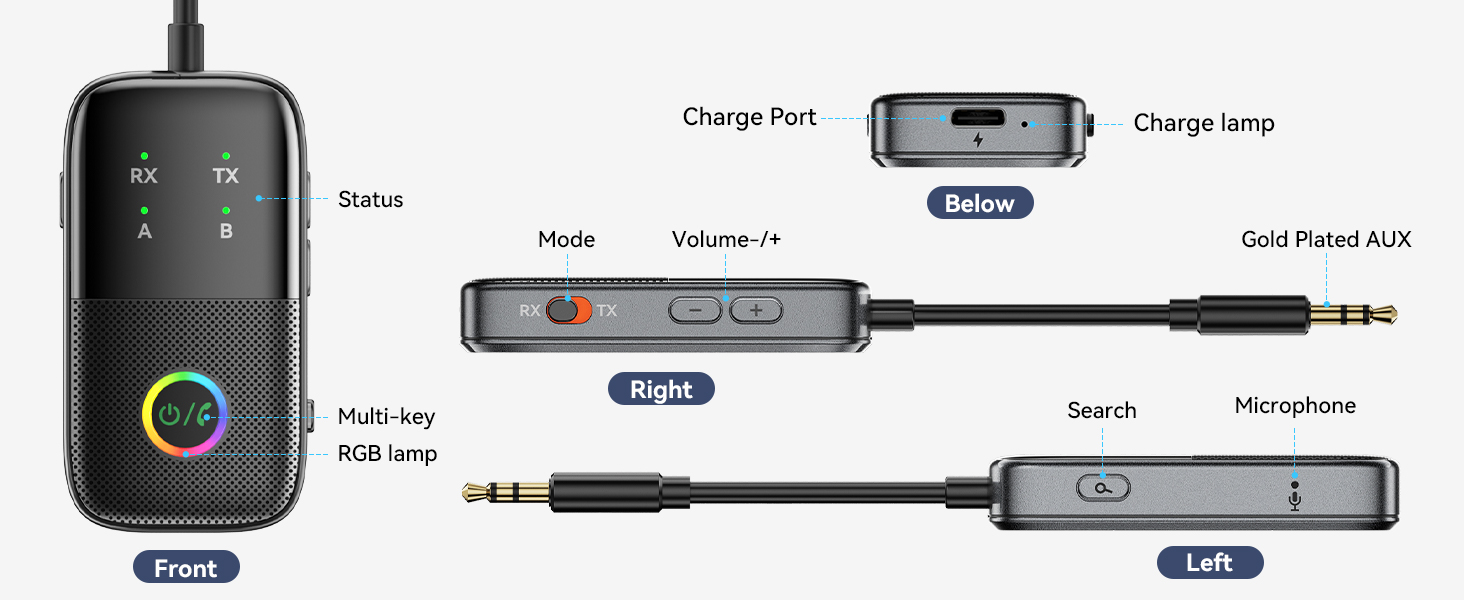
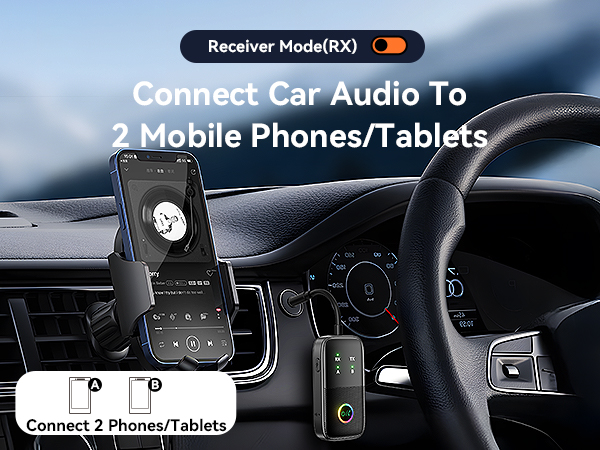
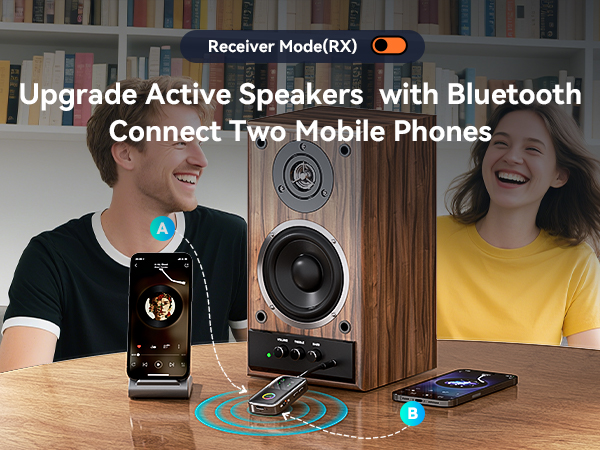
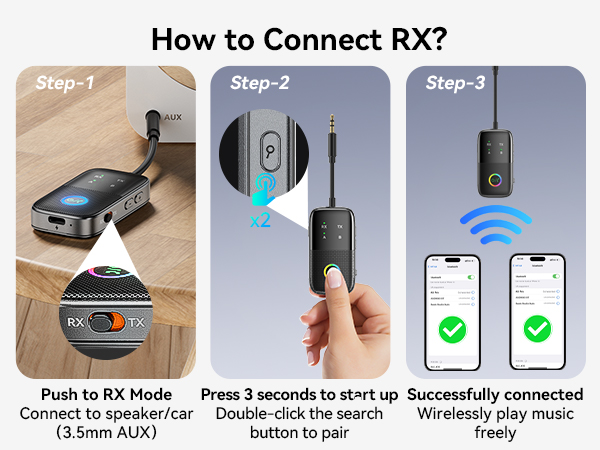
    How to pair a cell phone? 1. Slide to the "RX" mode, long-press the power button for 3 seconds to enter pairing mode. The "RX" light will flash rapidly. If not, double-click the "Search " to enter search mode; 2. Insert the product's 3.5mm jack into the audio input port of the playback device (such as active speakers, amplifiers, cars, or over-ear headphones); 3. Turn on the Bluetooth of your mobile phone, search for and connect to A5 Pro. After successful pairing, the RX + A lights will stay on.
    How to pair two cell phones? 1. After pairing the first cell phone, double-click the "Search" on the product again to enter the second pairing mode, and the RX light will flash rapidly; 2. Turn on the Bluetooth of the second mobile phone, search for and connect to A5 Pro; 3. After successful pairing, the RX + A + B lights will stay on.
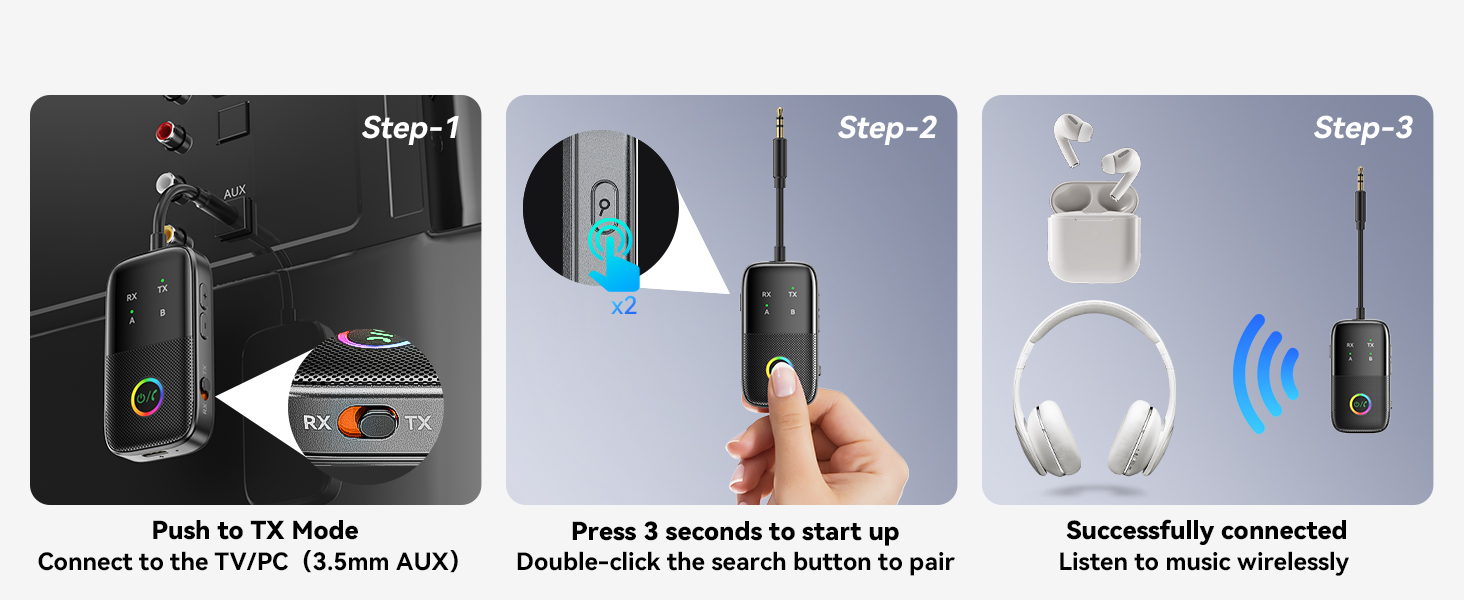
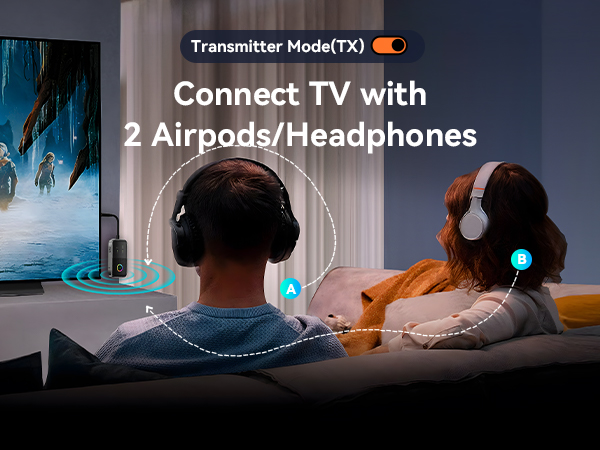
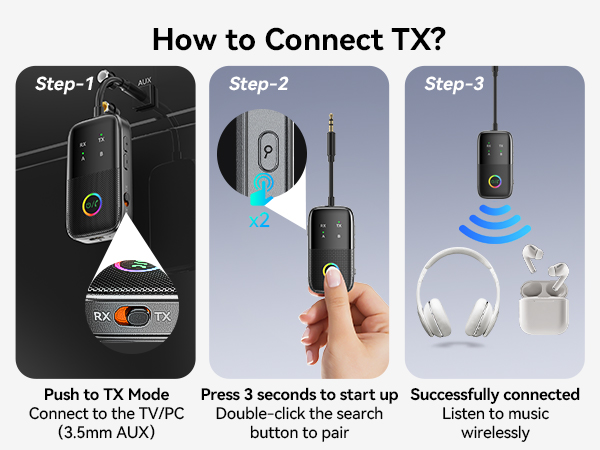
    How to pair a headphone? 1. Slide the A5 Pro to the "TX" mode and long-press the power button for 3 seconds to turn it on; 2. After powering on, the "TX" light will flash rapidly. If not, double-click the "Search" to enter search mode; 3. Put your Bluetooth headset into pairing mode and wait for pairing; 4. After successful pairing, the TX + A lights will stay on. Connecting the A5 Pro to a TV/Computer/Airplane/Projector.
    How to pair two headphones? 1. After the first Bluetooth headset is successfully paired with the A5 Pro, double-click the "Search" to make the product enter the second search, and the TX light will flash rapidly; 2. Put the second Bluetooth headset into pairing mode and wait for pairing; 3. After successful pairing, the TX + A + B lights will stay on.
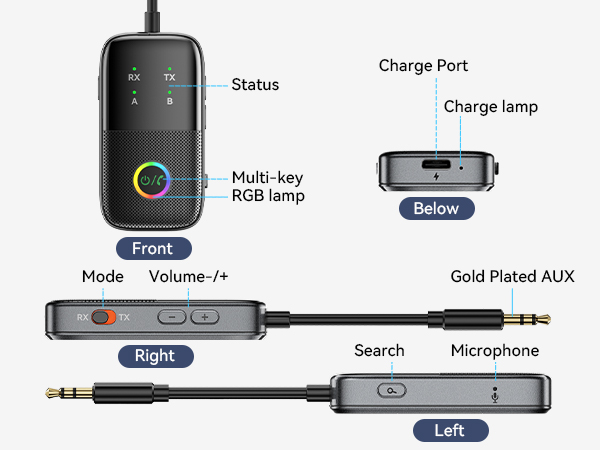
    How to reset the device? When the device is powered on, long-press the "Search" for 8 seconds. When all LED lights light up simultaneously, it indicates that the factory reset has been successful.
    Why can't I get low latency? If you want to use the low-latency function, please ensure that your devices support low latency and keep them close to each other with minimal obstacles for a seamless experience.
    How to adjust the volume? Check the volume of this device and the player. First, turn up the volume of the device connected to the adapter. For example, use the remote control to increase the TV volume.
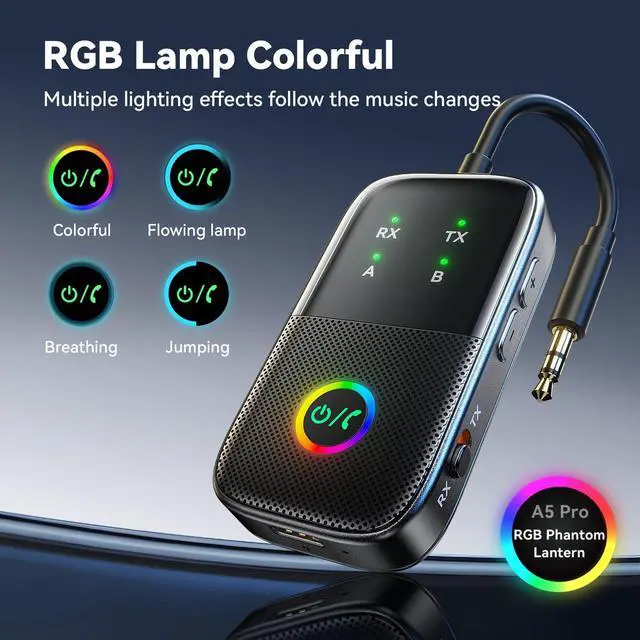
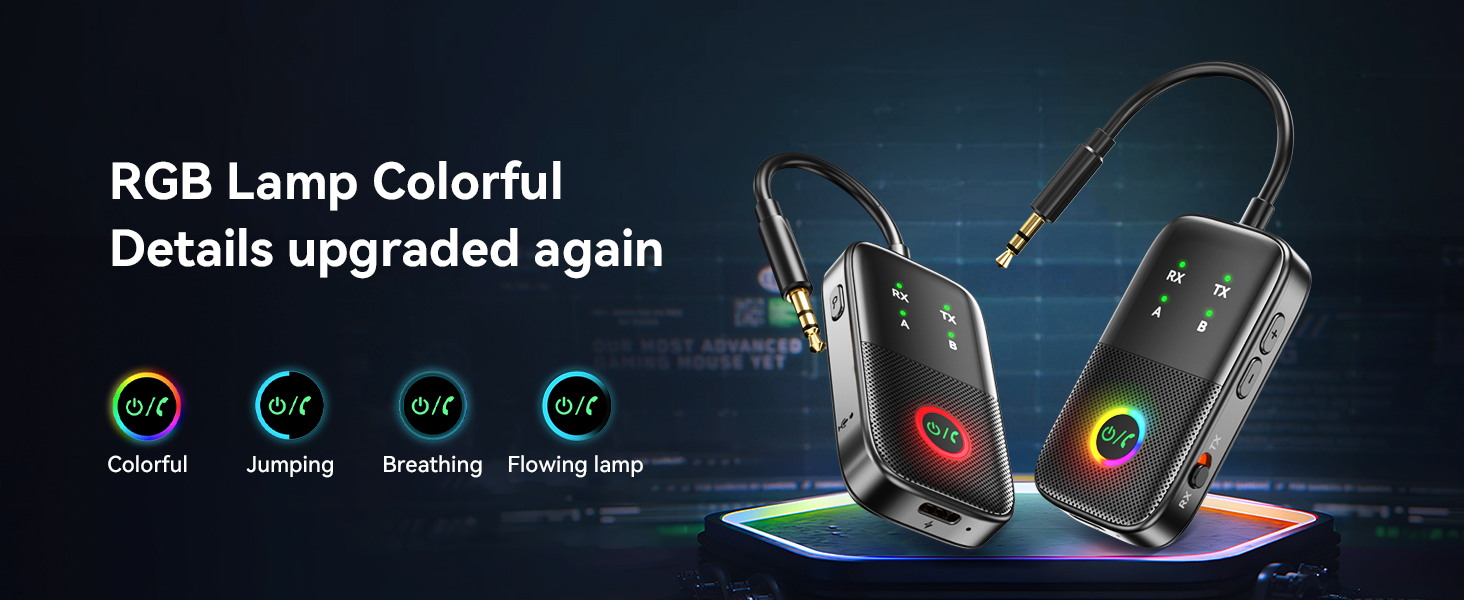
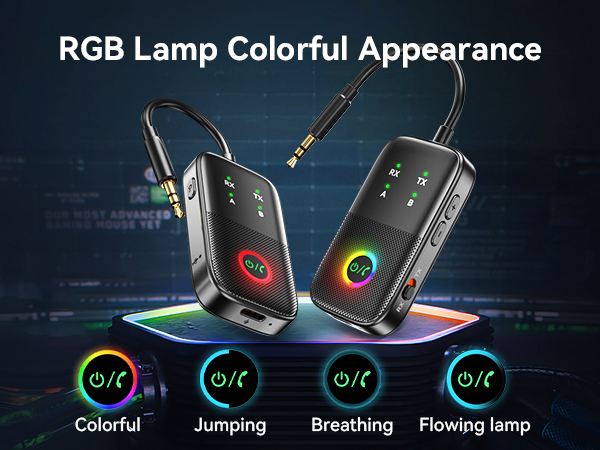
    How to turn off the lights? Triple-click the "Search" to cycle through light effects until they are turned off.
    It connects music instruments? Sound quality instability, latency, and other issues may occur during Bluetooth transmission, so it is not recommended for occasions with strict requirements for sound quality and latency, such as instrument performances or music activities.
    airplane bluetooth adapter for headphones
    airplane bluetooth adapter for headphones
    How to pair a cell phone? 1. Slide to the "RX" mode, long-press the power button for 3 seconds to enter pairing mode. The "RX" light will flash rapidly. If not, double-click the "Search " to enter search mode; 2. Insert the product's 3.5mm jack into the audio input port of the playback device (such as active speakers, amplifiers, cars, or over-ear headphones); 3. Turn on the Bluetooth of your mobile phone, search for and connect to A5 Pro. After successful pairing, the RX + A lights will stay on.
    How to pair two cell phones? 1. After pairing the first cell phone, double-click the "Search" on the product again to enter the second pairing mode, and the RX light will flash rapidly; 2. Turn on the Bluetooth of the second mobile phone, search for and connect to A5 Pro; 3. After successful pairing, the RX + A + B lights will stay on.
    How to pair a headphone? 1. Slide the A5 Pro to the "TX" mode and long-press the power button for 3 seconds to turn it on; 2. After powering on, the "TX" light will flash rapidly. If not, double-click the "Search" to enter search mode; 3. Put your Bluetooth headset into pairing mode and wait for pairing; 4. After successful pairing, the TX + A lights will stay on. Connecting the A5 Pro to a TV/Computer/Airplane/Projector.
    How to pair two headphones? 1. After the first Bluetooth headset is successfully paired with the A5 Pro, double-click the "Search" to make the product enter the second search, and the TX light will flash rapidly; 2. Put the second Bluetooth headset into pairing mode and wait for pairing; 3. After successful pairing, the TX + A + B lights will stay on.
    How to reset the device? When the device is powered on, long-press the "Search" for 8 seconds. When all LED lights light up simultaneously, it indicates that the factory reset has been successful.
    Why can't I get low latency? If you want to use the low-latency function, please ensure that your devices support low latency and keep them close to each other with minimal obstacles for a seamless experience.
    How to adjust the volume? Check the volume of this device and the player. First, turn up the volume of the device connected to the adapter. For example, use the remote control to increase the TV volume.
    How to turn off the lights? Triple-click the "Search" to cycle through light effects until they are turned off.
    It connects music instruments? Sound quality instability, latency, and other issues may occur during Bluetooth transmission, so it is not recommended for occasions with strict requirements for sound quality and latency, such as instrument performances or music activities.
    A5 Pro Bluetooth Transmitter Receiver, 2-in-1 Airplane Bluetooth Adapter for Airplanes, TVs, Gyms, Supports Connecting 2 AirPods/Headphones, Low Latency and HD for Car/Home Stereo

    Warranty & Returns

    Warranty, Returns, And Additional Information

    Warranty

    • Please contact the Seller directly for warranty information. Warranty information may also be found on the Manufacturer's website.
    • CONTACT

    Return Policies

    Manufacturer Contact Info

    LOADING...