






EDUP PCIe Wireless WiFi 6E Card Max 5400Mbps with Bluetooth 5.2 | Intel AX210 Chip I MU-MIMO I OFDMA,Ultra-Low Latency | 802.11AX Tri-Band
Specification:
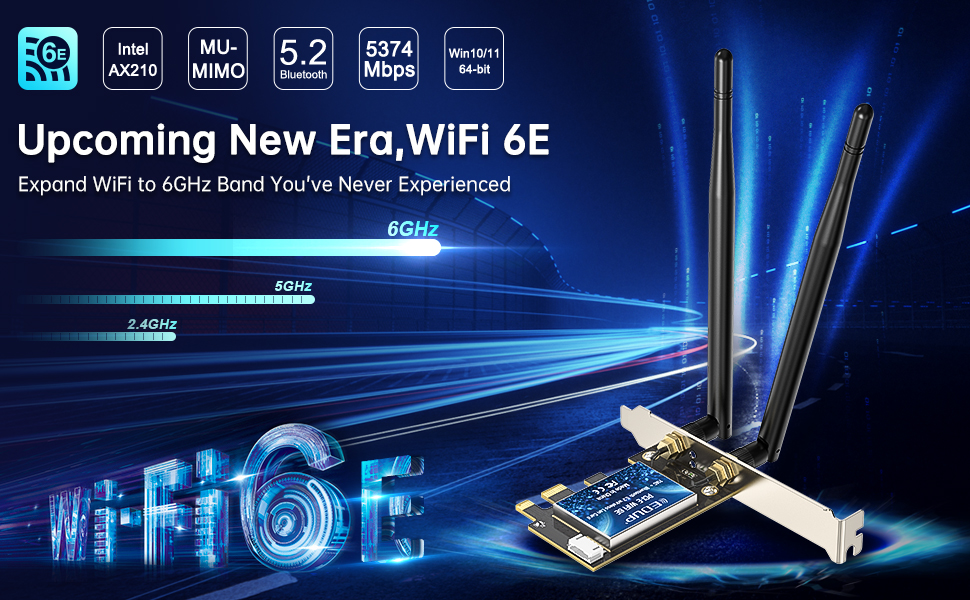
- Type: PCIE Wi-Fi 6E Network Card with Bluetooth 5.2
- Support System: Only Windows 10/11 64Bit
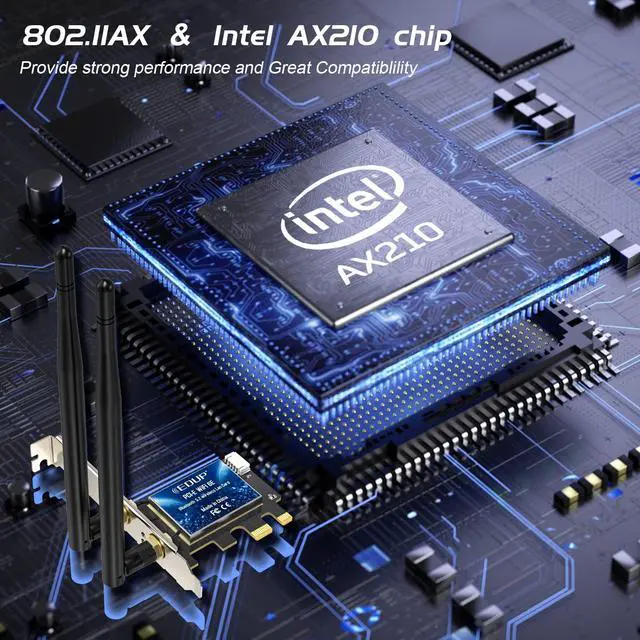
- Chipset: Intel Wi-Fi 6E AX210
- IEEE WLAN Standard: 802.11a/b/g/n/ac/ax
- Connection: WiFi 6E / Bluetooth 5.2
- Support Interface: PCI-E/X1/X4/X8/X16; 9-pin usb for Bluetooth
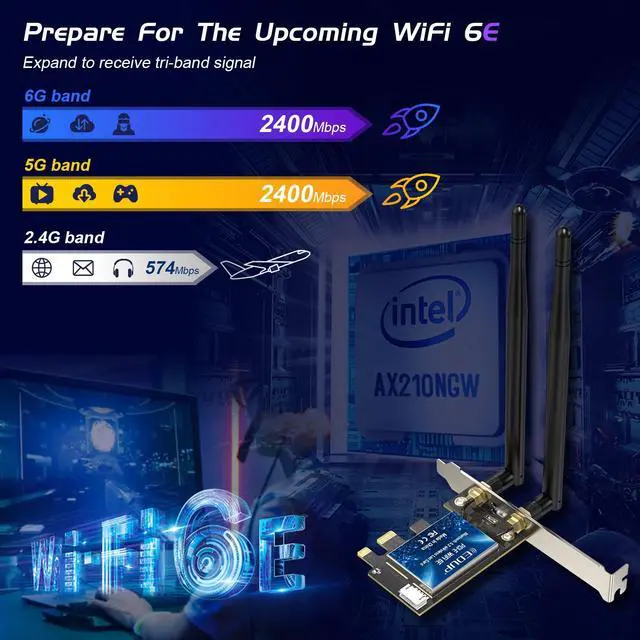
- Transmission Rate : 2.4Ghz up to 600Mbps / 5.8Ghz up to 2400Mbps / 6Ghz up to 2400Mbps
Package Included:
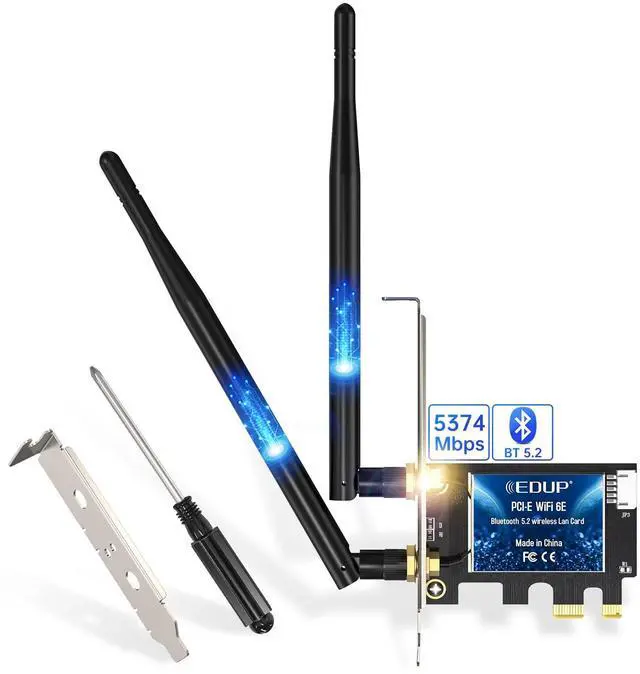
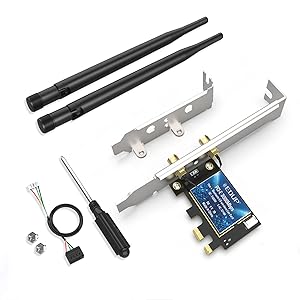
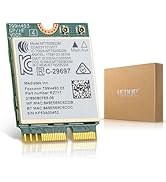
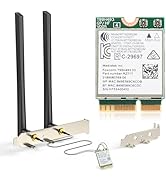
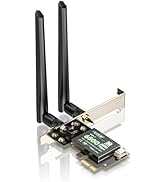
- 1 * EDUP PCI-E Wifi 6E Network Card
- 2 * External High Gain Antenna
- 1 * Small Chassis Baffle
- 1 * Screwdriver ; 2 * Screws
- 1 * User Manual
Intel AX210 Chipset:
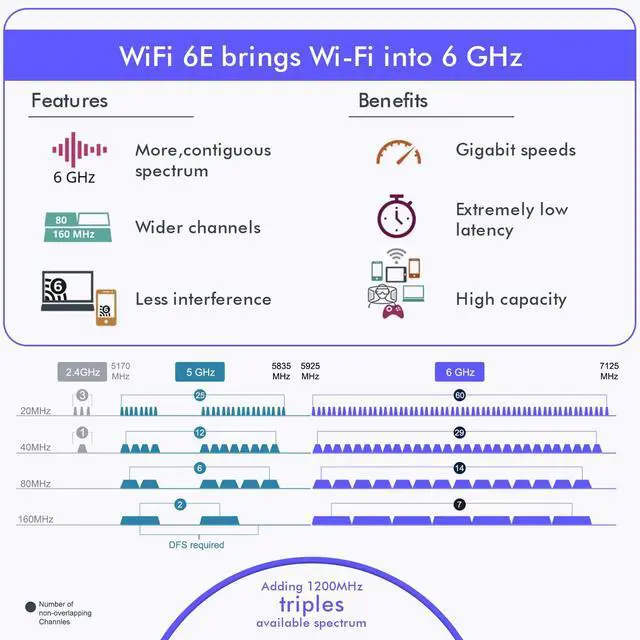
- Support dual band 2.4GHz/5.8GHz/6Ghz, Frequency 6GHz up to 2400Mbps,Frequency 5.8GHz up to 2400Mbps, Frequency 2.4GHz up to 600Mbps.
- It is the best choice for desktop for online gaming and 4K Ultra HD video streaming
Bluetooth 5.2 Technology:
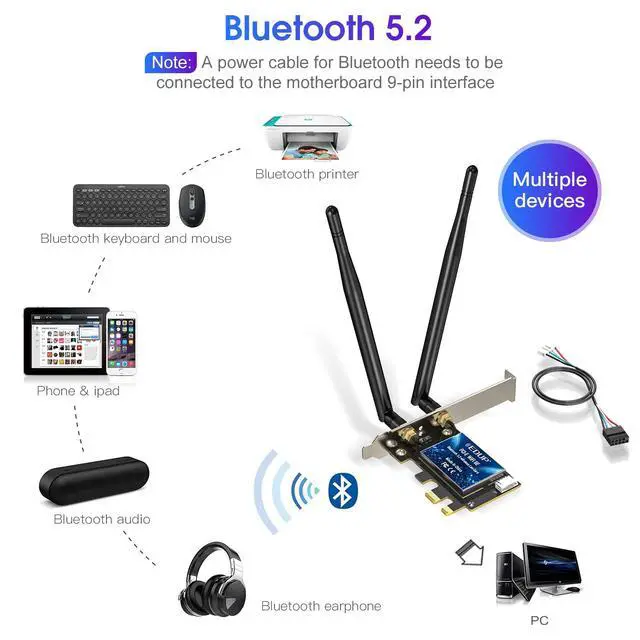
- Expand the range of 4 x Bluetooth 4.2 signal, no need to worry the signal will be weak in the room and waiting long time for transport the large files.
- It can connect with the mouse, earphone, keyboard and other Bluetooth devices.

MU-MIMO Wireless Technology:
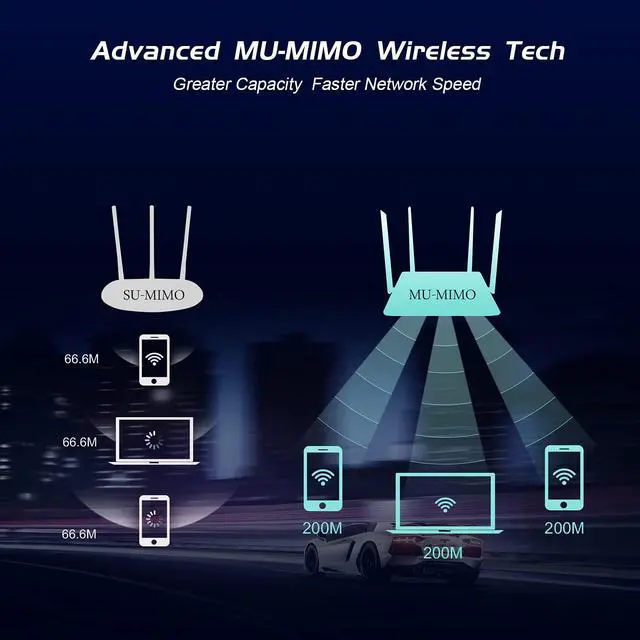
- Significantly improve the network quality, and the Internet speed is improved compared to ordinary AC network cards. The router can transmit data with 3 devices at the same time.



Knowing the following will give you a better product experience
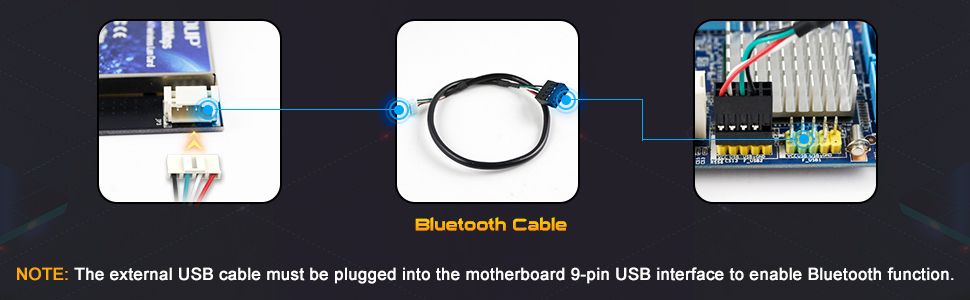
- 1. For desktop only. A blue-tooth power cable needs to be connected to the motherboard 9-pin interface, or the blue-tooth function won't work.
- 2. The specification of this wireless USB adapter is 5400Mbps (2.4G: 600Mbps, 5G: 2400Mbps, 6G: 2400Mbps ). A router with 5400Mbps or above can maximize the performance of our PCIE wifi adapter.
- 3. This Wi-Fi dongle will not boost the speed of original router, which only helps your computer to receive the router's signal and speed better.
- 4. It has nothing to do with the quality of this adapter when you can't get the maximum speed. The network environment, router, barriers, laptop and PC 's internal memory…the interference of many factors can affect the speed.
- 5. Please turn off the built-in Wi-Fi when using on a desktop pc.( If there is built-in Wi-Fi function in your desktop pc ).
User Stage of Install :
- Open the chassis side cover and remove the chassis back panel screws
- Insert the PCI-E into the corresponding card slot.
- Find the 9-pin USB connector on the motherboard, and plug the external cable of the PCI-E into the USB connector on the motherboard .
- Attach the screws to the rear bezel


Founded in 2010, EDUP is a global provider of reliable networking devices and accessories.
Our product series are Wireless Wi-Fi Card, Bluetooth Dongle, Satellite Internet Starlink Accessories and so on. All of our products comply with international quality standards and are greatly appreciated in a variety of different markets throughout the world and have got CE, FCC, RoHS approved.
WiFi 7 Netwrok Card for PC
USB WiFi 7 Adapter for PC
WiFi 6/6E Netwrok Card for PC
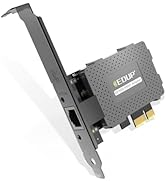
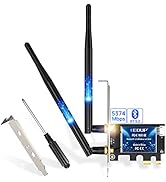
PCIE Network Card Series
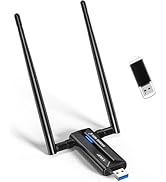
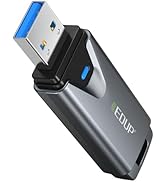
Usb Wifi Adapter Services
Usb Wifi Adapter Services
Starlink PoE Injector Series
Wireless HDMI Series
EDUP PCIe Wireless WiFi 6E Card Max 5400Mbps with Bluetooth 5.2 | Intel AX210 Chip I MU-MIMO I OFDMA,Ultra-Low Latency | 802.11AX Tri-Band
Specification:
- Type: PCIE Wi-Fi 6E Network Card with Bluetooth 5.2
- Support System: Only Windows 10/11 64Bit
- Chipset: Intel Wi-Fi 6E AX210
- IEEE WLAN Standard: 802.11a/b/g/n/ac/ax
- Connection: WiFi 6E / Bluetooth 5.2
- Support Interface: PCI-E/X1/X4/X8/X16; 9-pin usb for Bluetooth
- Transmission Rate : 2.4Ghz up to 600Mbps / 5.8Ghz up to 2400Mbps / 6Ghz up to 2400Mbps
Package Included:
- 1 * EDUP PCI-E Wifi 6E Network Card
- 2 * External High Gain Antenna
- 1 * Small Chassis Baffle
- 1 * Screwdriver ; 2 * Screws
- 1 * User Manual
Intel AX210 Chipset:
- Support dual band 2.4GHz/5.8GHz/6Ghz, Frequency 6GHz up to 2400Mbps,Frequency 5.8GHz up to 2400Mbps, Frequency 2.4GHz up to 600Mbps.
- It is the best choice for desktop for online gaming and 4K Ultra HD video streaming
Bluetooth 5.2 Technology:
- Expand the range of 4 x Bluetooth 4.2 signal, no need to worry the signal will be weak in the room and waiting long time for transport the large files.
- It can connect with the mouse, earphone, keyboard and other Bluetooth devices.
MU-MIMO Wireless Technology:
- Significantly improve the network quality, and the Internet speed is improved compared to ordinary AC network cards. The router can transmit data with 3 devices at the same time.
Knowing the following will give you a better product experience
- 1. For desktop only. A blue-tooth power cable needs to be connected to the motherboard 9-pin interface, or the blue-tooth function won't work.
- 2. The specification of this wireless USB adapter is 5400Mbps (2.4G: 600Mbps, 5G: 2400Mbps, 6G: 2400Mbps ). A router with 5400Mbps or above can maximize the performance of our PCIE wifi adapter.
- 3. This Wi-Fi dongle will not boost the speed of original router, which only helps your computer to receive the router's signal and speed better.
- 4. It has nothing to do with the quality of this adapter when you can't get the maximum speed. The network environment, router, barriers, laptop and PC 's internal memory…the interference of many factors can affect the speed.
- 5. Please turn off the built-in Wi-Fi when using on a desktop pc.( If there is built-in Wi-Fi function in your desktop pc ).
User Stage of Install :
- Open the chassis side cover and remove the chassis back panel screws
- Insert the PCI-E into the corresponding card slot.
- Find the 9-pin USB connector on the motherboard, and plug the external cable of the PCI-E into the USB connector on the motherboard .
- Attach the screws to the rear bezel
Founded in 2010, EDUP is a global provider of reliable networking devices and accessories.
Our product series are Wireless Wi-Fi Card, Bluetooth Dongle, Satellite Internet Starlink Accessories and so on. All of our products comply with international quality standards and are greatly appreciated in a variety of different markets throughout the world and have got CE, FCC, RoHS approved.
WiFi 7 Netwrok Card for PC
USB WiFi 7 Adapter for PC
WiFi 6/6E Netwrok Card for PC
PCIE Network Card Series
Usb Wifi Adapter Services
Usb Wifi Adapter Services
Starlink PoE Injector Series
Wireless HDMI Series