Product Description
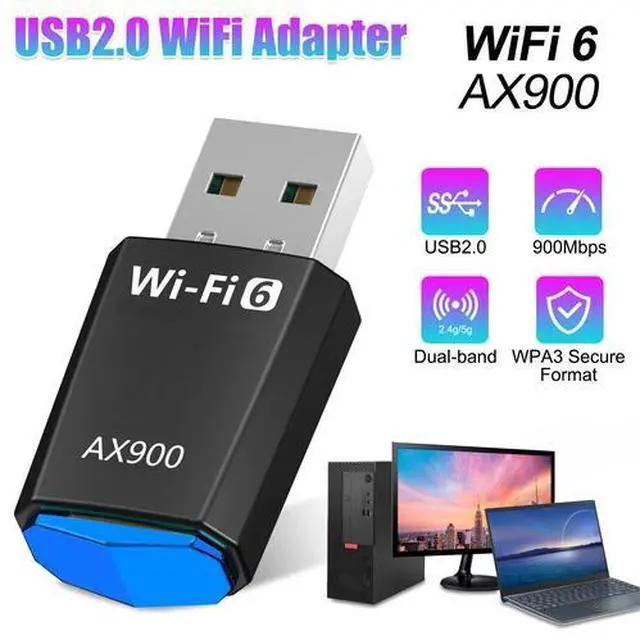
Upgrade your network with this powerful WiFi 6 AX900 USB Adapter! Enjoy faster, more stable, and more secure wireless connections for your PC or mini computer. Whether you’re gaming, streaming, or browsing, this dual-band adapter provides seamless performance on both 2.4GHz and 5GHz networks.
- Usage Notes: Please disable your own device driver before use, otherwise it will cause conflict!
Product Feature
-
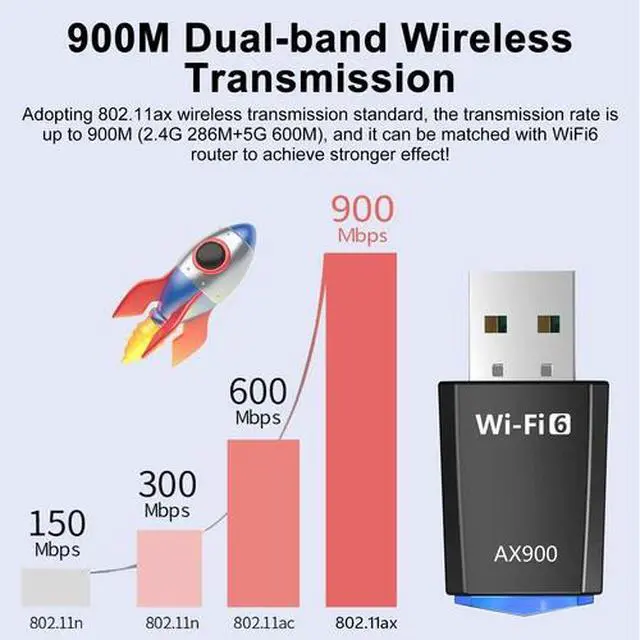
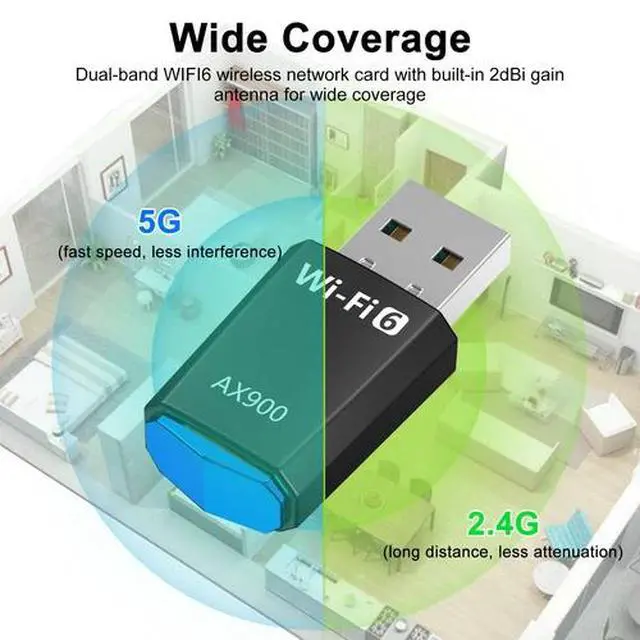
High-speed Dual Frequency: This WiFi adapter is 5G/2.4G, supports IEEE802.11ax protocol, performance is greatly improved, 5G band can be as high as 600Mbps, 2.4G band can be as high as 286Mbps, performance is stable, reduce interference and latency.
-
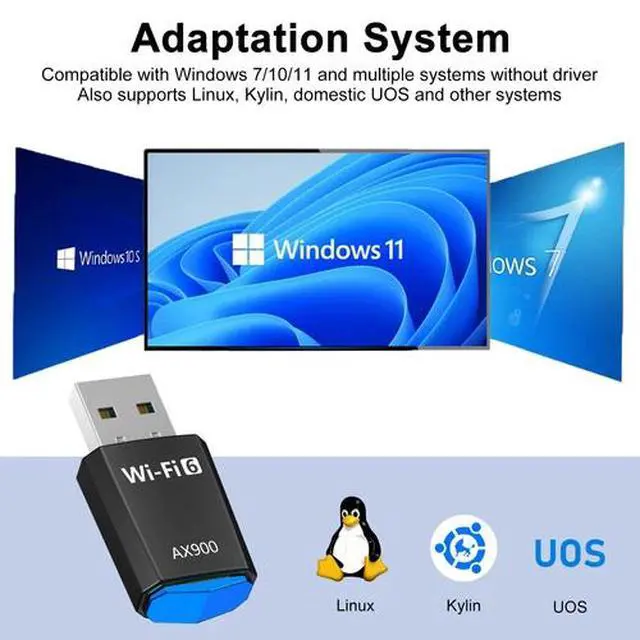
Wide Range of Compatibility: The Wireless USB WiFi 6 Adapter is compatible with the mainstream operating systems in the market, Windows 11/10/7, and supports all popular WiFi standards IEEE 802.11 a/b/g/n/ax, allowing you to use it with ease.
-
Secure Connection: This WiFi receiver is designed for versatility, supporting a wide range of operating systems and offering WEP/WPA/WPA2/WPA3-SAE encryption. It's also equipped with MU-MIMO technology, allowing multiple devices to connect efficiently, enhancing network productivity.
-
Upgrade WiFi 6: The USB WiFi adapter is upgraded to the latest WiFi version 6 standard, suitable for desktop PCs and other devices to connect, the card supports auto-detection, can automatically adjust the rate, support for WiFi reception, AP hotspot transmission.
-
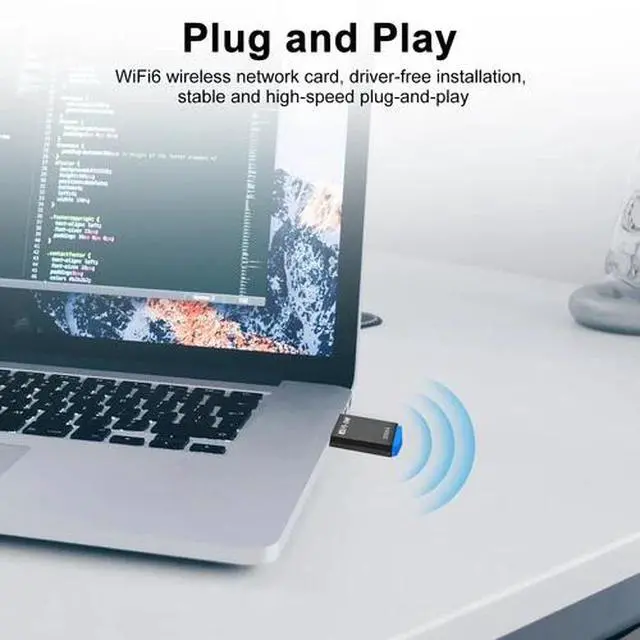
Easy to Use: This Dual Band 2.4/5Ghz Network Dongle is driver free, plug and play, you don't need to download and install the driver, you can use it conveniently. With tail light logo, will light up when working.
-
? Notes:
Please disable your computer’s built-in wireless adapter before using this WiFi 6 adapter to prevent driver conflicts.
Uninstall any previous WiFi adapter drivers from other brands/models.
For some Linux or mini PC systems, manual driver installation may be required.
Plug directly into a USB port on your computer — avoid USB hubs or extension cables for best performance.
-
Installation Steps:
1?? Insert the WiFi adapter into your PC’s USB 2.0 or USB 3.0 port.
2?? Wait a few seconds — Windows 10/11 will automatically install the driver.
3?? If your system does not recognize it, restart your computer and try a different USB port.
4?? For Linux users, enable the wireless module in your system settings or install the appropriate driver if needed.
5?? Once recognized, select your WiFi network and connect — the indicator light will stay on when working properly.
Product Specification
|
Type
|
2.4G/5G WiFi 6 USB WiFi Adapter
|
|
Material
|
ABS
|
|
Color
|
Black
|
|
Interface
|
USB
|
|
Working Frequency
|
2.412GHz-2.484GHz; 5.180-5.825GHz
|
|
Transmission Rate
|
AX900Mbps (2.4GHz: 286Mbps; 5GHz: 600Mbps) |
|
Antenna Type
|
Built-in 2dBi dual-band antenna
|
|
Wireless Standards
|
IEEE 802.11b/g/n/a/ax
|
|
Encryption Method
|
WPA3/ WPA-WEP/WPA-PSK/WPA2-PSK
|
|
Working Mode
|
WiFi receiving/AP transmitting
|
|
Support System
|
Compatible with Windows 7/10/11, Compatible with Kirin(driver-free, plug and play)
|
|
Product Size
|
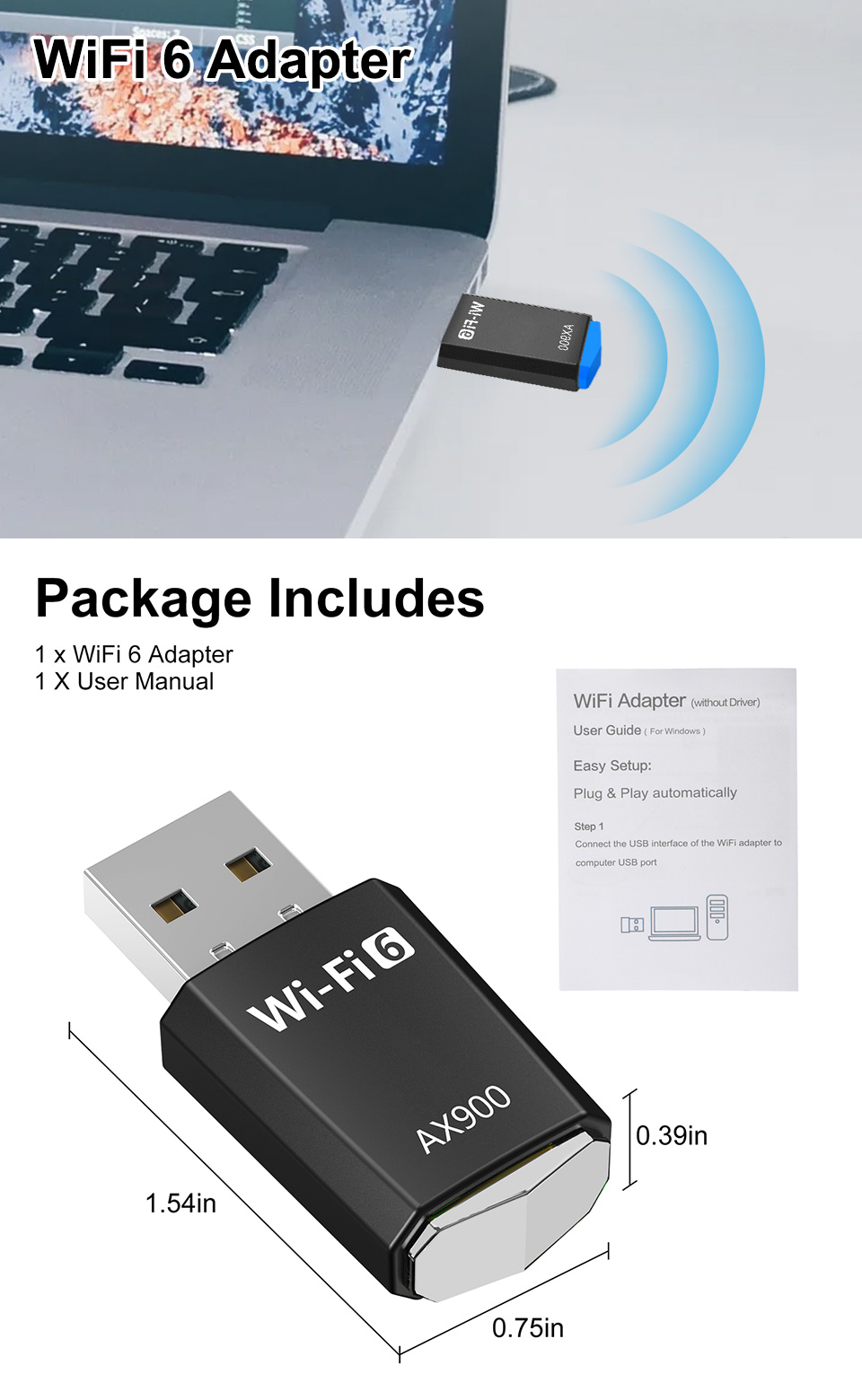
39*19*10mm/1.54x0.75x0.39inch
|
Package Included
-
1 x WiFi 6 Adapter
-
1 X User Manual
|