here!
here!
I’m your shopping assistant for PC builds, upgrades, and everything tech.
Got questions? Ask away!
Start a conversation
here!
I’m your shopping assistant for PC builds, upgrades, and everything tech.
Got questions? Ask away!
Start a conversation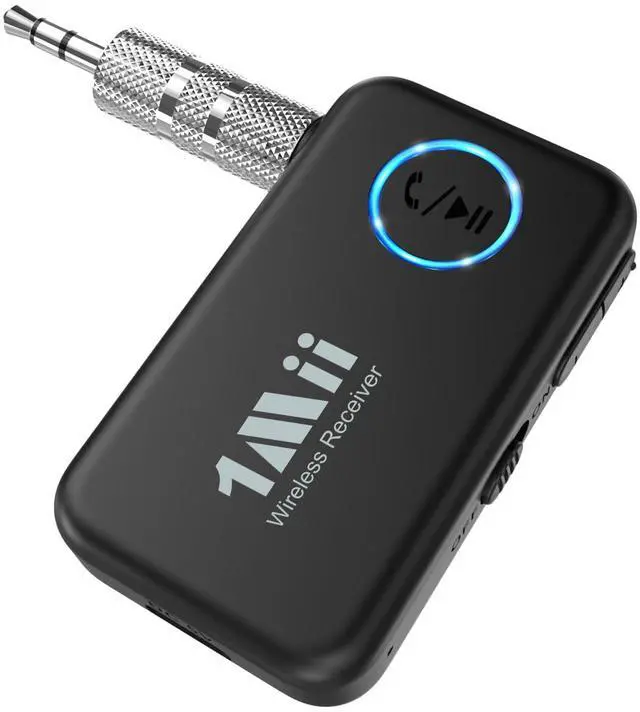



Any questions? Ask CelesteSM will help you find out quickly.
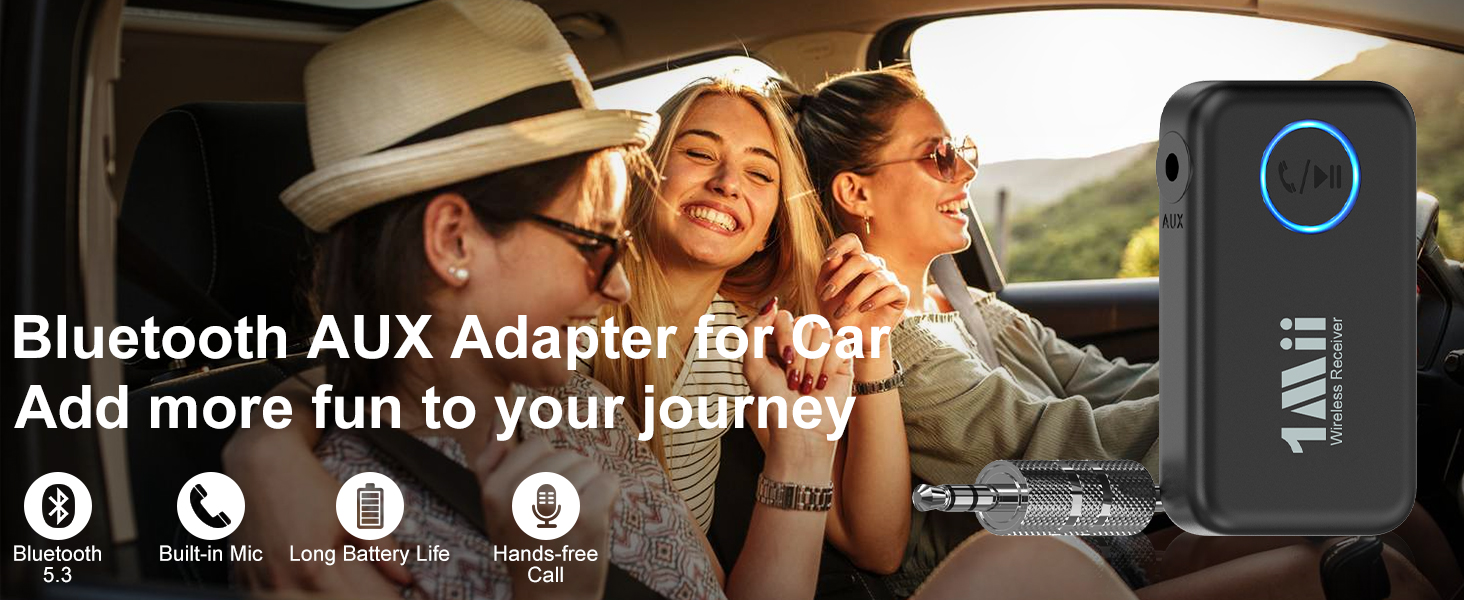
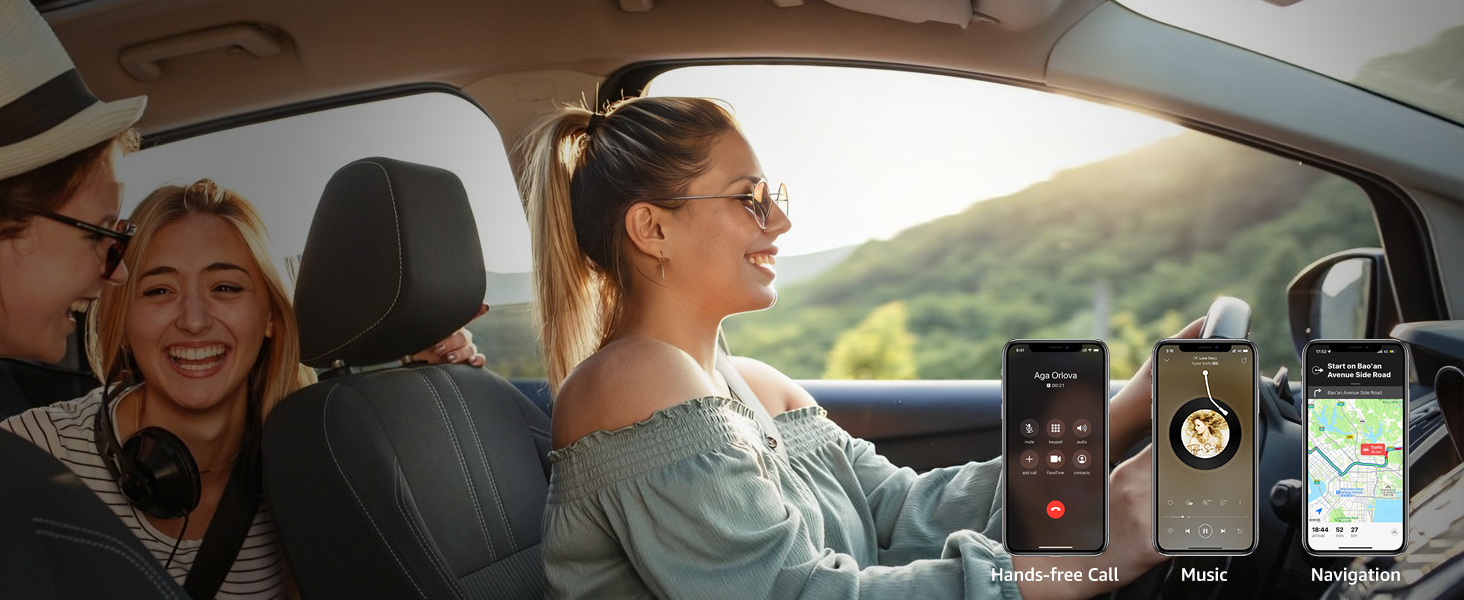
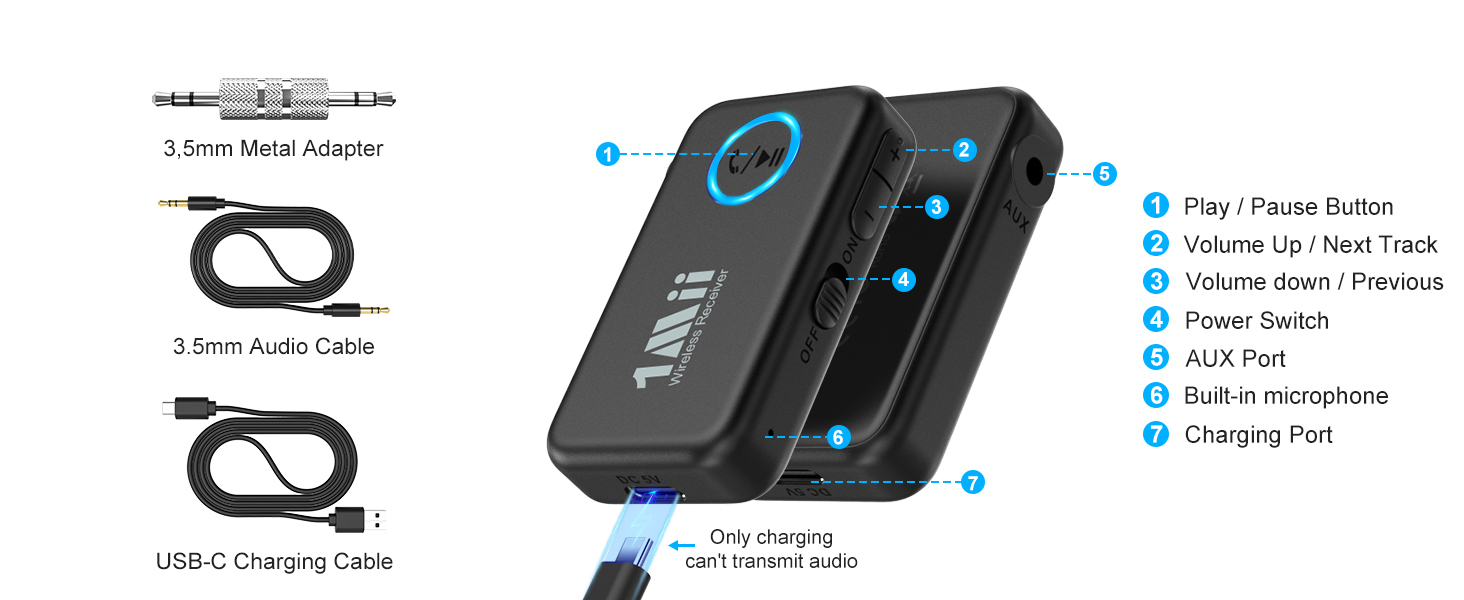
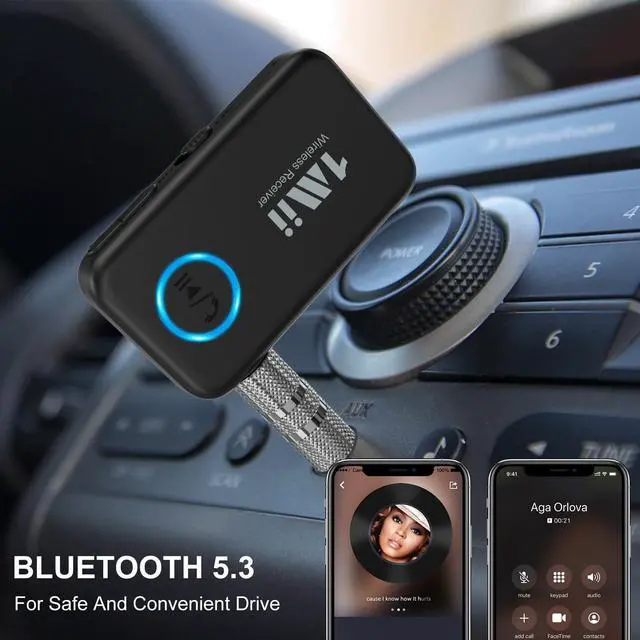
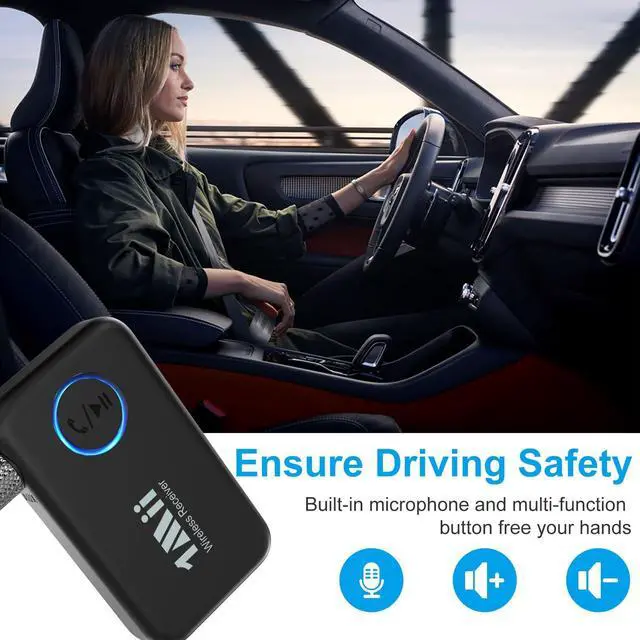
ML100’s built-in mic supports hands-free calling and navigation apps, helping you drive safely.
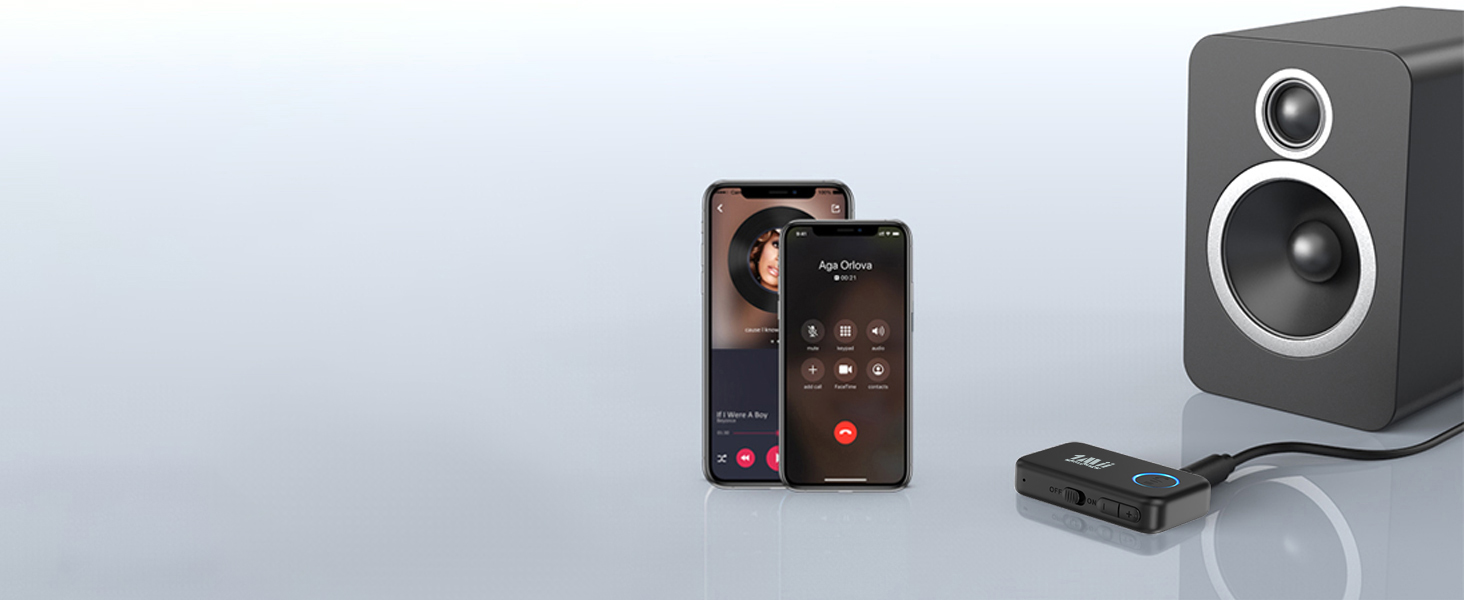
Easily switch between them to stream music from either source.
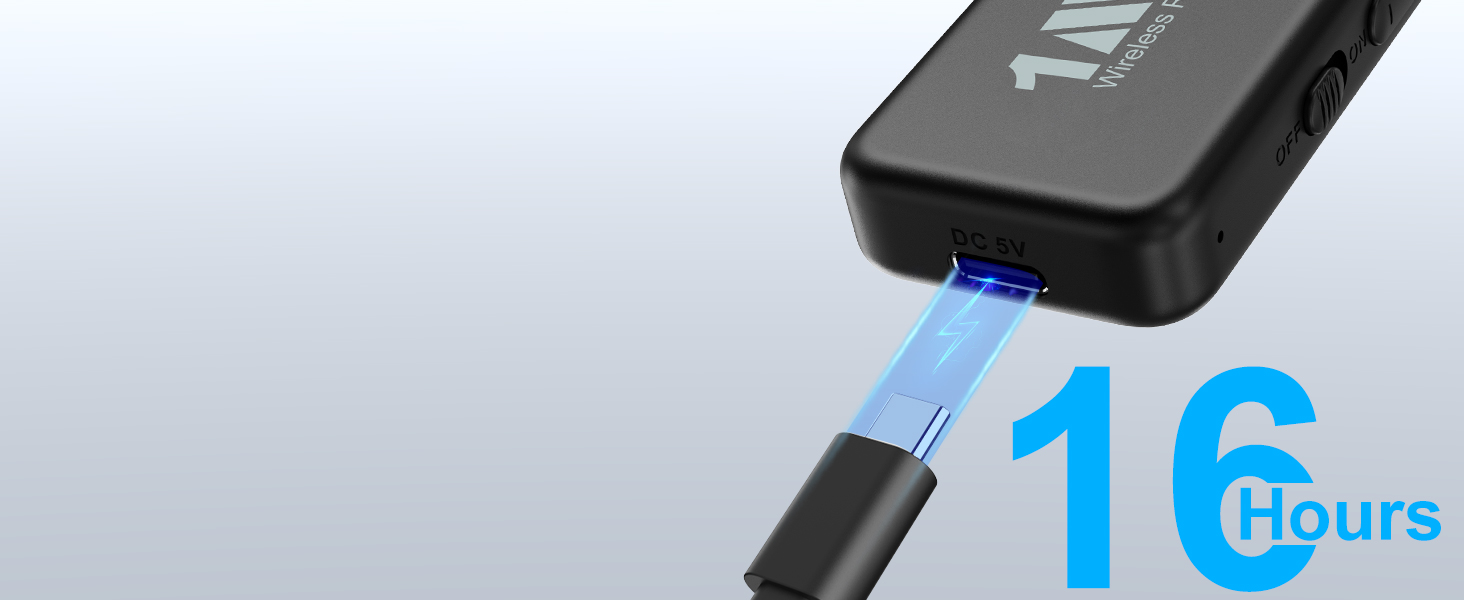
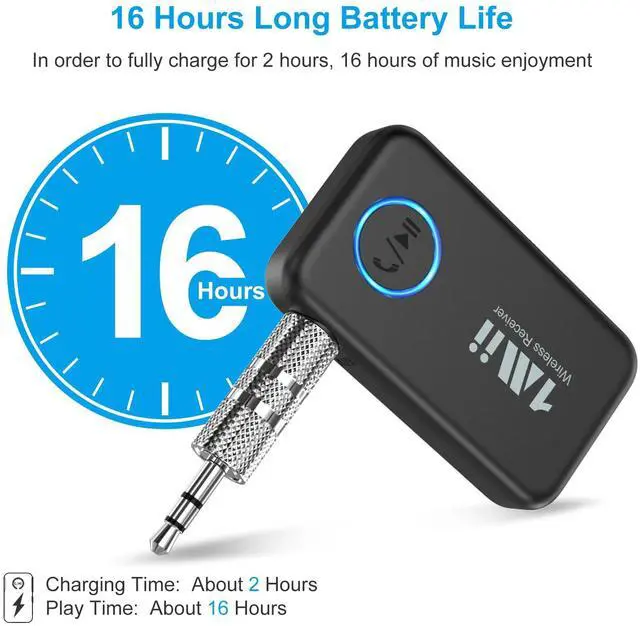
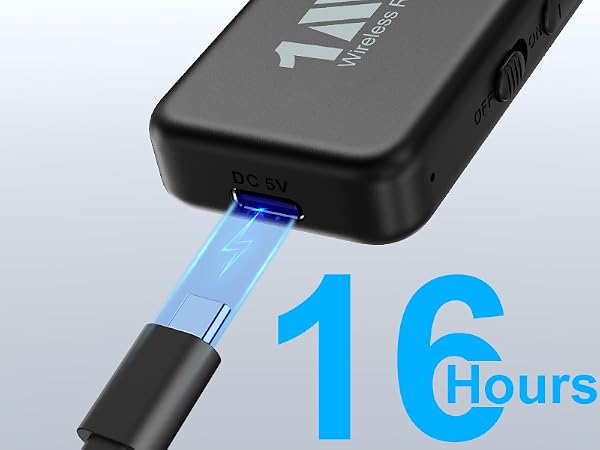
Provides up to 16 hours of playtime and fully recharges in about 2 hours for daily use.
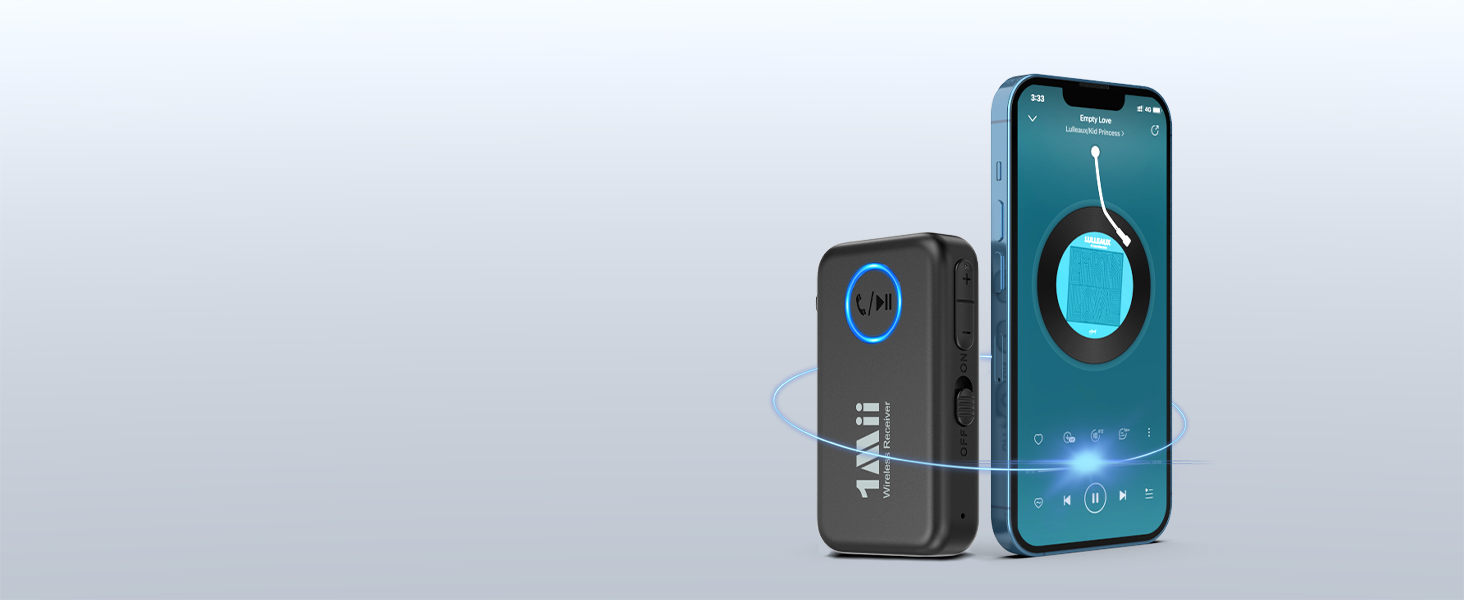
Note: actual distance may be affected by Wi-Fi interference, walls, or obstacles.
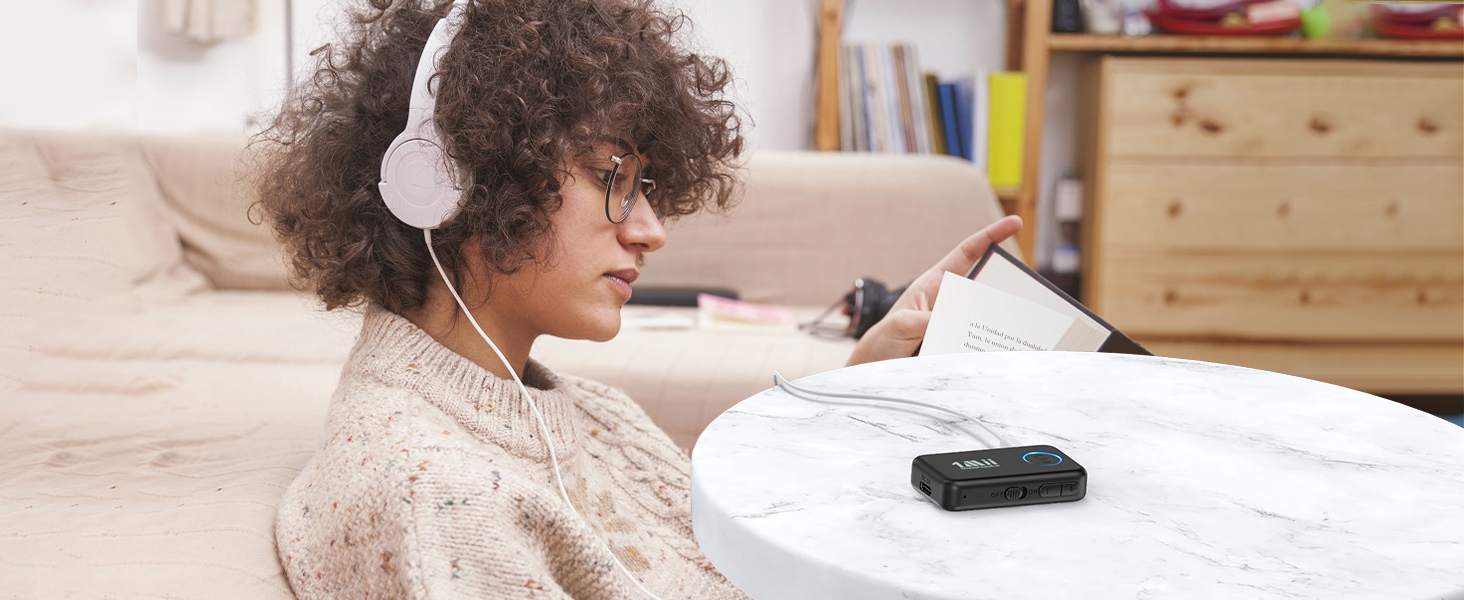
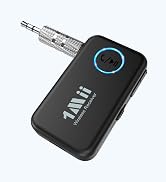
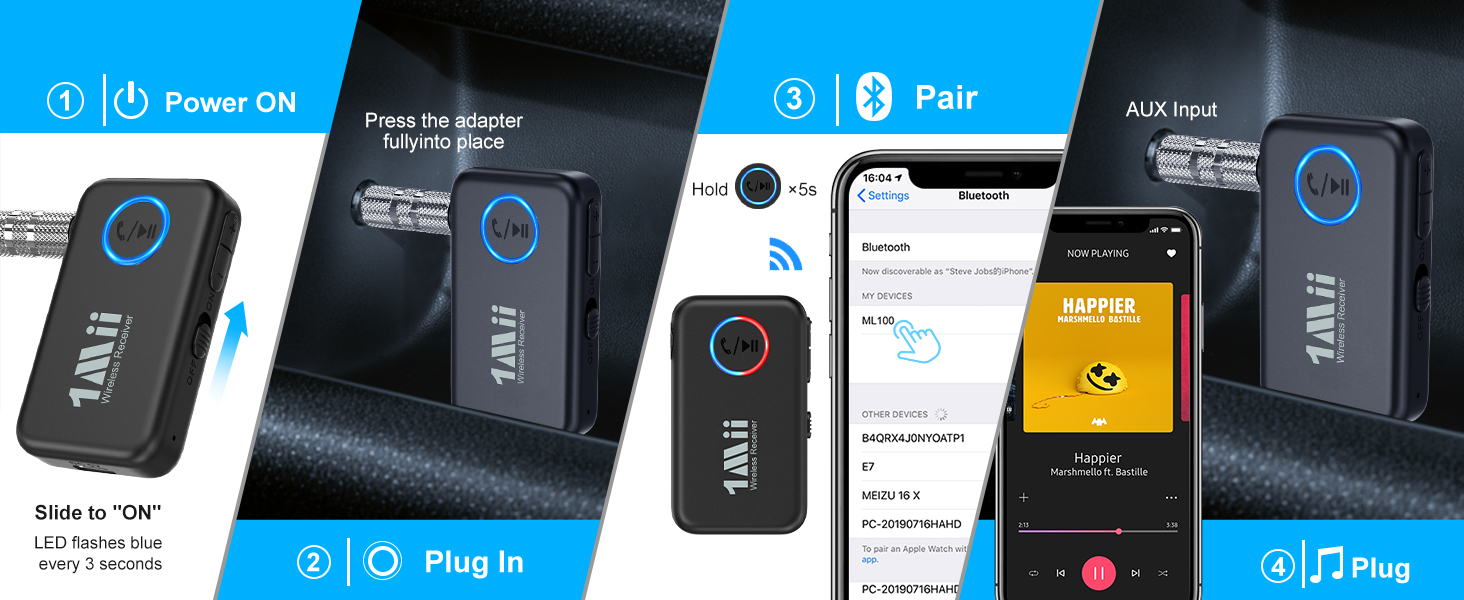
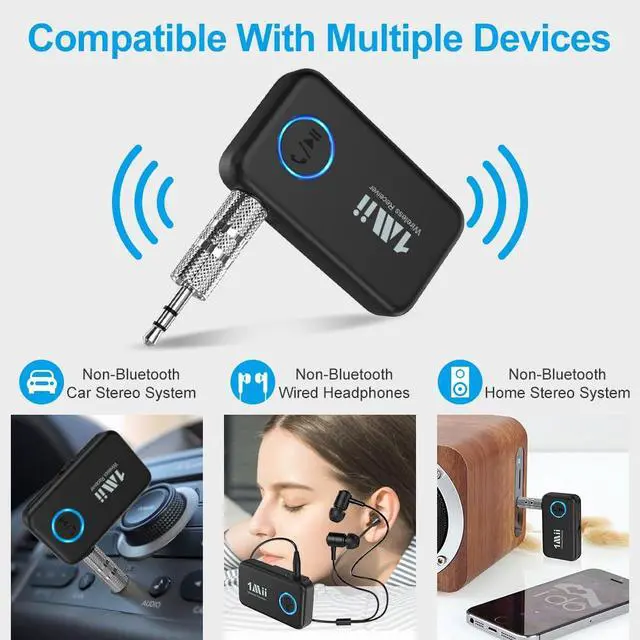
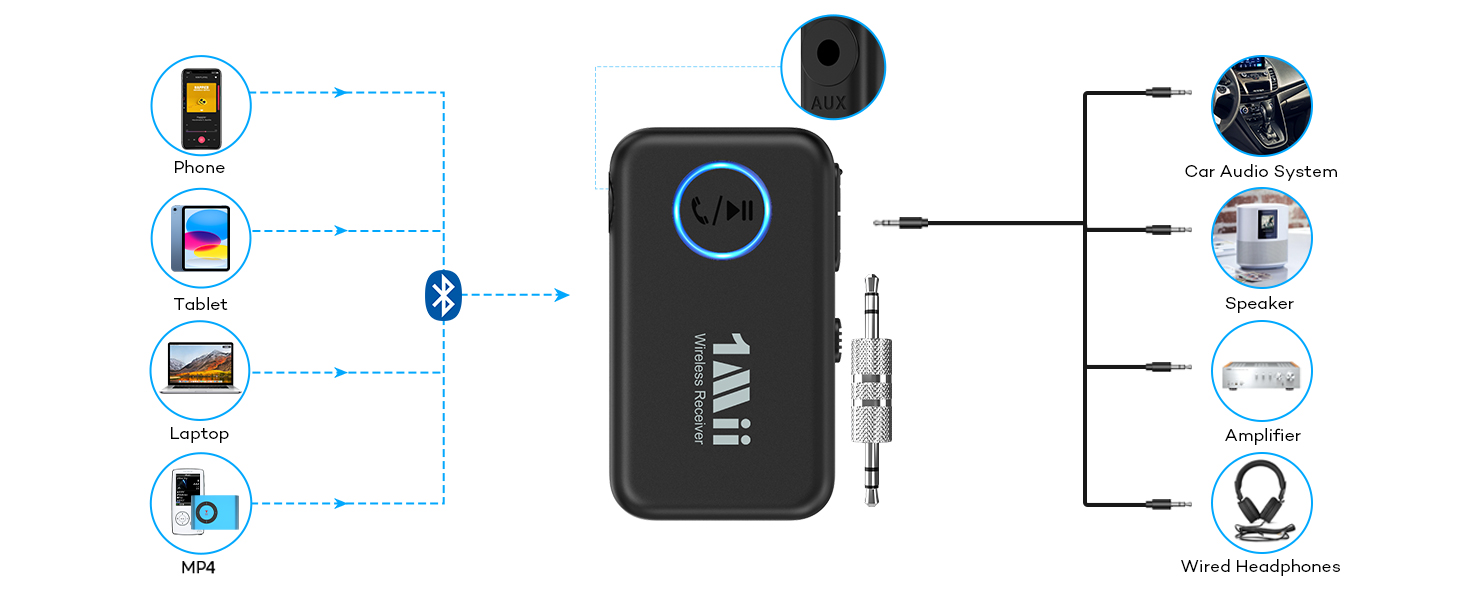
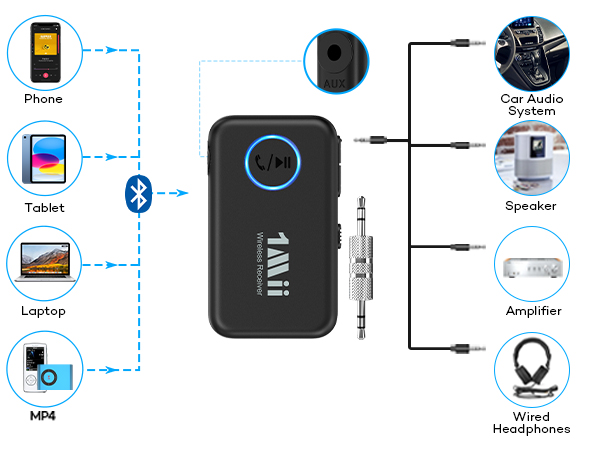
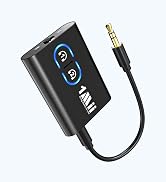
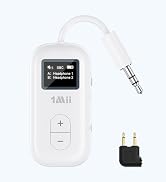
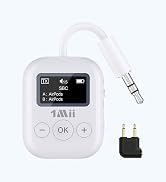
Use ML100 to add wireless audio to wired earbuds, headphones, active speakers, or home stereos.
5.3 | Bluetooth Version | 5.3 |
10 M | Wireless Distance | 10 M |
16H | Playtime | 10H |
3.5mm AUX | Audio Output Options | 3.5mm AUX |
LDAC Support | ||
Dual Link | ||
Built-in Mic |
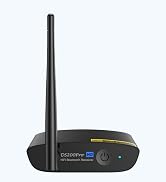
5.3 | Bluetooth Version | 6.0 |
10 M | Wireless Distance | 30 M |
16H | Playtime | No Battery |
3.5mm AUX | Audio Output Options | RCA, 3.5mm AUX |
LDAC Support | ||
Dual Link | ||
Built-in Mic |
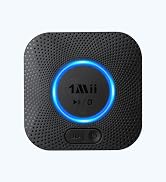
5.3 | Bluetooth Version | 5.3 |
10 M | Wireless Distance | 25 M |
16H | Playtime | No Battery |
3.5mm AUX | Audio Output Options | RCA, 3.5mm AUX |
LDAC Support | ||
Dual Link | ||
Built-in Mic |
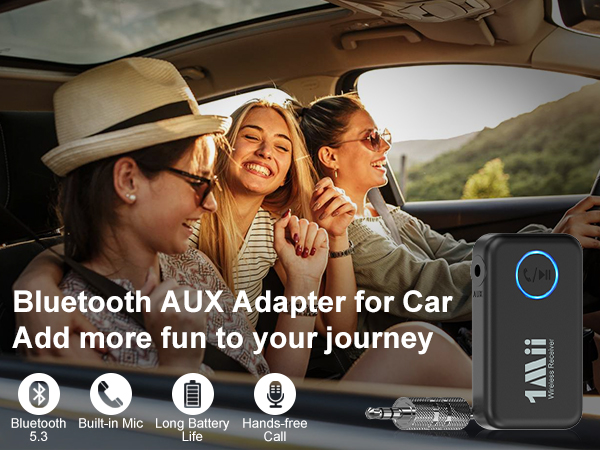
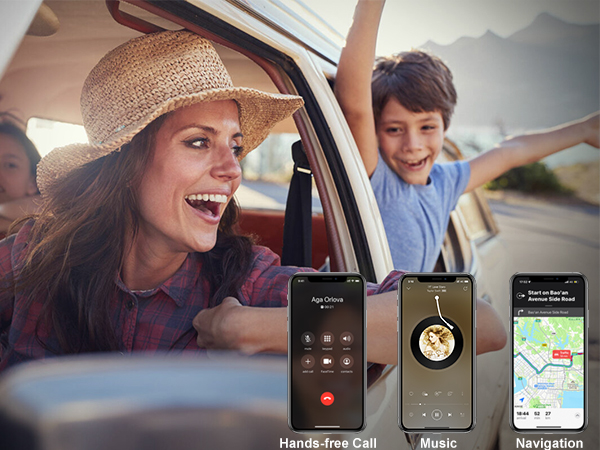
ML100’s built-in mic supports hands-free calling and navigation apps, helping you drive safely.
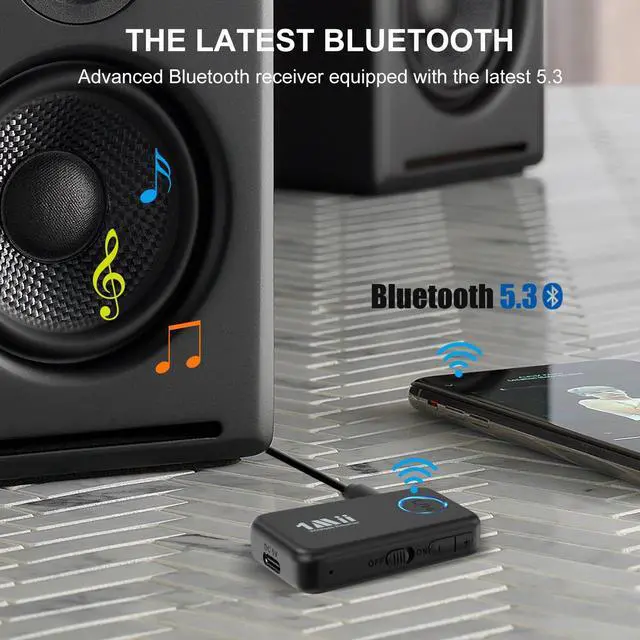
Easily switch between them to stream music from either source.
Provides up to 16 hours of playtime and fully recharges in about 2 hours for daily use.
Note: actual distance may be affected by Wi-Fi interference, walls, or obstacles.
Use ML100 to add wireless audio to wired earbuds, headphones, active speakers, or home stereos.





| Q1 | Can I use this on an airplane? Will it work with Bluetooth headphones? |
|---|---|
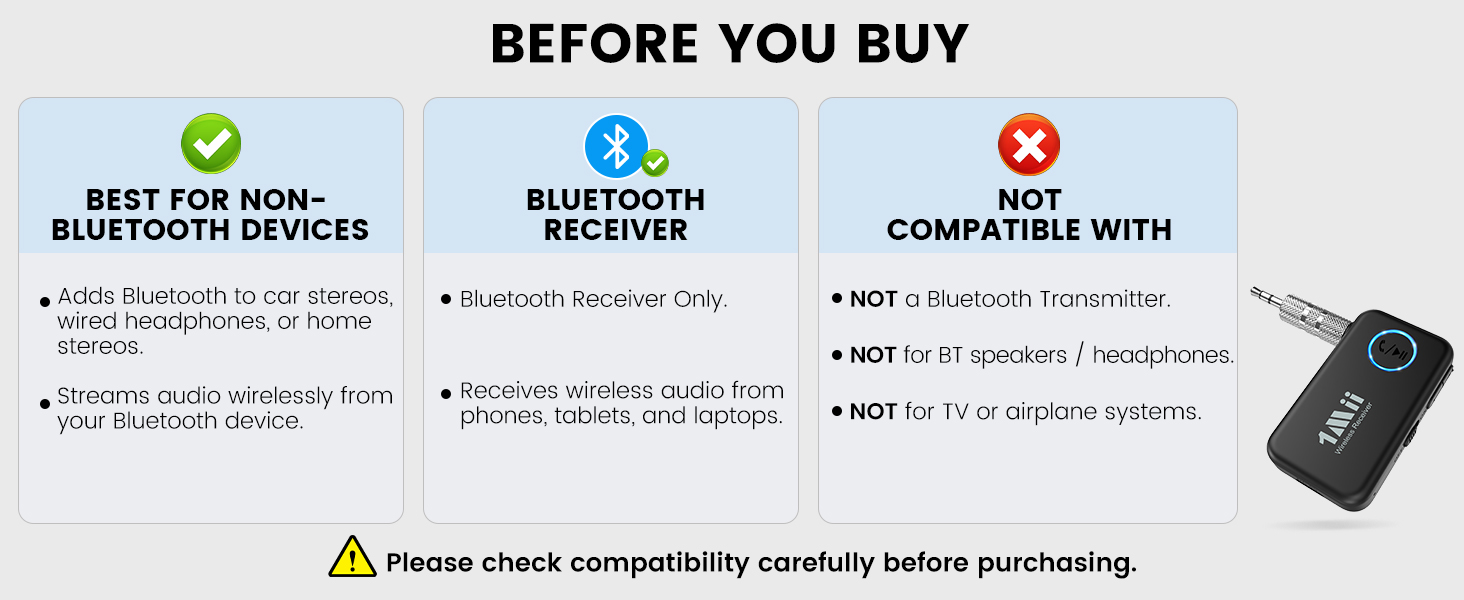
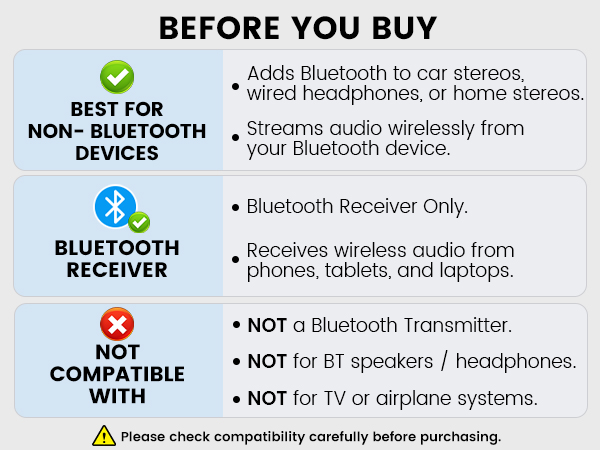
| A1 | No, ML100 is a Bluetooth receiver and does not have transmitting capability. It is designed to plug into non-Bluetooth devices such as car stereos, wired headphones, home stereos, or wired speakers, so it can receive audio from Bluetooth devices like phones, laptops, or tablets for music streaming. |
| Q2 | Why is there static noise? |
| A2 | 1) The AUX jack may be loose or not making good contact. Please switch to a metal adapter or a different audio cable. 2) Electrical noise may occur. It is best not to use the device while charging. 3) The device may be affected by surrounding environmental interference, such as Wi-Fi. 4) If the issue continues, please contact our support team. |
| Q3 | Why is the connection unstable or disconnecting? |
| A3 | 1) Please make sure the device is fully charged. For first-time use, it is recommended to charge for at least 1 hour. 2) The Bluetooth range is limited to 33 ft / 10 meters, and the distance may be affected by walls, Wi-Fi signals, and other interference. 3) If disconnection occurs multiple times, please restore the device to factory settings and pair again. 4) If the issue continues, please contact our support team. |
| Q4 | How to reset the ML100 to factory settings? |
| A4 | Please restore the factory settings : Hold "+" and "-" button for about 10 seconds, LED flashes purple for 3 times. Then reconnect and use. |
| Q5 | Why is the volume low even at max on my phone? |
| A5 | 1) Android phone: Settings ? Bluetooth ? ML100 ? Volume Sync "ON". 2) iPhone: Settings ? Sounds & Haptics ? Headphone Safety ? Reduce Loud Sounds "OFF". |
| Q6 | Why is the sound quality poor? |
| A6 | 1) Ensure all cables and connectors are fully inserted. 2) Check if the ML100 battery is low and charge it promptly. |
| Q7 | Why is the ML100 Bluetooth receiver not working? |
| A7 | Please ensure the ML100 is fully charged before use, as the battery may run out after extended usage. If the battery is sufficient but the receiver still cannot pair, try resetting the device before reconnecting. |
| Q8 | Why is the microphone not working? |
| A8 | During phone calls, you need to select ML100 in your device’s Bluetooth audio settings. |

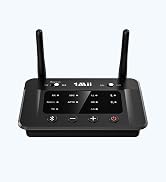
Bluetooth Version | 5.3 |
Wireless Distance | 10 M |
Playtime | 16H |
Audio Output Options | 3.5mm AUX |
LDAC Support | |
Dual Link | |
Built-in Mic |

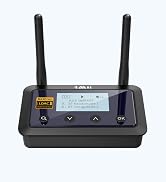
Bluetooth Version | 5.3 |
Wireless Distance | 10 M |
Playtime | 10H |
Audio Output Options | 3.5mm AUX |
LDAC Support | |
Dual Link | |
Built-in Mic |

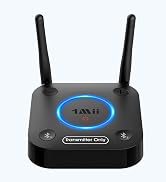
Bluetooth Version | 6.0 |
Wireless Distance | 30 M |
Playtime | No Battery |
Audio Output Options | RCA, 3.5mm AUX |
LDAC Support | |
Dual Link | |
Built-in Mic |

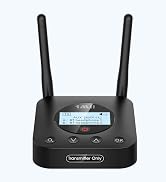
Bluetooth Version | 5.3 |
Wireless Distance | 25 M |
Playtime | No Battery |
Audio Output Options | RCA, 3.5mm AUX |
LDAC Support | |
Dual Link | |
Built-in Mic |




![[Upgraded] 1Mii B06Pro Long Range Bluetooth Receiver, HiFi Wireless Audio Adapter, Bluetooth 5.3 ...](http://c1.neweggimages.com/sellingpilot/modules/product/a-plus/49bbee7bcb63368ca38340bd1a04be17154c277a499d23977bcd2bd3307b8272.jpg)