How to Use--Pairing in
TX mode:
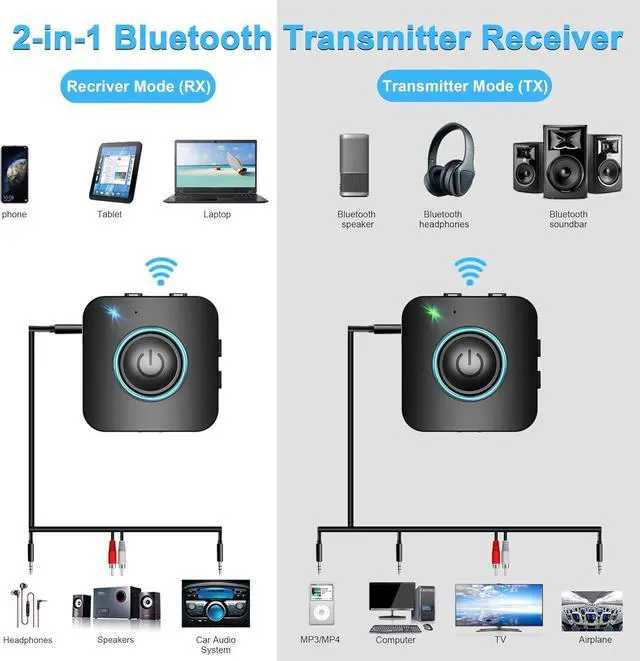
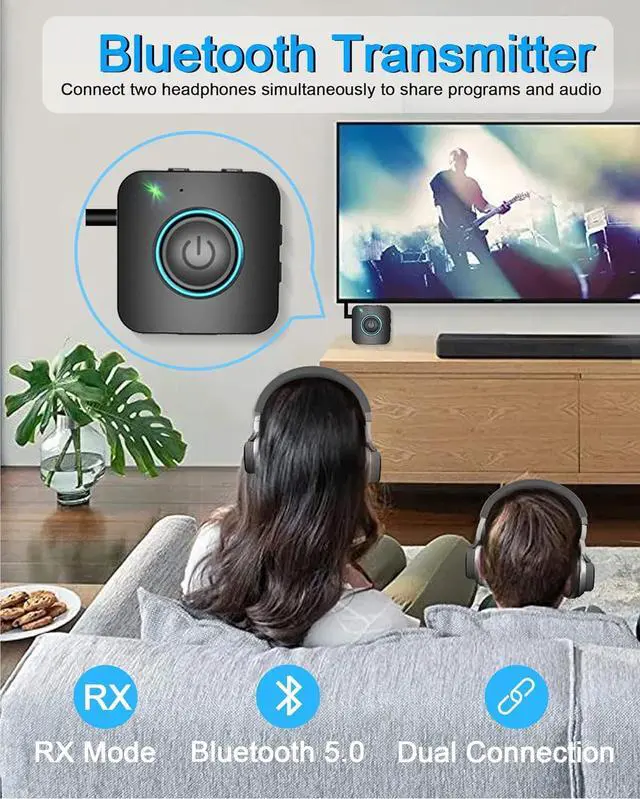
1. Use a 3.5 mm audio cable to connect the product to the 3.5 mm audio output port of the car audio/TV/computer and other equipment;
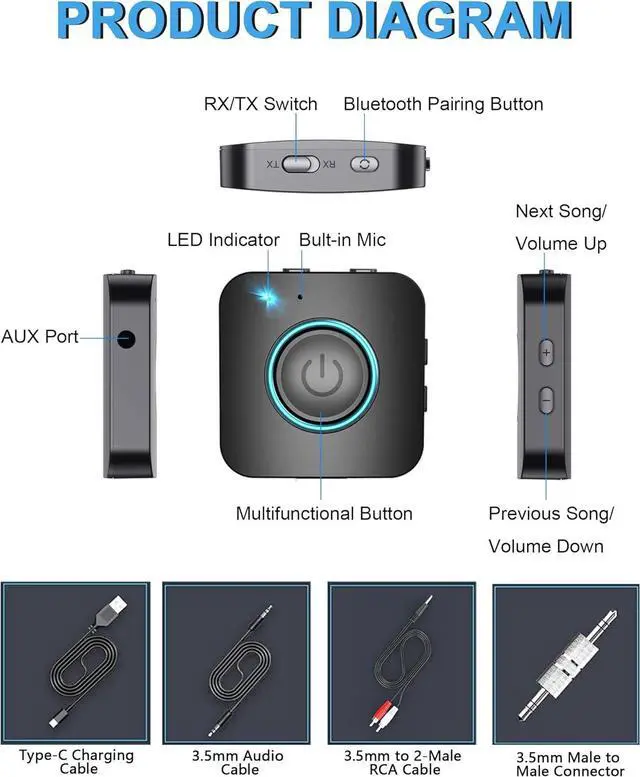
2. Turn the Bluetooth receive/transmit switch on the side of the product to the "TX" position to put the product in transmit mode;
3. Press and hold the MFB button for 3 seconds to turn on the adapter, the green indicator light stays on for 1 second and then automatically enters the pairing state, the green indicator flashes quickly.
4. Turn on the Bluetooth headphone or Bluetooth speaker and turn to pairing state, it will automatically connect to the adapter, please make sure the distance between adapter and Bluetooth headset is within 3ft. After the connection is successful, the green indicator light will be on.
How to Use---Pairing in RX mode:
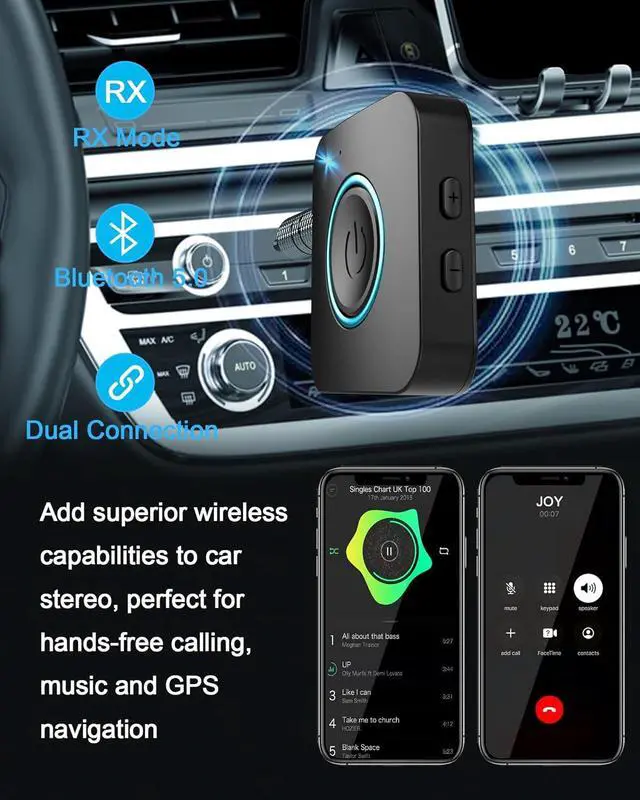
1. Use a 3.5 mm audio cable to connect the product to the 3.5 mm audio input port of the home amplifier/car audio/stereo headphone;
2. Turn the Bluetooth receive/transmit switch on the side of the product to the "RX" position to put the product in receive mode;
3. Press and hold the MFB button for 3 seconds to turn on the adapter, the blue indicator light will be on for 1 second and then automatically enter the pairing state, the blue indicator will flash quickly.
4. Turn on the Bluetooth function of the mobile phone, search for the Bluetooth device name "DWR21", select it and connect. Now you can enjoy music through the home amplifier/car audio/stereo headset; connect the mobile phone for hands-free calling.
WORKING WHILE CHARGING
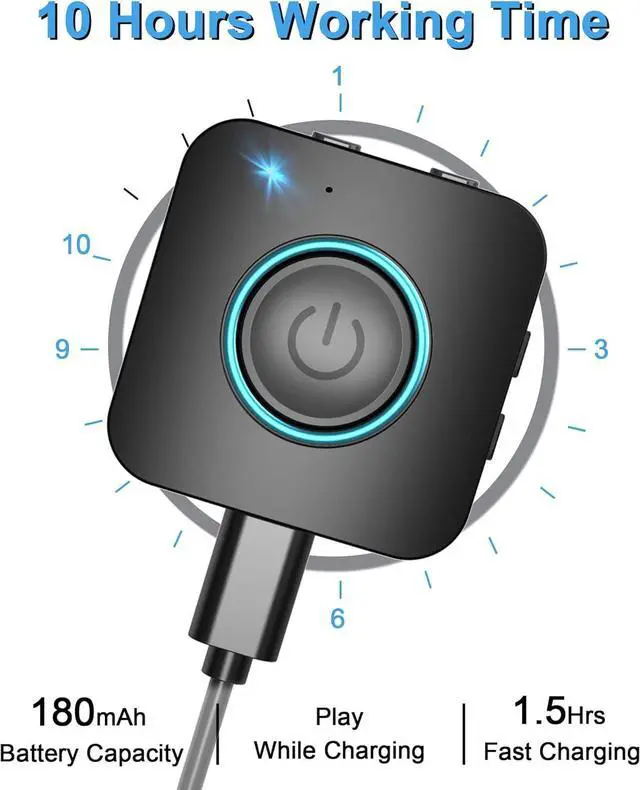
With 180mAh Capacity, the built-in battery has a long battery life and can be fully charged within 1.5 hours. When in the low battery state, the adapter can be plugged into power source to charge and work at the same time.
PAIR 2 DEVICES SIMULTANEOUSLY
In TX mode, the transmitter can connect to two stereo Bluetooth speakers or stereo Bluetooth headphones at the same time;
In RX mode, the receiver can connect to two Bluetooth-enabled smartphones or computers at the same time.
What's in the box?
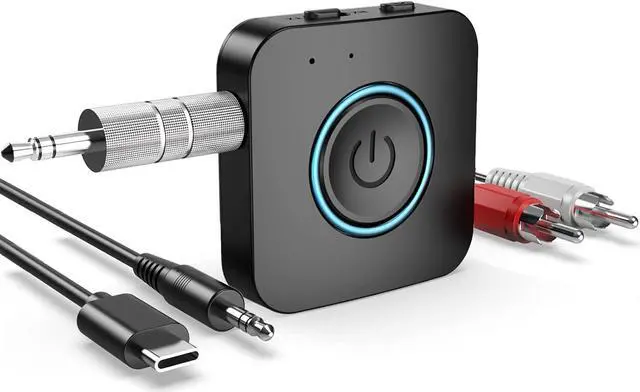
1*Bluetooth 2 in 1 Adapter
1* 3.5 mm Audio Cable
1* 3.5 mm to 2-Male RCA Cable
1* 3.5 mm male to male connector
1*USB Charging Cable 1*User Manual