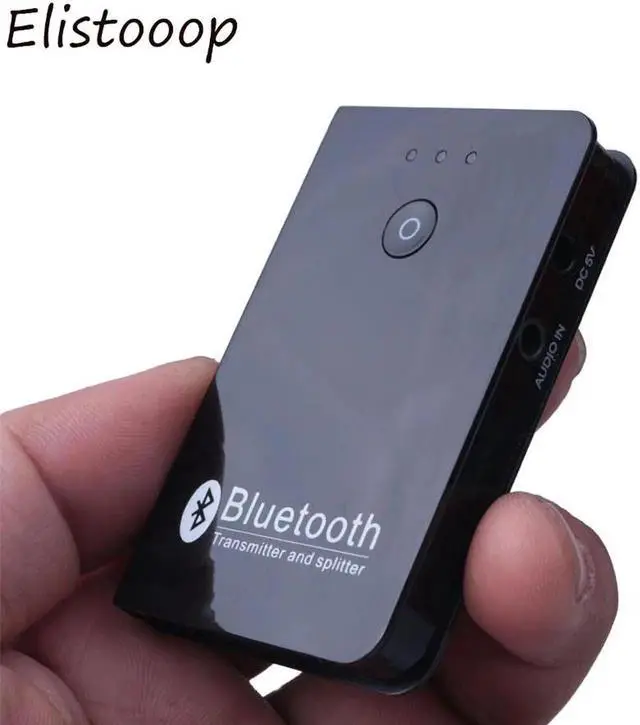
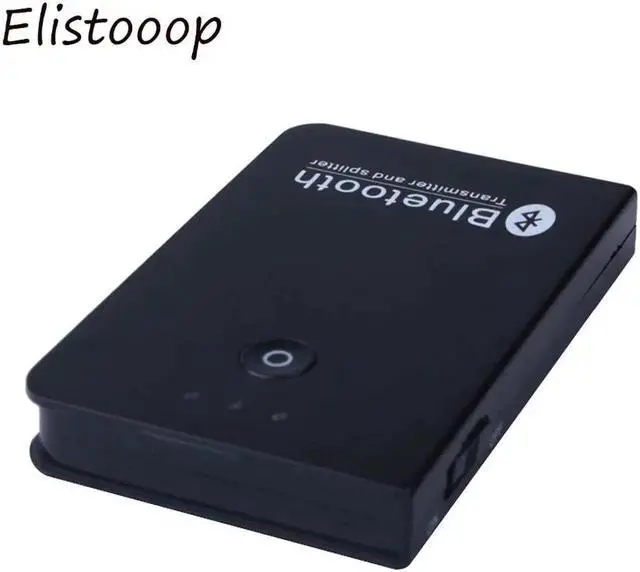
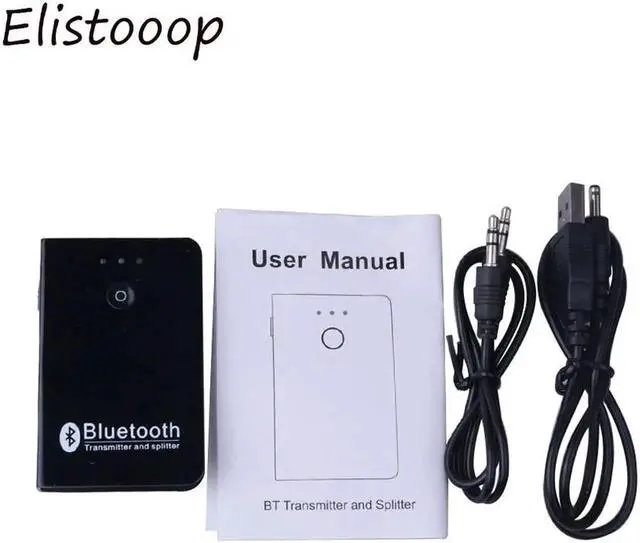
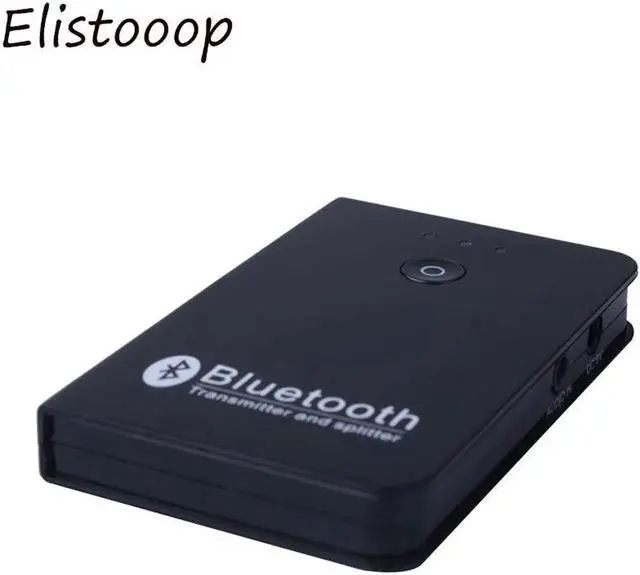
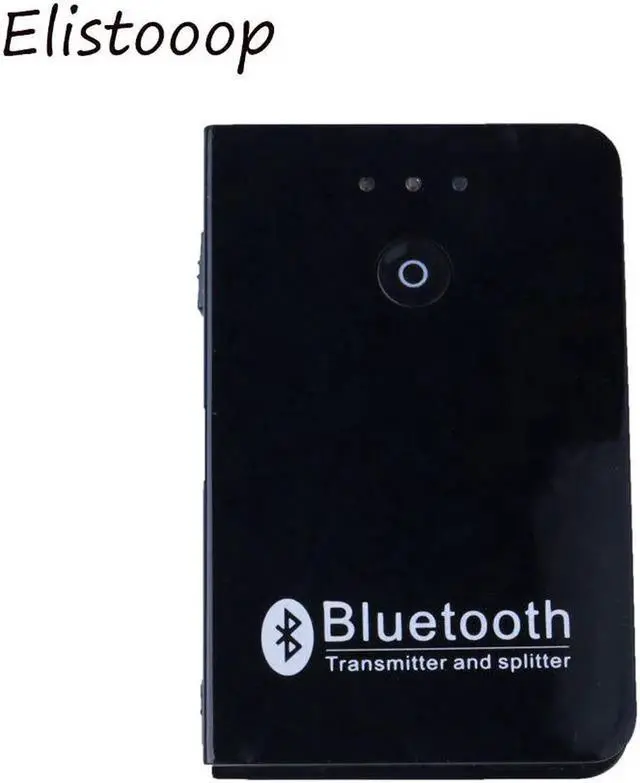
Transmitter and splitter Wireless A2DP Audio Music Adapter 3.5 mm Portable Audio Player Wireless Adapter
Introduction
BT Transmitter can be used with two BT receiver devices at the same time. (BT headset/earphone
BT speaker or BT receiver).
No need driver plug and play. easy to use.
Specification:
Audio in: 3.5 mm stereo
A2dp: Support
Frequency: 2402-2480 MHZ
POWER: USB(DC5V/500MAH)
Distance: Up to10M
Maximum input: 2VRMS
LR channel resolution: 85dB
SNR > 85DB
THD: 0.05 %
Support L/R audio in
Support aptX
Support SBC
How to pair?
1. Slide the power button to the "ON positin. (A blue ight slowly flash). At this moment, open the BT reciving device, (if you have successfully connected before, two BT devices will automatically connect to each other).
2. Connect the first BT receiver. Double click the function button (the two lights will flash alternately), the BT transmitter will search the BT reception device. Wait for 10-20 seconds to
connect successfully (blue light is on).
3. Connect the second BT receiver. Double click the function button, one of the blue light is on, the other blue light flash, that is searching the second BT receiver device, open the second BT receiver device, then it can be connected. (Connection is successful, two blue lights are on).
4. When the transmitter is charging, the red indicator light is always on. Red light is off when fully charged.
How to connect?
Before you use BT Transmitter, please make sure yo are using with (BT headset/ earphone, BT
speaker or BT receiver), can not be used individually.
when charging.
1xCharge Cable





 here!
here!