Your Browsing History
- Free 30-day Returns
$38.55
Ships from China.
Meet Your Seller
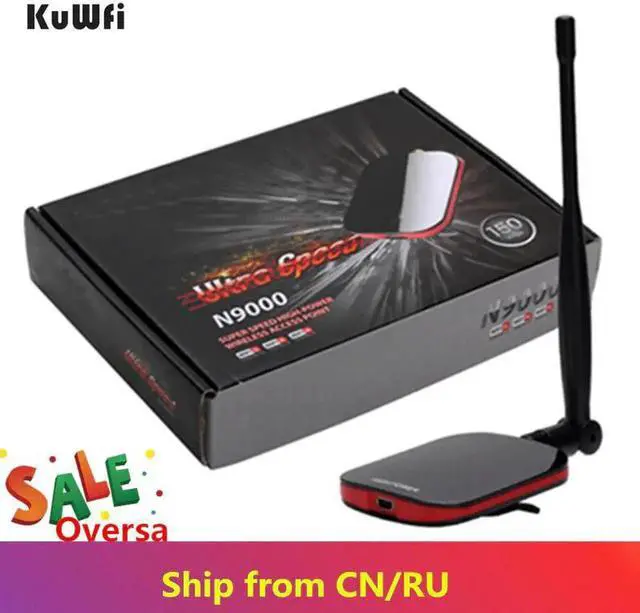
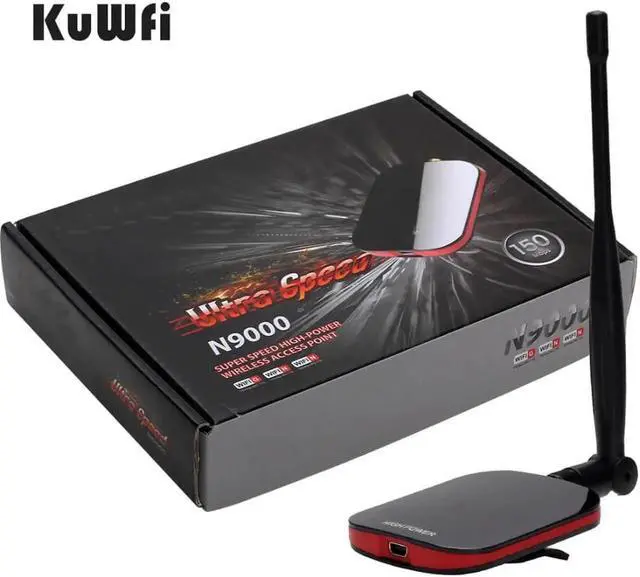
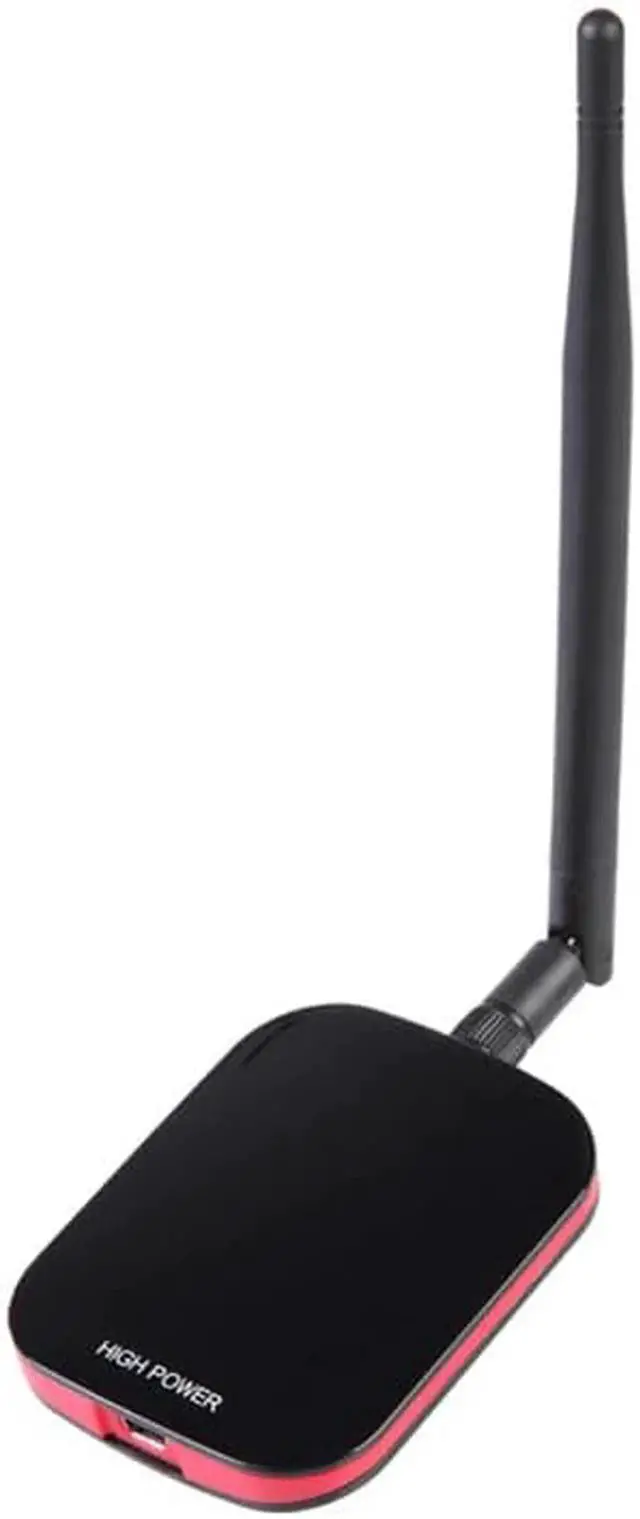
JAENFONG Wireless Wifi Adapter Network Card Internet Long Range Wifi AntennaUSB Adapter 150Mbps Wifi Decoder With 5dBi Antenna
Limited time offer, ends 07/29 By XYFEE
- JAENFONG Wireless Wifi Adapter Network Card Internet Long Range Wifi AntennaUSB Adapter 150Mbps Wifi Decoder With 5dBi Antenna
+
+
Overview
Specs
Reviews
Any questions? Our AI beta will help you find out quickly.
Try me now
BlueWay Wireless Wifi Adapter Network Card Internet Long Range USB Adapter 150Mbps Wifi Decoder With 5dBi Antenna
Hi dear,
please noted: dear, this product we do not have packing box, we do not print"Blueway", if you mind, please do not make the order, hope you can understand, thanks!
About product:
The Blueway BT- high power wireless usb adapters is comply with IEEE 802.11 g and IEEE 802.11 b standards, 150Mbps transmission rate Wireless Ethernet USB Adapter. The highest power can be 1000mW, can receive wireless signal from more than 1000 meters place.
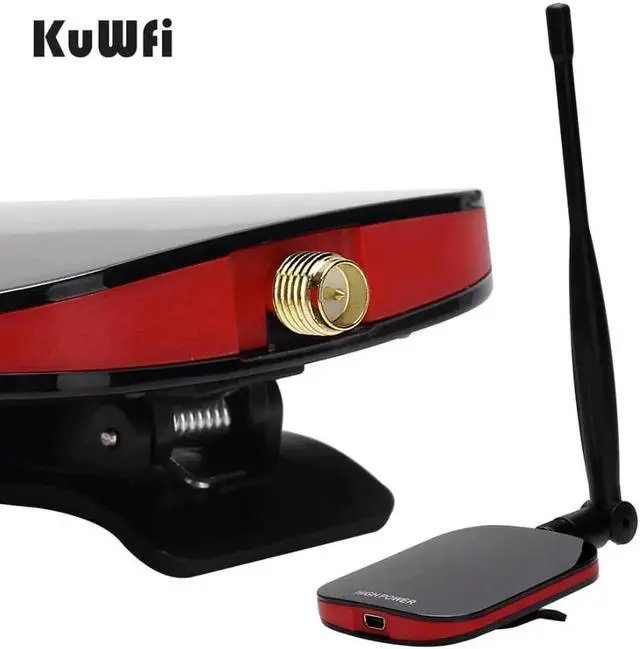
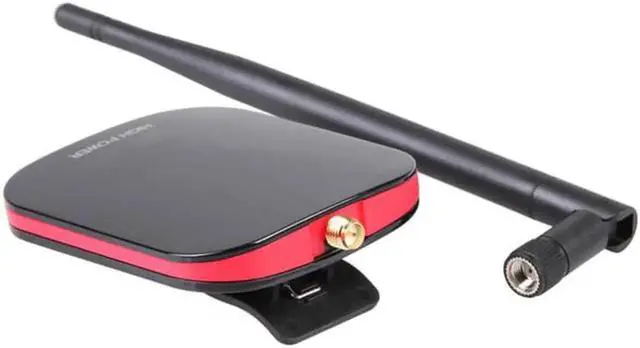
It is with USB 2.0 interface, simple Configuration and monitoring on Win98SE/Me//2000/XP/Vista/7, Linux, MAC OS X; the use of external SMA Connector detachable antenna, users can replace the antenna on demand to obtain a better signal.
Q&A
Q1. I do not have CD rom, can I download driver online?
A1. Dear, you can contact with us for the driver download link, Please do not download the driver from other place, We can not sure it will work for our wifi adapter.
Question 2. I installed driver, but my adapter do not also work. What can I do?
Answer 2. First, you need to confirmware if you installed the correct driver on computer.
Q3. I have install the dirver successfully, but I can not connect to internet, How to fix it?
A3. 1. Please check whether your wifi password including any special characters. such as ~! @#$%^&*()_+=-`.
2. Please check whether you disable other manufactures' wireless network adapter in advance. Check it in "My Computer"-"Manage"-"Device Manager"-'Network adapters".
Q4. I put USB receiver into PC, but computer can not identify it?
Can be Hot Swap
Software Specification

Hi dear,
please noted: dear, this product we do not have packing box, we do not print"Blueway", if you mind, please do not make the order, hope you can understand, thanks!
About product:
The Blueway BT- high power wireless usb adapters is comply with IEEE 802.11 g and IEEE 802.11 b standards, 150Mbps transmission rate Wireless Ethernet USB Adapter. The highest power can be 1000mW, can receive wireless signal from more than 1000 meters place.
It is with USB 2.0 interface, simple Configuration and monitoring on Win98SE/Me//2000/XP/Vista/7, Linux, MAC OS X; the use of external SMA Connector detachable antenna, users can replace the antenna on demand to obtain a better signal.
Q&A
Q1. I do not have CD rom, can I download driver online?
A1. Dear, you can contact with us for the driver download link, Please do not download the driver from other place, We can not sure it will work for our wifi adapter.
Question 2. I installed driver, but my adapter do not also work. What can I do?
Answer 2. First, you need to confirmware if you installed the correct driver on computer.
Q3. I have install the dirver successfully, but I can not connect to internet, How to fix it?
A3. 1. Please check whether your wifi password including any special characters. such as ~! @#$%^&*()_+=-`.
2. Please check whether you disable other manufactures' wireless network adapter in advance. Check it in "My Computer"-"Manage"-"Device Manager"-'Network adapters".
Q4. I put USB receiver into PC, but computer can not identify it?
Can be Hot Swap
Software Specification
Warranty & Returns
Warranty, Returns, And Additional Information
Warranty
- Please contact the Seller directly for warranty information. Warranty information may also be found on the Manufacturer's website.
- CONTACT
Return Policies
- Return for refund within: 30 days
- Return for replacement within: 30 days
- This item is covered by XYFEE Return Policy
Manufacturer Contact Info
- For a directory of all our manufacturers, please click below.
- Manufacturers Directory
LOADING...