

Your Browsing History
- Free 30-day Returns
$20.99
Ships from China.

Meet Your Seller

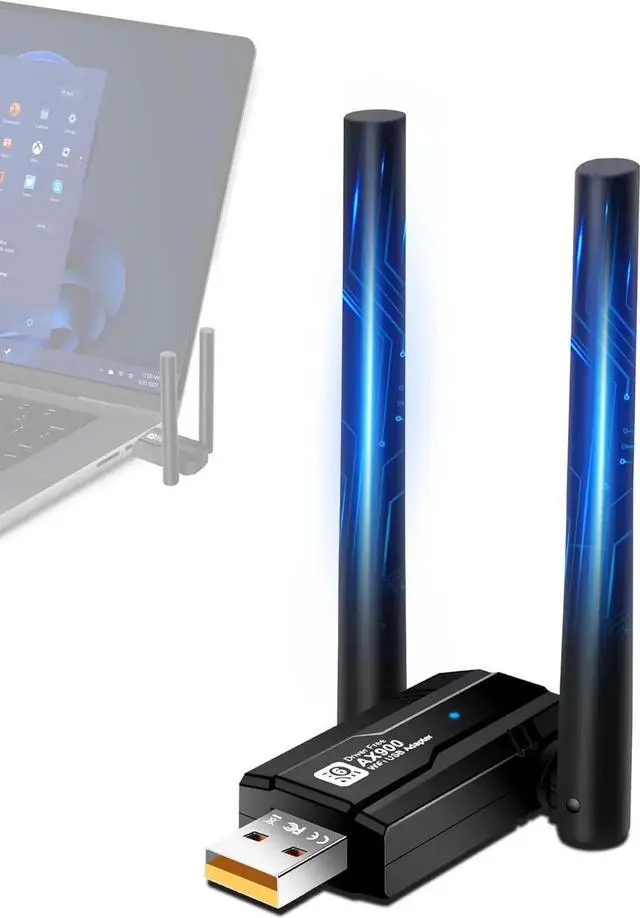


Hitoor USB WiFi 6 Adapter for PC, AX900Mbps USB WLAN Stick Wireless Adapter with 5DBI Antenna, Dual Band 2.4G/5GHZ, Free CD-Drive, MU-MIMO, WPA3, USB WiFi Dongle Adapter for Windows 7/8/10/11
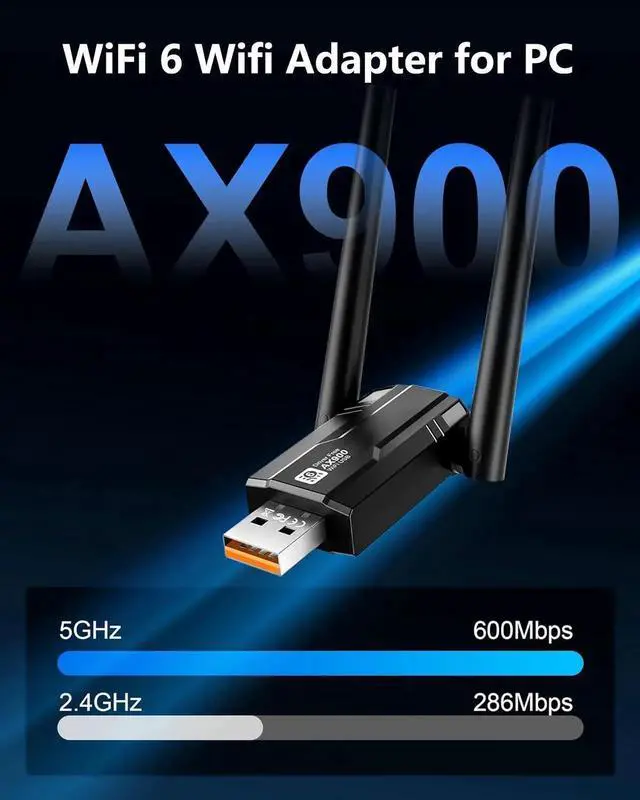
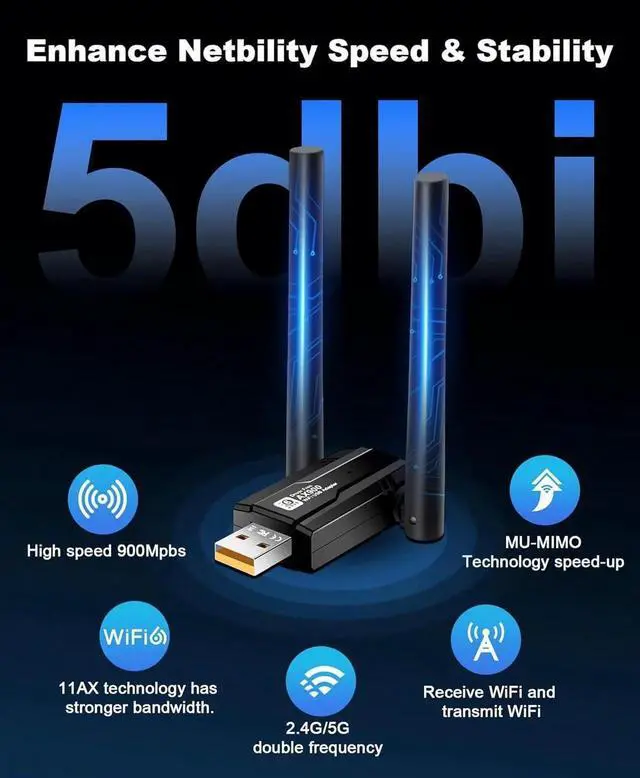
- Fast and stable network connection: Wifi6 USB WiFi adapter for PC, offers speeds of up to 900 Mbps, 600Mbps in 5GHz band and 286Mbps in 2.4 GHz band. The dual-band Wifi6 USB wifi performance is more stable and reduces interference and latency.
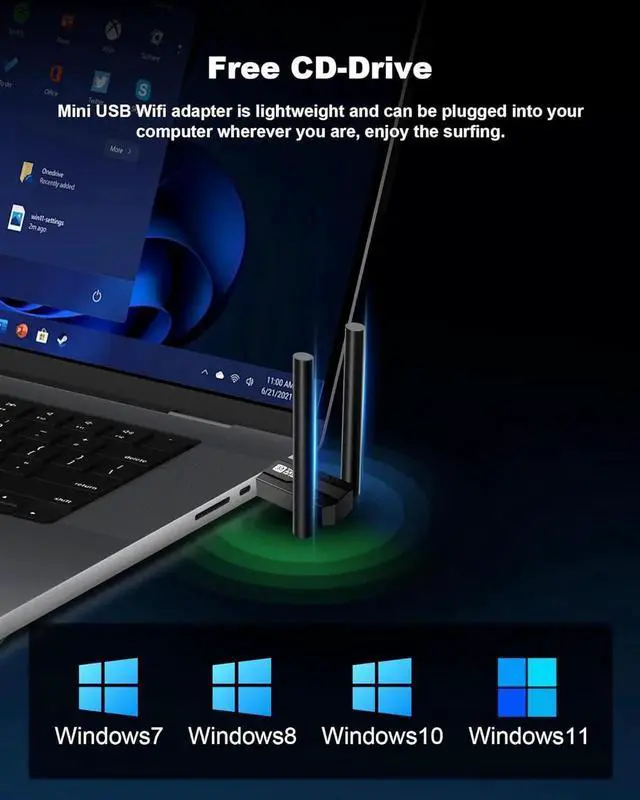
- No CD driver: Comes with built-in driver, plug and play, avoiding complicated CD drivers and installation procedures, you can quickly transfer the powerful 5G dual-band WiFi 6 directly to your device, achieve excellent connectivity and up to 900 Mbps speeds for your computer.
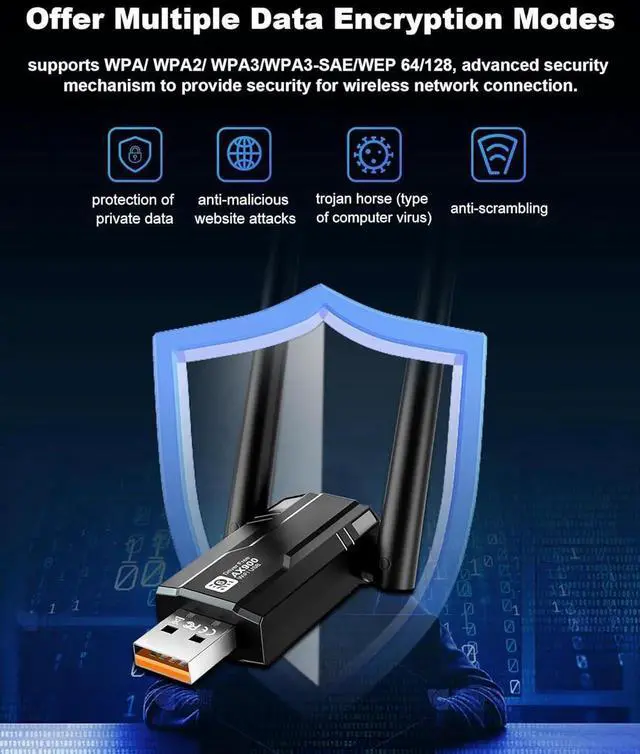
- Compatibility: only compatible with win7/win10/win11, wifi6 internet stick with wifi6 router can support MU-MIMO, WPA3 and other functions, you can connect up to multiple devices at the same time, WPA3 will protect your account password to avoid leaking and being attacked.
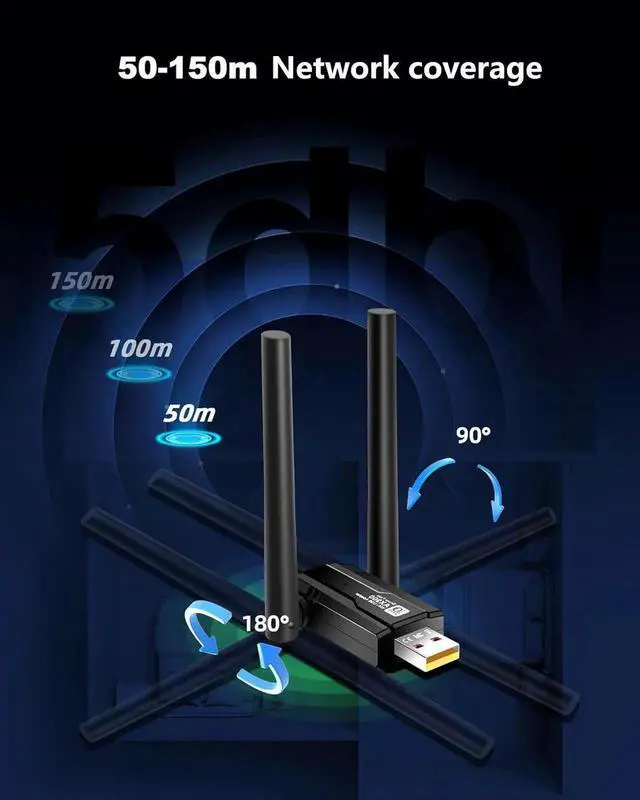
- Effective range: measured by the laboratory, separated from the two walls in the case of WiFi, effective use of the range of 60 m or so, the open area without blocking up to 100-150 metres.
+
+
Overview
Specs
Reviews

Any questions? Our AI mode will help you find out quickly.
Try me now
WiFi 6 - 2024 upgrade WLAN Adapter (dual band)
Faster transfer rates: WiFi 6 covers both the 2.4 and 5 GHz band, WiFi 5 only the 5 GHz band.
Safer: WiFi 6 devices that need to be certified by the WiFi Alliance must use the WPA 3 security protocol for greater security.
More energy saving: WiFi 6 introduces TWT technology, which allows active planning of communication time between the device and the WLAN router. Multiple devices at the same time: You can connect multiple devices at the same time without affecting network speed.
FREE-CD DRIVE, Plug and Play
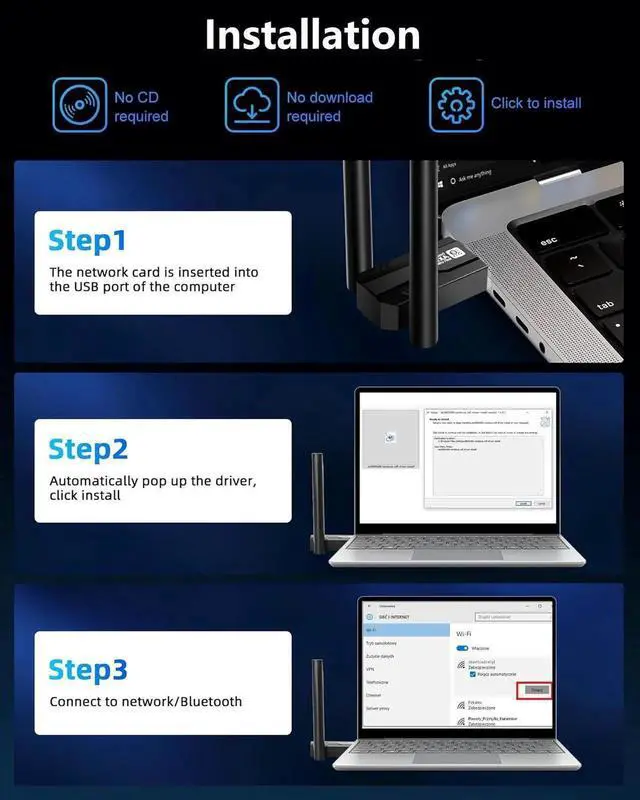
You do not need the driver, connect the USB and click on install!
Installation steps:
Step 1: Connect the USB stick to your computer.
Step 2: Open the workstation, click on the removable disk, find the driver package and install it.
Step 3: Click to connect your WiFi.
Warranty & Returns
Warranty, Returns, And Additional Information
Warranty
- Please contact the Seller directly for warranty information. Warranty information may also be found on the Manufacturer's website.
- CONTACT
Return Policies
- Return for refund within: 30 days
- Return for replacement within: non-replaceable
- This item is covered by Nexus3C Return Policy
Manufacturer Contact Info
- For a directory of all our manufacturers, please click below.
- Manufacturers Directory
LOADING...