




 here!
here!
I’m your shopping assistant for PC builds, upgrades, and everything tech.
Got questions? Ask away!
Start a conversation
here!
I’m your shopping assistant for PC builds, upgrades, and everything tech.
Got questions? Ask away!
Start a conversation






Any questions? Ask CelesteSM will help you find out quickly.
Specification:
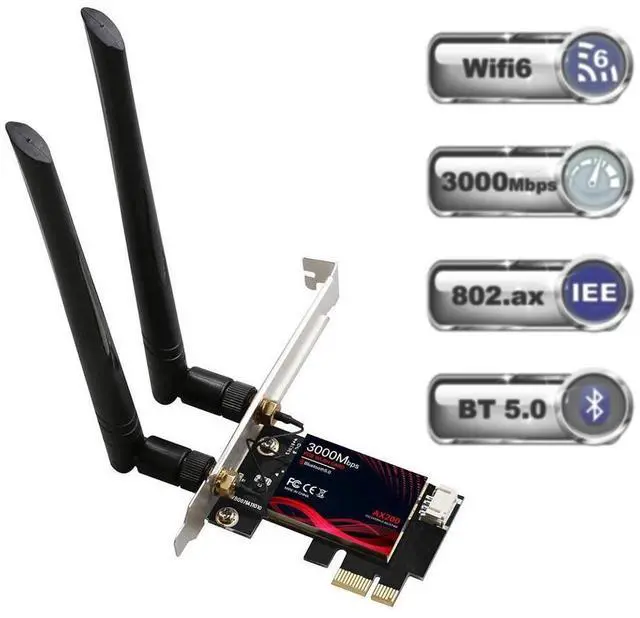
Type: PCIE Wi-Fi 6 Network Card with Bluetooth 5.0
Support System: Only Windows 10 64-bit
Chipset: Intel Wi-Fi 6 AX200
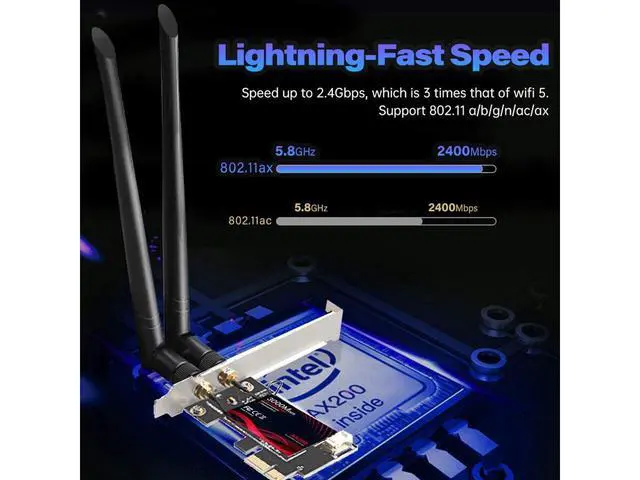
IEEE WLAN Standard: 802.11 a/b/g/n/ac/ax
Connection: WiFi / Bluetooth
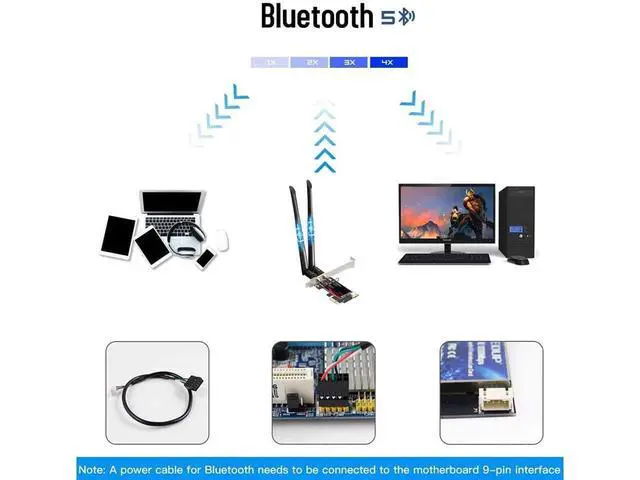
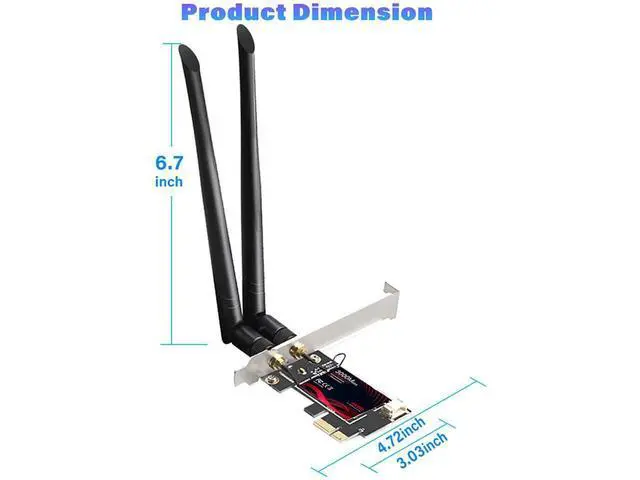
Interface: PCI-E/X1/X4/X8/X16; 9-pin usb for Bluebooth
Type of Network Card: Dual band
Transmission Rate: 2.4G hz up to 574Mbps / 5.8G hz up to 2400Mbps
Package Included:
1 * PCI-E Wifi 6 Network Card
2 * 5dBi Antenna
2 * Screws
1 * User Manual
Please NOTE:
DO NOT COME WITH CD OR USB DRIVER
JUST DOWNLOAD IT ONLINE BY SCANNING THE QR CODE, QR CODE LIES IN THE BACK OF THE WIFI CARD AND INSTRUCTIONS.
Wireless WiFi Card Installation Guide:
1. Open the chassis side cover and remove the chassis back panel screws.
2. Insert the PCI-E into the corresponding card slot.
3. Works with PCI-E X1, X4, X8, X16 slot. ( Not for PCI slot )
4. Find the 9-pin USB connector on the motherboard, and plug the Bluetooth power cable into the USB connector on the motherboard.
5. Then connect to PCI-E Card.
Note: A power cable for Bluetooth needs to be connected to the motherboard 9-pin interface.


