




 here!
here!
I’m your shopping assistant for PC builds, upgrades, and everything tech.
Got questions? Ask away!
Start a conversation
here!
I’m your shopping assistant for PC builds, upgrades, and everything tech.
Got questions? Ask away!
Start a conversation
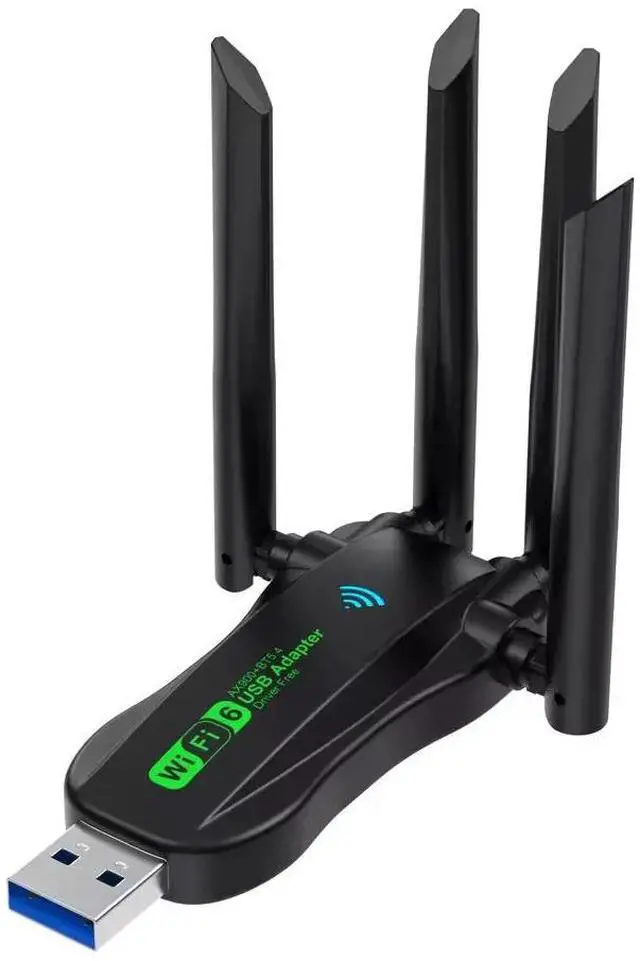
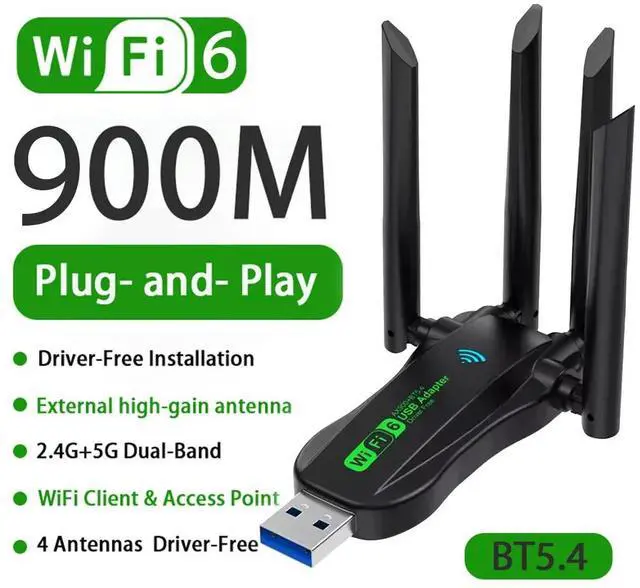
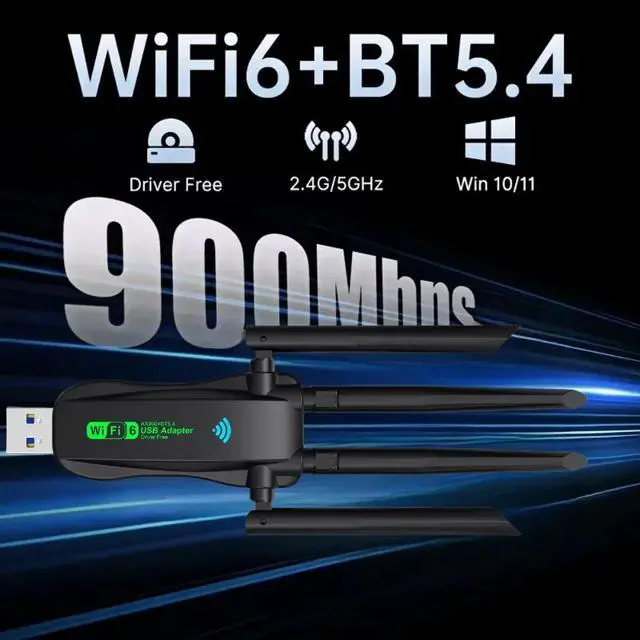
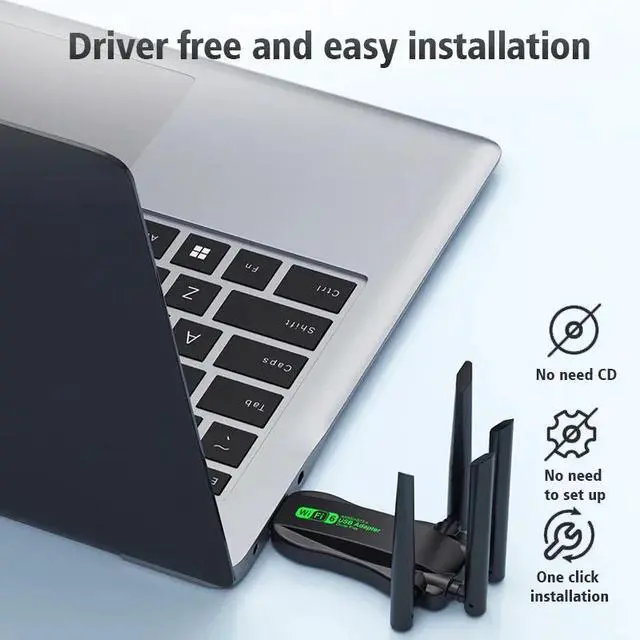



Any questions? Ask CelesteSM will help you find out quickly.
1. Plug the WIFI adapter into the computer USB port
2. Open "This PC" or "My Computer"
3. Double-click to open [CD drive]
4. Click [Install] to automatically install the driver. After the driver is installed, the interface will automatically disappear.
5. Click the "WIFI logo" in the lower right corner of the [Task Bar], select Connect to WIFI, click Connect, and you can use it.
Supported operating systems: WindowsXP/Vista/Win7/Win8/Win8.1/Win10/Win11.
(Since Microsoft has stopped service support for XP system, it is not recommended to use XP system)
Since the WIFI adapter itself does not have a soft AP launch driver, the "WIFI hotspot function" needs to be used with third-party applications, such as 360, WIFI Sharing Master, and other APPs.


