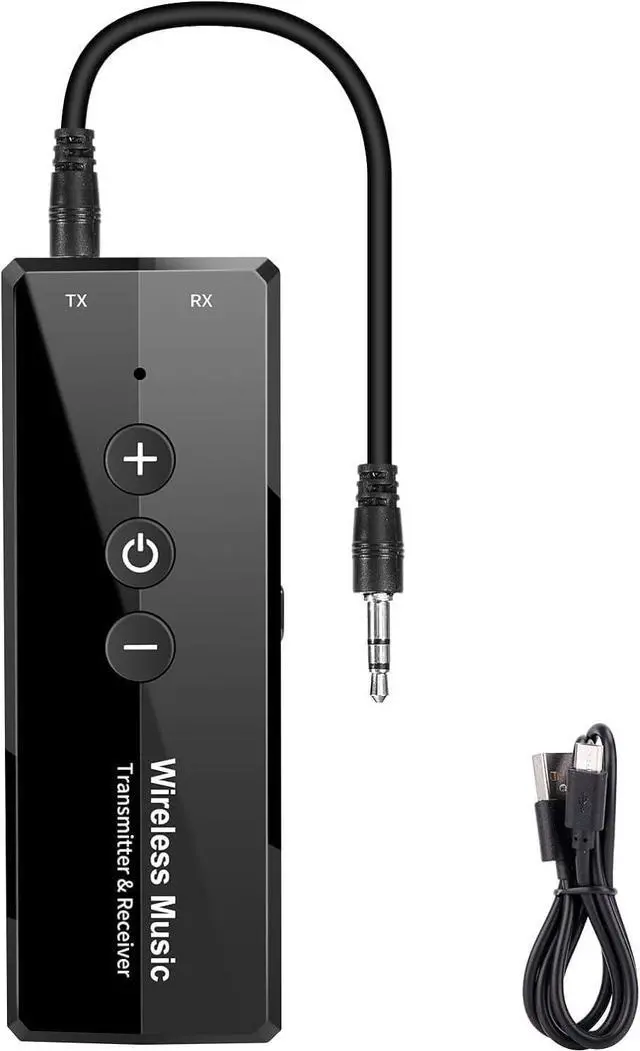
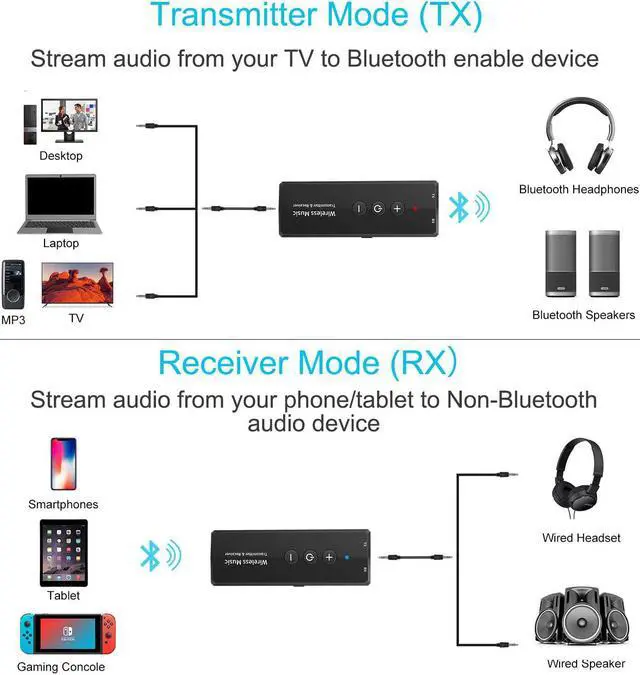
Bluetooth 5.3 Transmitter ReceiverThe Bluetooth transmitter transmits audio wirelessly to bluetooth headphones / speakers. Bluetooth Receiver turn the traditional speaker into bluetooth speaker. Works with device with 3.5 mm interface Bluetooth 5.3 is supported. When connecting keep the product close to the paired device for better connection when used on PC use USB charging data. In TX mode confirm that headset or speaker is in the status where Bluetooth can search for connection. Latest Bluetooth Transmitter When the USB charging data cable is plugged into PC it can be used as a transmitter to transmit audio enabling the computer to have bluetooth function.
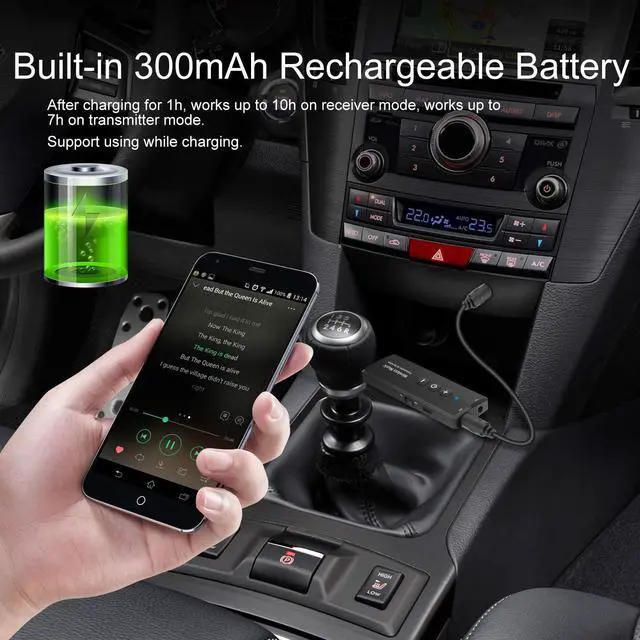
Proper ear bud fit and software update can help in reducing noise issue make sure the earbuds and phone or any other device have the latest software version installed. The product that does not work may have insufficient initial battery power. Please try to use it after fully charging. Always On Bluetooth 3-in-1 Adapter continuously streams even while charging. Built-in battery for up to 10 hours use - enjoy your favorite wireless content all the time. The red indicator light is always on when charging volume buttons don't work and the indicator is off after charging is completed.
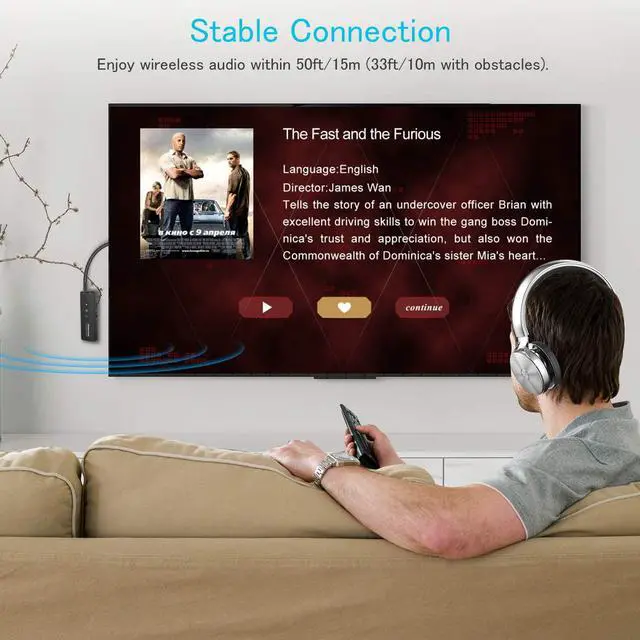
The common ground current noise may cause noise. We suggest not to use it while charging to avoid the current noise. It's better to wait until it's fully charged before using it. Bluetooth Everywhere With the updated V 5.3 EDR technology our wireless audio adapter enables more stable connection with device. Only 1 device can be paired at a time it does not transmit to multiple devices the distance between the bluetooth adapter and your bluetooth device should be within 50 feet. The charging standard of the product is 5V1A. Do not use a high current adapter to charge the product.
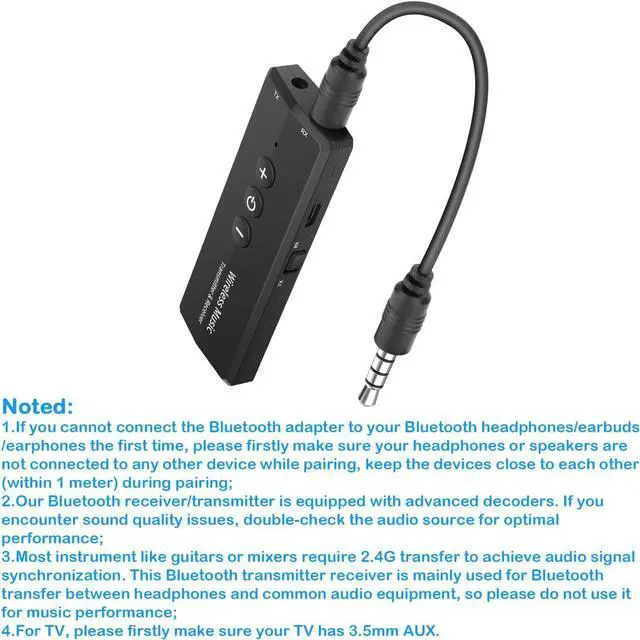
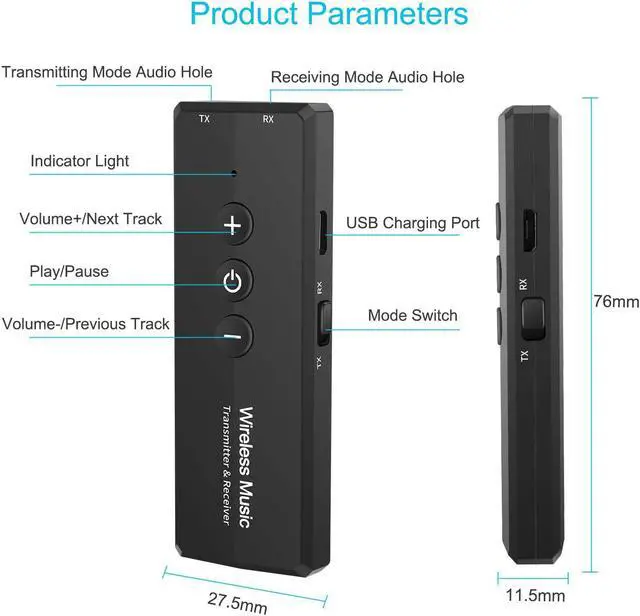
NoteWhen directly using the USB charging cable to transmit audio to the computer you do not need to use a 3.5 mm audio cable to connect to the computer. Directly using USB cable to transmit audio to the computer the computer system volume cannot be adjusted only volume of software can be played. Pay attention to whether you want to receive or transmit when you use it. Don't make a mistake. RX to receive TX to transmit and there will be no sound when you connect incorrectly. Noted1. If you cannot connect the Bluetooth adapter to your Bluetooth headphones/earbuds/earphones the first time please firstly make sure your device is not connected to any other device while pairing keep the device close to each other during pairing; 2.
Our Bluetooth adapter is equipped with advanced decoders. If you encounter sound quality issues double-check the audio source for optimal performance; 3. Most instruments like guitars require 2.4G transfer to achieve audio signal synchronization. This Bluetooth adapter is mainly used for Bluetooth transfer between headphones and common audio equipment please do not use it for music performance; 4. For TV please firstly make sure it has 3.5 mm AUX.