

Your Browsing History

Meet Your Seller


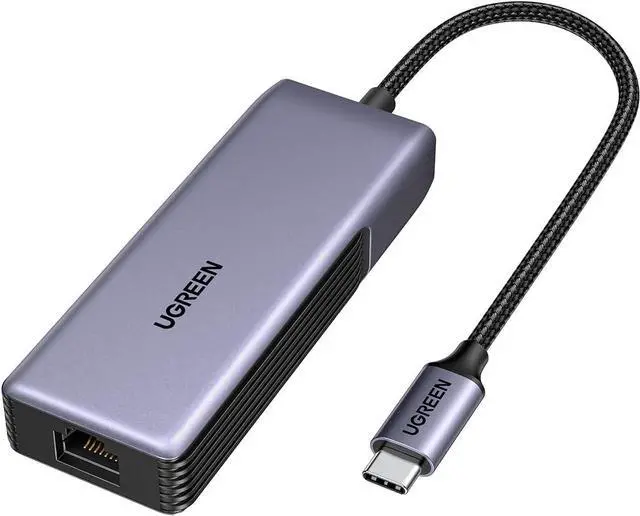



USB C to Ethernet Adapter 5Gb Ethernet Adapter for Laptop Aluminum with Thermal Design Type C (Thunderbolt 5/4/3 Compatible) to RJ45 Network LAN Internet Compatible for MacBook Air/Pro XPS
- UGREEN USB C to Ethernet Adapter 5Gb Ethernet Adapter for Laptop Aluminum with Thermal Design Type C (Thunderbolt 5/4/3 Compatible) to RJ45 Network LAN Internet Compatible for MacBook Air/Pro XPS
+
+
Overview
Specs
Reviews

Any questions? Our AI mode will help you find out quickly.
Try me now
5Gb
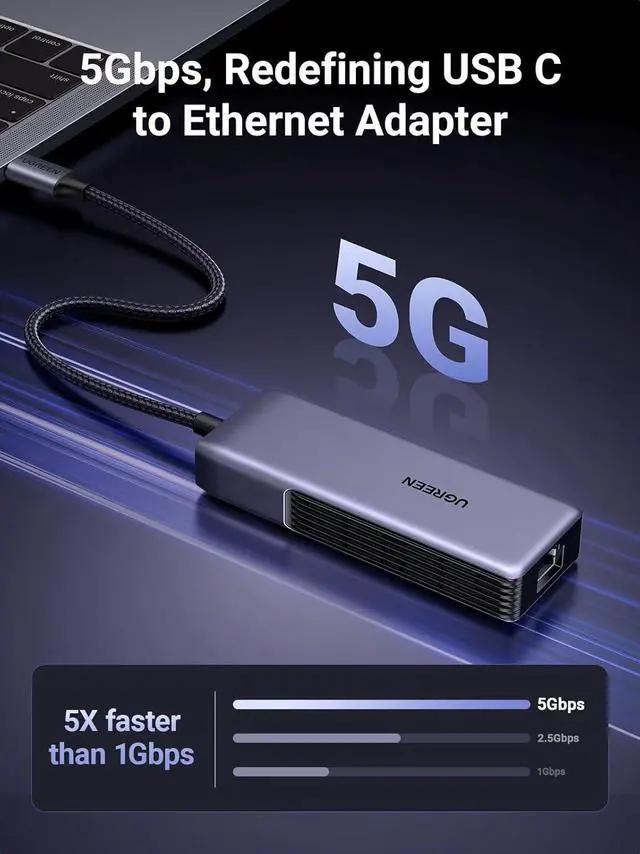
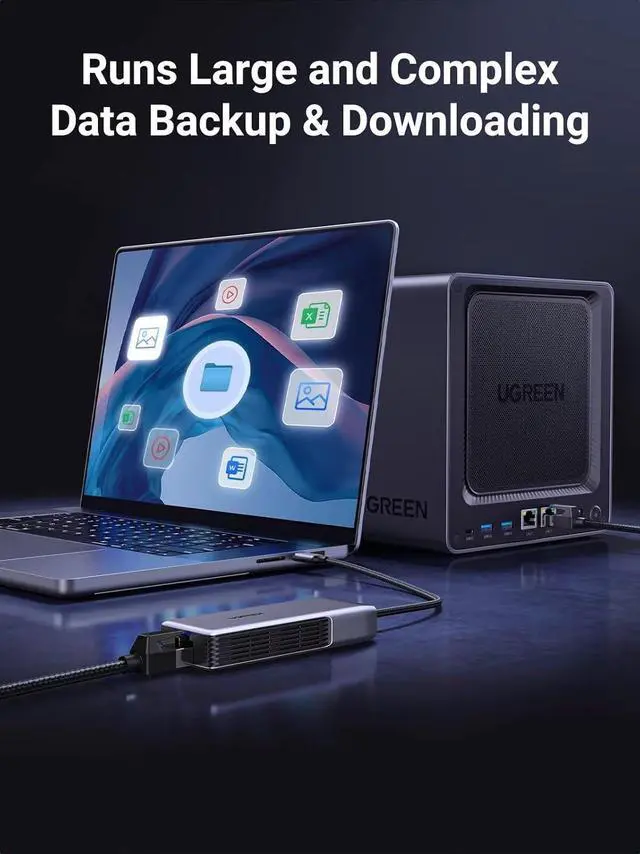
Redefining Ethernet Adapter: UGREEN usb c to ethernet adapter with powerful 5Gb performance. Lightning-fast wired connection helps increase data transfer speed by 400% compared to Gigabit. Enjoy fast downloads with NAS and efficient content creation (To achieve 5Gb please use a CAT6 or higher cable. And ensure your router ethernet switch or server support 5Gb ethernet and your device's port is complies with the USB 3.2 Gen2 (10Gbps) or higher.
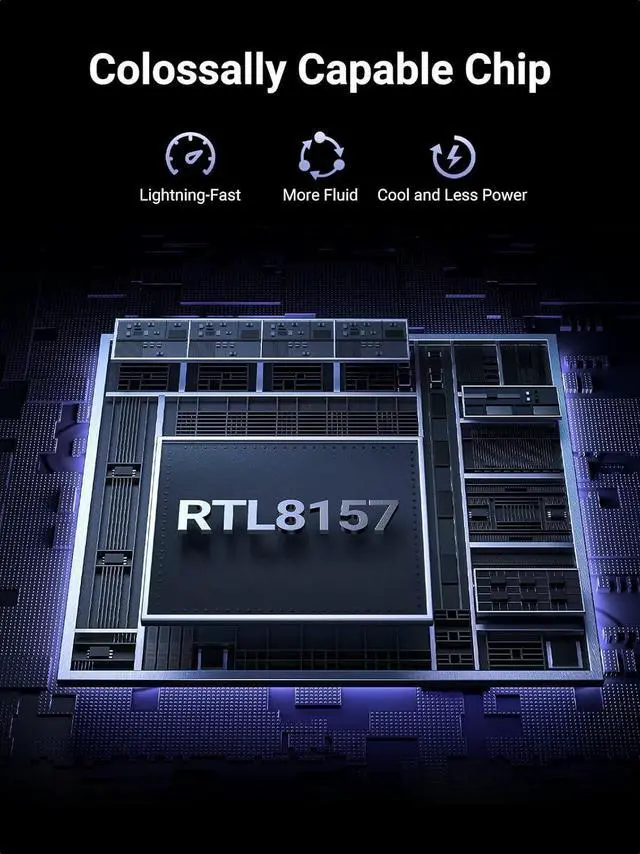
)Advanced Realtek Chip: UGREEN ethernet to usb c is equipped with an RTL8157 chip which significantly reduces power consumption and heat generation while maintaining top-level performance ensuring its stable operationGreat
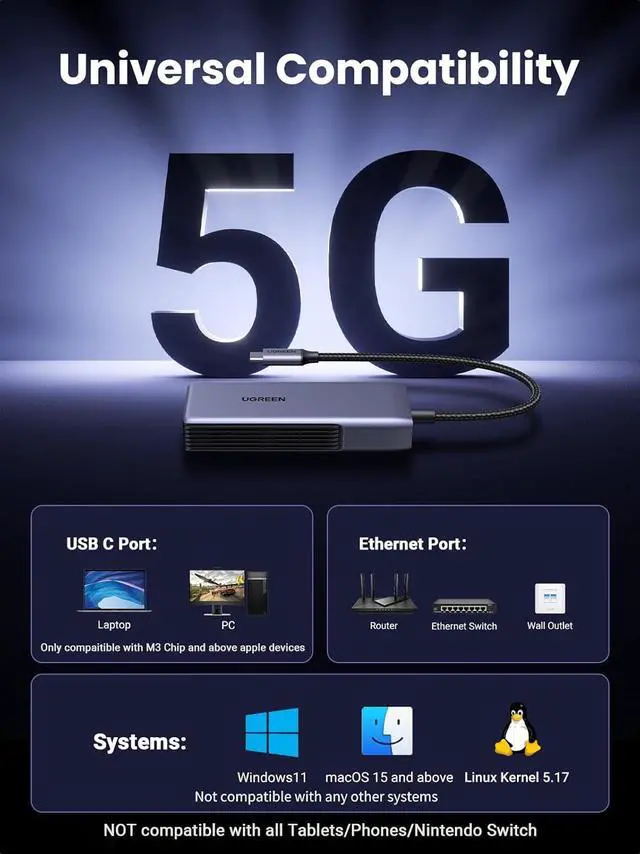
Compatibility: UGREEN usbc to ethernet adapter supports Windows 11 macOS 15 and above Linux Kernel 5.17 (not compatible with any other systems). For Windows 11 and Linux Kernel 5.17 drivers need to be installed which you can easily install with our instructions. For macOS 15 and above it is plug and playGood
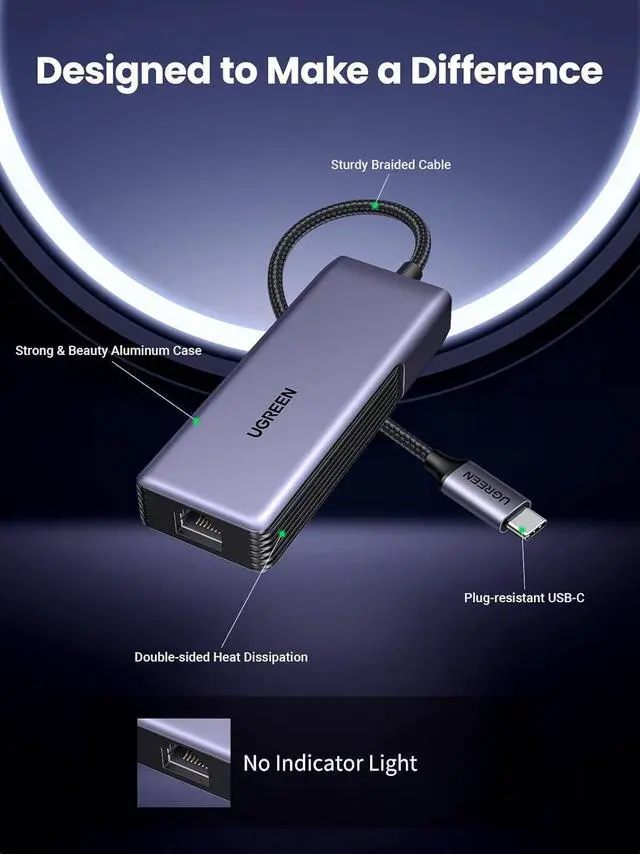
Heat Dissipation: UGREEN usb c to ethernet built with aluminum casing and hidden integrated heat dissipation hole design to help dissipate heat. At 5Gb/ 2.5G b internet speed it can automatically switch to Lite mode and avoiding overheatingMulti
Functional: UGREEN ethernet adapter for laptop supports ACPI and LPM power management EEE high-performance ethernet (IEEE 802.3 az) Wake-on-LAN Wake-on-WAN Auto MDI/MDIX
Important Notice: For devices only compatible with M3 and above chips. (Not compatible with M1 M2 and other chips) Please turn off the computer's energy-saving mode during use. Please avoid using it with usb to usb c adapters hubs extension cables and docking stations. It is recommended to connect it directly to the host's USB 3.2 Gen2 (10Gbps) or higher standard port. In addition the network environment hard drive read/write speed and operating system can affect the actual transfer rate. And it has no indicator light.
Redefining Ethernet Adapter: UGREEN usb c to ethernet adapter with powerful 5Gb performance. Lightning-fast wired connection helps increase data transfer speed by 400% compared to Gigabit. Enjoy fast downloads with NAS and efficient content creation (To achieve 5Gb please use a CAT6 or higher cable. And ensure your router ethernet switch or server support 5Gb ethernet and your device's port is complies with the USB 3.2 Gen2 (10Gbps) or higher.
)Advanced Realtek Chip: UGREEN ethernet to usb c is equipped with an RTL8157 chip which significantly reduces power consumption and heat generation while maintaining top-level performance ensuring its stable operationGreat
Compatibility: UGREEN usbc to ethernet adapter supports Windows 11 macOS 15 and above Linux Kernel 5.17 (not compatible with any other systems). For Windows 11 and Linux Kernel 5.17 drivers need to be installed which you can easily install with our instructions. For macOS 15 and above it is plug and playGood
Heat Dissipation: UGREEN usb c to ethernet built with aluminum casing and hidden integrated heat dissipation hole design to help dissipate heat. At 5Gb/ 2.5G b internet speed it can automatically switch to Lite mode and avoiding overheatingMulti
Functional: UGREEN ethernet adapter for laptop supports ACPI and LPM power management EEE high-performance ethernet (IEEE 802.3 az) Wake-on-LAN Wake-on-WAN Auto MDI/MDIX
Important Notice: For devices only compatible with M3 and above chips. (Not compatible with M1 M2 and other chips) Please turn off the computer's energy-saving mode during use. Please avoid using it with usb to usb c adapters hubs extension cables and docking stations. It is recommended to connect it directly to the host's USB 3.2 Gen2 (10Gbps) or higher standard port. In addition the network environment hard drive read/write speed and operating system can affect the actual transfer rate. And it has no indicator light.
Warranty & Returns
Warranty, Returns, And Additional Information
Warranty
- Please contact the Seller directly for warranty information. Warranty information may also be found on the Manufacturer's website.
- CONTACT
Return Policies
- Return for refund within: 30 days
- Return for replacement within: 30 days
- This item is covered by EmpressTech Return Policy
Manufacturer Contact Info
- For a directory of all our manufacturers, please click below.
- Manufacturers Directory
LOADING...