

Your Browsing History
- Free 45-day Returns
$48.81
Ships from China.

Meet Your Seller

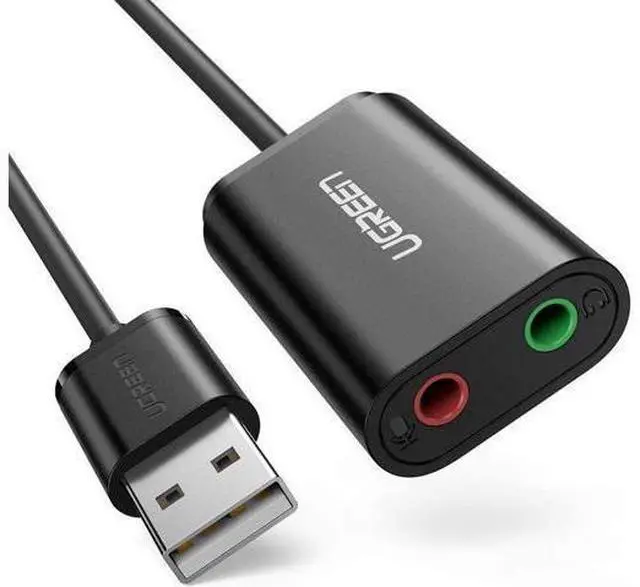


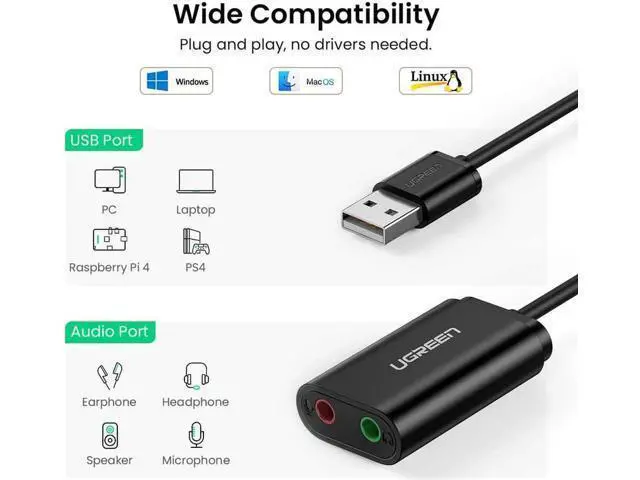


UGREEN USB Audio Adapter External Stereo Sound Card With 3.5mm Headphone And Microphone Jack For Windows, Mac, Linux, PC, Laptops, Desktops, PS4
Limited time offer, ends 09/27 By PeakCircuit Technology
- Compact and Portable; No driver required, just plug and play
+
+
Overview
Specs
Reviews

Any questions? Our AI mode will help you find out quickly.
Try me now
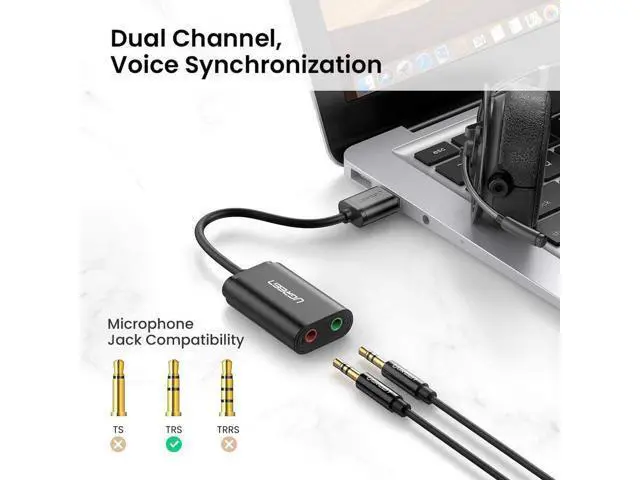
Description: UGREEN USB Audio Adapter External Stereo Sound Card With 3.5 mm Headphone And Microphone Jack For Windows, Mac, Linux, PC, Laptops, Desktops, PS4 (Black) Overview Ugreen USB Audio Adapter includes a stereo headphone output jack and a mono microphone input jack. It can bypass the defective sound card or the faulty 3.5 mm audio port of your laptop/desktop system and regain the audio function for you. Save the cost of replacing a failed sound card.
Computer Connector: USB 2.0 Male - Headset/Speaker
Connector (Green): 3.5 mm Female -
Microphone Connector (Pink): 3.5 mm Female -Cable
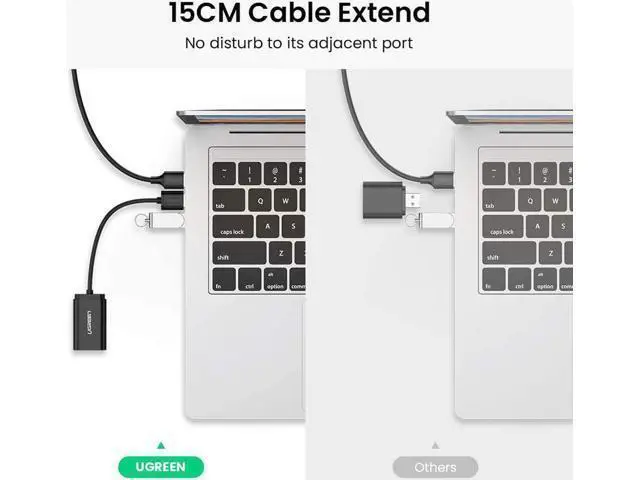
Length: 15cm
-Chipset: C-Media
System requirements: -Windows 10 -Windows 8.1 /8 -Windows 7 -Windows Vista -Windows XP -Mac OS 8.6 or above -PS4
Note: The USB interface on PS3 does not carry audio signal, so this usb audio adapter does not work with PS3.
Configuration Instructions Windows: -Right-click on the sound icon in the taskbar; -Select Playback or Recording devices; -Adjust the volume on the computer and in the application.
Mac: -Go to System Preferences > Sound > C-Media USB Headset > Output or Input >
Volume Package Content: Ugreen USB Stereo Audio Adapter x 1
Specifications
: -Computer Connector: USB 2.0 Male - Headset/Speaker
Connector (Green): 3.5 mm Female -
Microphone Connector (Pink): 3.5 mm Female -Cable
Length: 15cm
-Chipset: C-Media
System requirements: -Windows 10 -Windows 8.1 /8 -Windows 7 -Windows Vista -Windows XP -Mac OS 8.6 or above -PS4
Note: The USB interface on PS3 does not carry audio signal, so this usb audio adapter does not work with PS3.
Configuration Instructions Windows: -Right-click on the sound icon in the taskbar; -Select Playback or Recording devices; -Adjust the volume on the computer and in the application.
Mac: -Go to System Preferences > Sound > C-Media USB Headset > Output or Input >
Volume Package Content: Ugreen USB Stereo Audio Adapter x 1
Warranty & Returns
Warranty, Returns, And Additional Information
Warranty
- Please contact the Seller directly for warranty information. Warranty information may also be found on the Manufacturer's website.
- CONTACT
Return Policies
- Return for refund within: 45 days
- Return for replacement within: 30 days
- This item is covered by PeakCircuit Technology Return Policy
Manufacturer Contact Info
- For a directory of all our manufacturers, please click below.
- Manufacturers Directory
LOADING...