

Your Browsing History
- Free 45-day Returns
$122.17
Ships from China.

Meet Your Seller

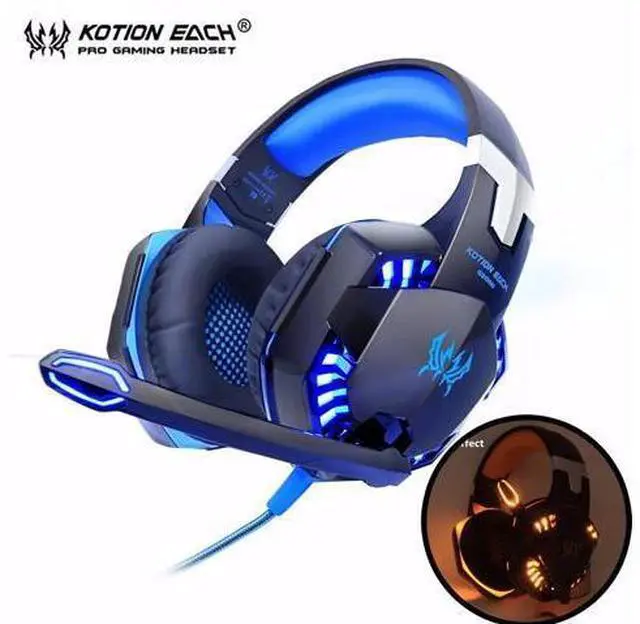
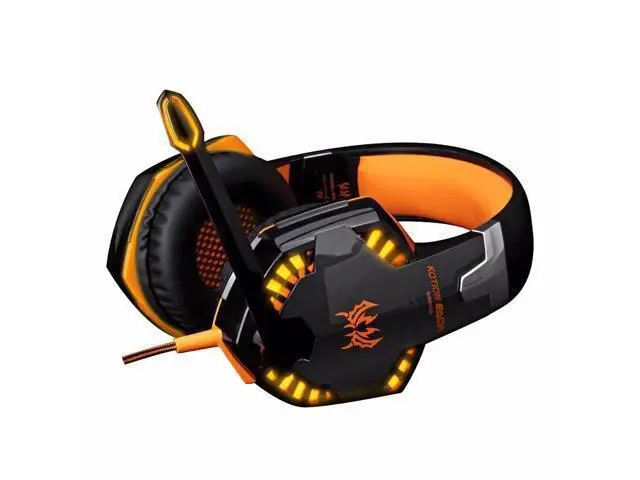
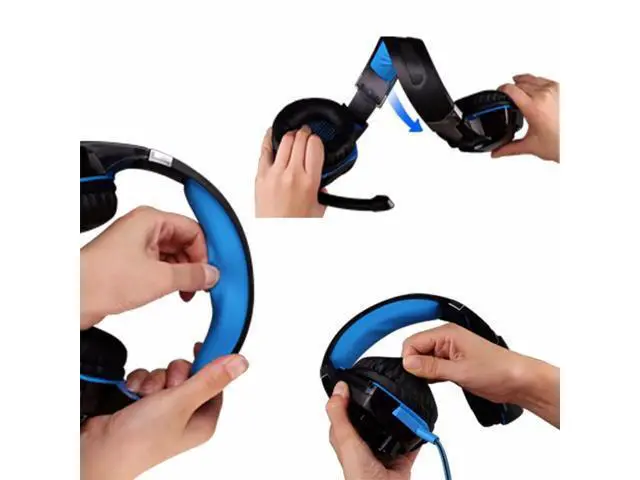
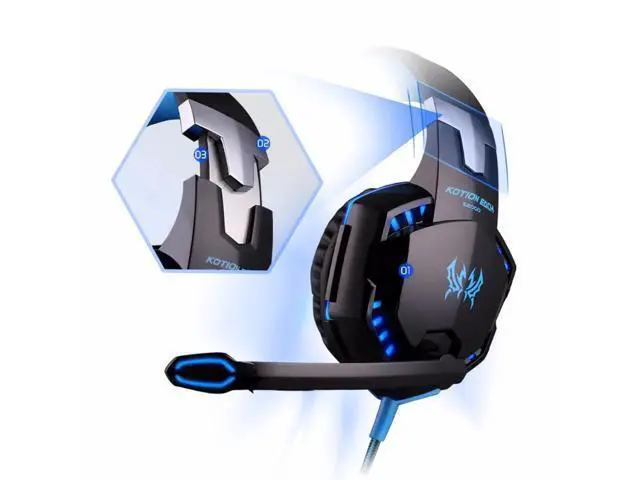
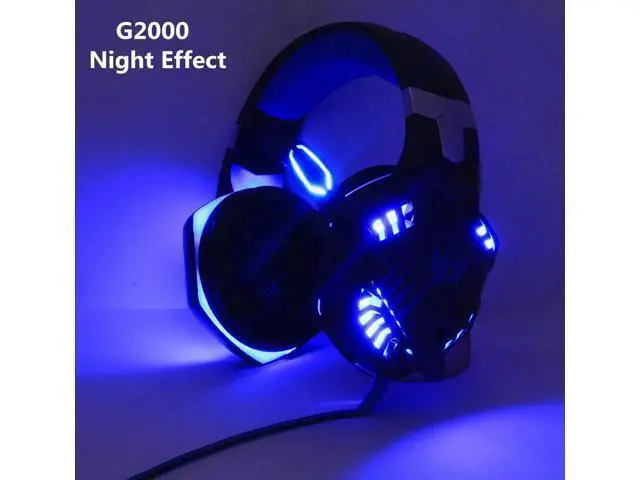


G2000 Computer Stereo Gaming Headphones Best casque Deep Bass Game Earphone Headset with Mic LED Light for PC Gamer
Limited time offer, ends 09/06 By PeakCircuit Technology
- Enjoy Your Shopping
+
+
Overview
Specs
Reviews

Any questions? Our AI mode will help you find out quickly.
Try me now
What`s the different between G4000 G2000 and G9000? G4000 is the smallest size and the sound not good as G2000 All headphones come with a [Configurator]. Suitable for use on PS4 / PC / Laptop / tablet / phone
Attenion please: The LED Light function could only work when you use USB Plug of the headphone! So if PS4 don`t have USB plug, when you use the headphone in PS4, it`ll not light! Every 1pcs headphone order will be ship by air bag. If you nt original box, please contact us add money for thatChoose delivery will provide boxed
PS4 Setting: 1. Before apply the headset on your PS4, please test it with your cellphone to ensure it function well. 2. Insert the headset own 3.5 mm jack plug into the Gamepad, then long press the PS button or enter the system Settings. 3. There is a peripheral machines, choose "Adjust Sound and Devices", "output to the headphones", then change it to "all audio". G2000-------------------------------- ------------------------G4000--------------------------
Attenion please: The LED Light function could only work when you use USB Plug of the headphone! So if PS4 don`t have USB plug, when you use the headphone in PS4, it`ll not light! Every 1pcs headphone order will be ship by air bag. If you nt original box, please contact us add money for thatChoose delivery will provide boxed
PS4 Setting: 1. Before apply the headset on your PS4, please test it with your cellphone to ensure it function well. 2. Insert the headset own 3.5 mm jack plug into the Gamepad, then long press the PS button or enter the system Settings. 3. There is a peripheral machines, choose "Adjust Sound and Devices", "output to the headphones", then change it to "all audio". G2000-------------------------------- ------------------------G4000--------------------------
Warranty & Returns
Warranty, Returns, And Additional Information
Warranty
- Please contact the Seller directly for warranty information. Warranty information may also be found on the Manufacturer's website.
- CONTACT
Return Policies
- Return for refund within: 45 days
- Return for replacement within: 30 days
- This item is covered by PeakCircuit Technology Return Policy
Manufacturer Contact Info
- For a directory of all our manufacturers, please click below.
- Manufacturers Directory
LOADING...