• $43.99
  • Free 30-day Returns
  • Ships from China.
    Price alert
    Shop it at NeweggBusiness.

    Meet Your Seller

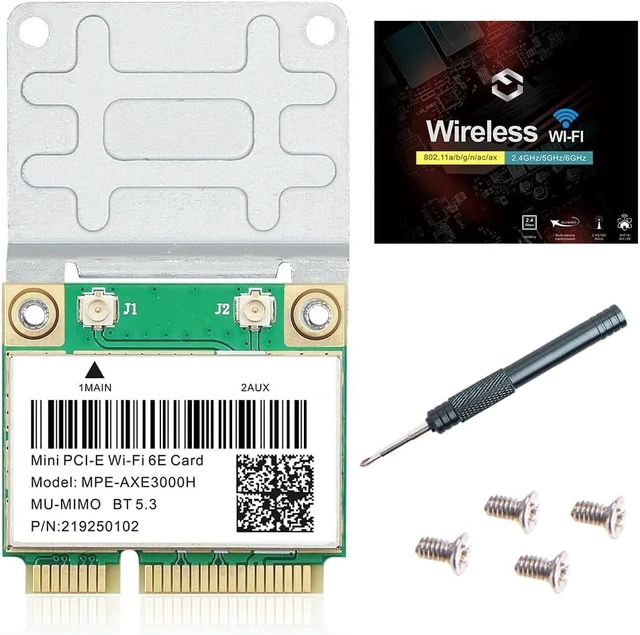
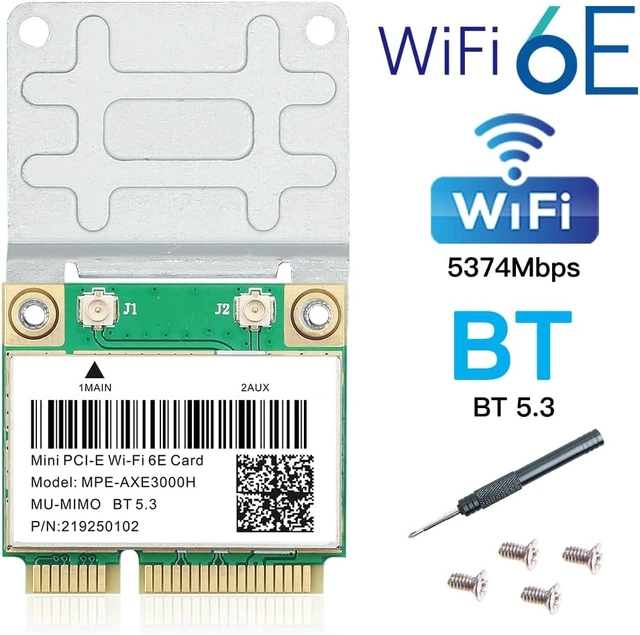
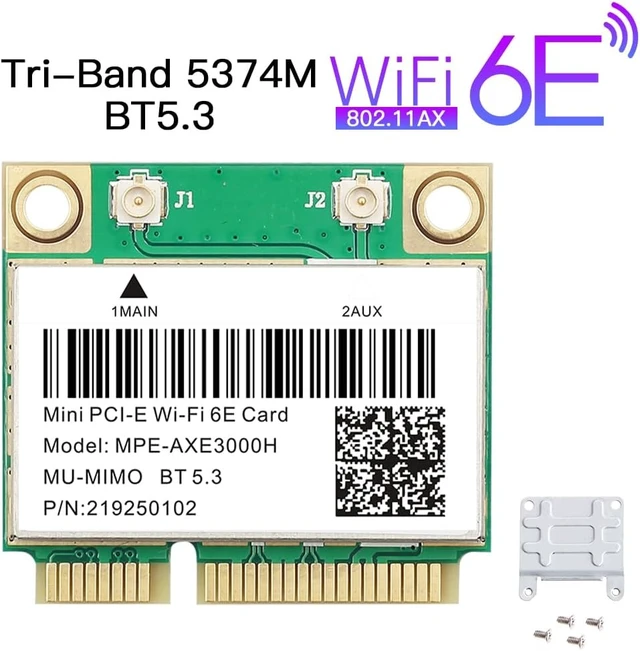
    WiFi 6E Mini PCIe Card Tri-Band 5400Mbps BT5.3 Laptop Upgrade 160MHz OFDMA & MU-MIMO, Ultra-Low Latency for 4K/8K Streaming & Gaming. Windows 10/11 64-bit only. Mini PCIe

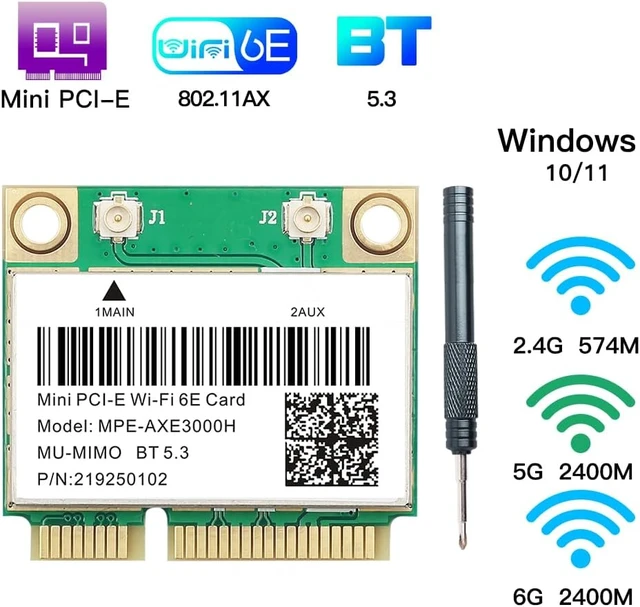
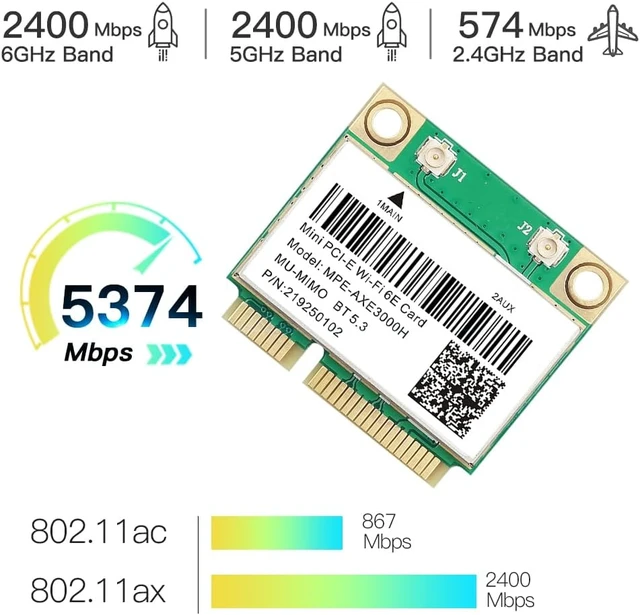
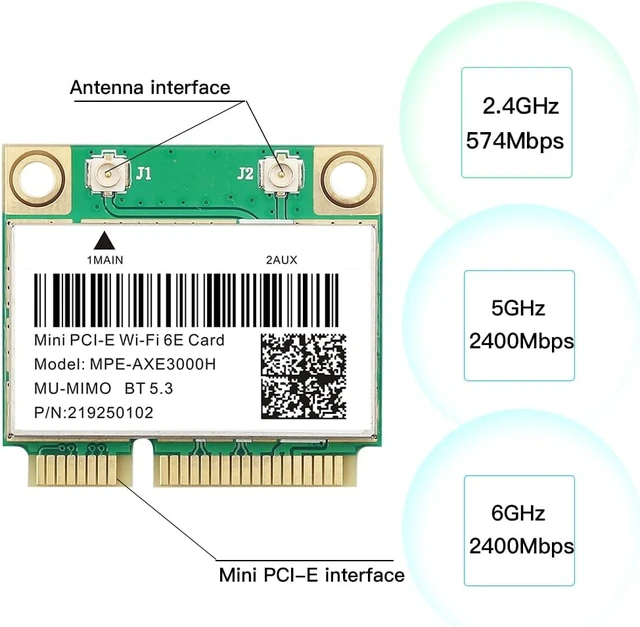
    • Breathe New Life Into Your Old Laptop: Upgrade to WiFi 6E and unlock three bands at once: 2.4GHz for whole-home coverage, 5GHz (up to 2400Mbps) for 4K streaming and video calls, and the ultra-low latency 6GHz band (up to 2400Mbps) for lag-free gaming and instant file transfers. Combined speed up to 5400Mbps.6GHz requires a WiFi 6E router
    • No More Buffering When Everyone Is Online: 160MHz channel width delivers double the data throughput per channel. The dedicated 6GHz band provides 7 exclusive 160MHz channels with significantly less interference from neighboring networks, ideal for mesh systems and multi-device households
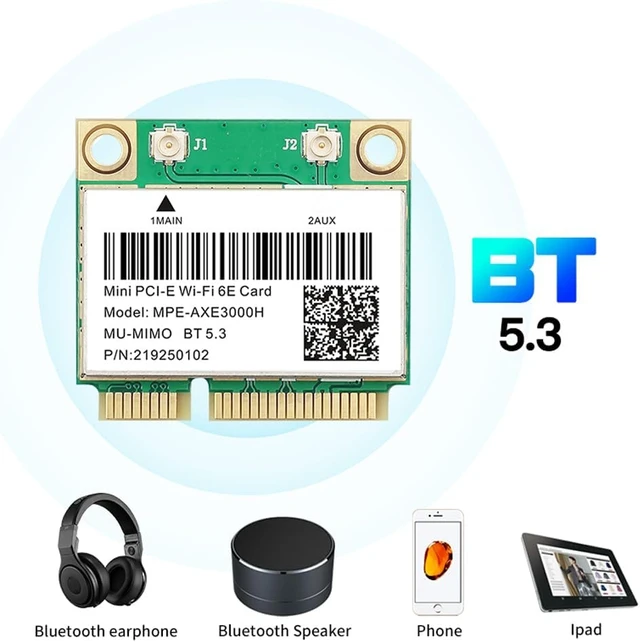
    • Bluetooth 5.3 Built-In - No Dongle Needed: Add Bluetooth to laptops that never had it. Connect your mouse, keyboard, headset, and game controller simultaneously. Covers your entire home with 4× the range of BT 4.2, backward compatible with all older Bluetooth devices
    • Check Compatibility Before You Buy: Compatible with Dell, ASUS, Samsung, Acer, and more (Mini PCIe slot required). Not compatible with Lenovo, HP, or IBM BIOS whitelisting blocks third-party wifi cards. Your existing antennas can be reused no replacement needed
    • Easy Install Download the Driver Before You Swap: Before removing your old card, download the WiFi 6E driver installer from I ntel Download Center (search "A X 210 WiFi 6E") and save it to your desktop. Then swap the card, run the installer, and you're all set. Windows 10/11 64-bit only. Windows 7, 8, and 32-bit are not supported. Me
    +
    +
    Overview
    Specs
    Reviews

    Any questions? Ask CelesteSM will help you find out quickly.

    MPE-AXE3000H WiFi 6E Mini PCIe Card | Tri-Band Ultra Low Latency Network Upgrade for 4K/8K Gaming Laptop

    mini pcie wifi card

    MPE-AXE3000H wifi card for pc

    MPE-AXE3000H wifi card for pc2.4 GHz - Throughwalls coverage, backward compatible with older devices (802.11 a/b/g/n). Best for smart home and general browsing.

    5 GHz - Up to 2400 Mbps. Ideal for 4K streaming, online gaming, and video calls. Supports 160 MHz channel width.

    6 GHz - 6 GHz Up to 2400 Mbps with 7 x 160 MHz channels. No congestion from neighbors.

    Requires a WiFi 6E router to use the 6 GHz band.

    6 GHz networks are only available when connected to a WiFi 6E (802.11ax) router. Your existing router will still work on 2.4/5 GHz

    Bluetooth 5.3 Connect All Your Wireless Peripherals

    MPE-AXE3000H mini pcie wifi card

    1. Pair your Bluetooth mouse, keyboard, stereo headset, and game controller simultaneously.
    2. 4× range compared to BT 4.2 stable connection across your home.
    3. Backward compatible with older Bluetooth devices.


    1. Support Operating System: Windows 10 64bit / Windows 11 64bit only
    2. Interface: Mini PCI Express (not M.2)
    3. Driver: Download from Intel (search AX210 WiFi 6E)


    MPE-AXE3000H wifi card for pcFully Supported Brands (Mini PCIe Interface)

    for Samsung, Dell, Sony, ACER, ASUS, MSI, Clevo, Terransforce, Hasee etc.

    This MPE-AXE3000H WiFi 6E Mini PCIe card works perfectly with the above laptop models with a standard Mini PCIe slot and Windows 10/11 64-bit system, delivering stable WiFi and Bluetooth 5.3 performance after standard installation and driver setup.

    Unsupported Brands (BIOS Whitelist Restriction)

    Lenovo (Including All ThinkPad Series), HP, IBM These laptop brands adopt strict official BIOS whitelist mechanism, which will block and restrict all third-party Mini PCIe wireless cards.

    The network card cannot be recognized or used normally after installation, resulting in upgrade failure.

    Installation Instructions

    Step 1 Power off laptop Open back cover Locate the Mini PCIe slot.

    Step 2 Insert MPEAXE3000H into the Mini PCIe slot Connect antennas Secure with screws Reassemble laptop.

    Step 3 Turn on laptop Go to Intel Download Center Search AX210 WiFi 6E Select driver for Windows 10/11 64bit Download.

    Step 4 Run the installer Restart PC Done.

    Driver must be downloaded from Intel official website. Search keyword: AX210 Wifi 6E

    MPE-AXE3000H wifi card for pc


    Warranty & Returns

    Warranty, Returns, And Additional Information

    Warranty

    • Please contact the Seller directly for warranty information. Warranty information may also be found on the Manufacturer's website.
    • CONTACT

    Return Policies

    • Return for refund within: 30 days
    • Return for replacement within: 30 days
    • This item is covered by GGnix Return Policy

    Manufacturer Contact Info

    LOADING...