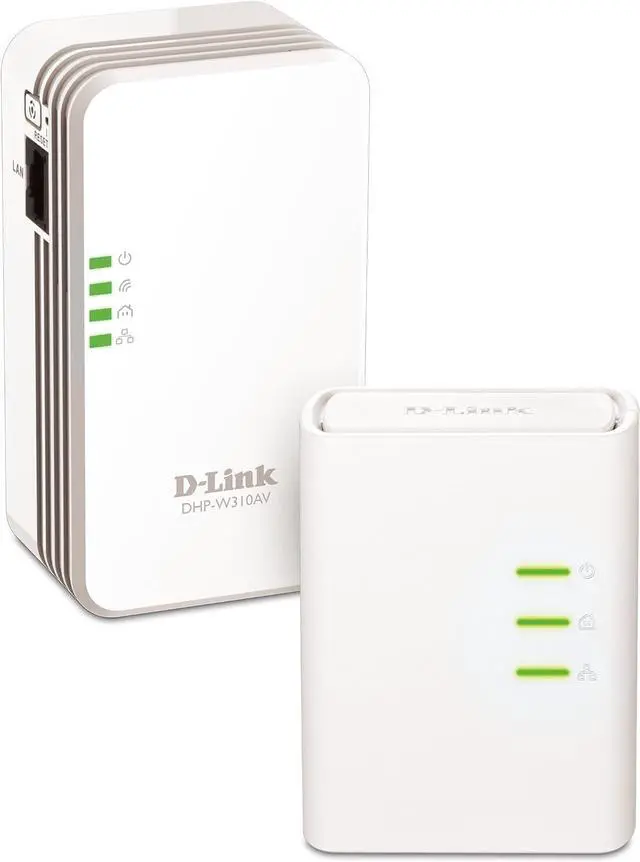
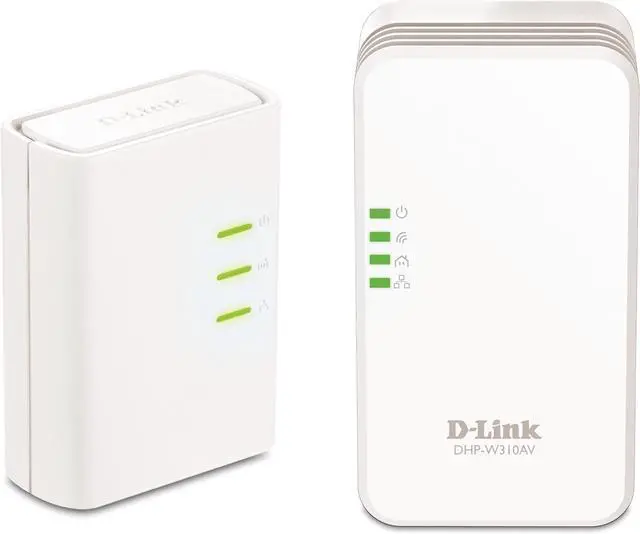
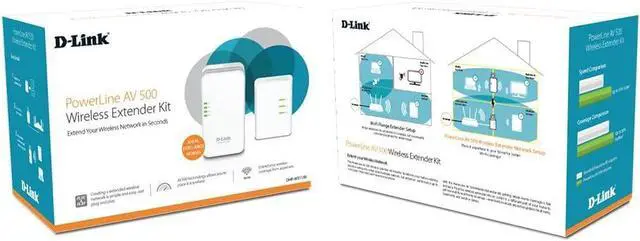
The PowerLine AV+ Wireless Extender Kit (DHP-W311AV) expands your wired and wireless networks by transforming your home's existing electrical wiring into a high-speed network.
1. Simply connect the PowerLine adapter to your router's Ethernet port and plug it into a power outlet to turn every other outlet in your home into a possible network connection.
2. Plug the wireless extender into an outlet in a different part of your home to extend your Wi-Fi network to the hard-to-reach areas of your home like upstairs bedrooms, basements and outdoor patios.
Range extenders do extend W-Fi Coverage, but you need to consider placement for wider range. Place it anywhere in your home for better Wi-Fi Coverage.
Extend your Powerline network by adding up to 6 adapters in total. Backward compatible with PowerLine AV, AV+.
(D-Link PowerLine AV+ Network Adapter (DHP-309AV), PowerLine AV+ Wireless N Extender (DHP-W310AV, DHP-W311AV), and PowerLine AV2 2000 Gigabit Starter Kit (DHP-(701AV), may coexist but are not compatible or interoperable with D-Link PowerLine HD Ethernet Adapters (DHP-302, DHP-303) or D-Link PowerLine HD Network Starter Kit (DHP-303)).
PowerLine AV+ Wireless Extender Kit How It Works PowerLine AV+ Wireless Extender Network Setup Extend Your Wired Network