

Your Browsing History
- Free 30-day Returns
$182.99

Meet Your Seller


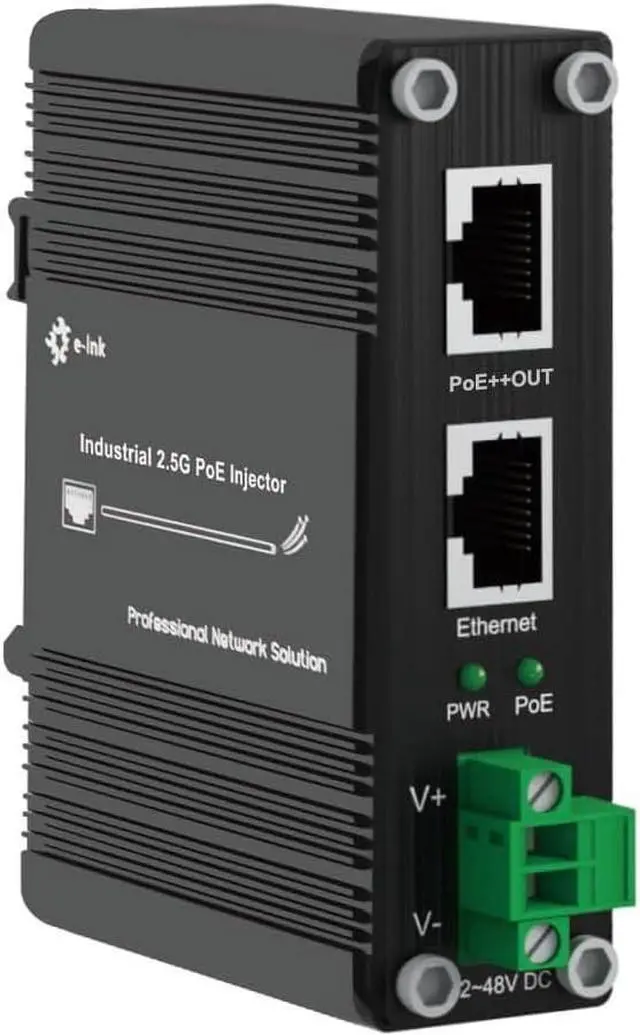
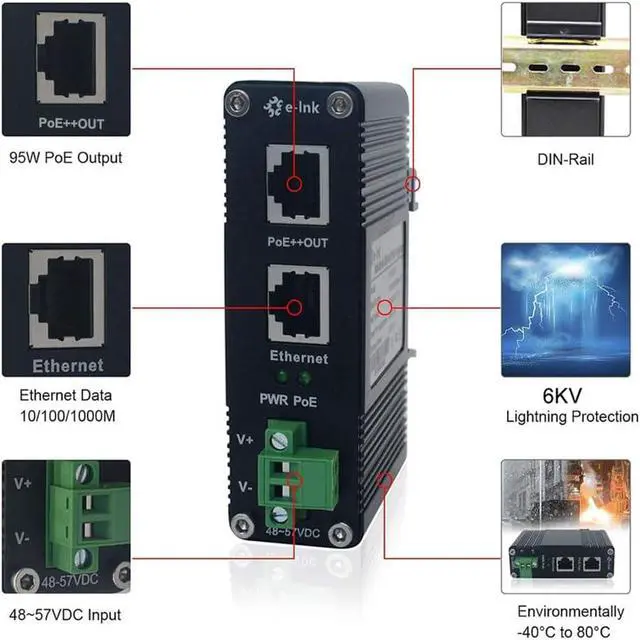
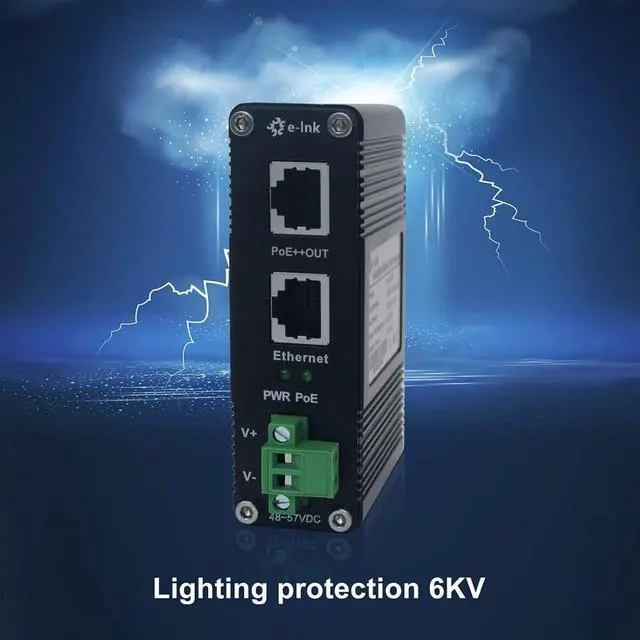
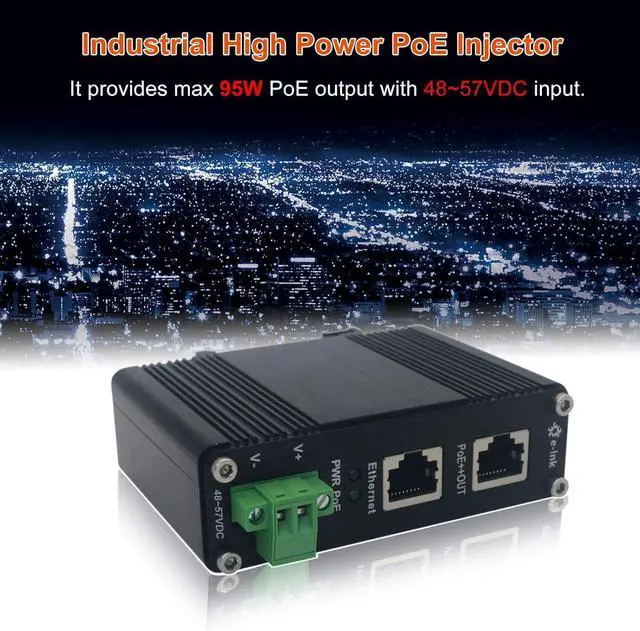
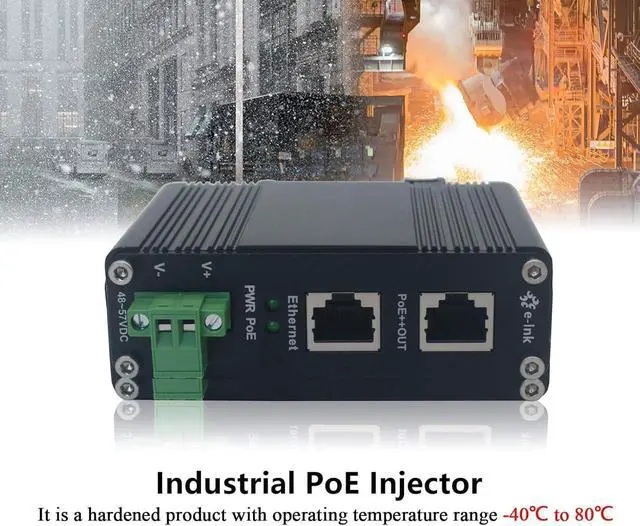


E-link Industrial Gigabit PoE++ Injector 48V DC PoE++ 95W up to 100 Meters Output DIN Rail Mount Hardened High Power PoE Adapter -40°C to 80°C IP40
- The 802.3bt POE Injector use 12~48VDC Power Input
- The Industrial PoE Injector Supports IEEE802.3at/bt, LTPoE++ 95W
- The Din Rail Mount PoE Injector Supports 10/100/1000Base-TX Gigabit Ethernet
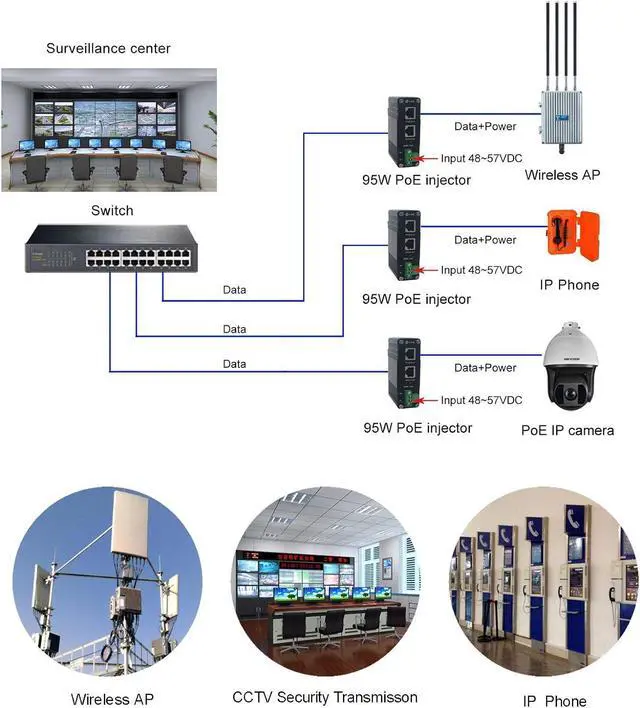
- The Hardened PoE++ Injector can offer power supply for POE devices such as Wireless Access Point, PTZ camera, Cash register etc.
- Environmentally Hardened -40°C to 80°C Support DIN-Rail & Wall-mount installation
+
+
Overview
Reviews

Any questions? Our AI mode will help you find out quickly.
Try me now
Way To Set Up:
a) Connect the LNK-INJ-48-95W to the power supply. Ensure the power supply in connected to a power source and the PWR indicator is ON. If not, pls ensure that the power cable is connected properly and the power supply is functioning normally.
b) Connect the Ethernet Port to the network equipment (Switch or PC), Connect the PoE Out Port to the Power Device (PoE IP-CAM).
c) After all cables are correctly connected, the indicators will be lit as per port status LEDs
Package Content:
1 * 95W PoE Injector
1 * Quick Start Guide
StandardsIEEE802.3af Power over Ethernet, IEEE802.3at Power over Ethernet, IEEE802.3bt Power over EthernetProcessing TypeForward, Half-duplex, Full-duplexForward Filter Rate1,488,000pps (1000Mbps)Cabling10/100/1000Base-T: Cat5 or aboveMaximum DistanceCat5 UTP up to 100mConnector2 10/100/1000Base-T RJ45Input Power12~48VDC (Terminal Block)Power Consumption100W MaxPower Pin Assignment4/5(+), 7/8(-)Max. Power per Port95W Max per port (Alternative B Mode)Operating Temperature-40°C to 80°C (-40°F to 176°F)Storage Temperature-40°C to 85°C (-40°F to 185°F)MTBF>200,000hrsDimensions (WxDxH) 95 x 70 x 30 mm(37.4 x 27.56 x 11.81inch)Weight0.25Kg(0.551lb)Mounting OptionsDIN-Rail / Wall-mount
Warranty & Returns
Warranty, Returns, And Additional Information
Warranty
- Please contact the Seller directly for warranty information. Warranty information may also be found on the Manufacturer's website.
- CONTACT
Return Policies
- Return for refund within: 30 days
- Return for replacement within: 30 days
- This item is covered by Chinathru Trading Co., Limited Return Policy
Manufacturer Contact Info
- For a directory of all our manufacturers, please click below.
- Manufacturers Directory
LOADING...